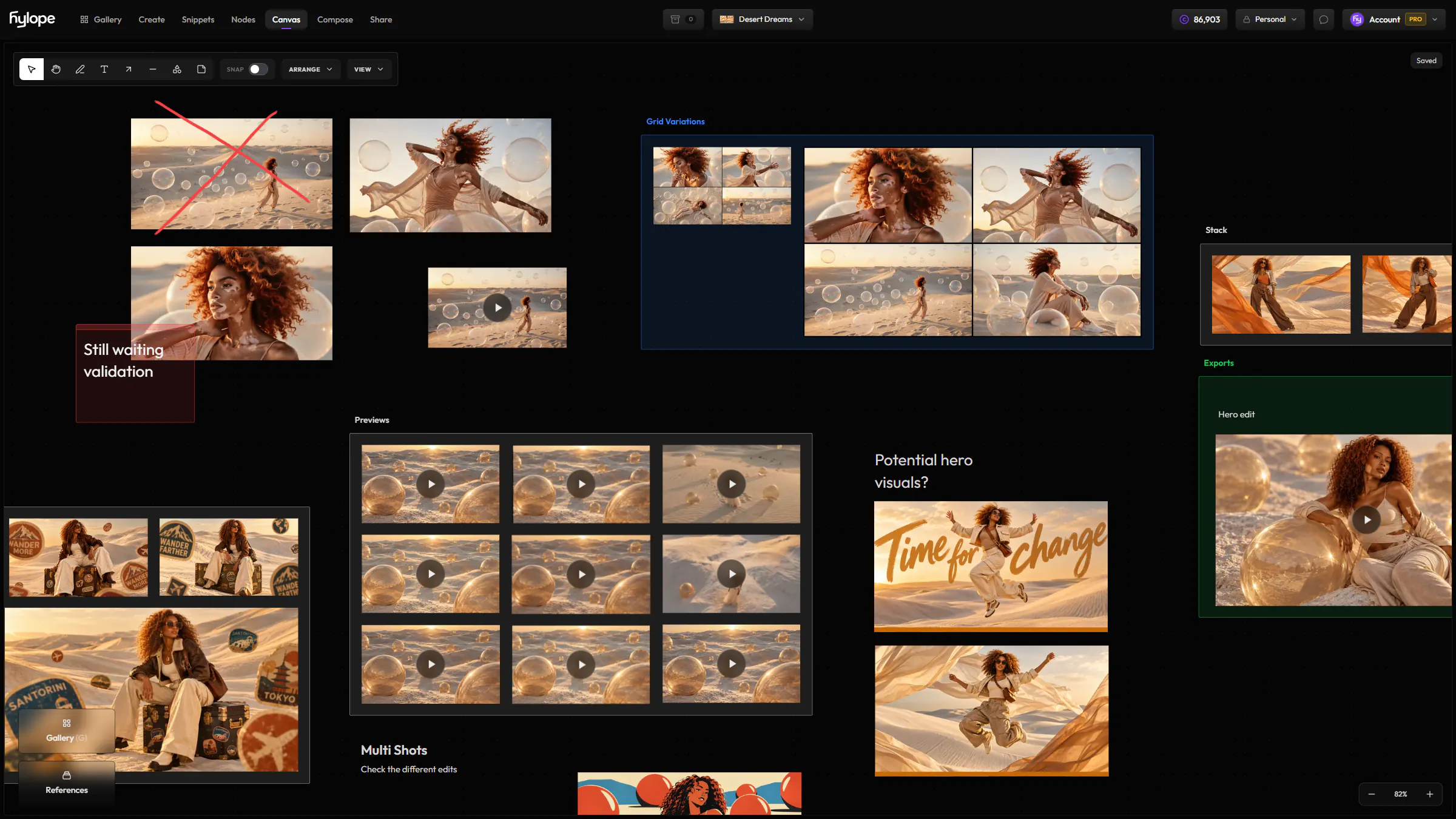
Your project on one board
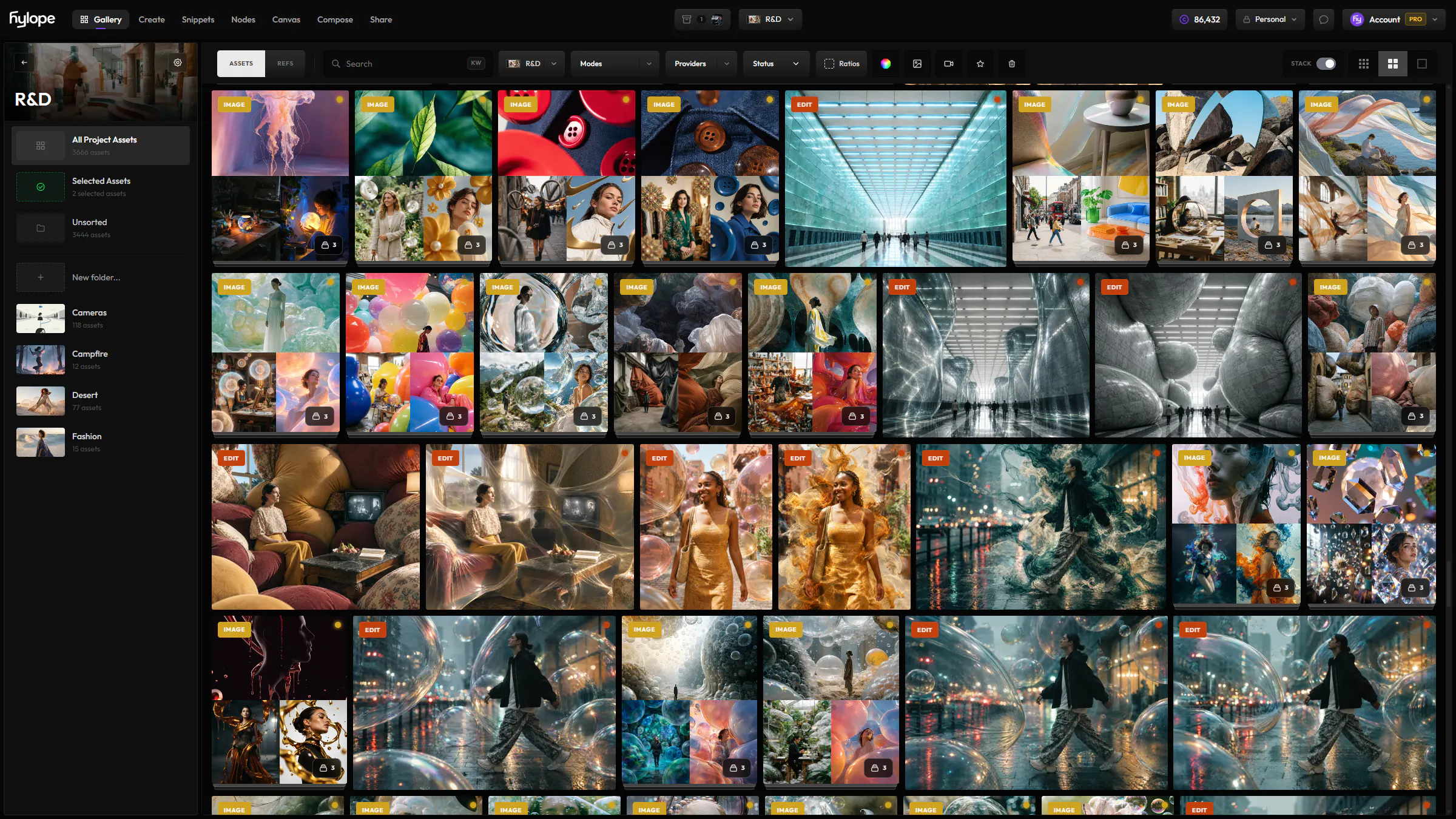
Drag images and videos from the Gallery or your computer, and arrange them freely on a board as large as you need.
AppsCanvasBeta
Lay out your generations on one board per project, review them with your team in real time, and keep statuses in sync with the Gallery.
Drag images and videos from the Gallery or your computer, and arrange them freely on a board as large as you need.
Everyone on the project sees each change as soon as it is saved. Viewers can look without editing.
Gather items in named, colored groups, and lay out the images in a group in one click.
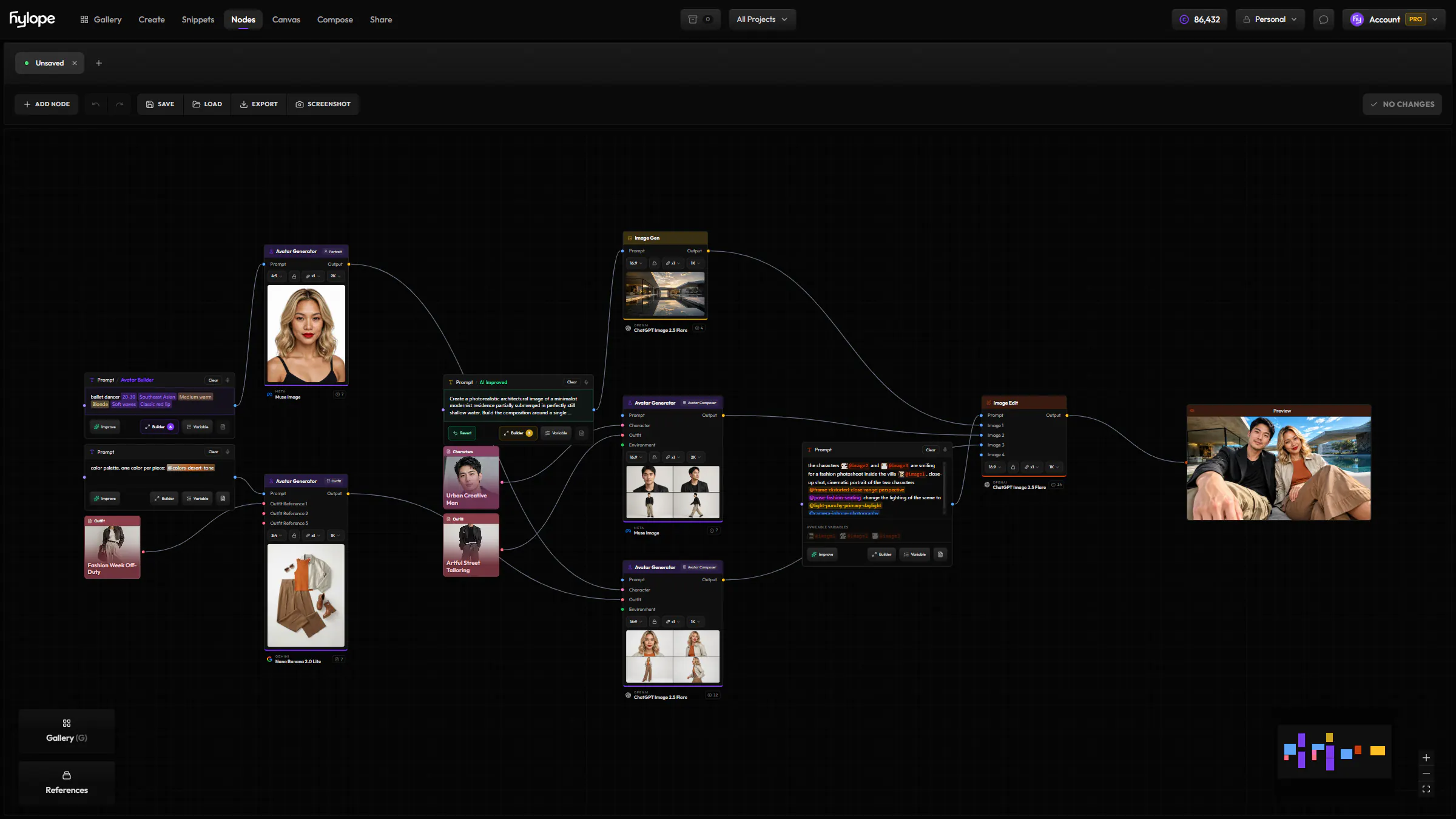
Open a result in Nodes, or send it to Image Edit, Video, Video Edit or Upscale, right from its card.
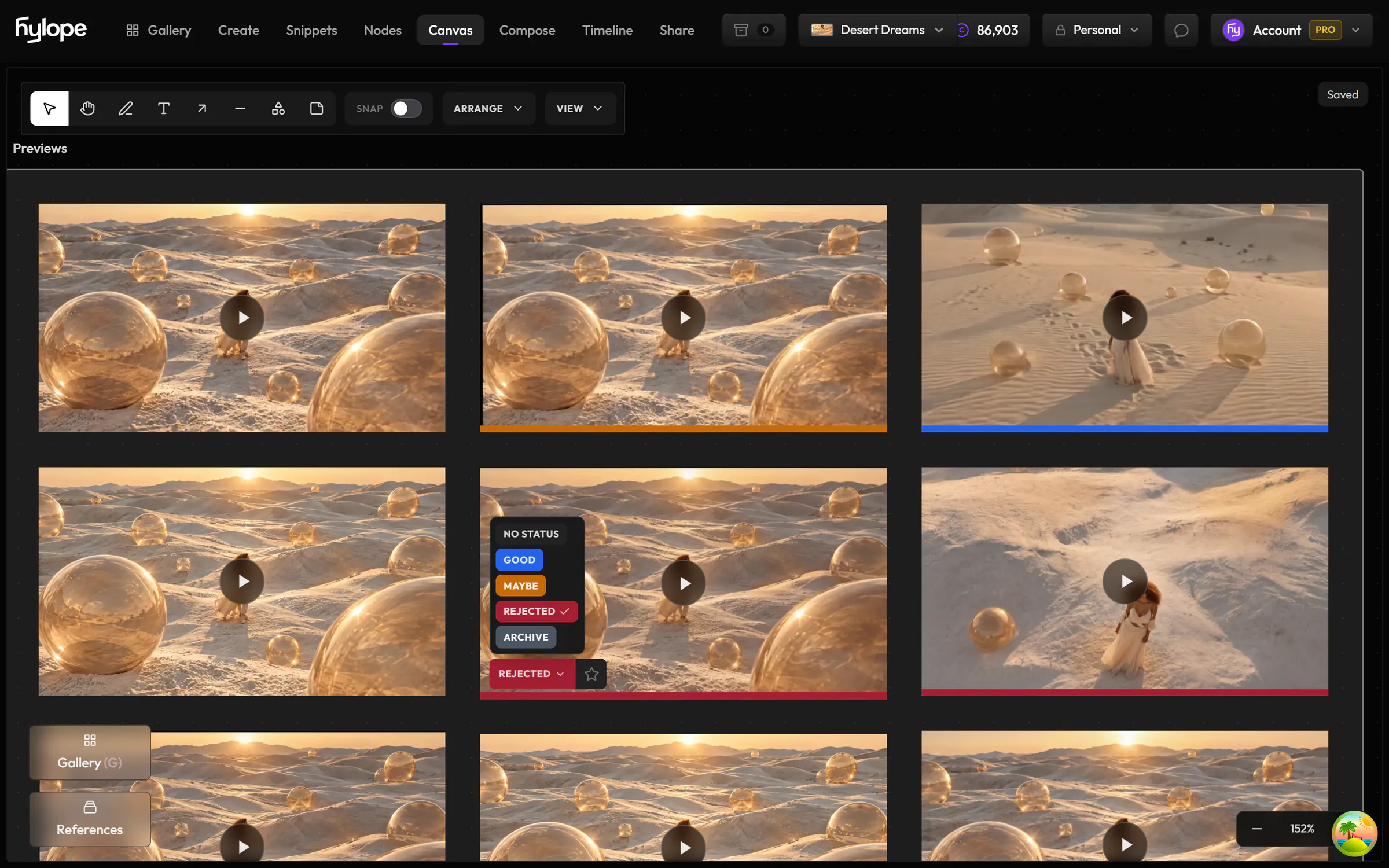
Mark results Good, Maybe or Rejected, and favorite them, right on the board. The Gallery updates at once, and the other way round. Discover the Gallery
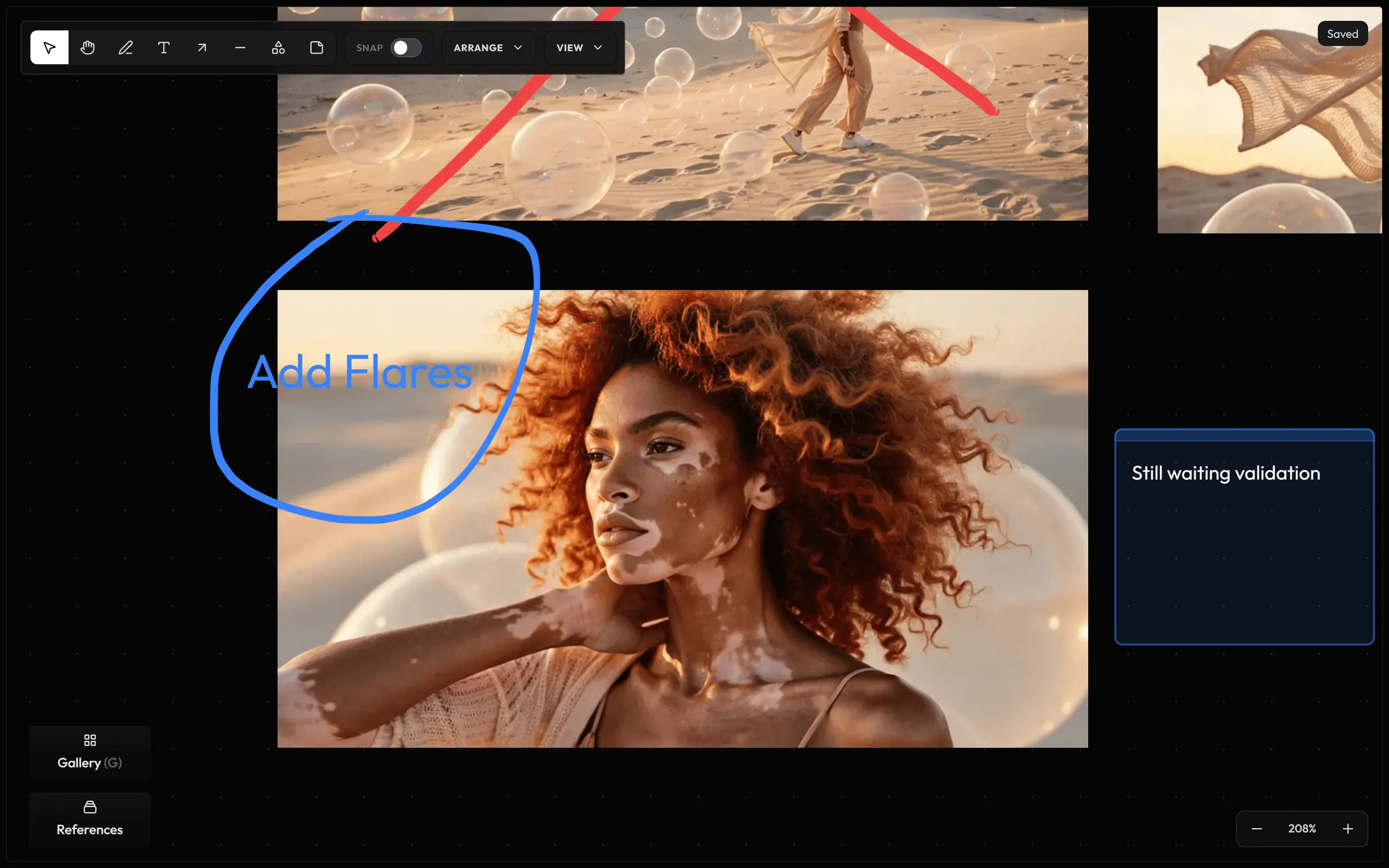
Draw freehand, or add arrows, lines, shapes, notes and text around your images to explain an idea.
The owners and creators of the project. Viewers see the board live, read-only.
One per project, so each project keeps its own board. Workspace owners also have one board for the whole workspace.
Yes. It works today, and it is still improving.
Hylope 1.7 is open to everyone. New accounts start with 100 free credits.