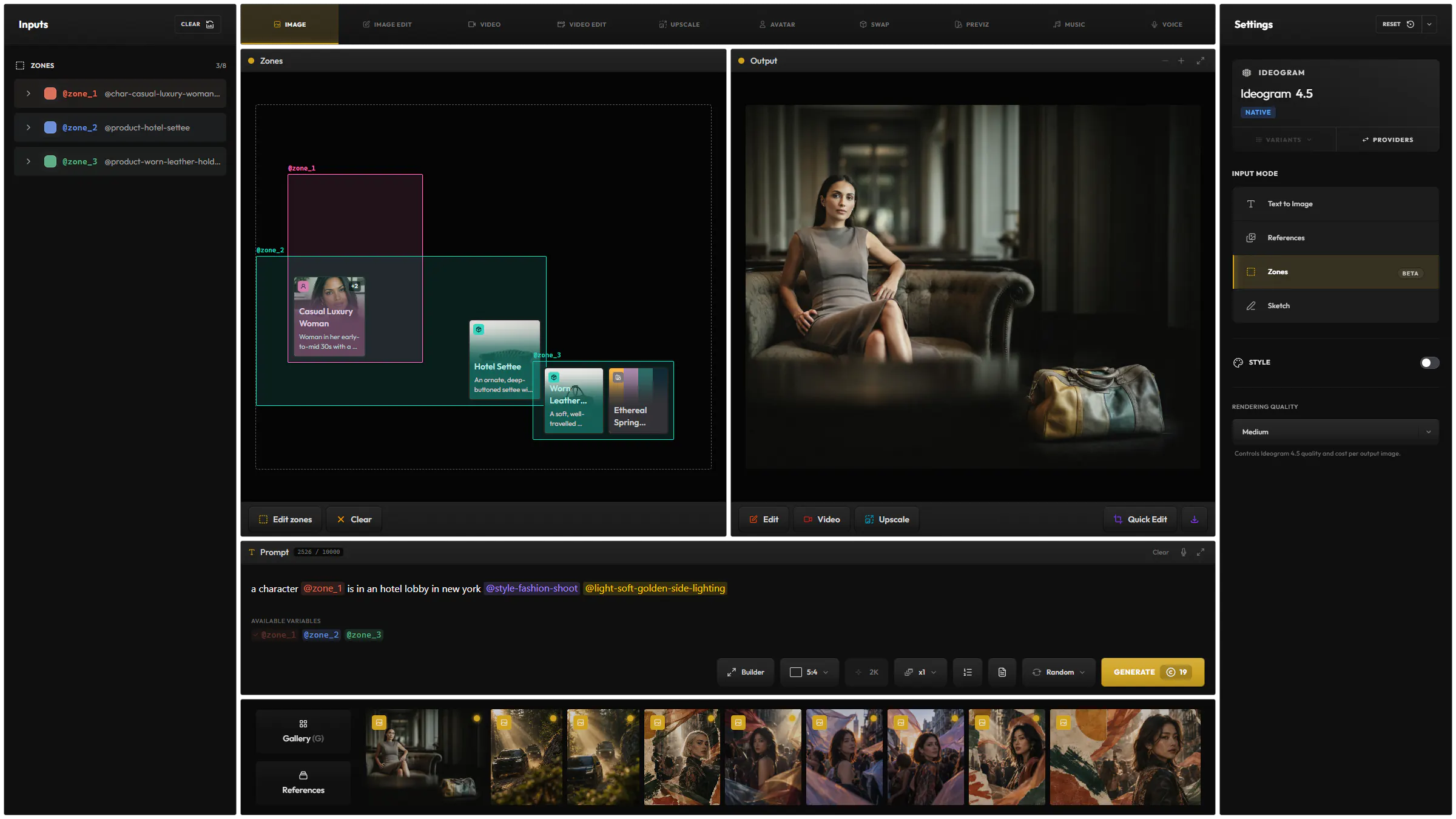
Zones
Draw a zone around what should change and say what goes there, like blue glasses instead of red. Name several zones to change several things in one edit.
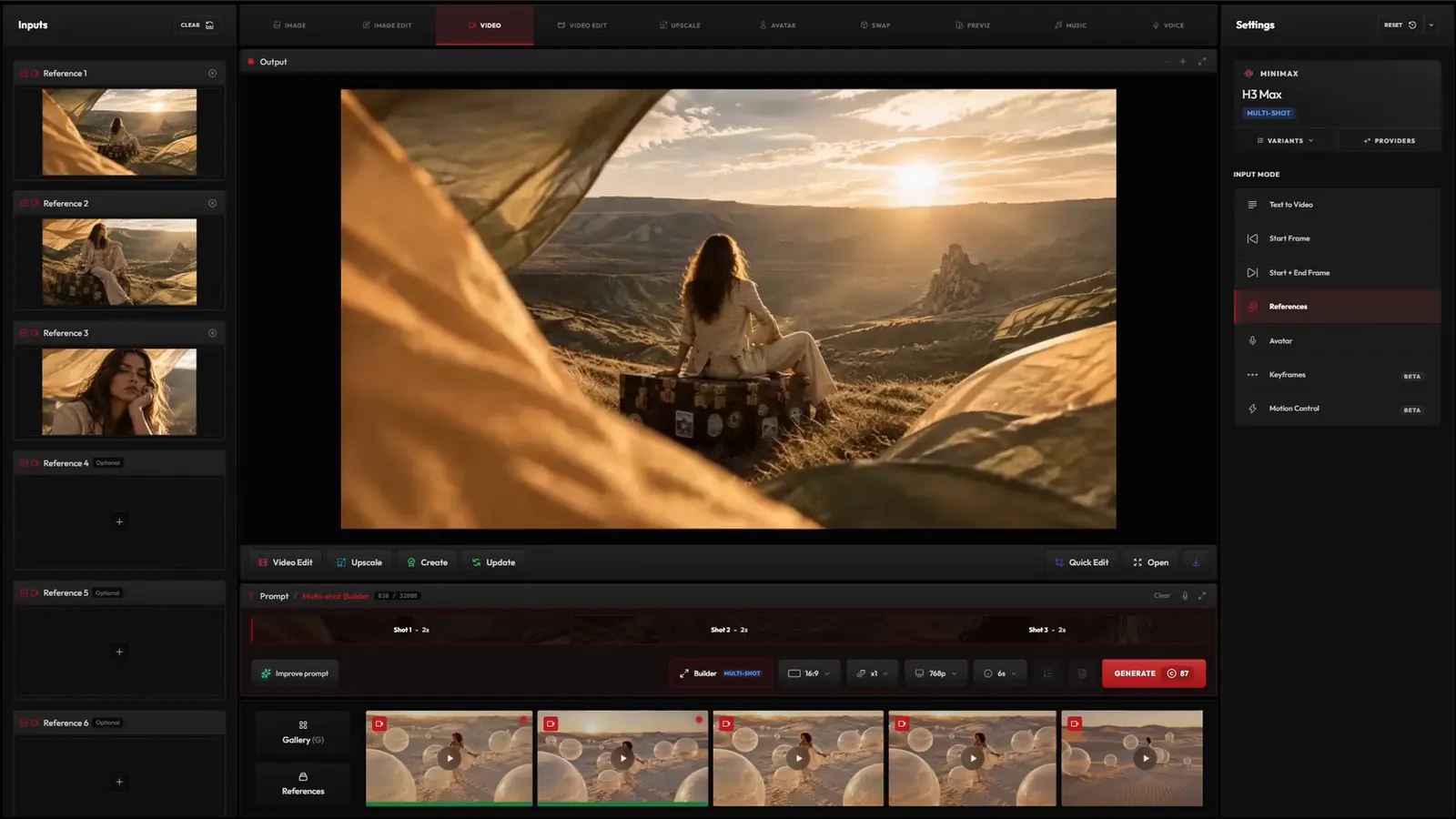
Change exactly what you want with zones, annotations or a selected object, and guide the edit with your references. Expand to new ratios and restyle your images.
Create your own templates to apply repeatable effects to your existing images, filling in only what changes.
Apply any effect to your image with @fx snippets, change its @lighting, and add references to your prompt to guide the edit even more precisely. Discover snippets
Draw a zone around what should change and say what goes there, like blue glasses instead of red. Name several zones to change several things in one edit.
Draw and write on the image to show the edit: a line where the ribbons should fly, a circle around a detail, a note. The edit follows your marks.
Type what to select, such as the seat cushion, and the edit stays inside it: here, a new fabric from a reference image.
Extend an image to a new ratio, such as a square post to a wide banner. The model fills in the new area.
Apply the style of another image, or of a style preset, and keep the content of yours.
Generate four or nine variations of your edit in one image: other angles, poses, times of day, weather or light. Split them into separate images afterwards. Split it into images
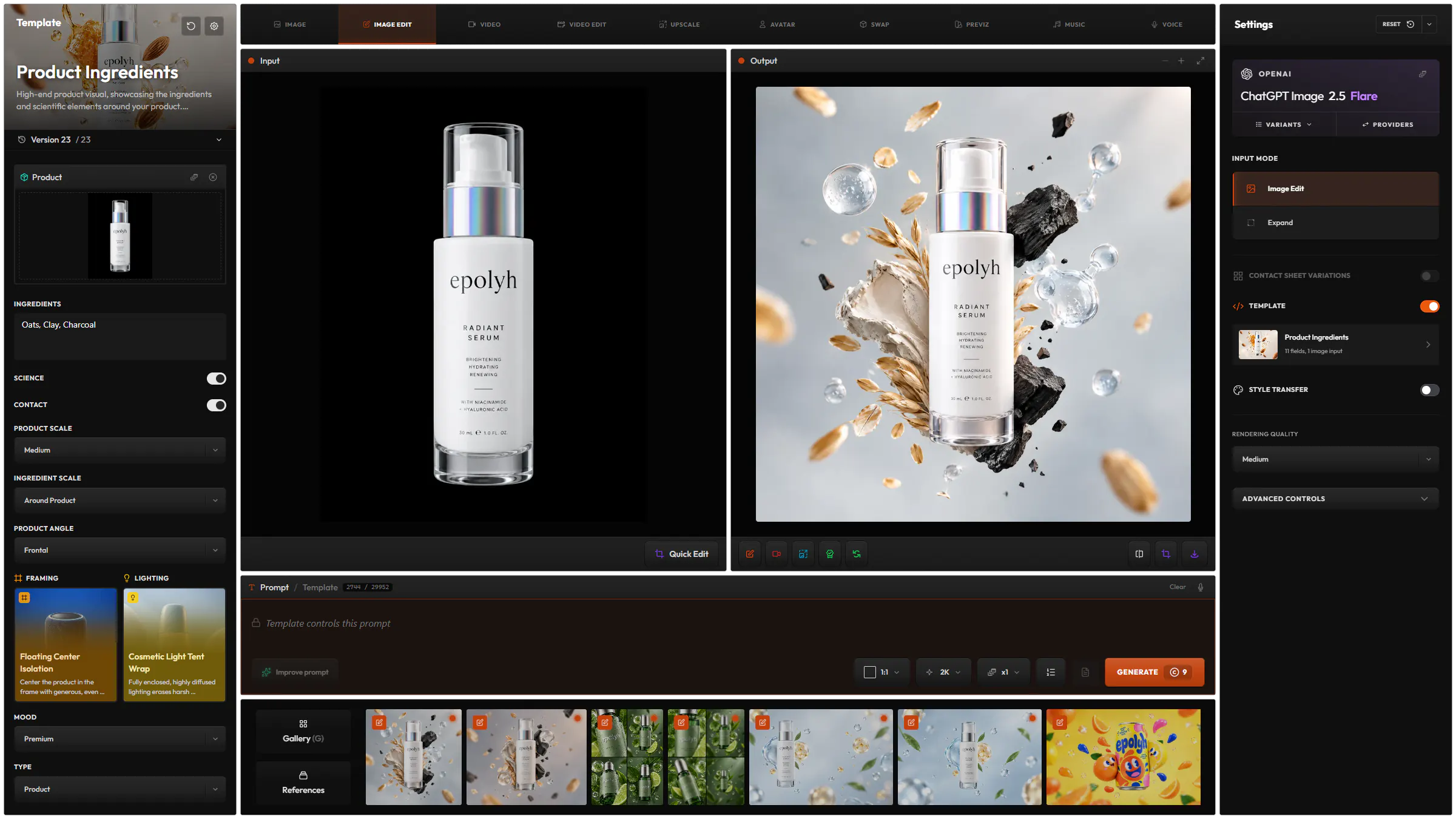
Save a prompt with a few fields left open, such as the product image and its ingredients, and reuse it on new images. About templates
Real results, each with the model and the prompt that made it.
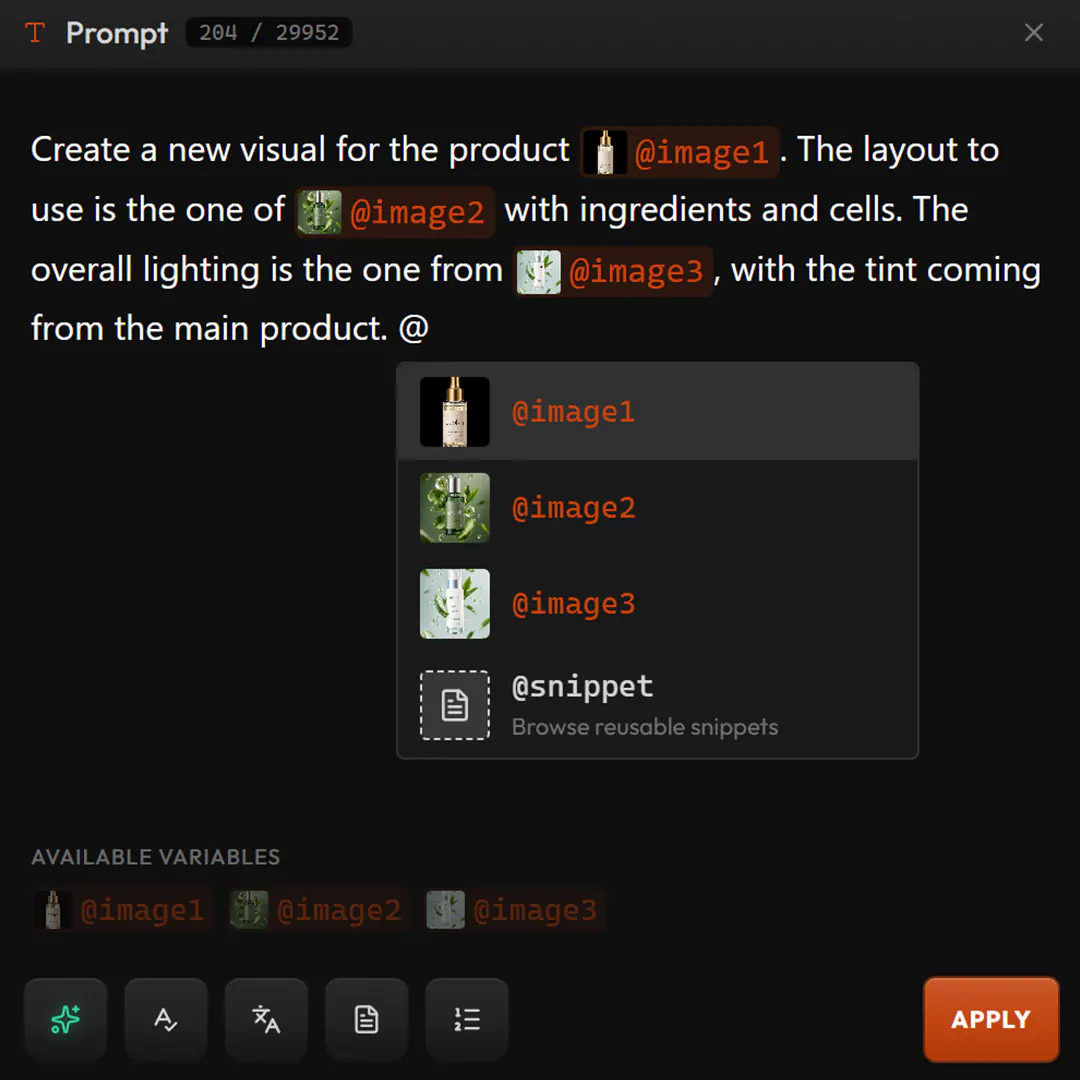
Create a new visual for the product . The layout to use is the one of with ingredients and cells. The overall lighting is the one from , with the tint coming from the main product.
Add the glasses from to the character from . Change the character’s outfit to the one in .
and are in a skatepark in venice beach. Editorial visual.
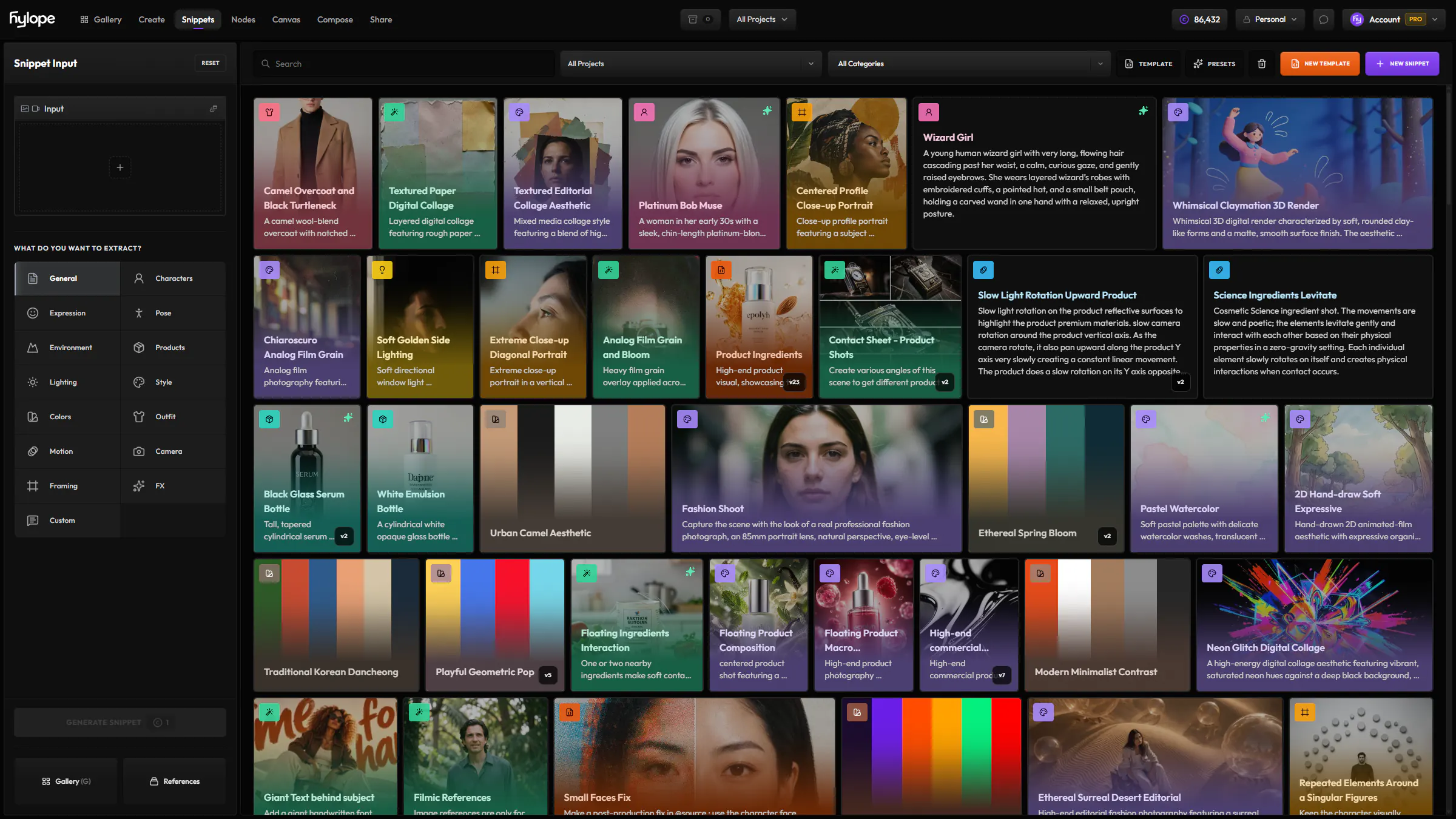
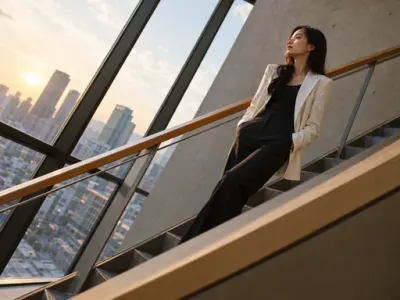 Diagonal CompositionArrange the subject and dominant environmental lines along a strong diagonal running through the frame. Body posture…
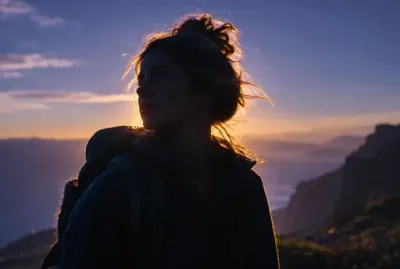 Magic Hour Back RimThe sun sits just below a hard backlight position, wrapping the subject in a warm, luminous rim against a cooling…
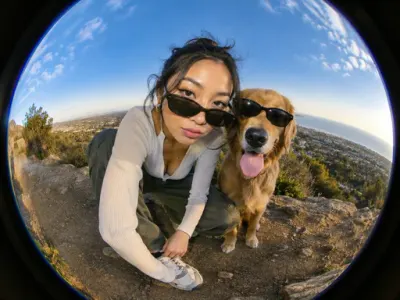 Fisheye FashionShot through a high-quality fisheye lens with pronounced barrel distortion and an extremely wide field of view…
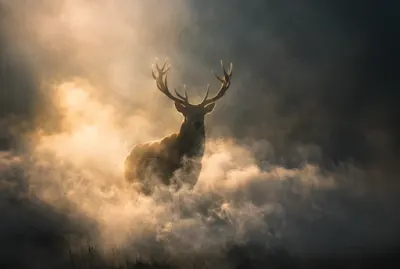 Atmospheric Smoke BloomDense low-lying smoke rolls through the scene and catches the light in visible volume, thinning into haze at the top of…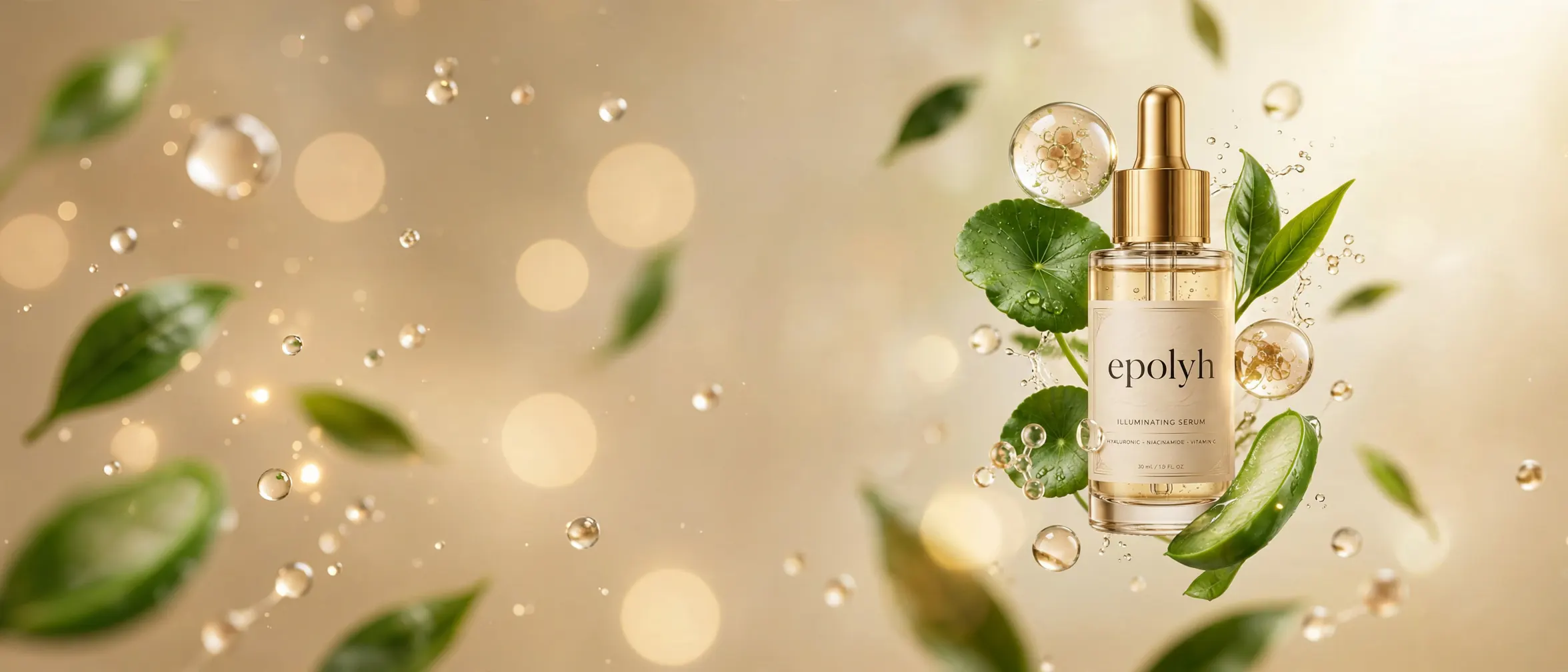
Image Edit Prompt Builder
Type @ to bring your images into the prompt, and say what each one gives: the product, the layout, the lighting.
38 models from 12 providers, the same list as the model picker in the app.

OpenAI

GeminiGoogle

SeedreamBytePlus

KlingKlingAI

GrokxAI

WanAlibaba
QwenAlibaba

Ideogram

Microsoft

FluxBlack Forest Labs

Luma

Meta

PrunaPruna AI
From 1 to 15 depending on the model, on top of the image you edit, to guide the edit.
Yes. Drop several images in and the same edit runs on each one. To compare models instead, use Model Batch.
One at a time on an image. Each model offers the ones it can follow.
Each model has its own price in credits, listed on the Models page, and you see the cost before you generate.
Hylope 1.7 is open to everyone. New accounts start with 100 free credits.