AppsShare
Client review from a single link
Gather the assets to review in a shared folder and send one link. Clients open it in a browser, without a Hylope account, and see what you chose to show.
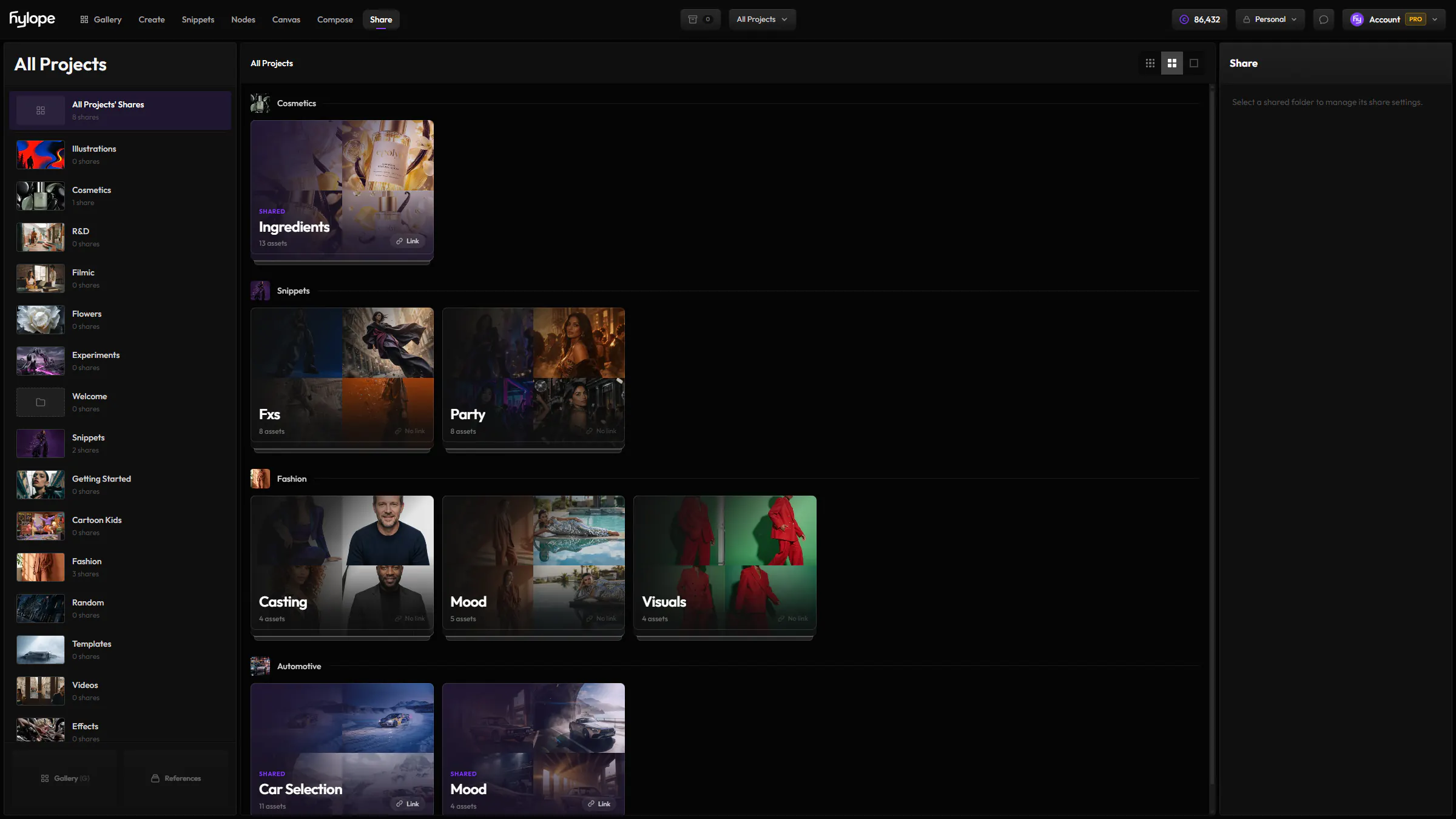
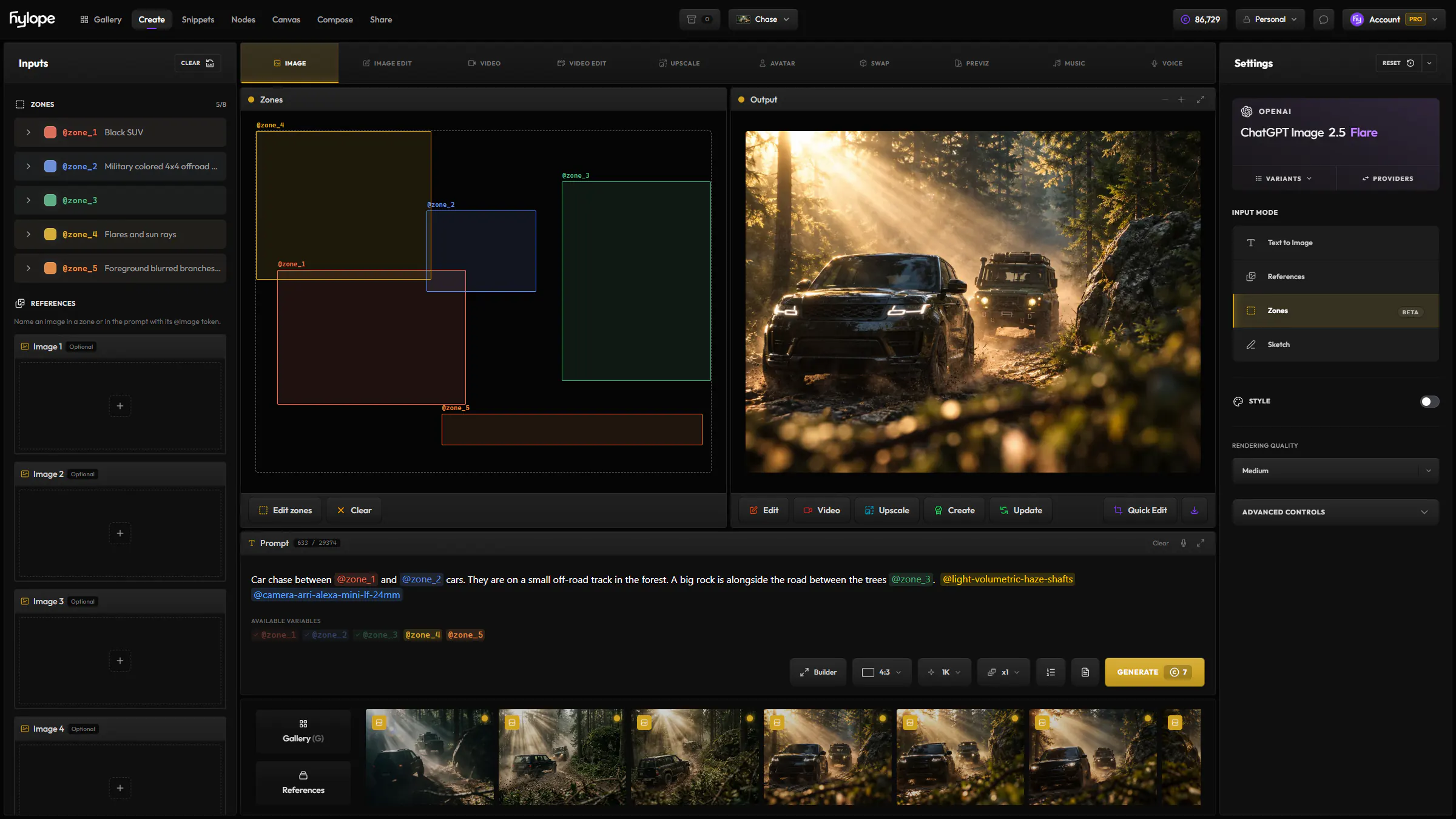
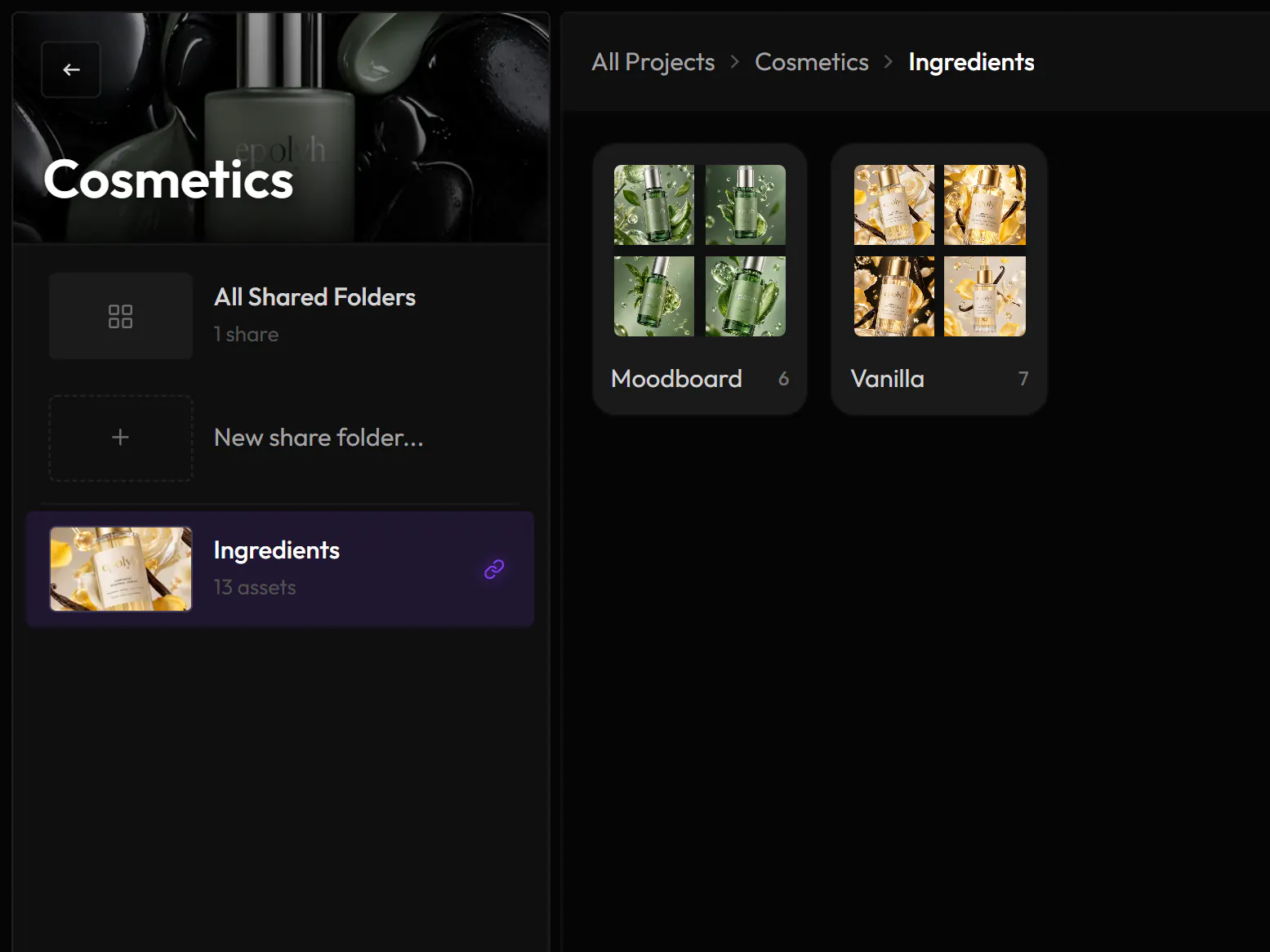
Folders for every round.
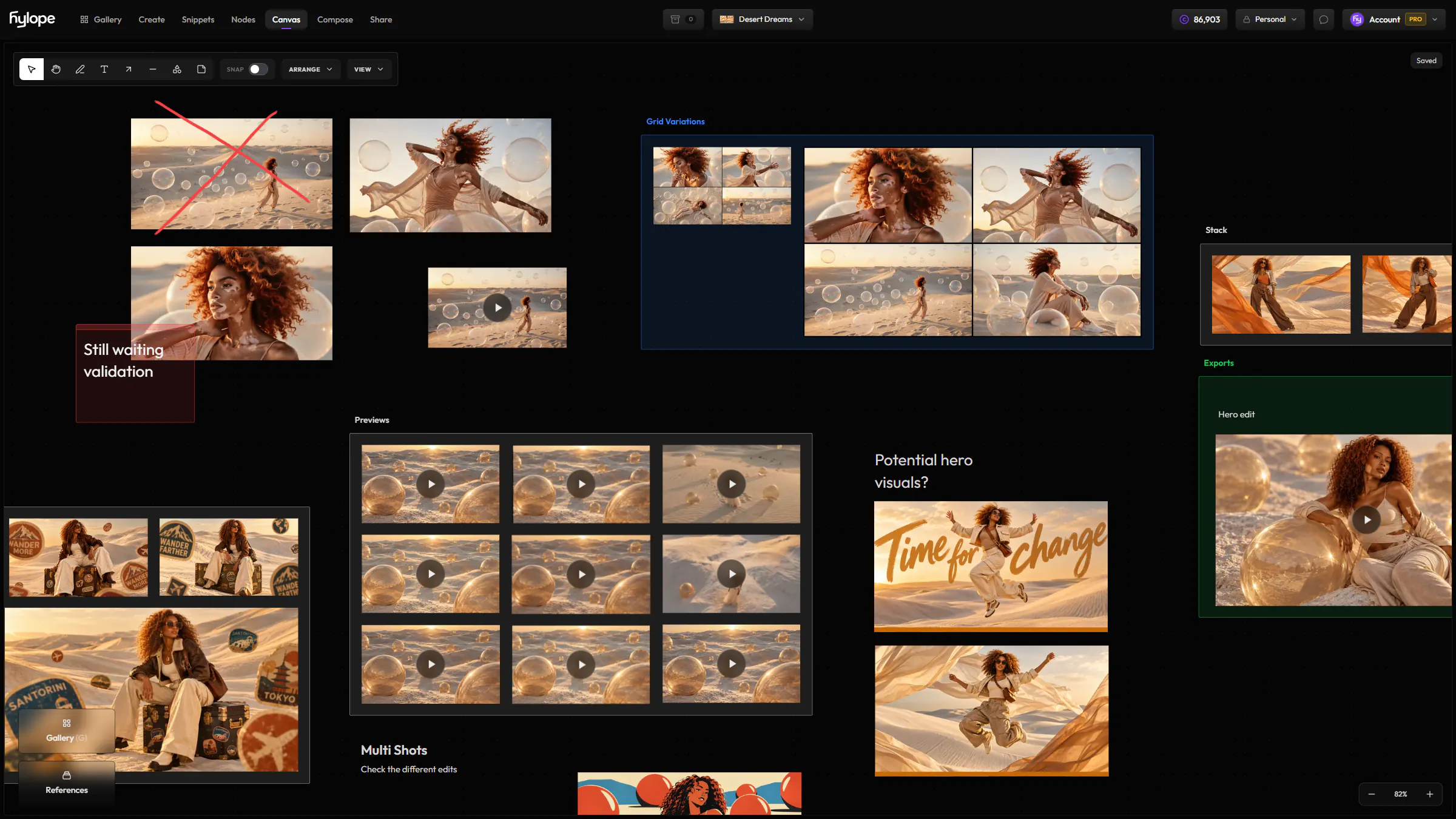
Shared folders belong to a project. Create one per client, and a subfolder per round or deliverable. Open a folder and press G: the gallery opens below it, and you drag assets in. Drop several at once outside a subfolder and Share makes a folder for them.
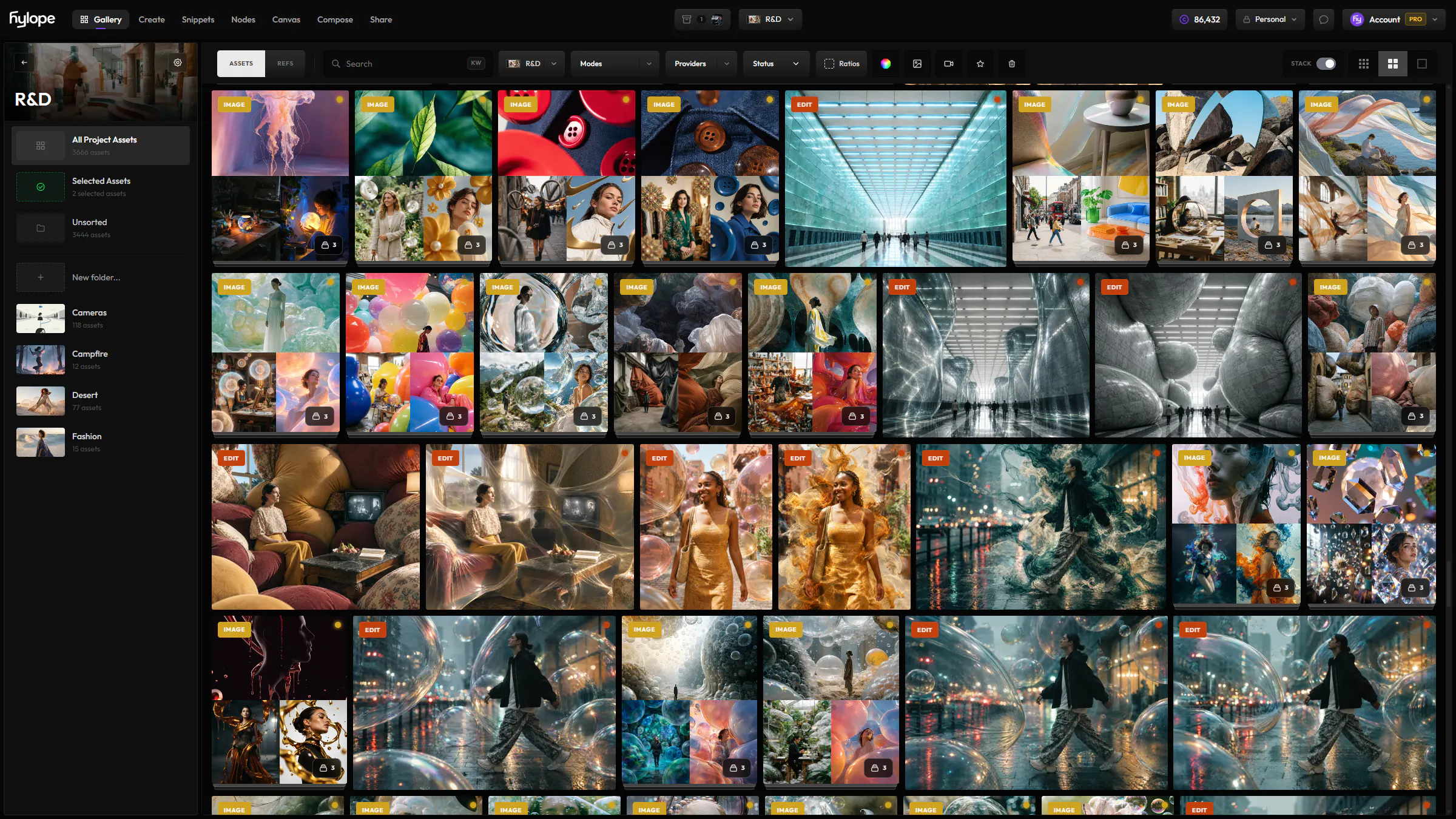
- Shared badge
- An asset in a shared folder carries a Shared badge in your gallery.
- Tidy as you go
- Move assets between folders, or take them out of Share.
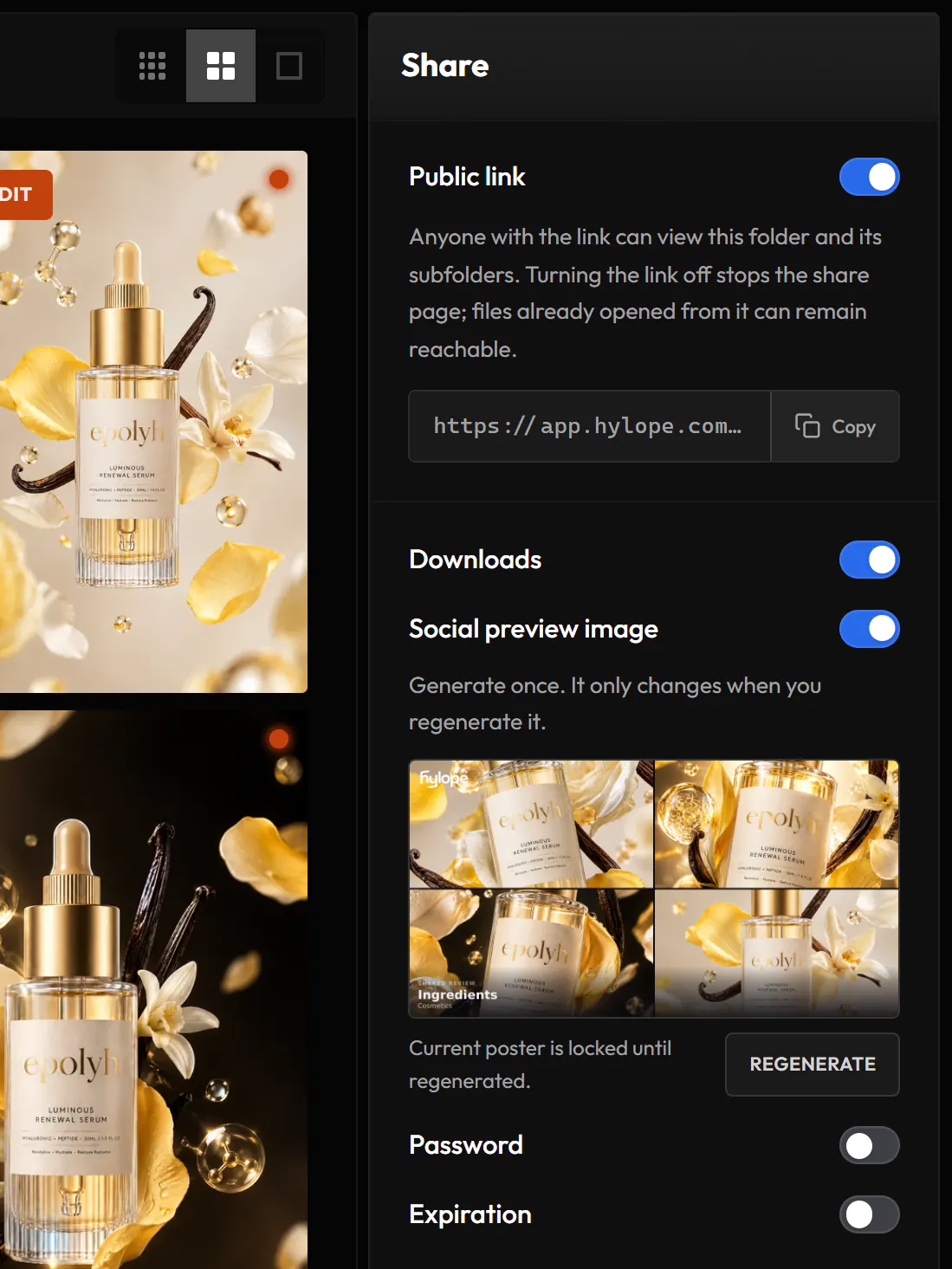
A link you control.
Select a folder to set its link. The settings apply to the folder and all its subfolders.
- Public link
- On or off. Turning it off stops the share page.
- Password
- Viewers enter it before they see anything.
- Expiration
- Off, or after 7, 30 or 90 days.
- Downloads
- On by default: one file, a selection, a folder as a ZIP, or everything. Turn them off to keep the files on the page.
What your client sees.
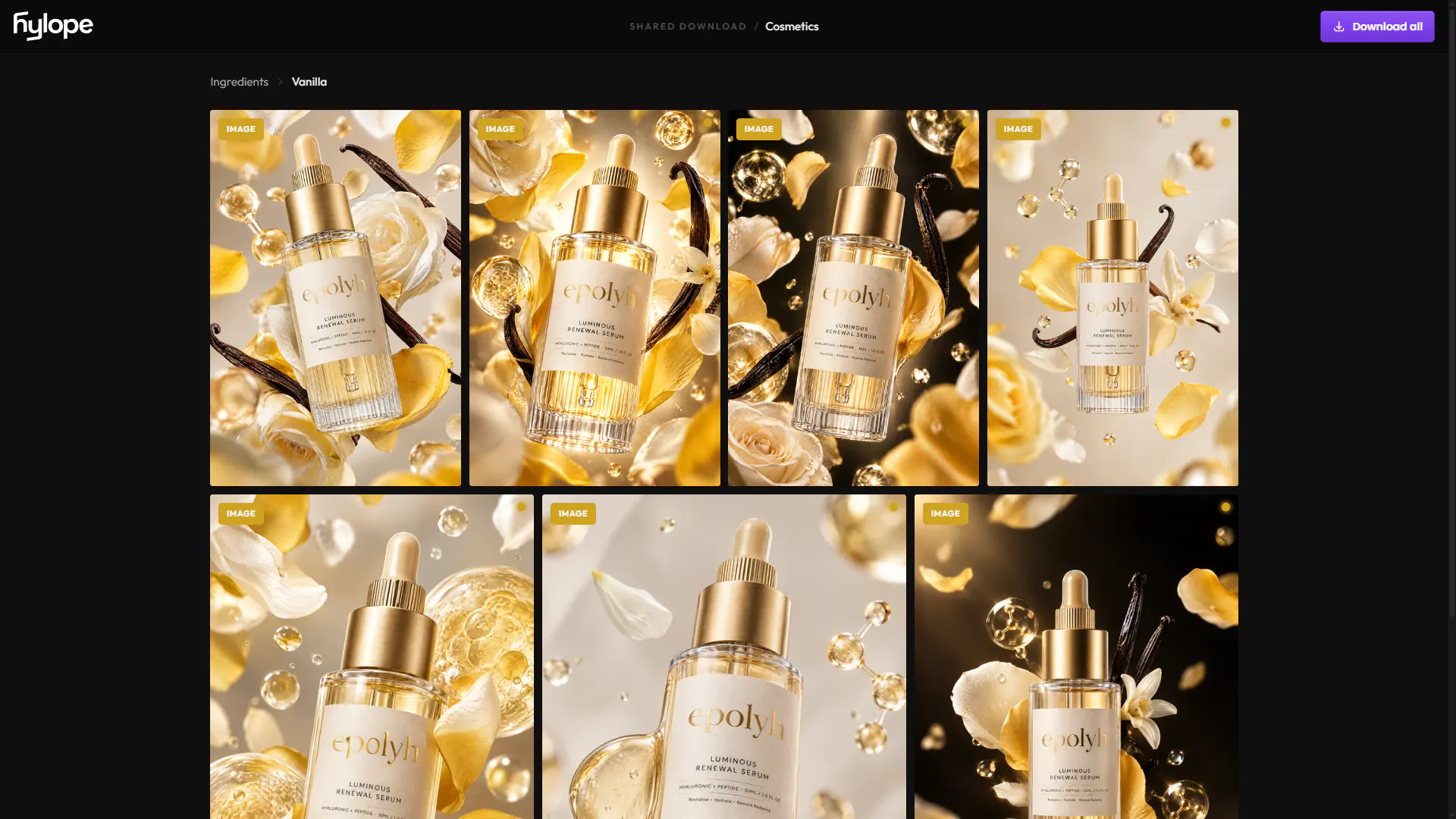
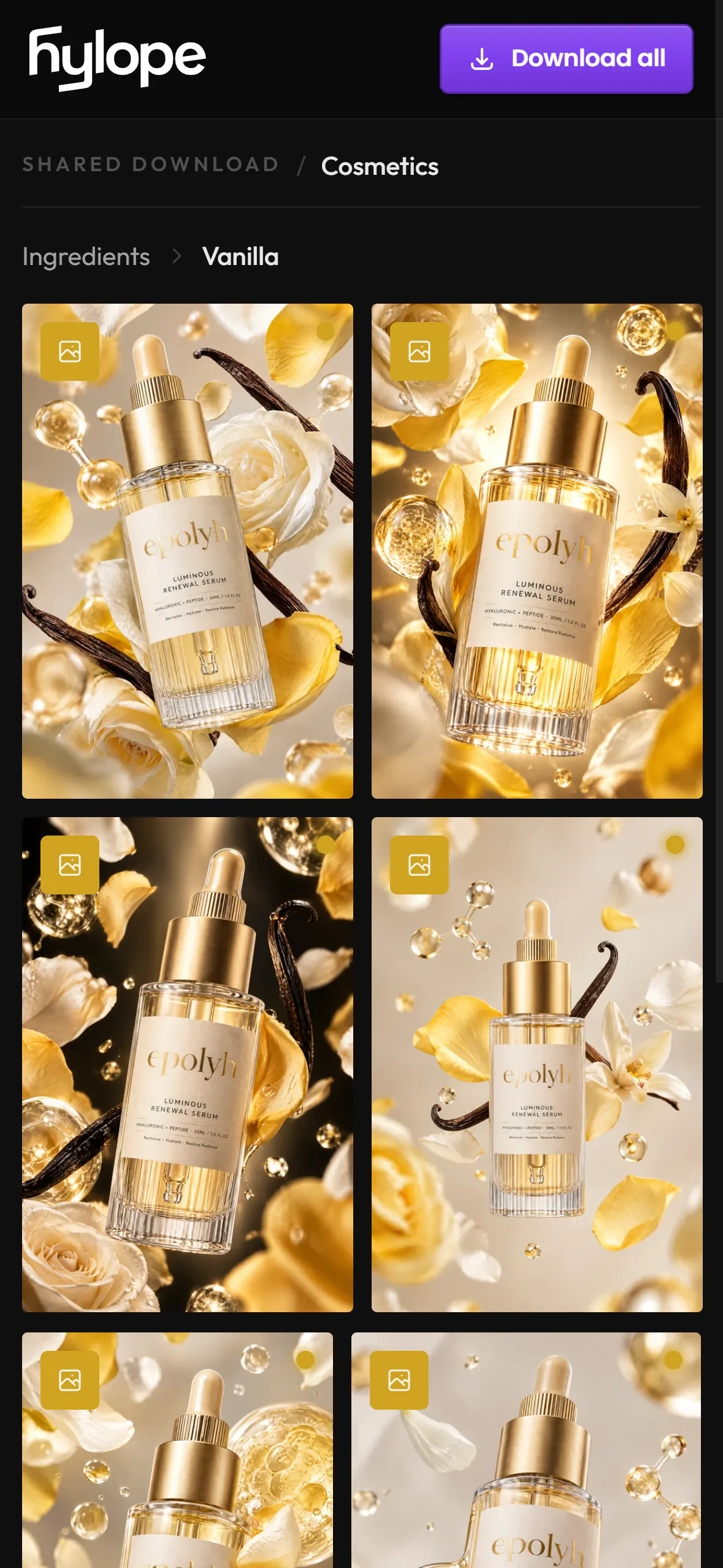
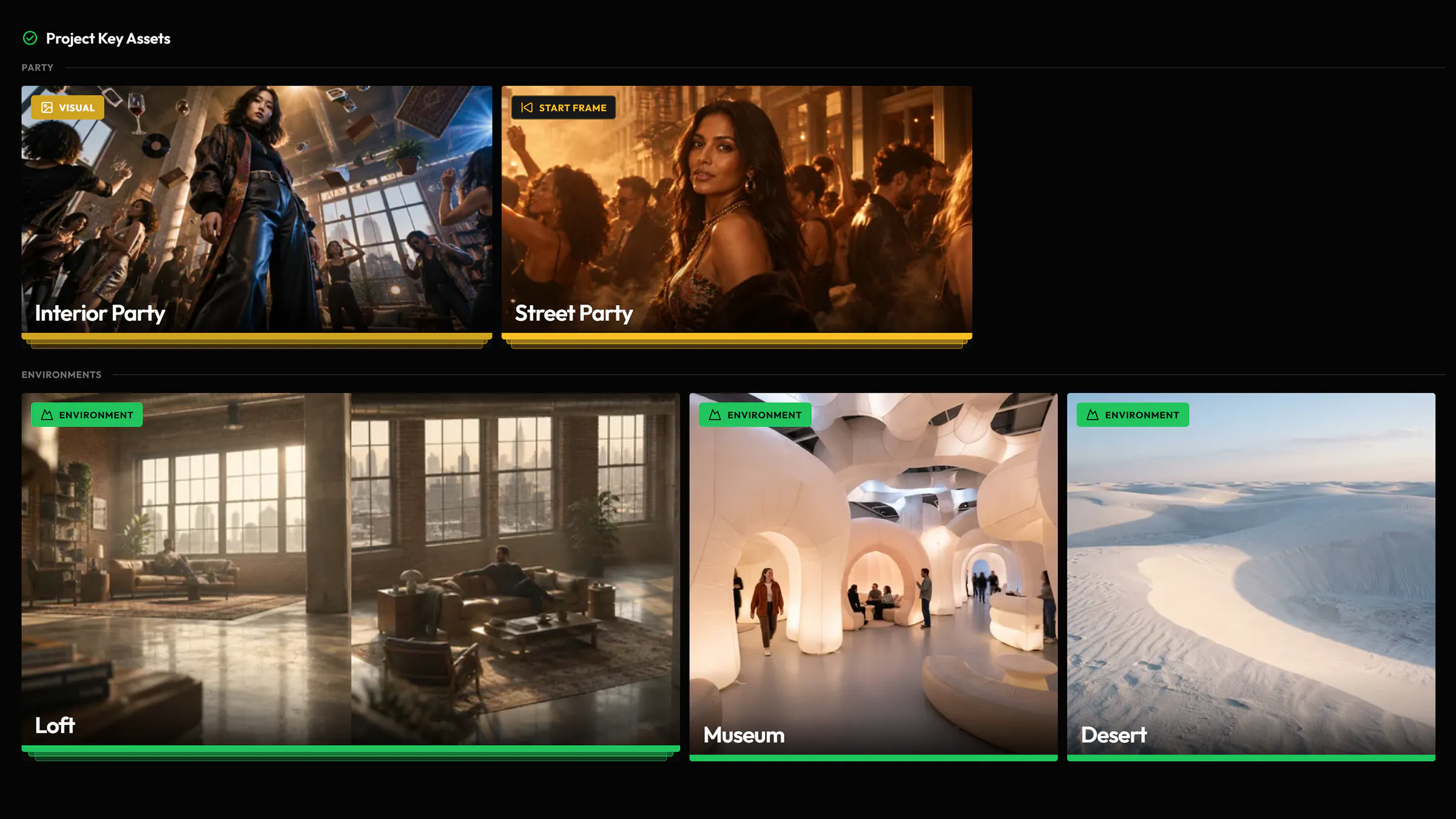
A page with the folder’s assets and subfolders. Viewers open each asset at full size. Without a password, you can also generate the preview image the link shows when it is posted in a chat.
Works with
Questions
Does my client need a Hylope account?
No. Anyone with the link can view the folder in a browser, and a password adds a second check.
Can I stop sharing?
Yes. Turning the public link off stops the share page. Files a viewer already opened from it can remain reachable.
Who can change the share settings?
The workspace Owner and members with Creator access to the project. Other members see the link, if there is one, but not the settings.
Can clients download the files?
Yes, by default: one file, a selection, a folder as a ZIP, or everything. Turn Downloads off in the link’s settings to stop it.
Ready to create?
Hylope 1.7 is open to everyone. New accounts start with 100 free credits.