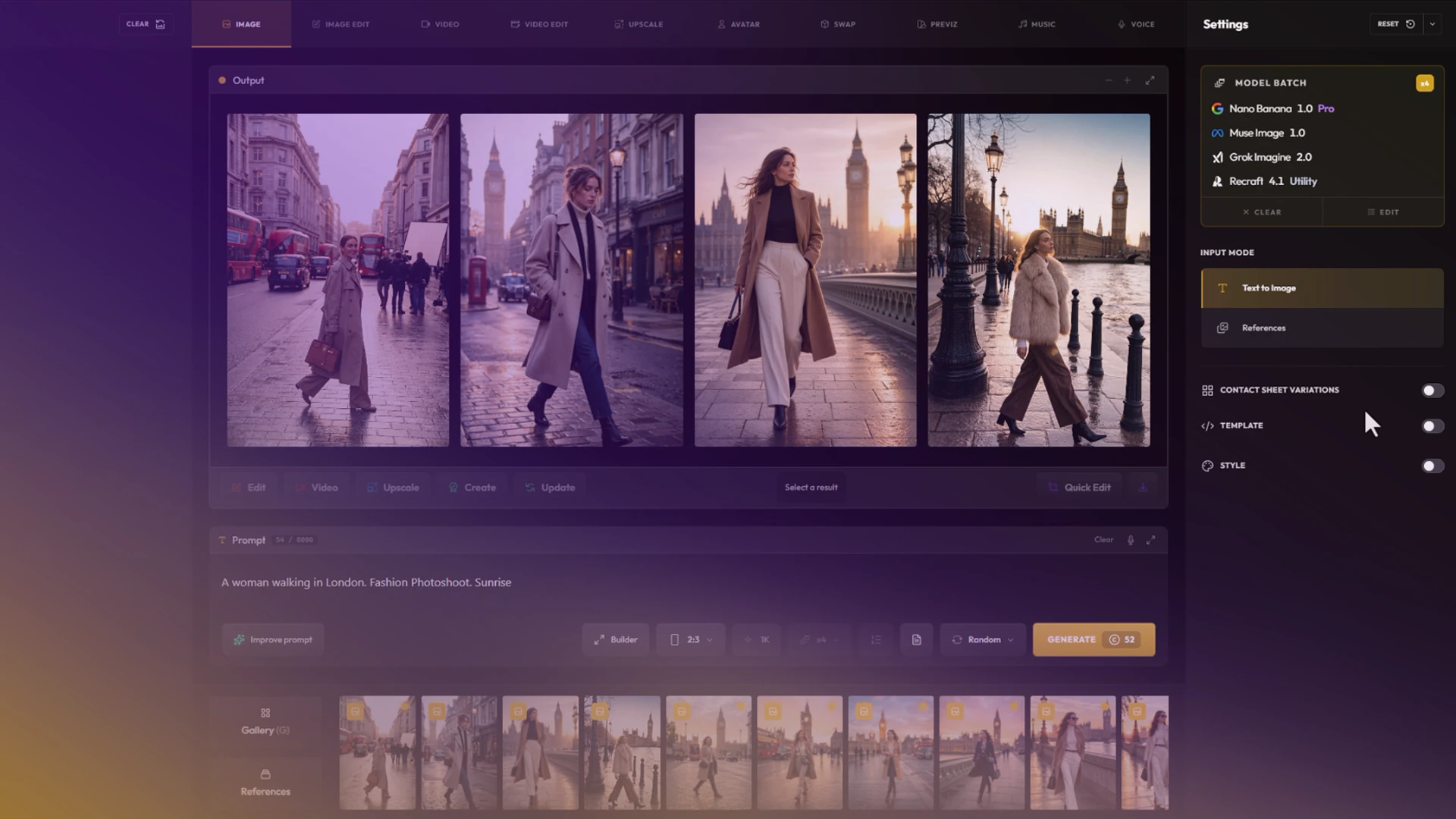
Model Batch
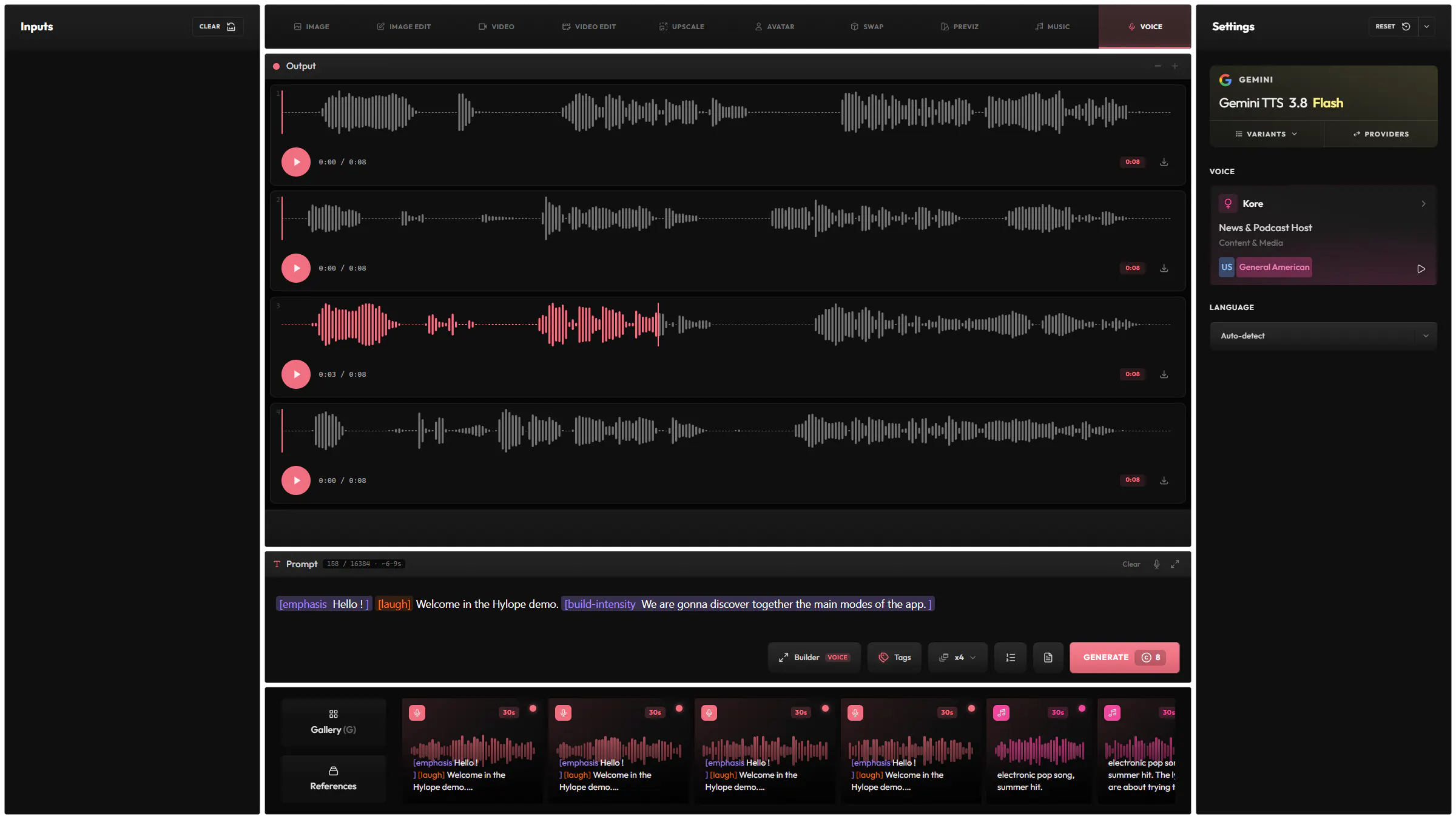
Run the same prompt on up to four models at once, one image each.
Compose complex prompts easily with snippets, and control your images visually with a sketch or zones, using the leading image models.
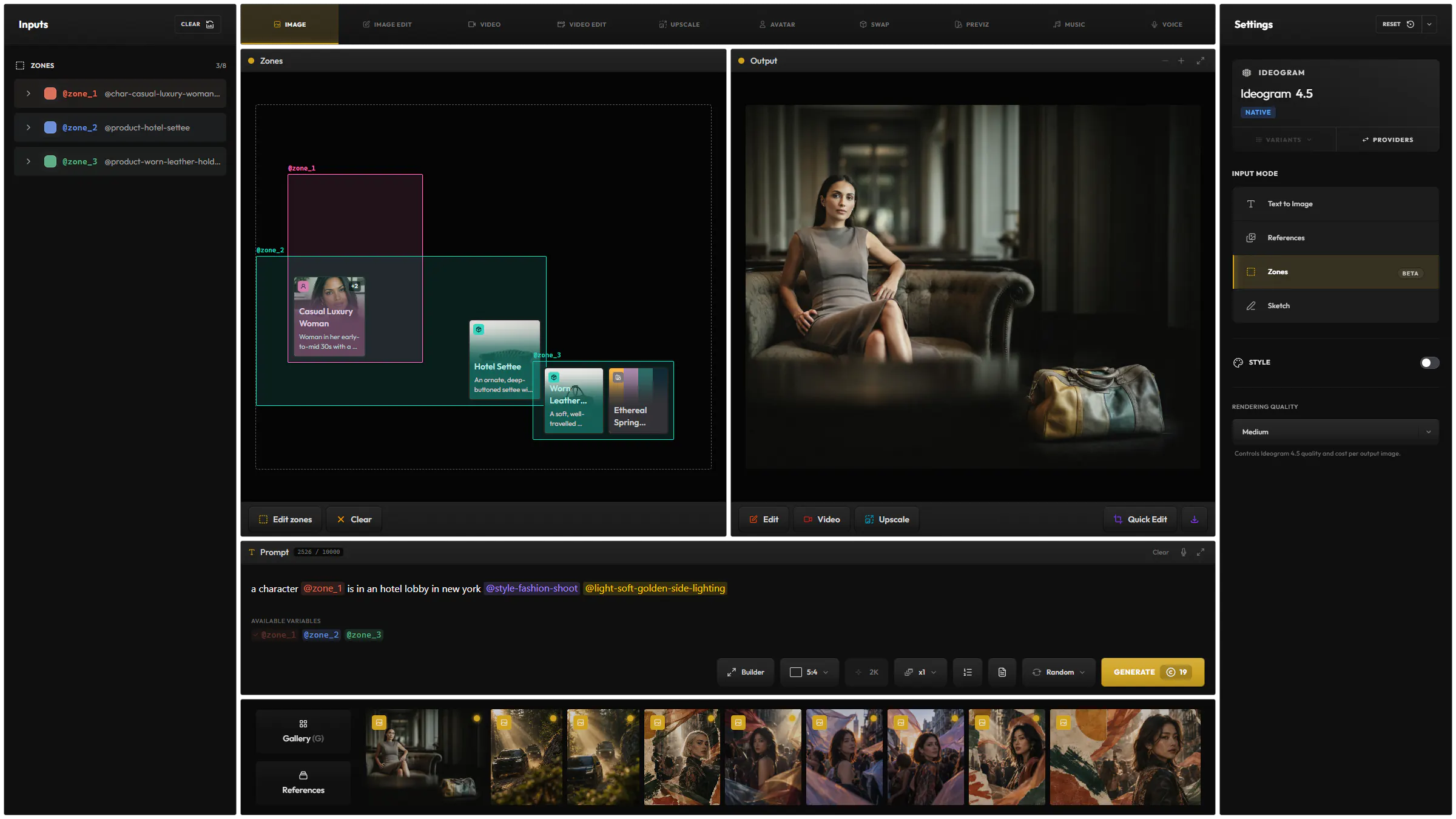
Place a character and products in named zones, and the model composes the scene around them.
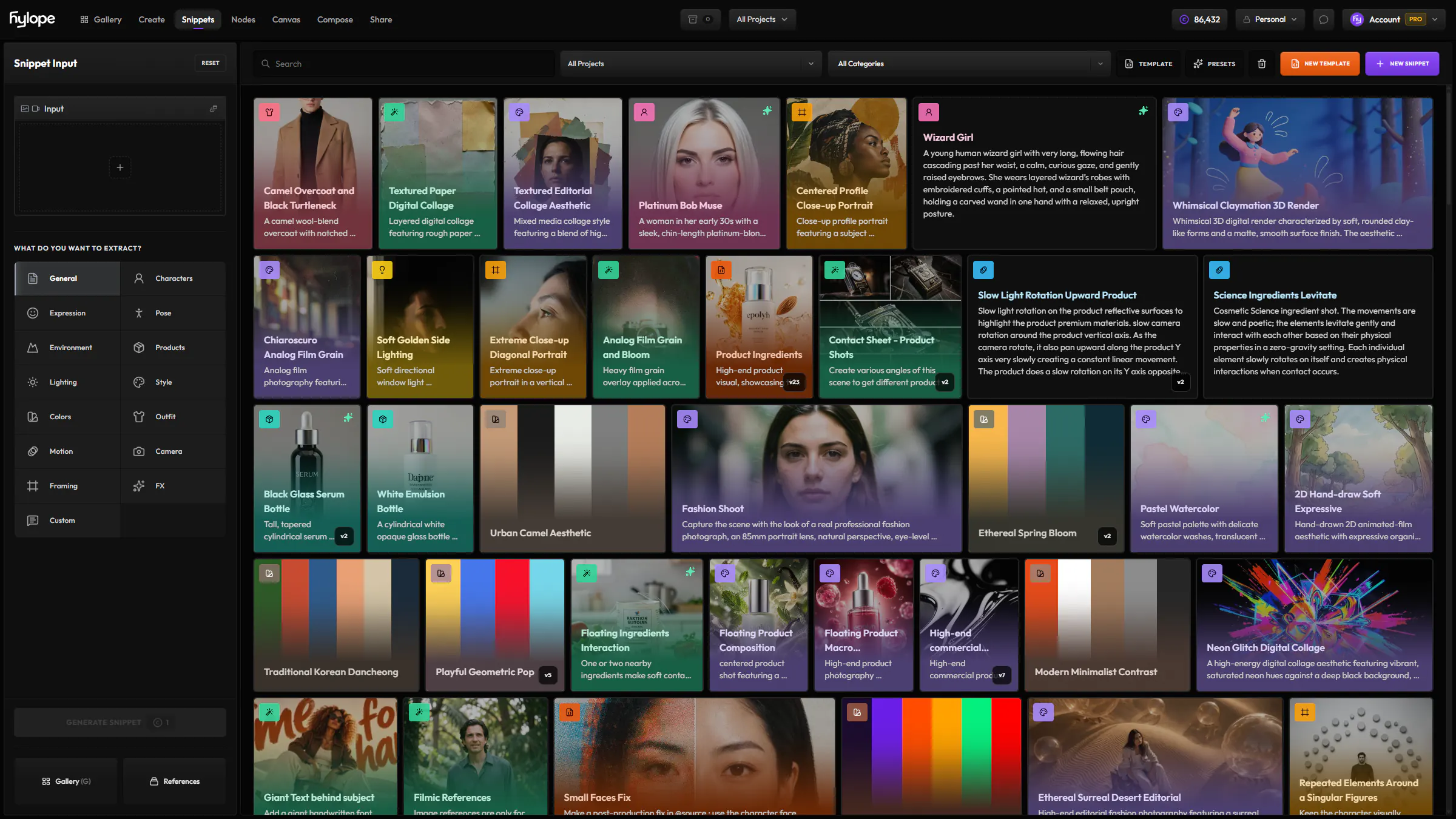
Describe the image, and add the parts you reuse as snippets with @: @characters, @outfit, @lighting, @framing. Discover snippets
 OpenAI
 Gemini
 Seedream
 Kling
Kling Grok
Grok WanQwen
 Krea
Krea Ideogram
 Microsoft
 Flux
Flux Luma
Luma Meta
Meta Pruna
Pruna RecraftZ-Image
Load reference images and refer to each one in the prompt: the jacket from @image2 on the person in @image1.
Draw zones on the frame, name them, and describe what goes in each one, text included. The model places each element in its zone.
NativeThey read your zones in their own format.
Flux 3.0Ideogram 4.5CompatibleHylope adapts your zones to work with these models.
FluxGeminiSeedreamGrokMetaOpenAIDraw a rough sketch, pick a style, and get an image that keeps your layout and framing.
Real results, each with the model and the prompt that made it.
Fashion photoshoot. is seated on . the background is . The details to be the stickers.
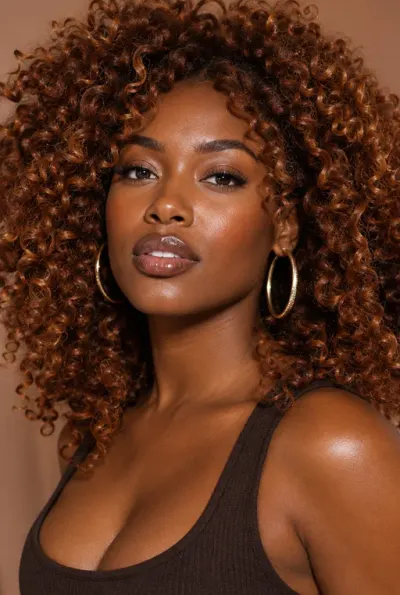 Bold Creative WomanYoung adult Black woman in her late 20s with a medium-deep warm skin tone, sculpted cheekbones, softly rounded jawline…
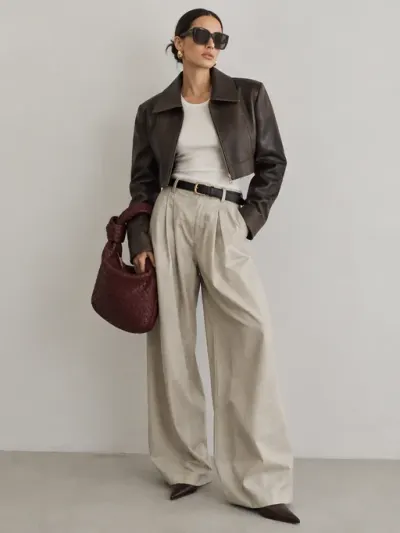 Fashion Week Off-DutyRelaxed but highly considered combination of exaggerated trousers, a fitted tank or fine knit, cropped outerwear, and…
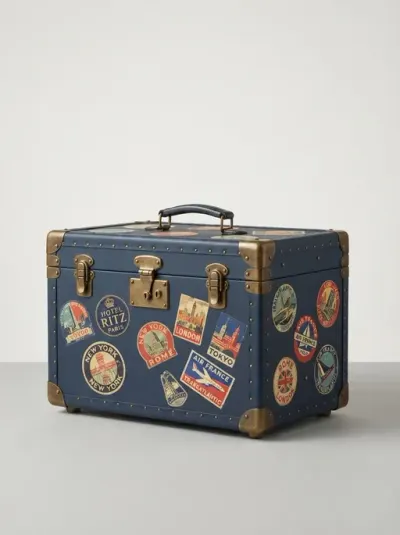 Hard Travel TrunkA rigid travel trunk with corners and latches, built to be…
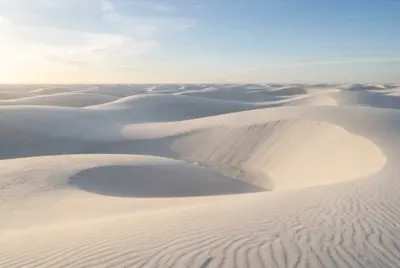 Sculptural White DunesSmooth mineral landscape formed from enormous soft-edged dunes with the appearance of chalk, salt, or finely powdered…
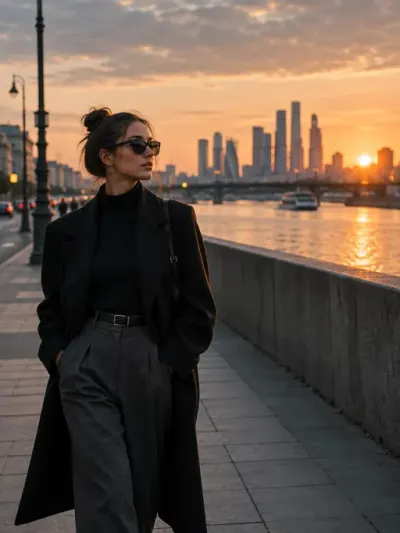 Rule of Thirds PlacementCompositon rule: Rule of Thirds placement. Rest the horizon on the upper or lower third rather than through the middle…
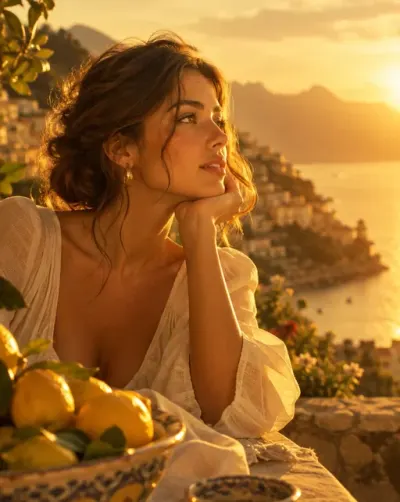 Golden Honey Roll-offLush, honey-gold illumination with a creamy highlight roll-off and warm, open shadows. Contrast is moderate, saturation…
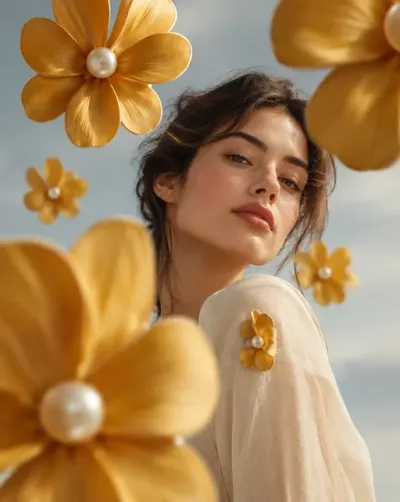 Detail Becomes Motif EchoSpecial effect on the image: Take one small existing detail on the subject, and grow a few large designed echoes of it…
is levitating in a zero gravity pose above
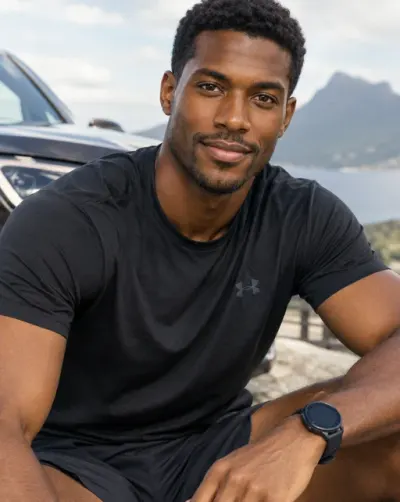 Everyday Athlete ManBlack man in his late 20s with a deep warm brown skin tone, oval-to-square face, defined cheekbones, expressive dark…
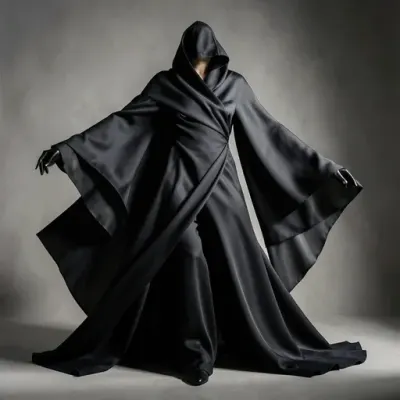 Fluid MonolithicA dramatic outfit formed from large uninterrupted pieces of fabric that wrap, fold, and fall around the body with very…
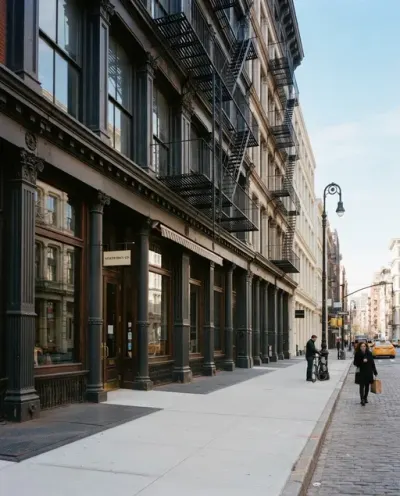 New York Street LevelDowntown Manhattan street frontage: cast-iron facades, fire escapes, deep-set windows and a broad sidewalk. Kept clean…
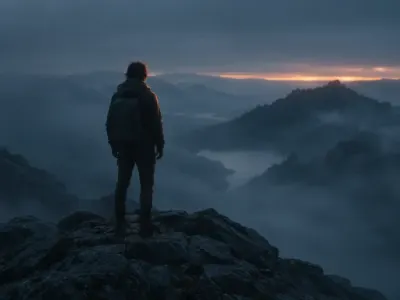 Dawn Mist Cool AmbientDim, omnidirectional blue-gray light of pre-sunrise wraps the scene with almost no hard direction. Contrast is very low…
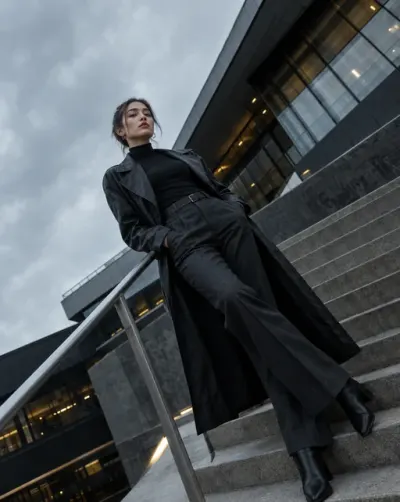 Dutch Angle EditorialTilt the camera noticeably so vertical and horizontal lines cut diagonally across the image. Keep the subject composed…
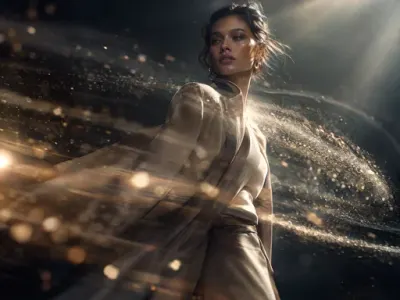 Kinetic Particle VeilAdd this effect: Directional stream of fine particles sweeping across the frame, partially wrapping around foreground…
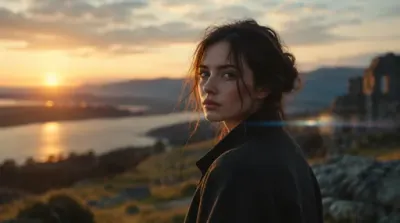 Anamorphic CinemaCaptured with the optical character of a high-end anamorphic cinema lens. Use a wider cinematic field of view with…
purple.
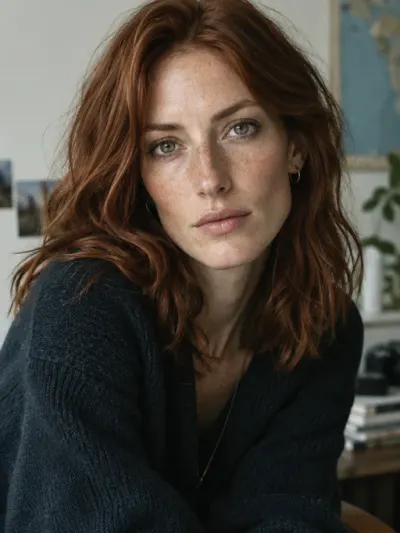 Independent Filmmaker WomanYoung adult white woman in her late 20s to early 30s with fair skin, subtle freckles across the nose and cheeks, an…
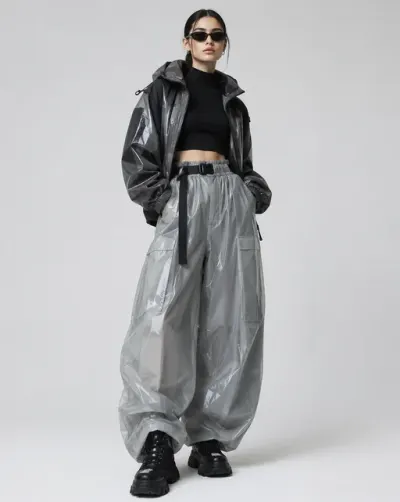 Glossy Street CoutureFitted or cropped upper layer combined with voluminous trousers, a polished technical jacket, or oversized leather…
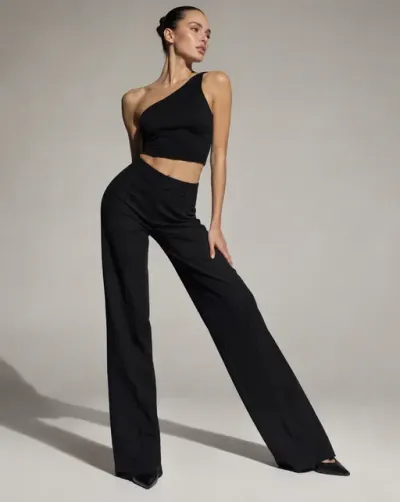 Hip-Pop Weight ShiftPush the standing hip hard toward camera while the free leg extends to the side or crosses loosely in front. Ribcage…
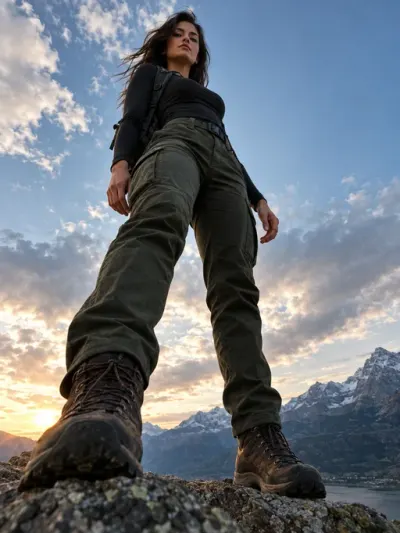 Low Angle HeroPosition the camera close to ground level and point upward toward the subject, allowing the figure to dominate the…
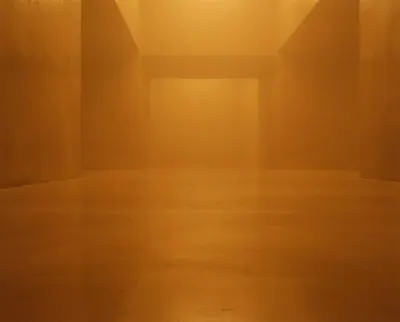 Saturated Colour VolumeBoundless space filled with dense coloured atmosphere, a single saturated hue thickening with distance until all…
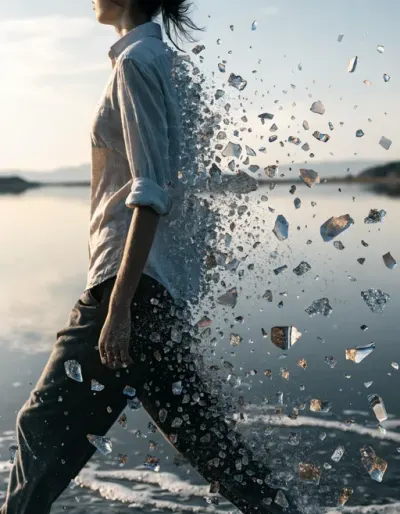 Fragment Trajectory DispersionSpecial visual graphic effect on the image: based on the subject motion, create a subtle stream of tiny fragments of…
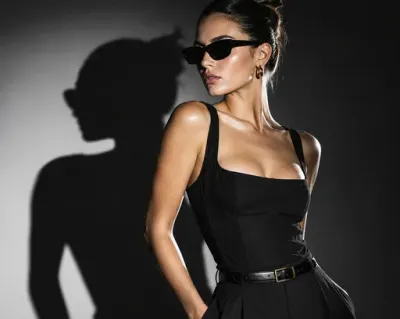 Hard Fashion StrobeA single unmodified strobe from a slight camera-left angle throws crisp, graphic shadows and hard speculars on skin and…
a woman in a silver dress is surrounded by @fx-liquid-chrome-sweep
Run the same prompt on up to four models at once, one image each.
Apply a style preset to your prompt, as text, or as an image for the models that accept one.
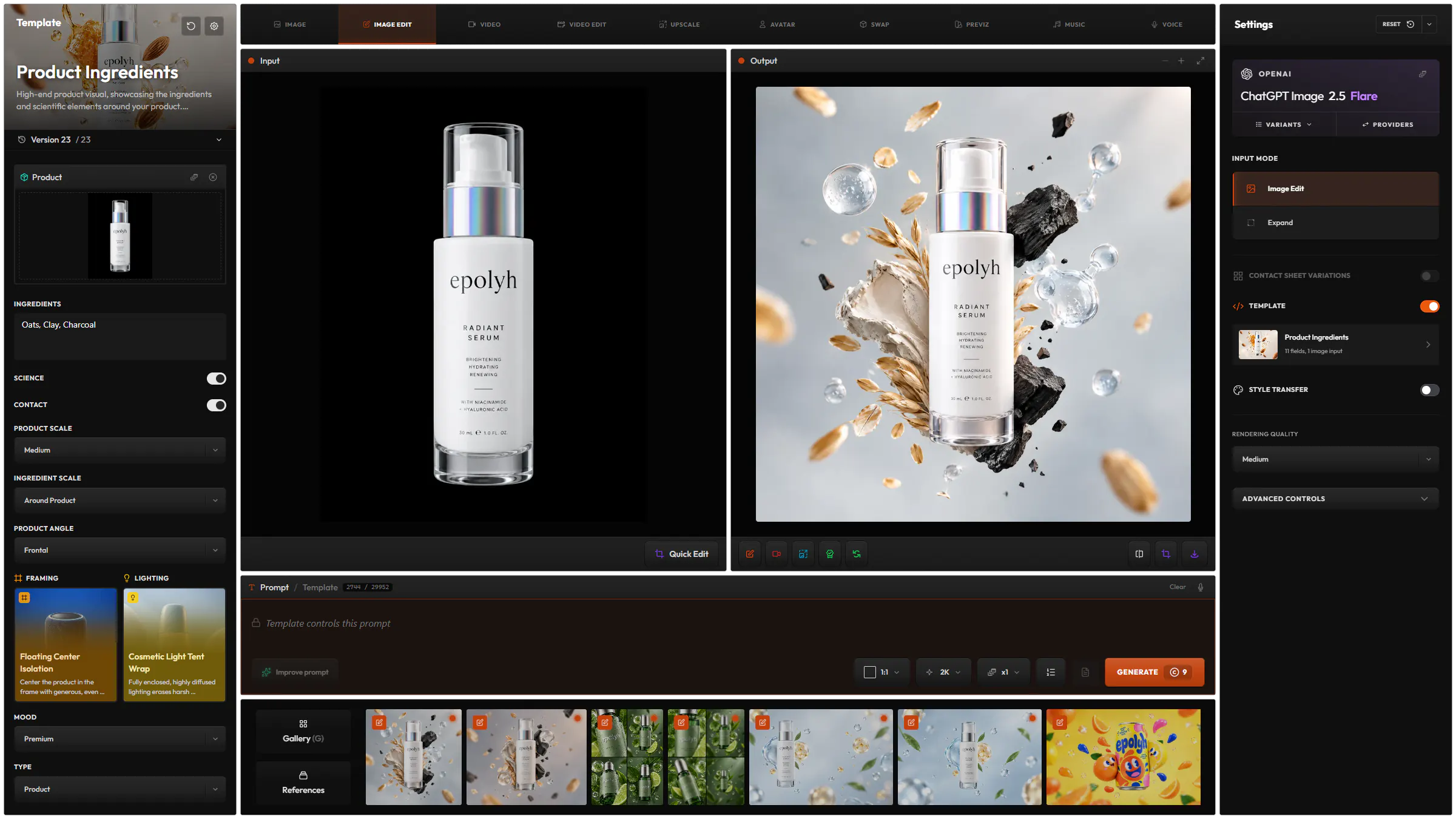
A saved prompt with a few fields to fill in, such as the product. About templates
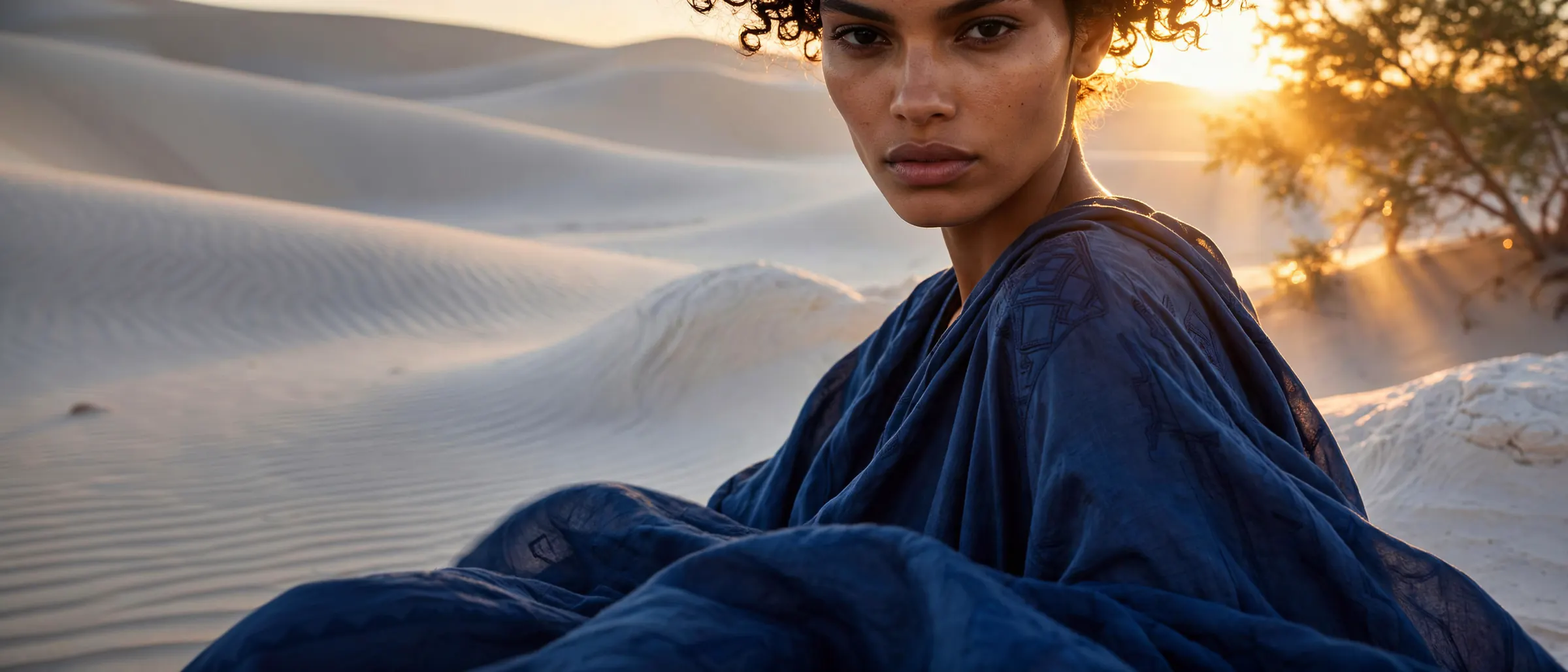
Image Prompt Builder
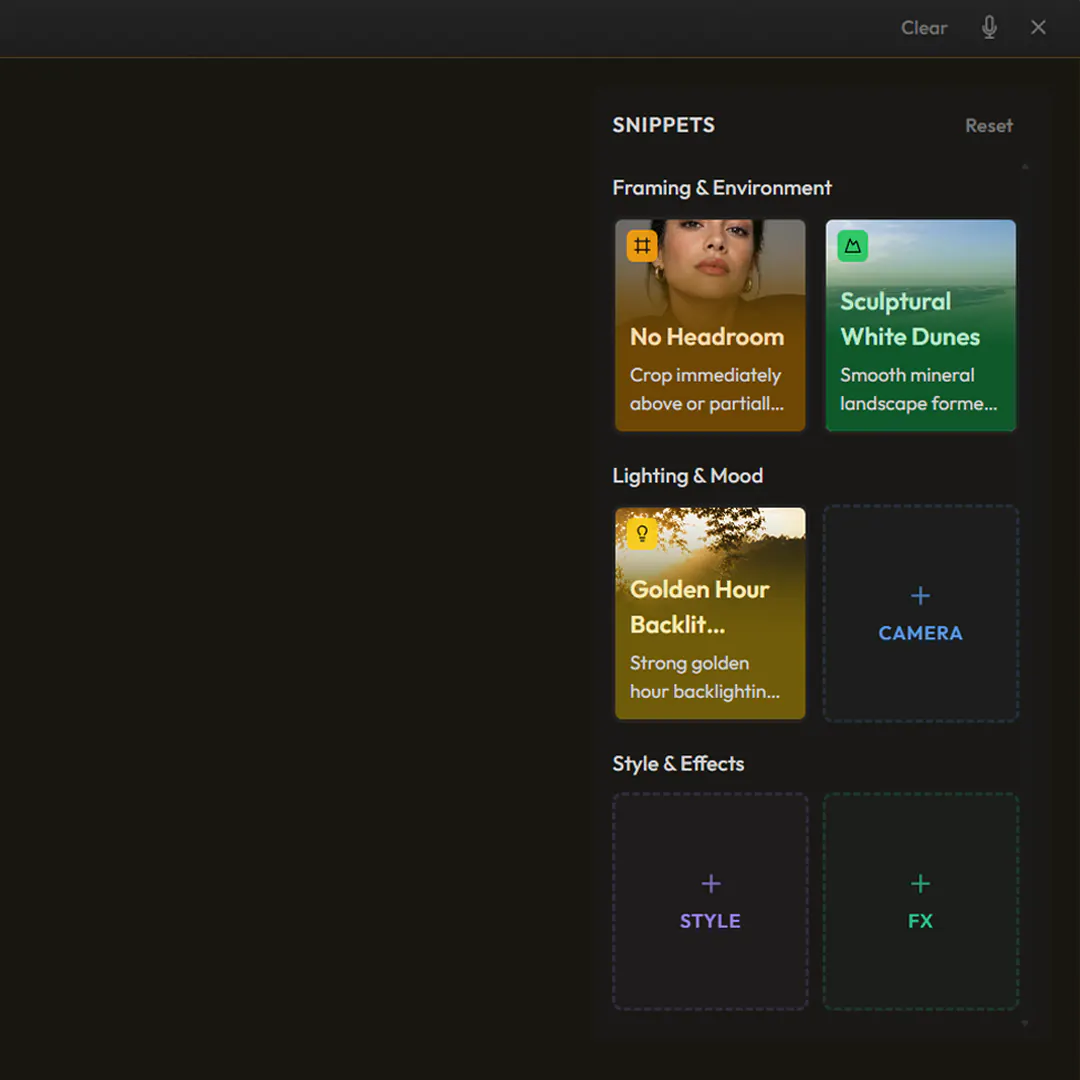
The Prompt Builder has a block for each part of the image: framing and environment, lighting and camera, style and effects. Pick a snippet for each one. Your prompt stays as you wrote it.
51 models from 14 providers, the same list as the model picker in the app.
OpenAI
GeminiGoogle
SeedreamBytePlus
KlingKlingAI
GrokxAI
WanAlibaba
QwenAlibaba
Krea
Ideogram
Microsoft
FluxBlack Forest Labs
Luma
Meta
PrunaPruna AI
Recraft
Z-ImageAlibaba
TutorialGetting Started35 min
Hylope is a workspace, not a chat: one layout for every mode, built for dragging images between gallery, inputs and results. Learn your way around it and create your first image.
ArticleModels
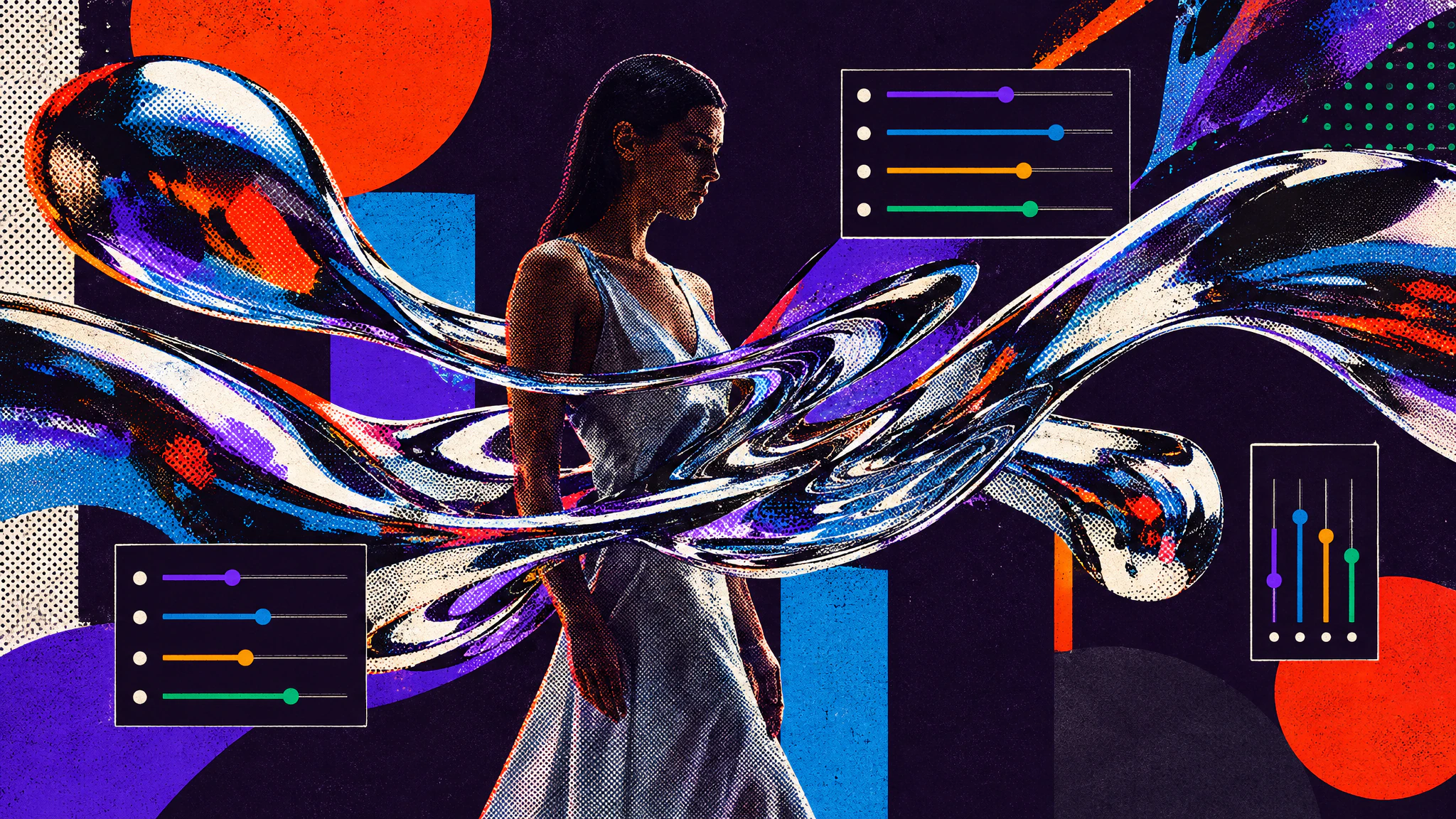
Krea 2's creativity sliders turn one simple prompt into very different visual styles. Two prompts, one seed each, from calm to complex.
From 1K to 4K depending on the model, in the ratio of your choice.
References creates a new image from the images you bring. Image Edit changes an image you already have.
Yes. Model Batch sends the same prompt to up to four models at once, one image each.
Each model has its own price in credits, listed on the Models page. The Generate button shows the cost before you submit.
Hylope 1.7 is open to everyone. New accounts start with 100 free credits.