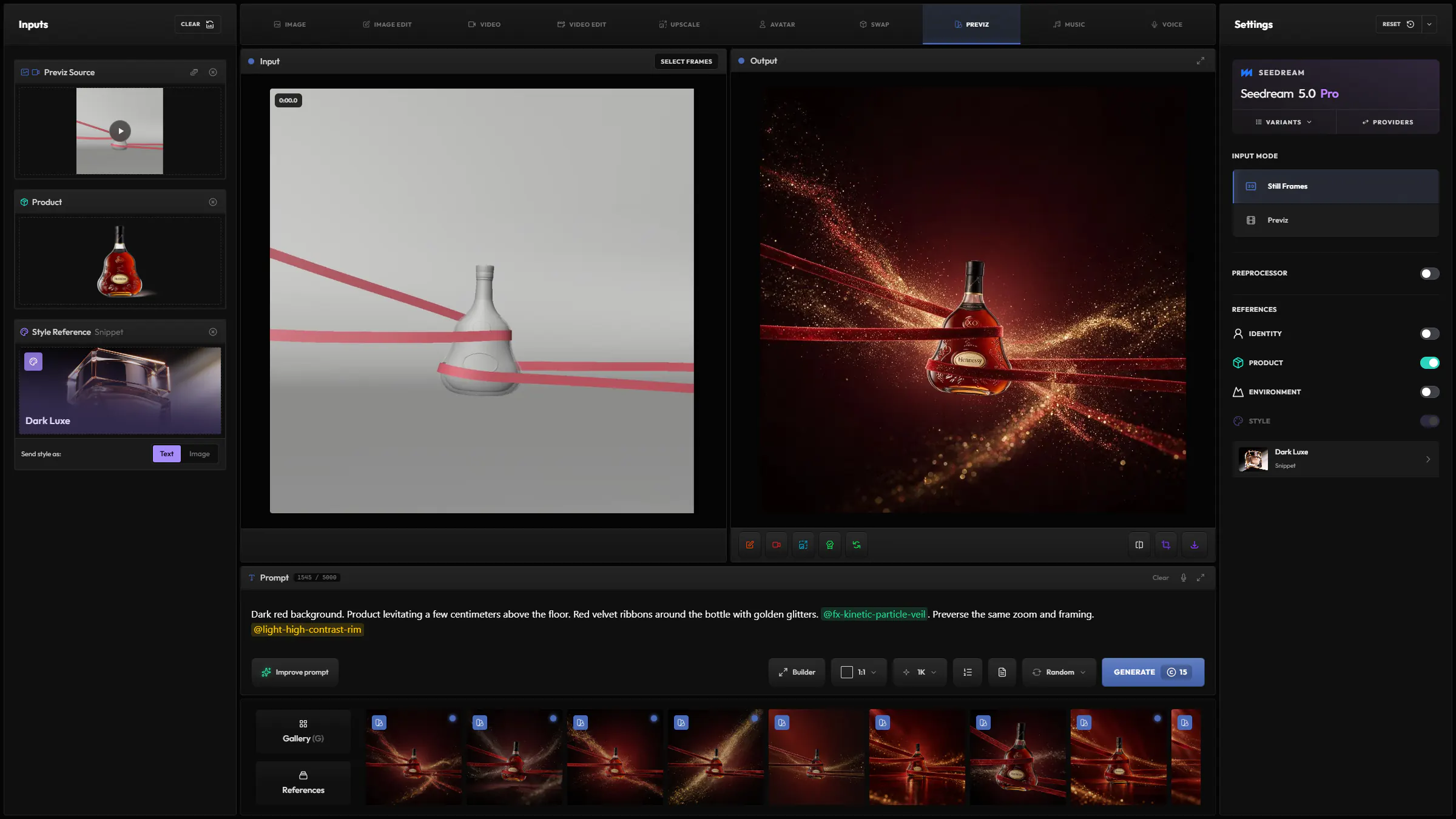
Frames from your video
Load your previz as a video and pick the frames to render, up to nine at once.
Speed up lookdev and rendering for your 3D animations. Stylize your greyscale frames, then apply the look to your whole playblast.
Turn a grey 3D previz into a finished product shot, with your product and a style.
Turn frames of your previz into finished images, from a style reference, a preset or your snippets.
Render your whole previz clip in a finished look, guided by your stylized frames. The motion stays the same.
 Hylope
 Kling
Kling Seedance
 Luma
Luma MiniMax
 Gemini
LumaRay 3.2
Load your previz as a video and pick the frames to render, up to nine at once.
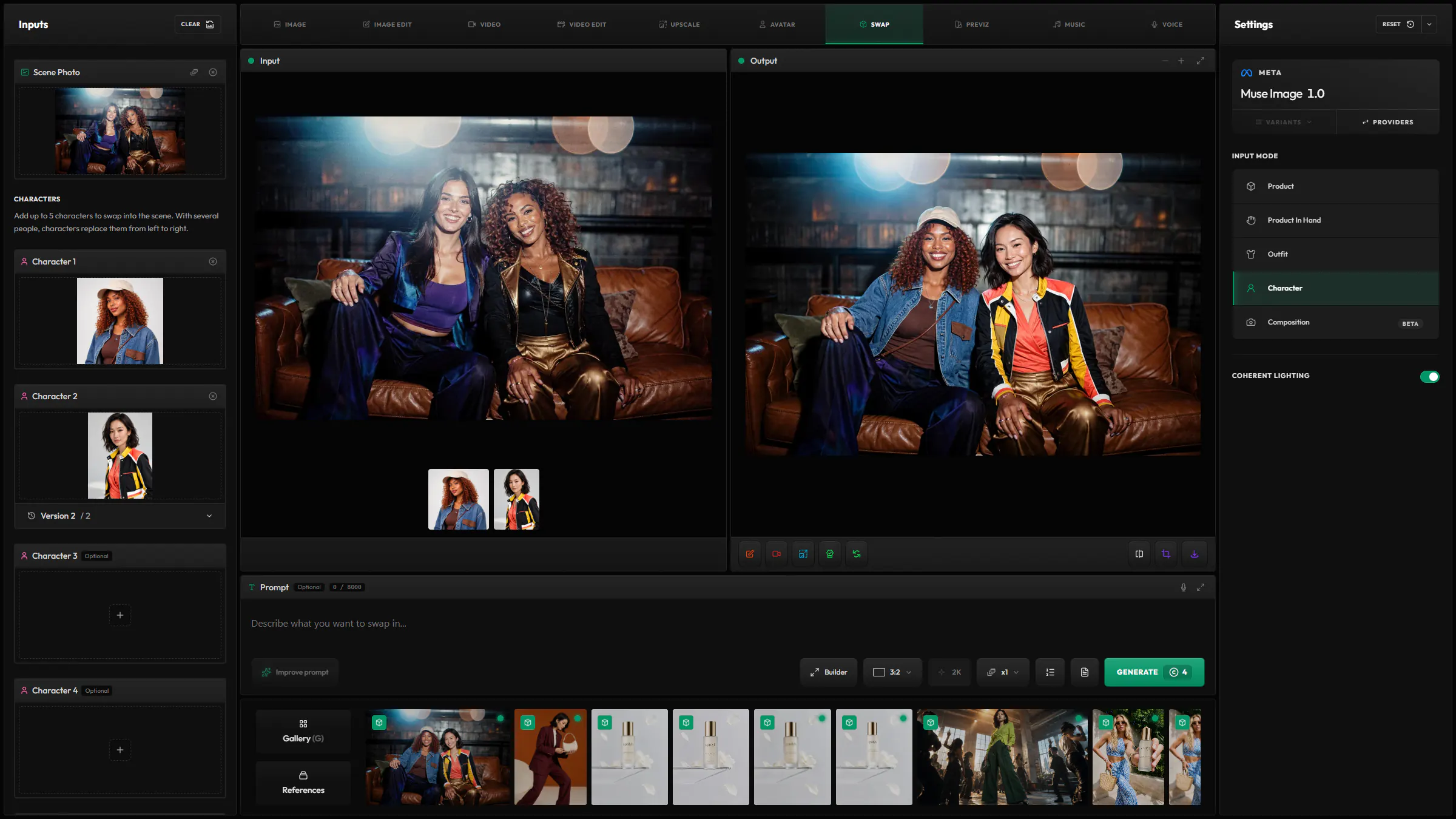
Add a character, a product or a place to your frames, so they appear in the result.
Reads the depth of your previz to keep the pose and the composition closer to it.
A full editor for long prompts, not a single line.
Add your saved snippets with @. They show as tags in the prompt.
Refer to each loaded image by its token, such as @image1.
Give a @variable up to ten values and get one generation for each.
Rewrite your prompt for the selected model, and undo it in one click.
Translate your prompt to English, keeping its tokens and variables.
28 models from 12 providers, the same list as the model picker in the app.

OpenAI
GeminiGoogle
SeedreamBytePlus

FluxBlack Forest Labs

WanAlibaba
KlingKlingAI

GrokxAI

Meta

Ideogram
Hylope
SeedanceBytePlus
Luma
MiniMax
A previz image or video in Still Frames, and a video in Previz. To turn a drawing into an image, use Sketch in Image.
Up to 18 seconds, depending on the model.
Not always. Once a style, a reference or a stylized frame is loaded, the prompt is optional.
Each model has its own price in credits, listed on the Models page. The Generate button shows the cost before you submit.
Hylope 1.7 is open to everyone. New accounts start with 100 free credits.