FeaturedAvatar
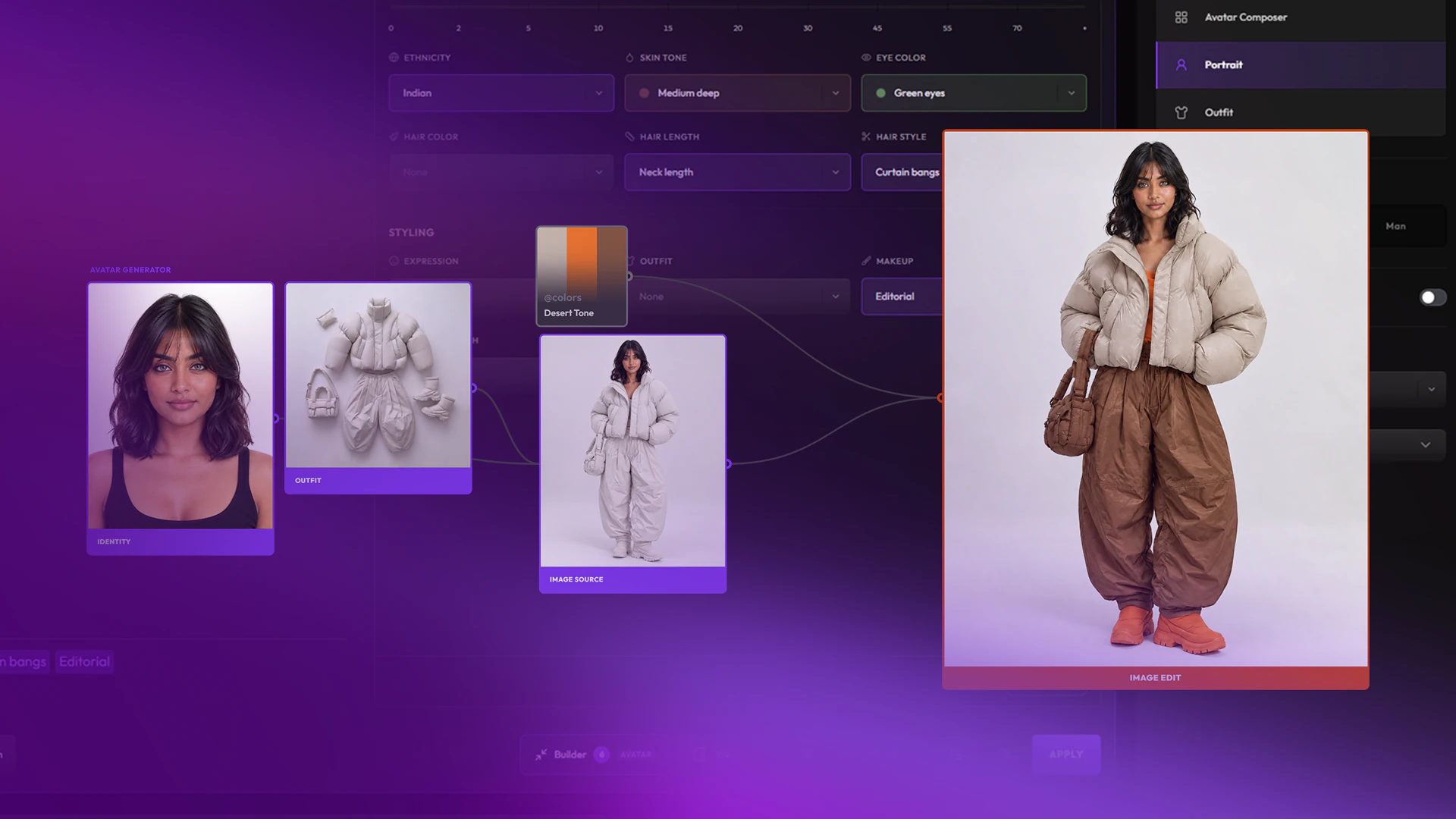
Build characters and outfits in Avatar mode
Create AI characters with precise art direction, in any style. A portrait sets the identity, outfits are built separately, then combined.
Tutorials
Video tutorials on professional creative workflows with AI, and how to run them in Hylope.
FeaturedAvatar
Create AI characters with precise art direction, in any style. A portrait sets the identity, outfits are built separately, then combined.
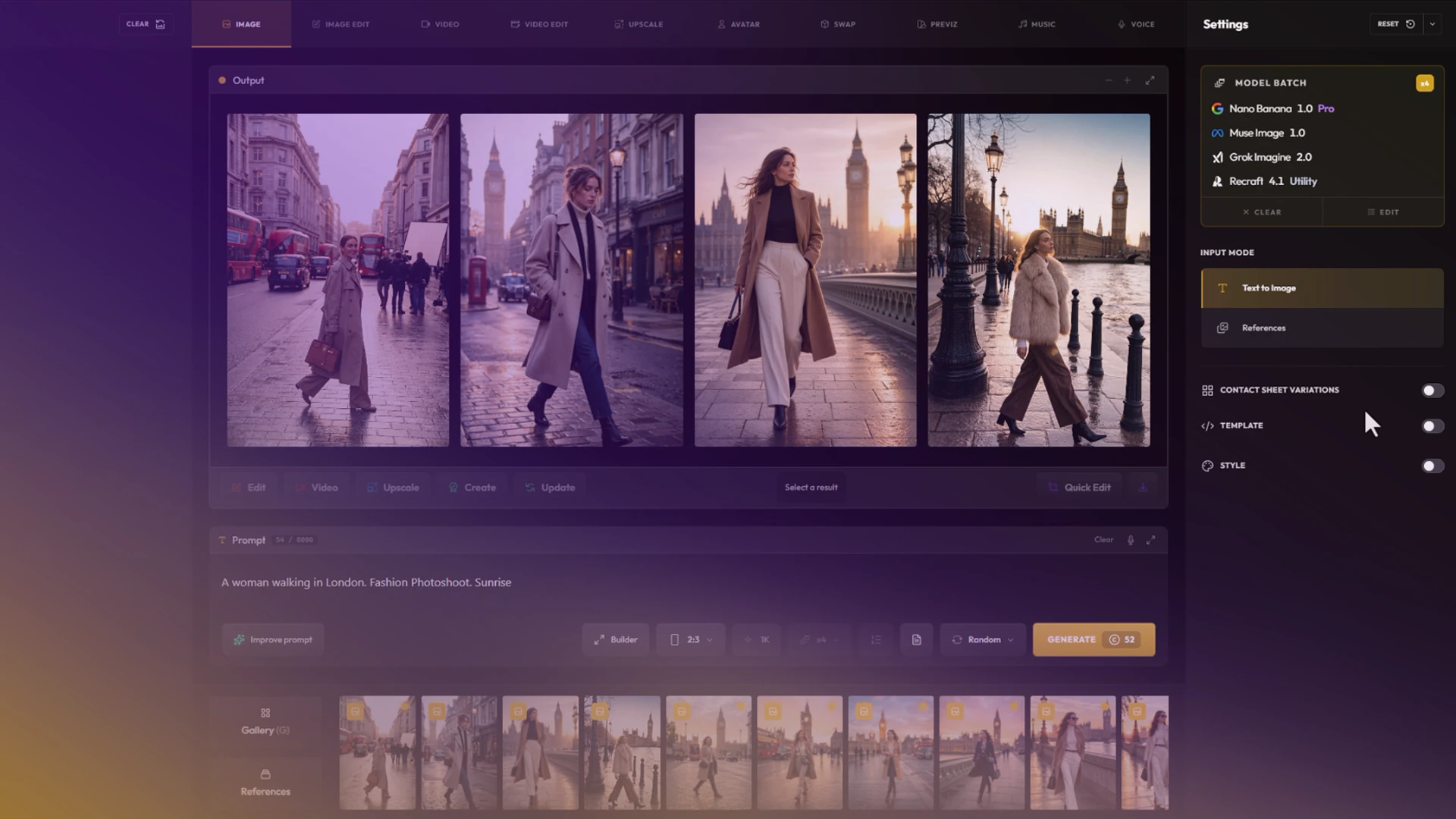
Hylope is a workspace, not a chat: one layout for every mode, built for dragging images between gallery, inputs and results. Learn your way around it and create your first image.
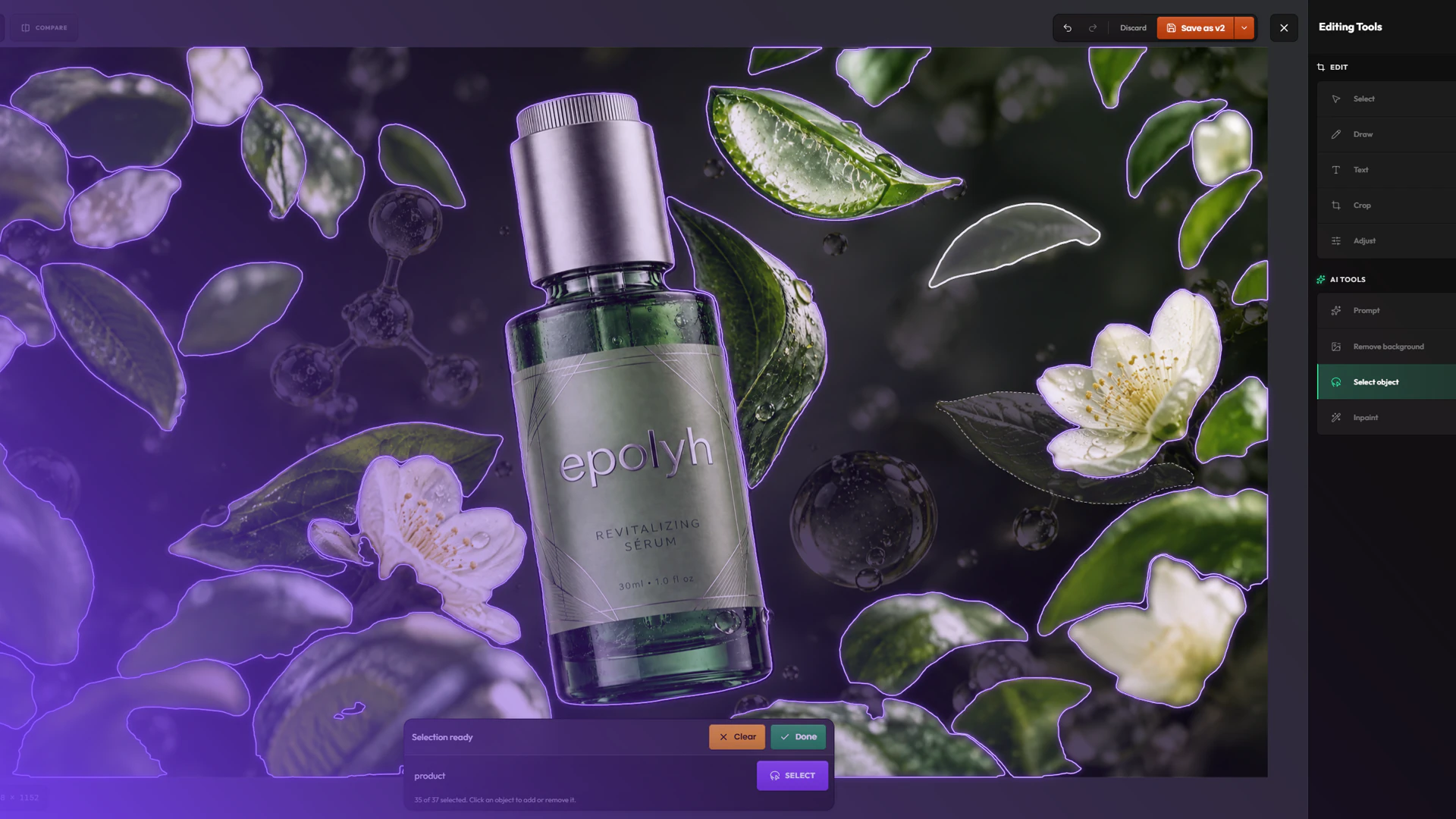
Edit an AI image without generating it again: change it with a prompt, inpaint inside a mask, remove or extract objects, and keep every edit as a version.
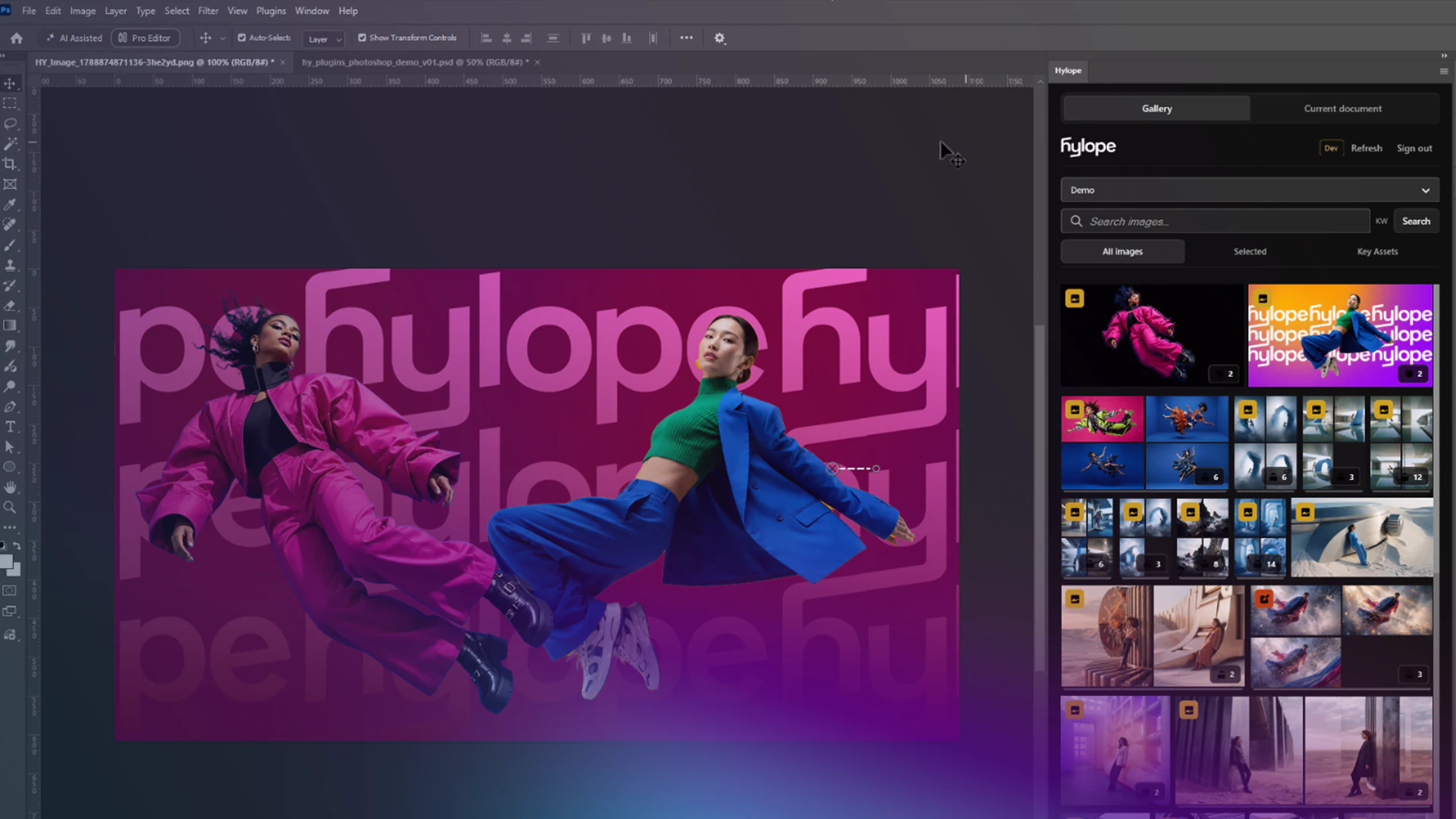
Open Hylope assets in Photoshop, save your edits as new versions, and send local files as references, without downloading or uploading anything.
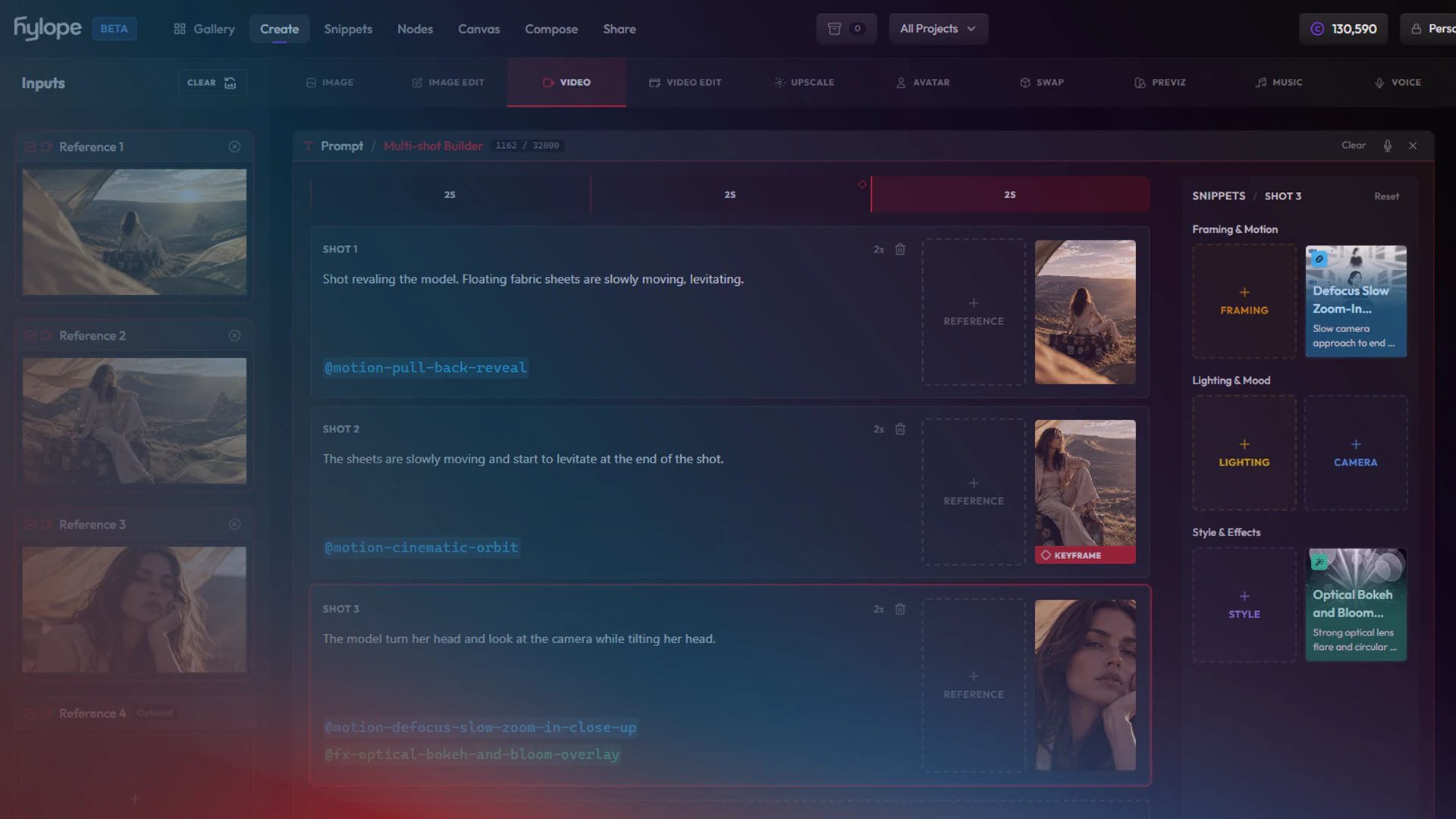
Plan a multi-shot video on a visual timeline: one card per shot, each with its own reference image and camera motion.
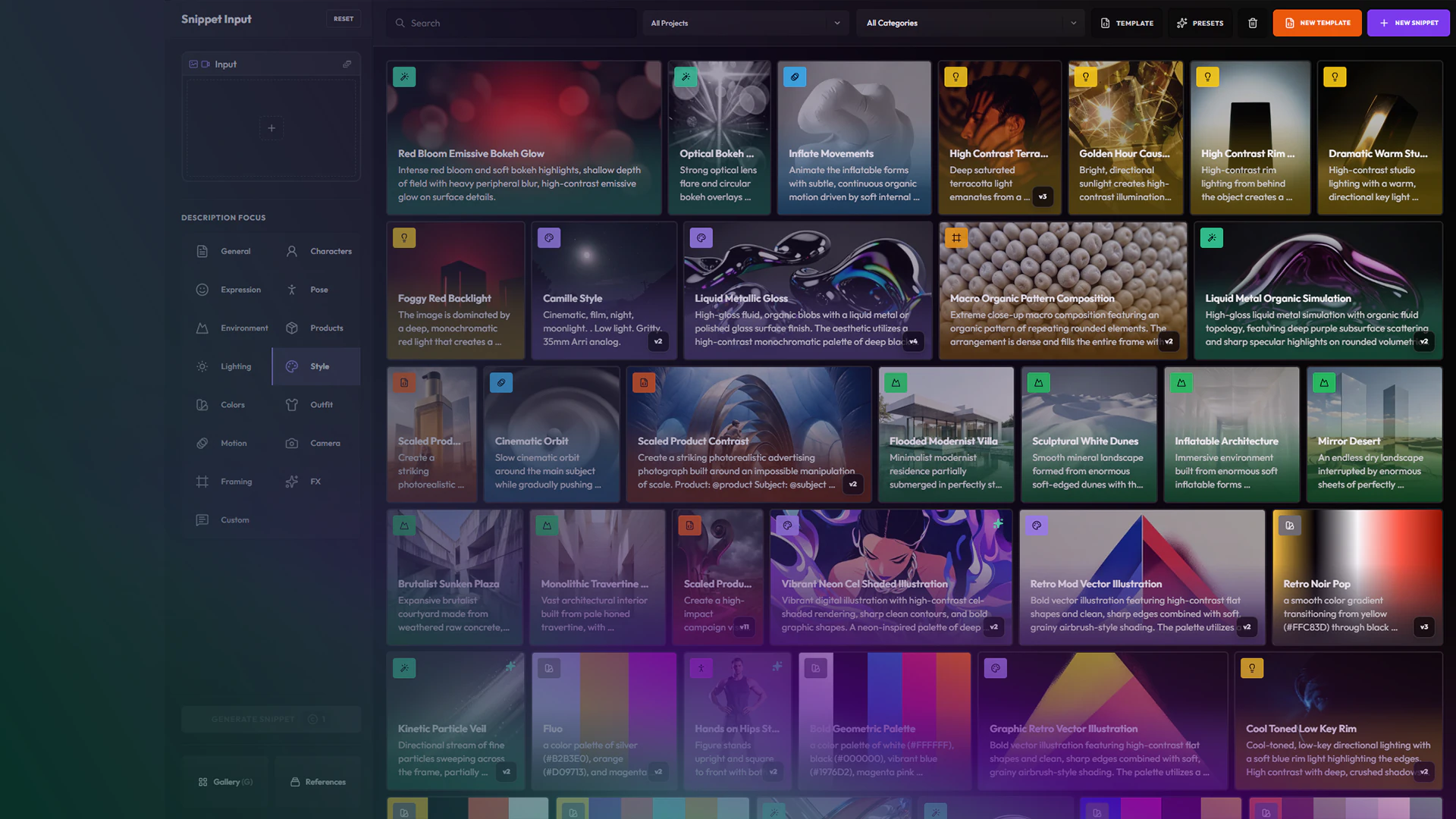
Trade paragraph prompts for a color-coded library of character, wardrobe, framing, lighting, and FX snippets, then reuse it across Create, Image Edit, templates, and nodes.
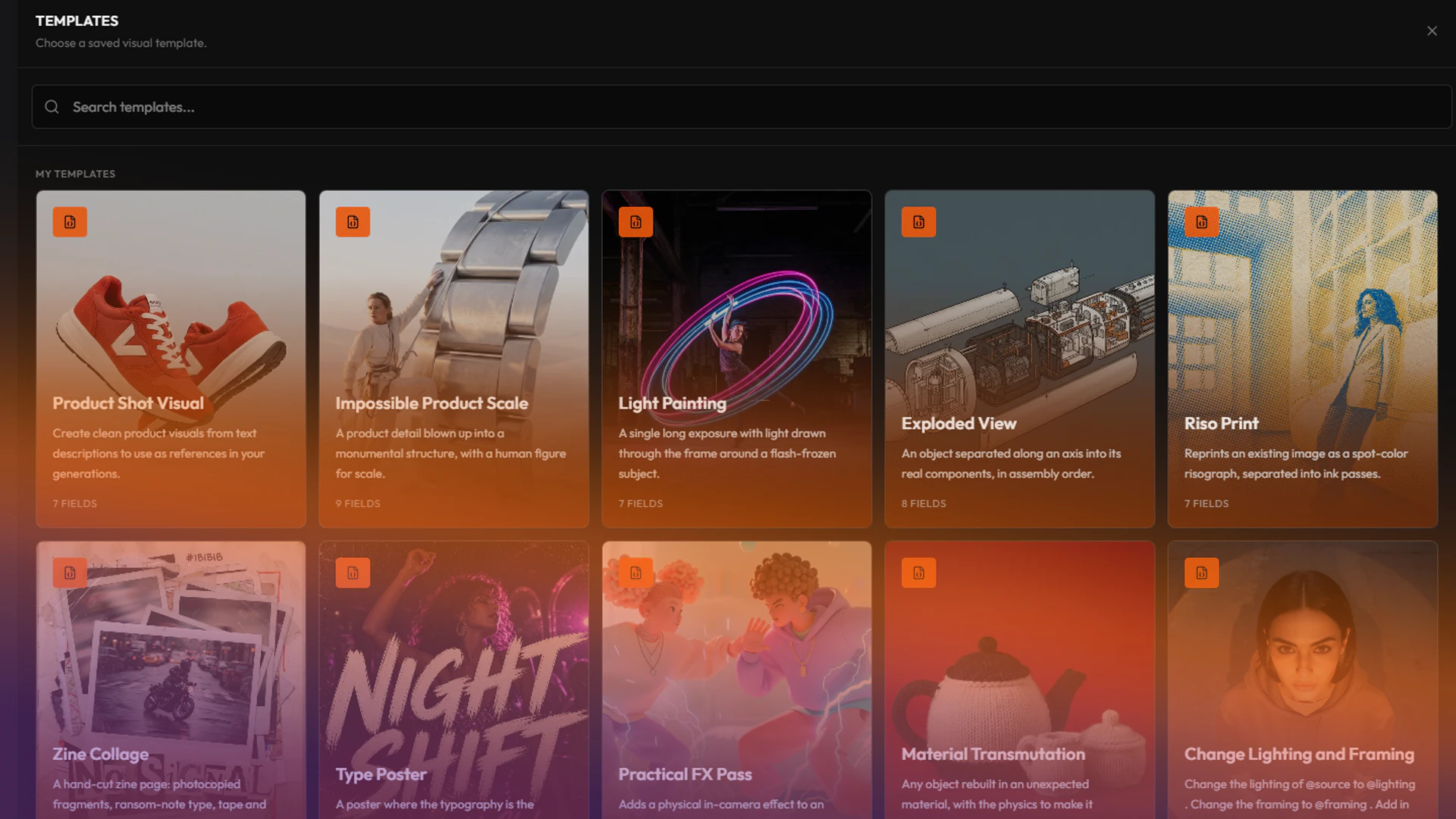
Turn a prompt that works into a template: the art direction stays locked, and a few fields stay open for you or your team to change.
No tutorials or playlists match these filters.