Projects & teams
One collaborative AI workspace for your team, with per-project access.
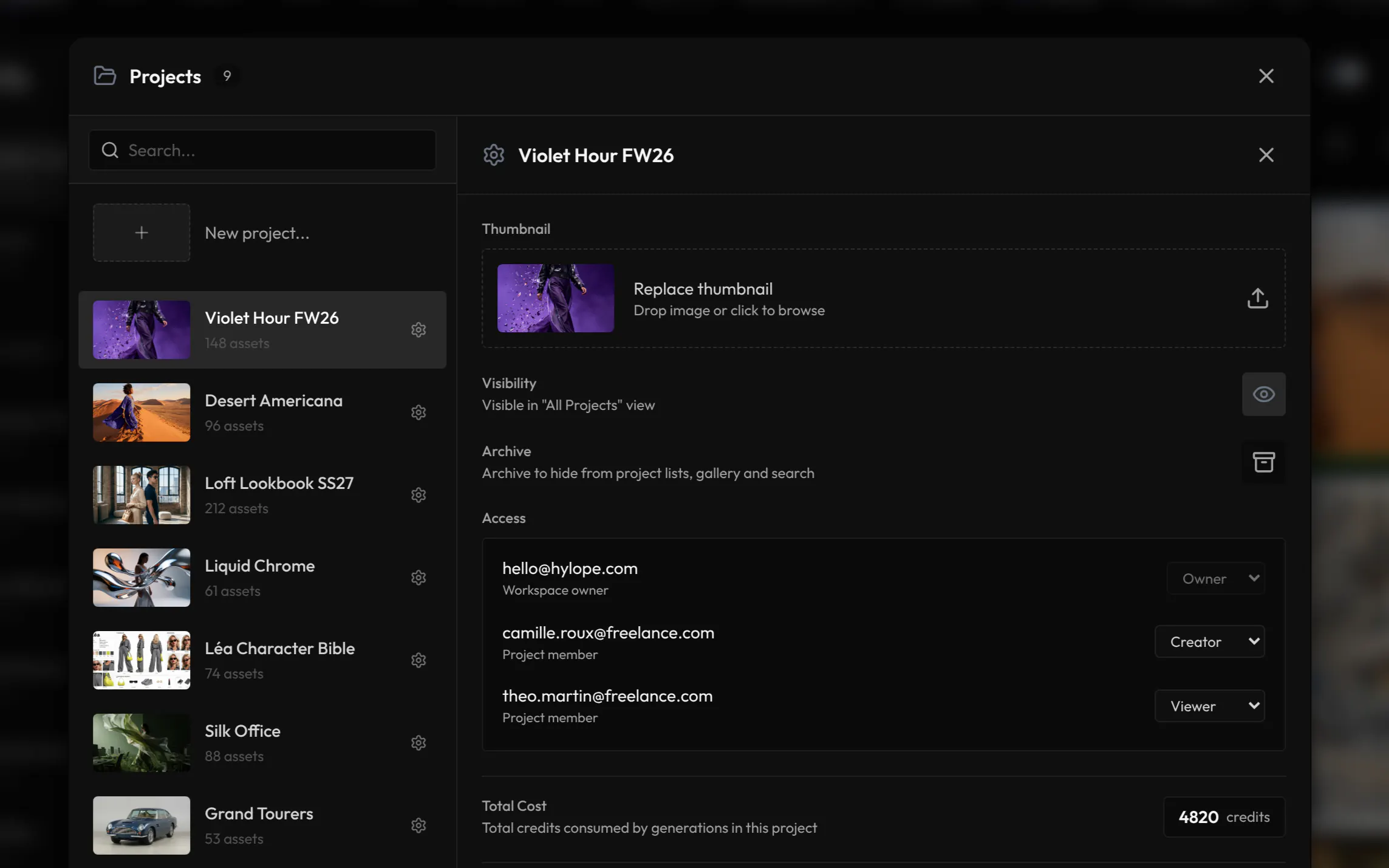
Everything you make belongs to a project. Invite your team, then choose who creates in each project and who only looks.
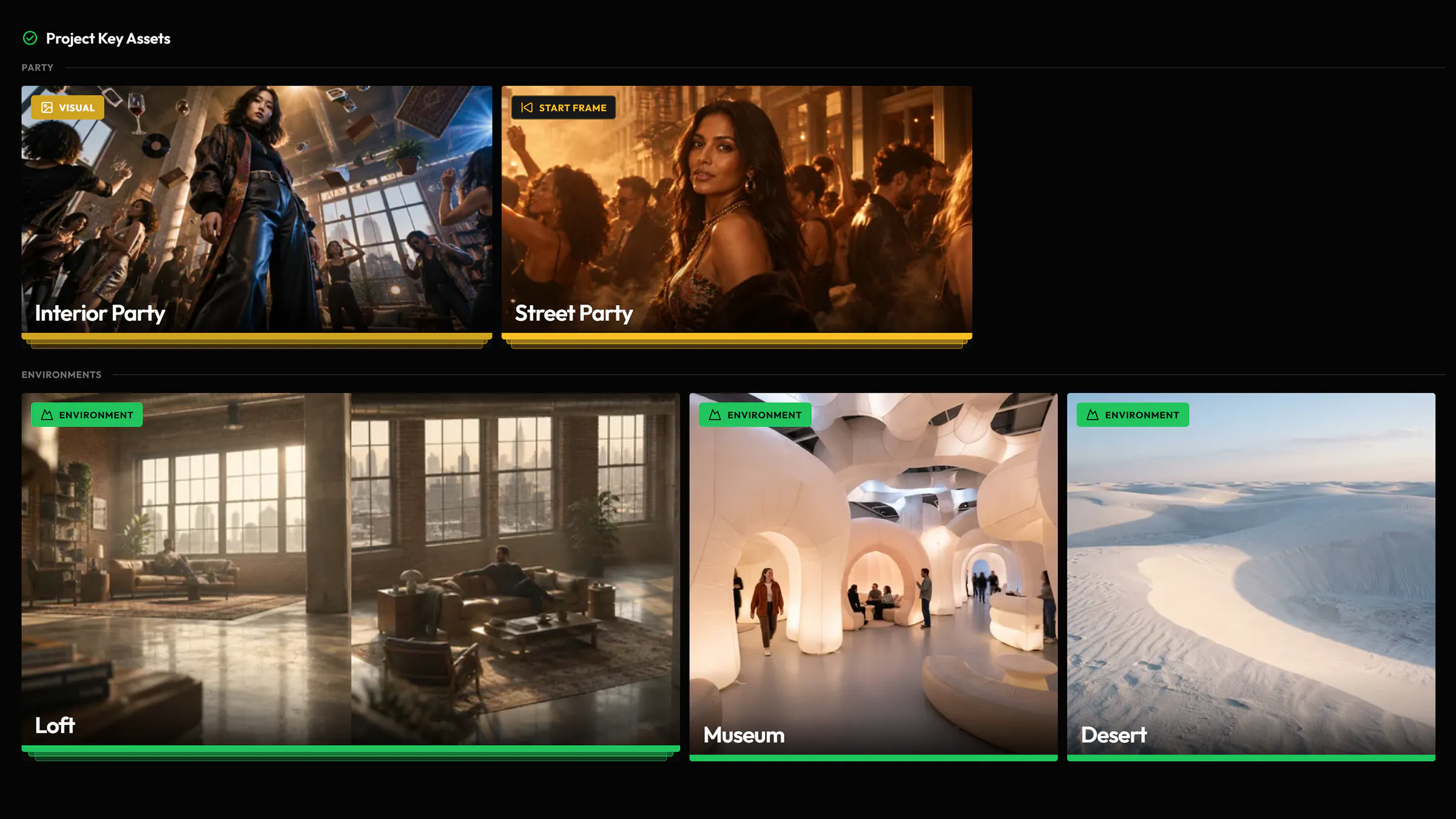
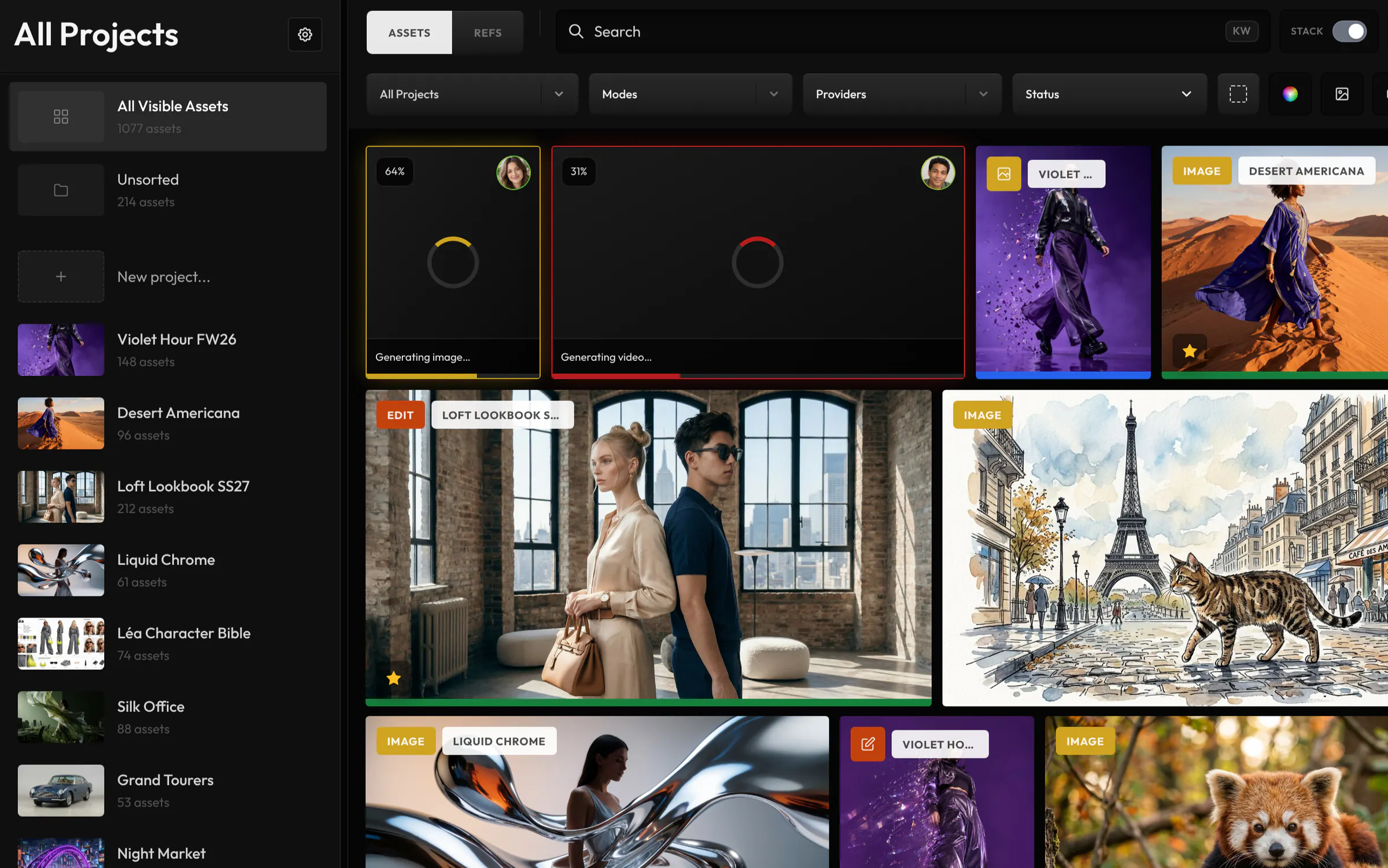
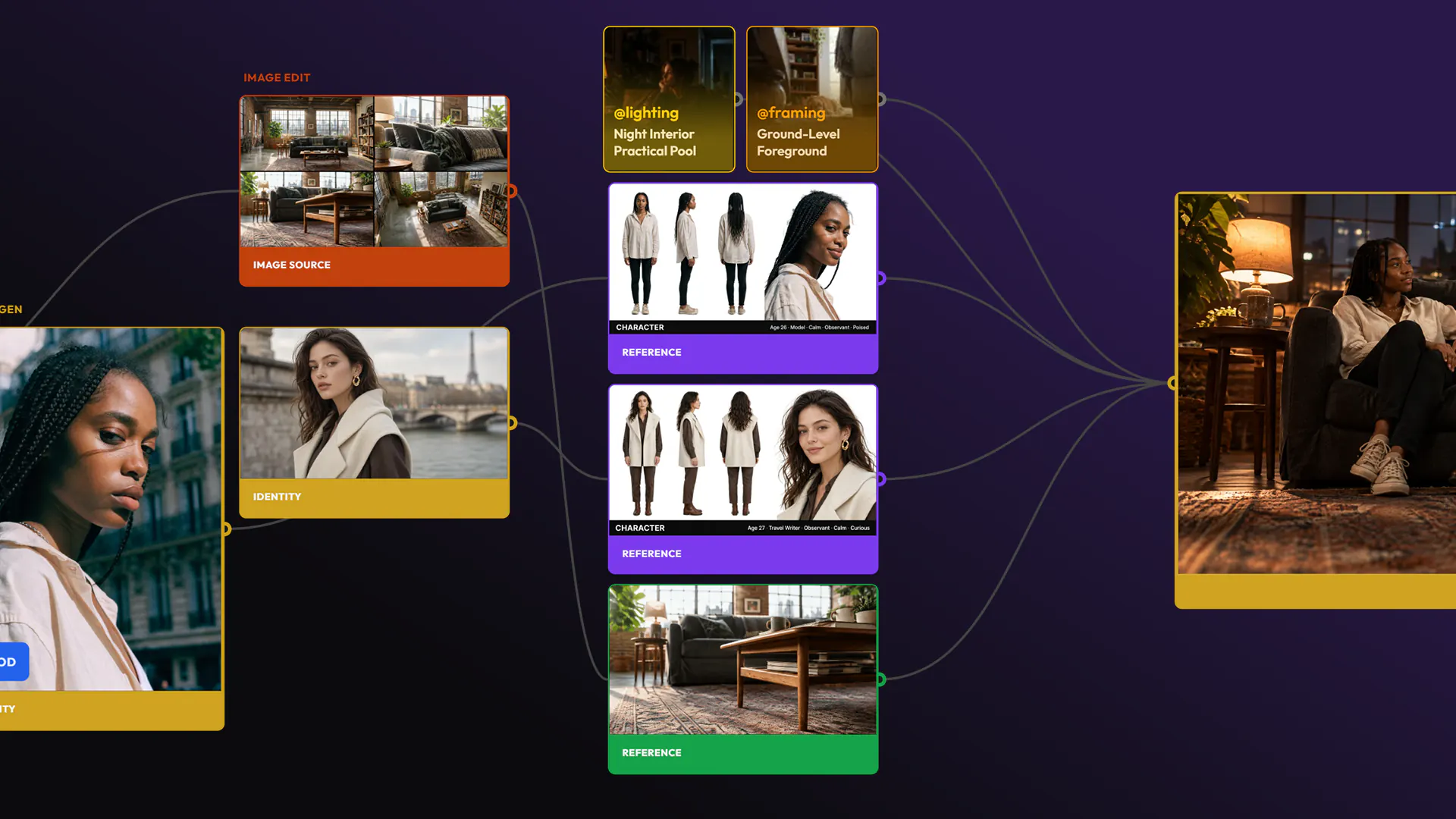
Everything lives in a project.
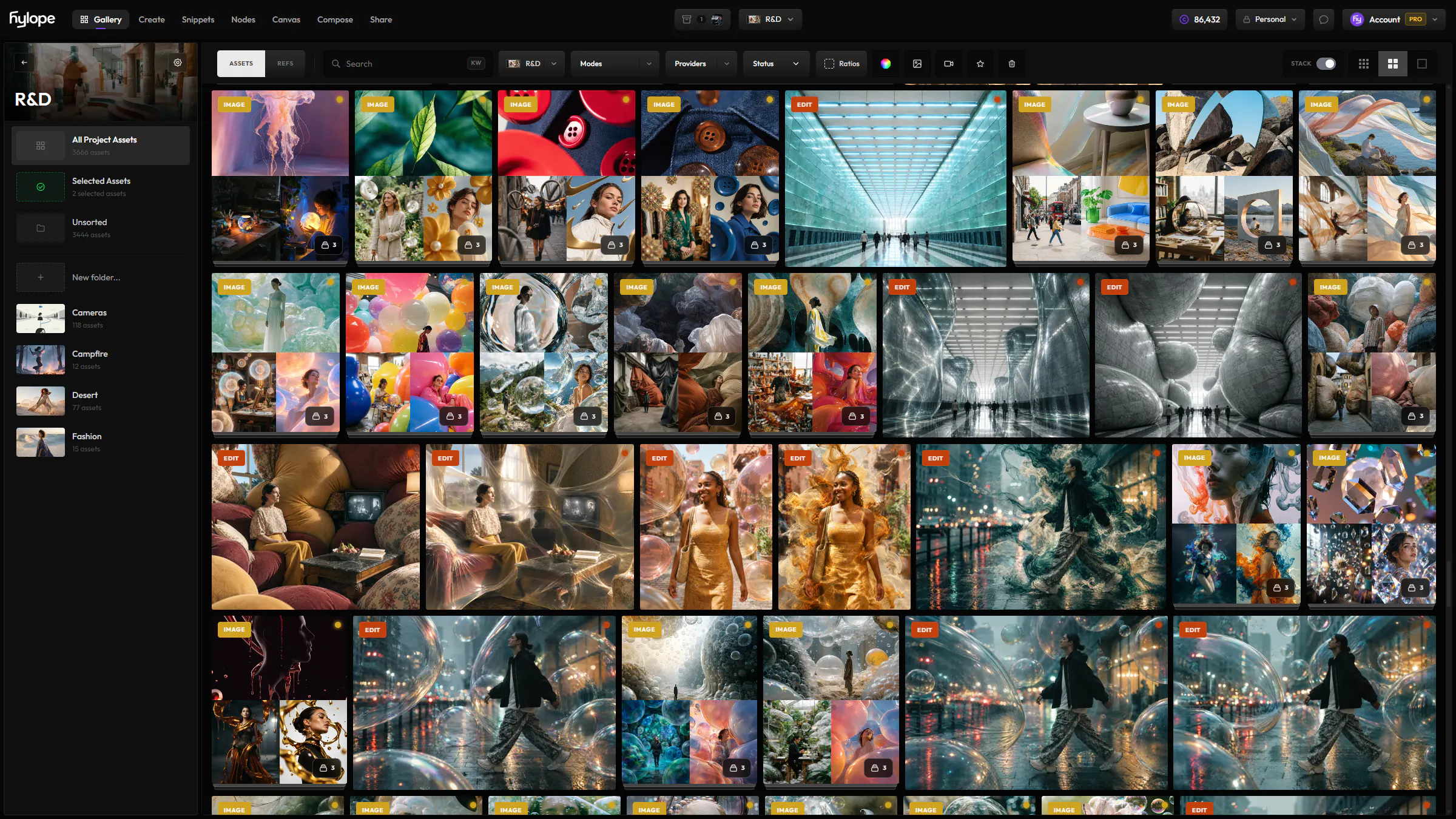
Generations, references, snippets, Key Assets, folders, the canvas and shared folders all belong to a project. Choose it once and every app follows.
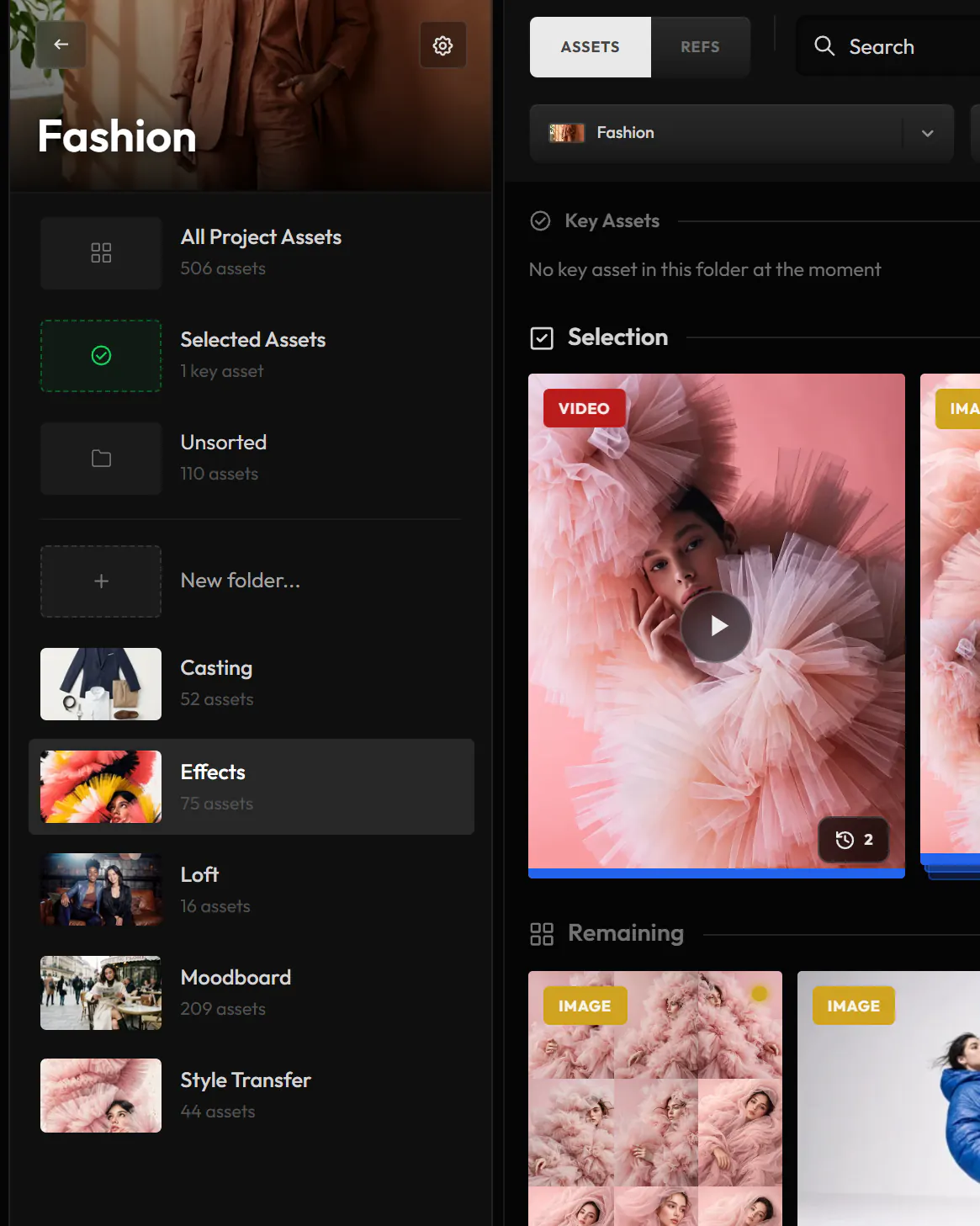
- Folders inside
- Sort a project’s generations, references and Key Assets into folders.
- What it cost
- Its settings show the credits the project has used so far.
- Archive or delete
- Archiving hides a project and turns off its share links. Deleting one keeps its assets.
Your team, in one workspace.
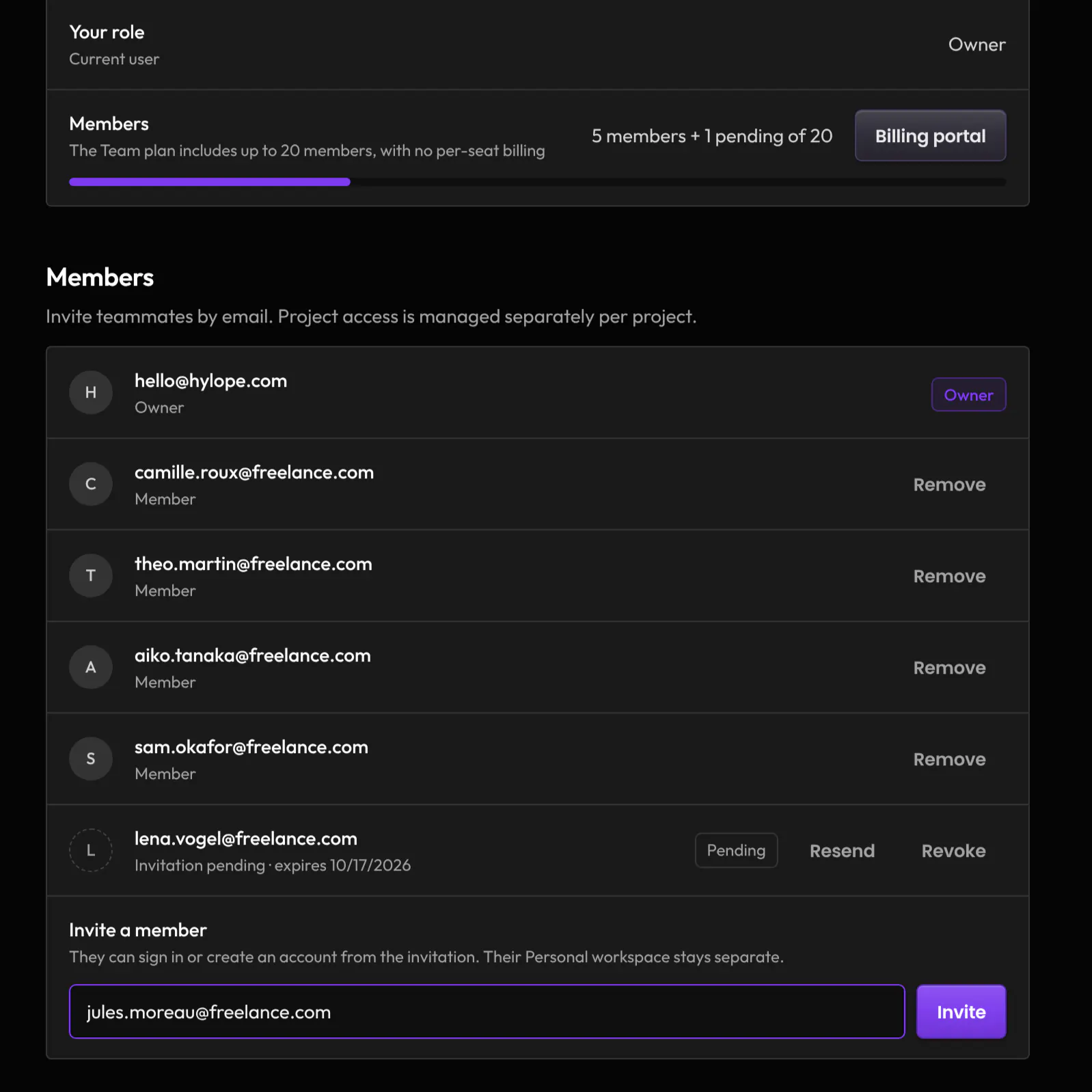
Invite teammates by email. They join your Team workspace and its shared credits, and their personal workspace stays their own.
- Up to 20 members
- The Team plan includes up to 20 members, with no per-seat billing.
- Invitations
- A link lasts 7 days. Resend or revoke it from Settings at any time.
- One region
- A workspace keeps its data in the region chosen when it was created: Europe, North America or Asia-Pacific.
Access, project by project.
The workspace owner sets each member’s access in each project. Members only see the projects they have been added to, and Hylope checks access on every request, down to the files themselves.
Owner
Sees every project and manages them: creates them, sets access, invites members and handles billing.
Creator
Generates, uploads and edits in the project: folders, snippets, Key Assets, the canvas and share links.
Viewer
Sees the project and everything in it, and changes nothing.
No access
The project and its files do not show at all.
Work together, live.
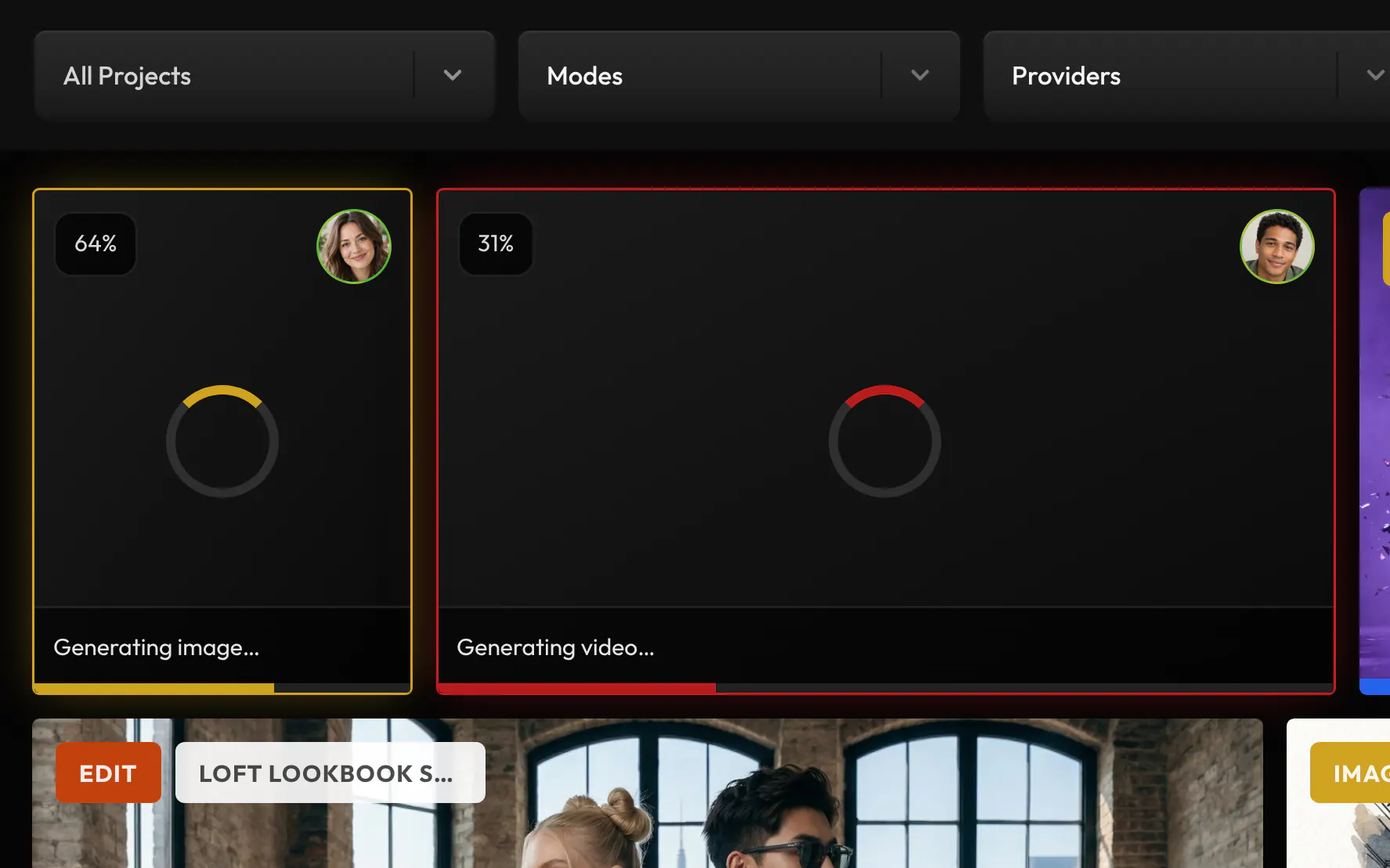
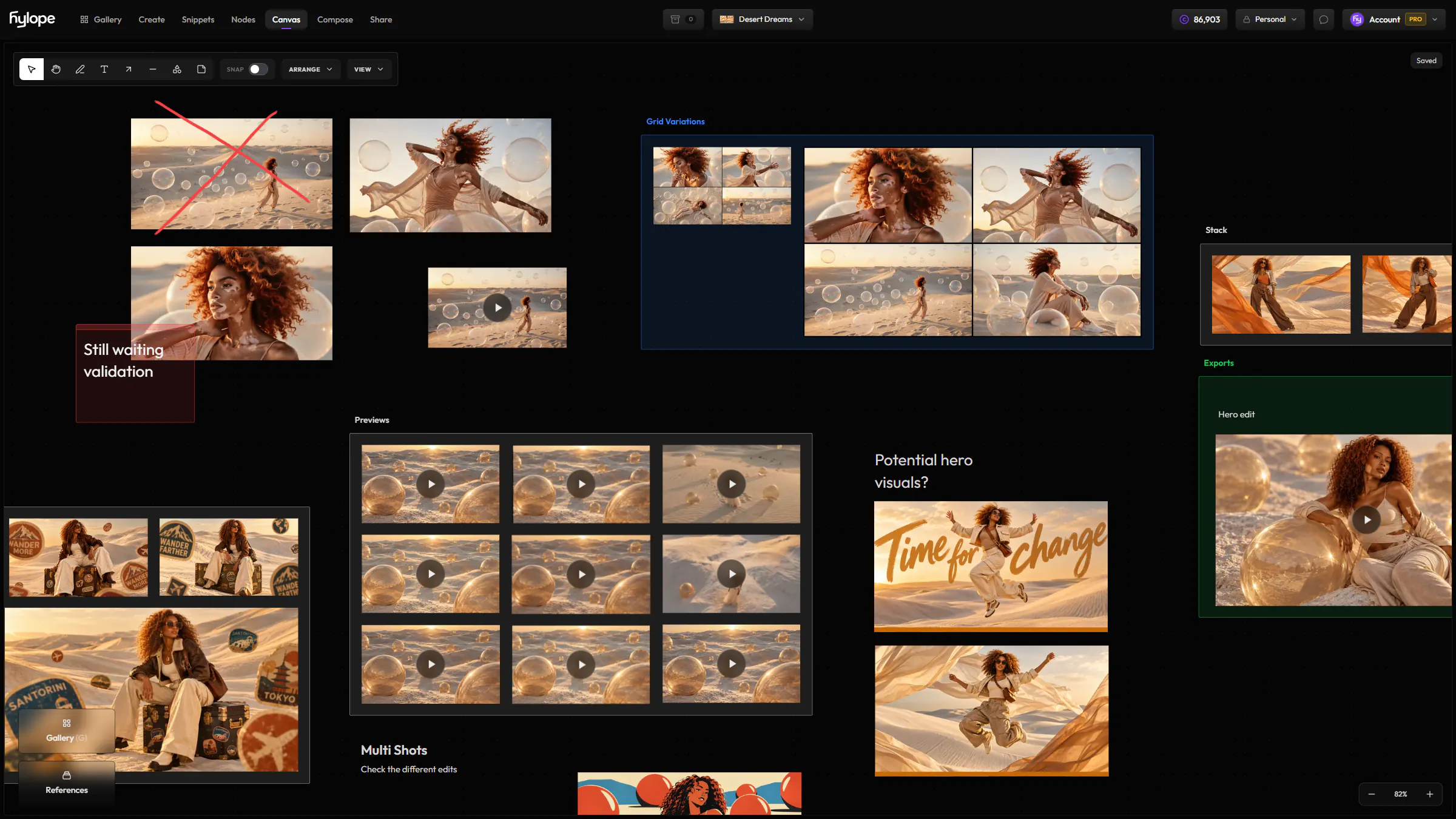
When a teammate generates in a project you share, their job shows in your gallery as it runs, with their avatar, and the result lands the moment it is ready. The canvas is edited together in real time.
- Who made it
- Every asset’s information shows who created it.
- Viewers stay viewers
- A Viewer follows the work as it lands, without changing it.
Questions
Can a member see every project?
No. A member only sees the projects the workspace owner added them to, as Creator or Viewer.
Can access be set per folder?
No. Folders and assets follow their project’s access.
Does each member need a paid plan?
No. Members work in your Team workspace and use its shared credits. Their personal workspace stays separate.
Can a client join a project?
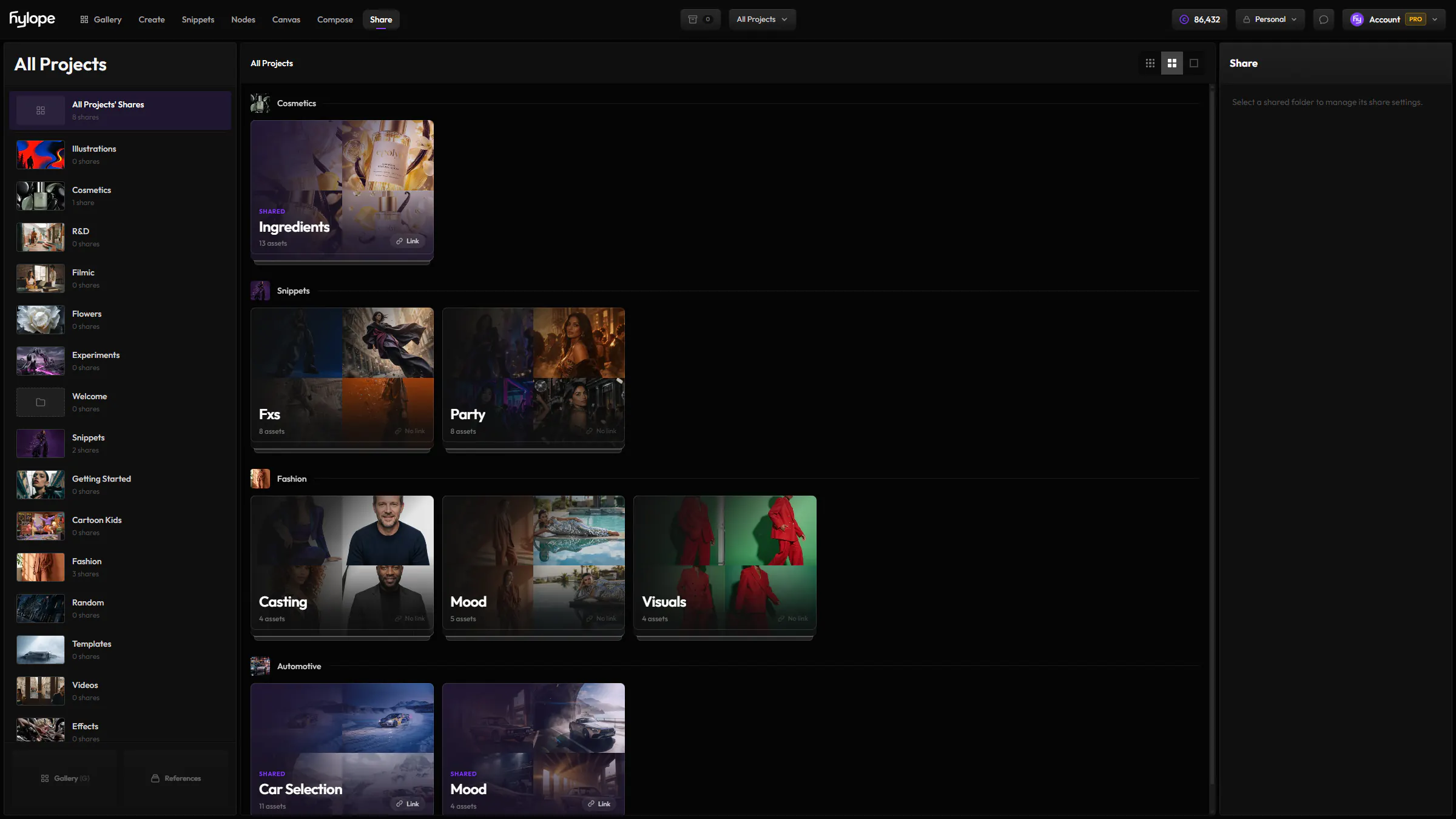
Clients do not join the workspace. Share a folder with them from Share, with a password, an expiry date and control over downloads.
What happens when someone leaves the team?
Remove them and they lose access to the workspace and all its projects at once.
Ready to create?
Hylope 1.7 is open to everyone. New accounts start with 100 free credits.