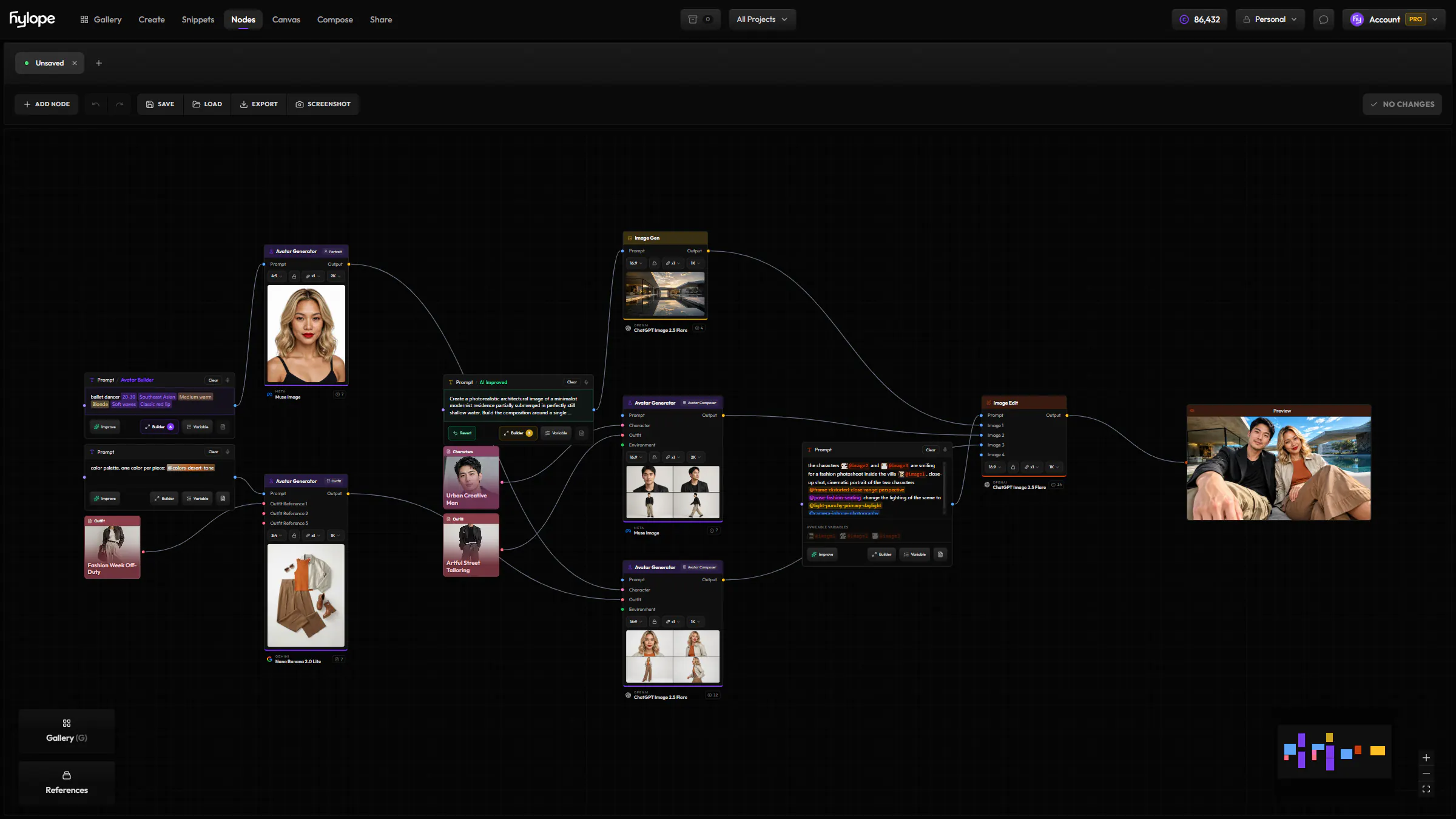
Split & extract
Split sheets, pull frames, separate layers.
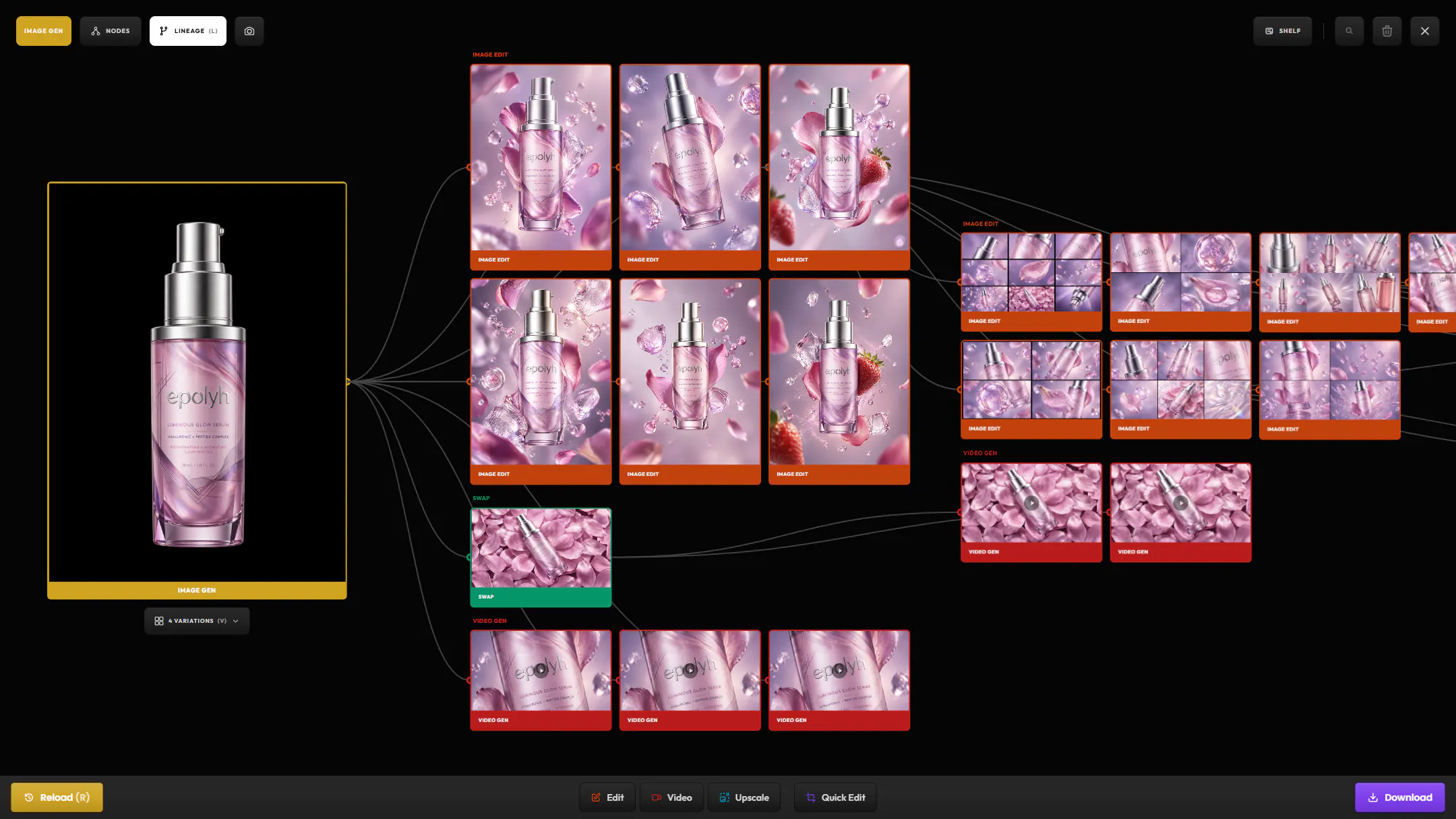
Whatever you extract becomes its own asset, attached to the one it came from. Nothing leaves the app to be worked on and imported back.
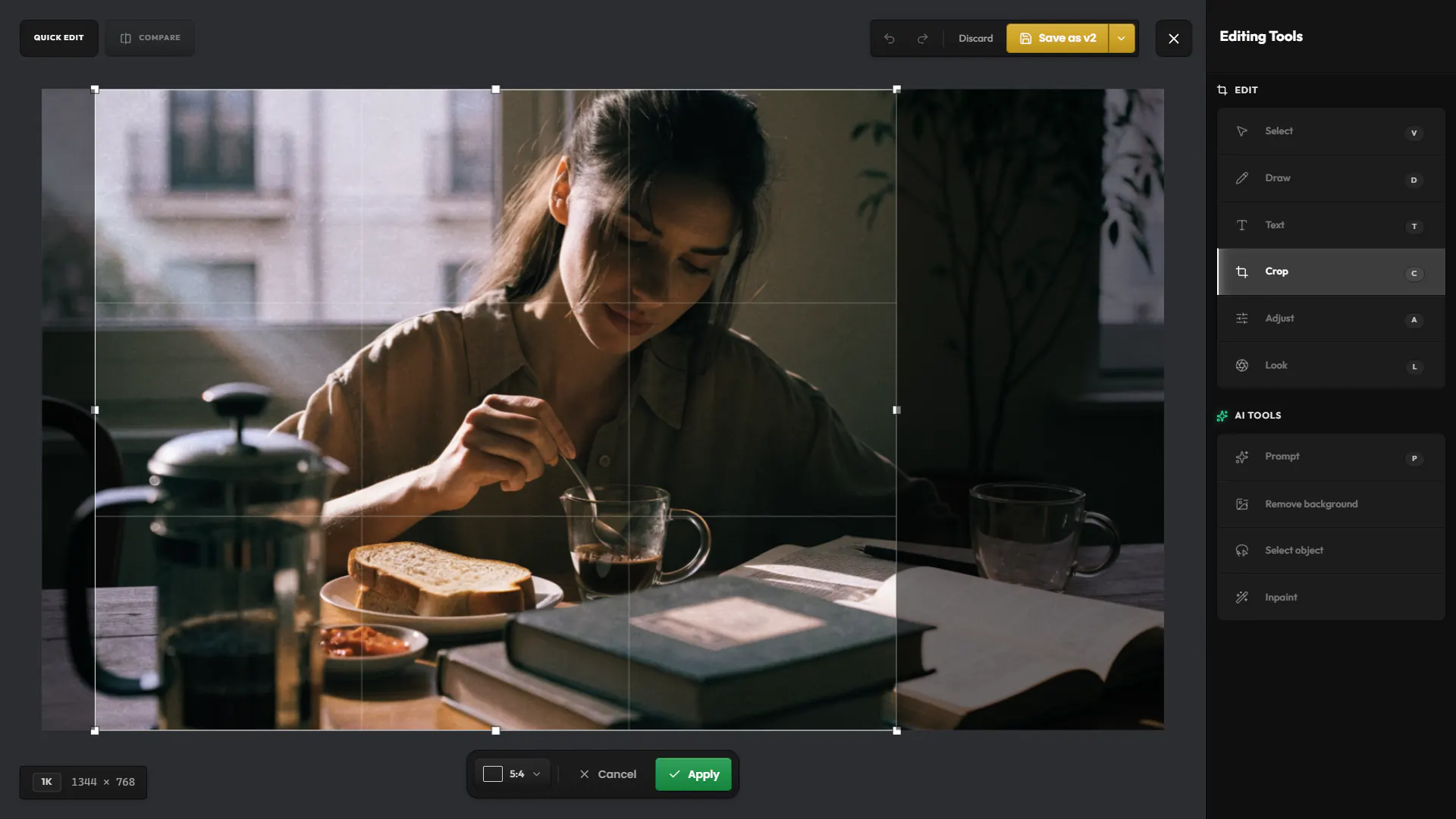
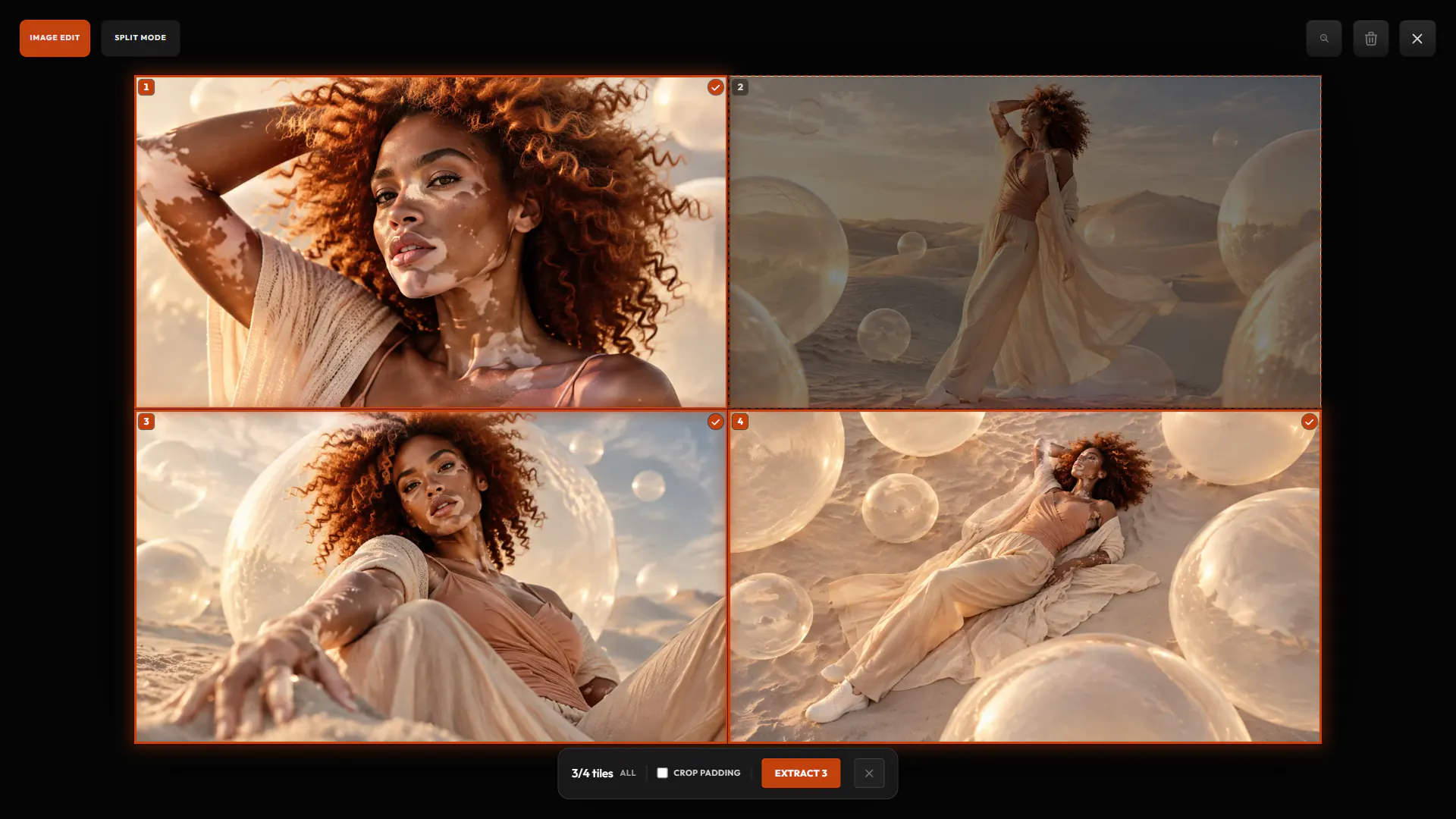
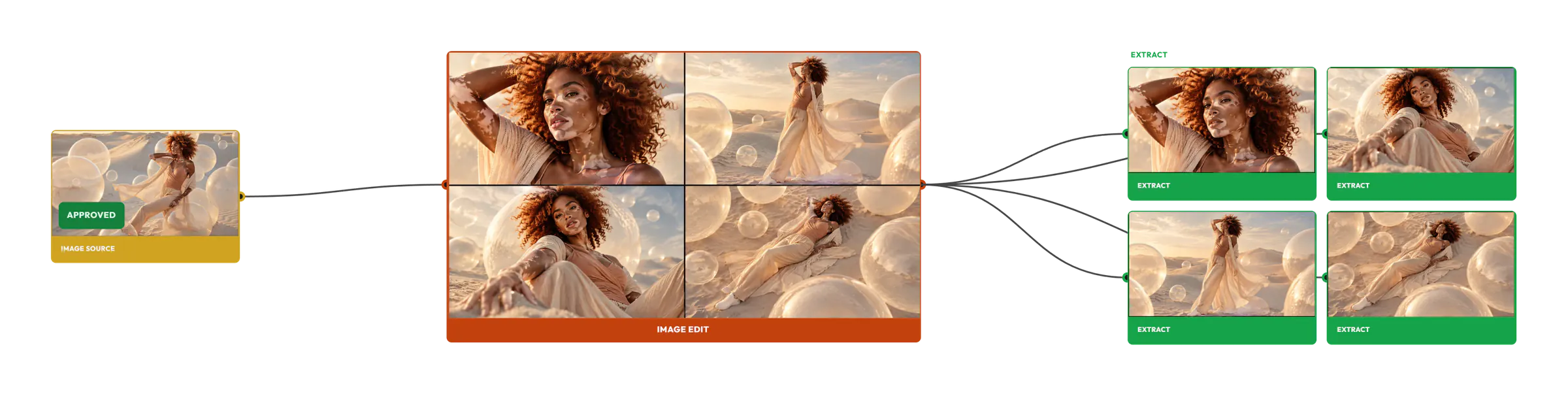
Turn a contact sheet into individual assets.
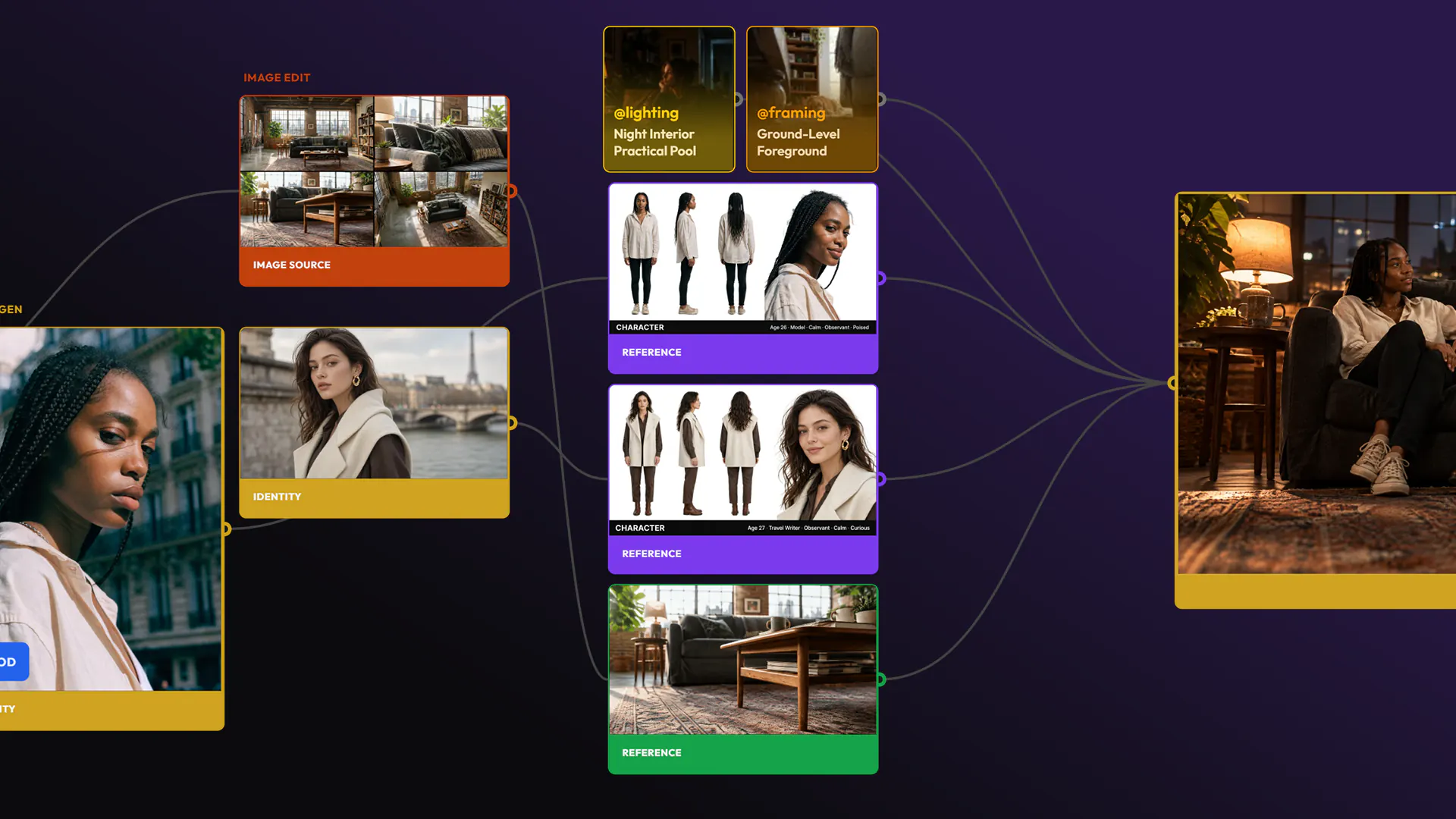
Contact sheets from Image, Image Edit and Avatar come back as one image of several shots. Hylope finds each tile, even when a model ignored the grid: pick the ones you want and each becomes its own asset, linked to the sheet.
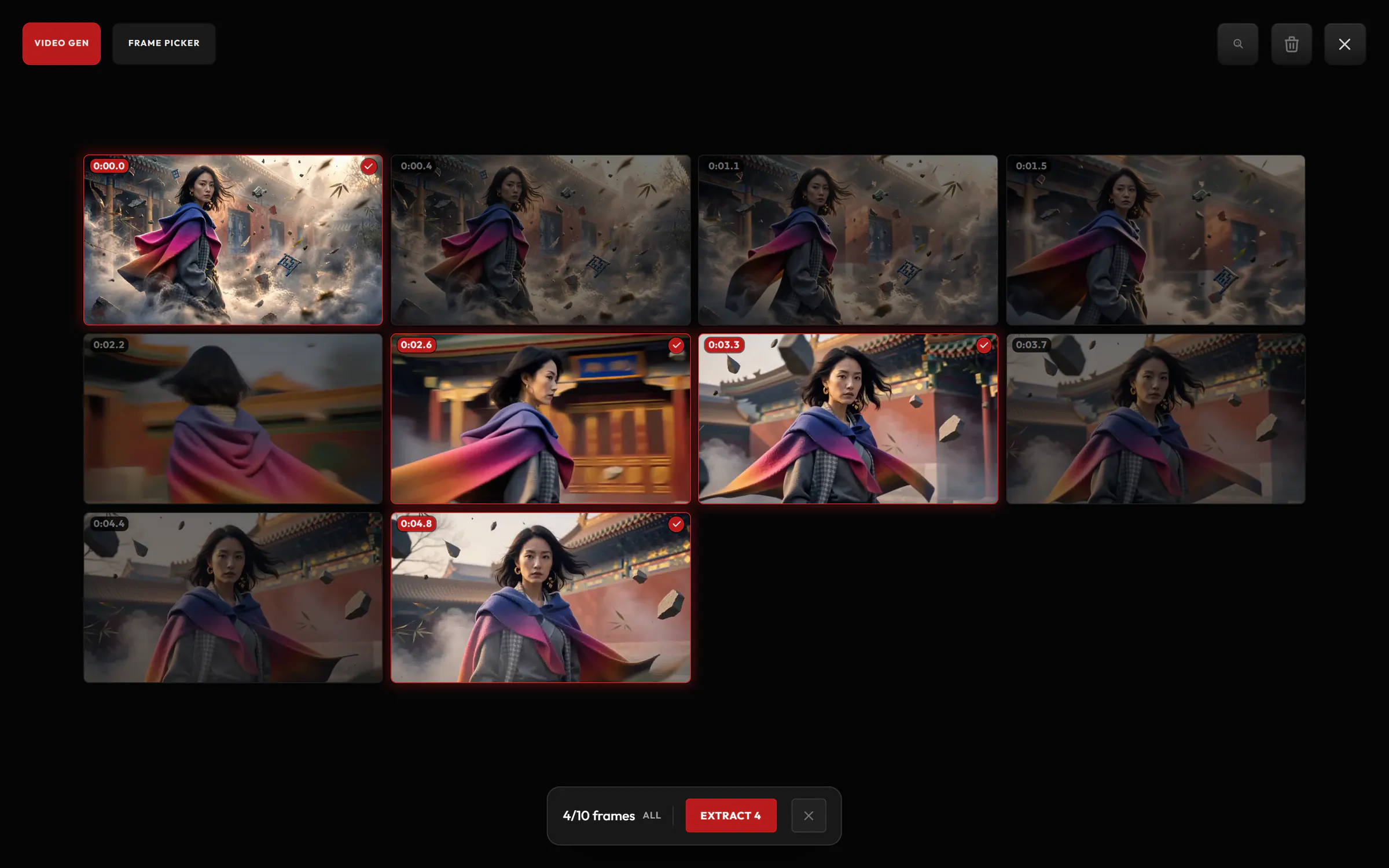
Pull stills out of a video.
Hylope lays out frames from across the clip. Pick the ones you want and each is saved as a full-resolution image, linked to the video.
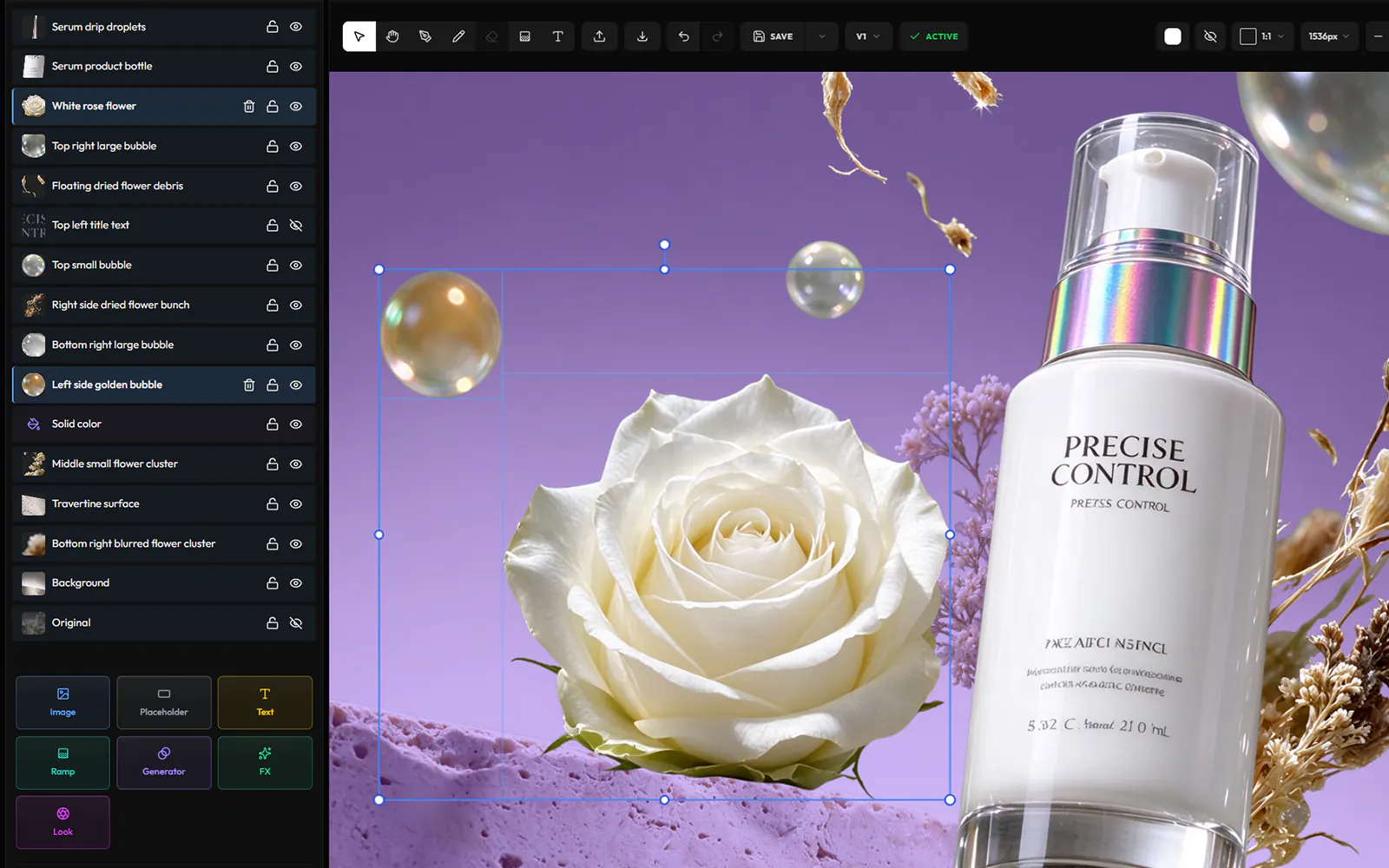
Turn a flat image back into layers.
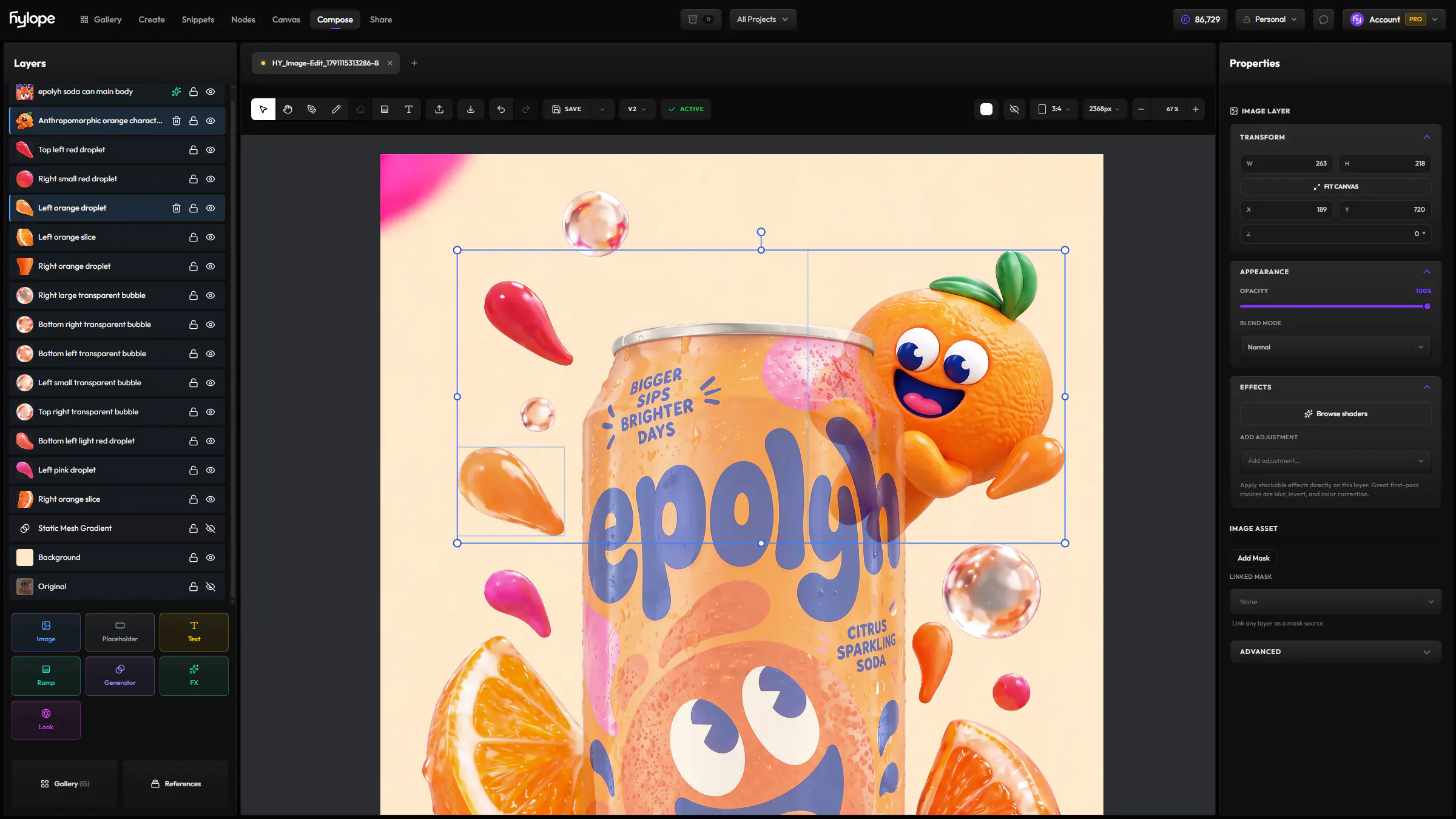
Extract layers separates an image into its subjects, text and background, each on a transparent layer, with the areas behind them rebuilt. The layers open as a new Compose scene, ready to move, restyle or delete, and the image itself stays as it was.
Works with
Ready to create?
Hylope 1.7 is open to everyone. New accounts start with 100 free credits.