
Hylope is a creative app for making images, video and audio with AI models, and keeping every version organized. You pick the model, write or assemble the prompt, and decide what to keep. These pages explain how each part works.
TutorialGetting Started35 min
Get started with the Hylope interface
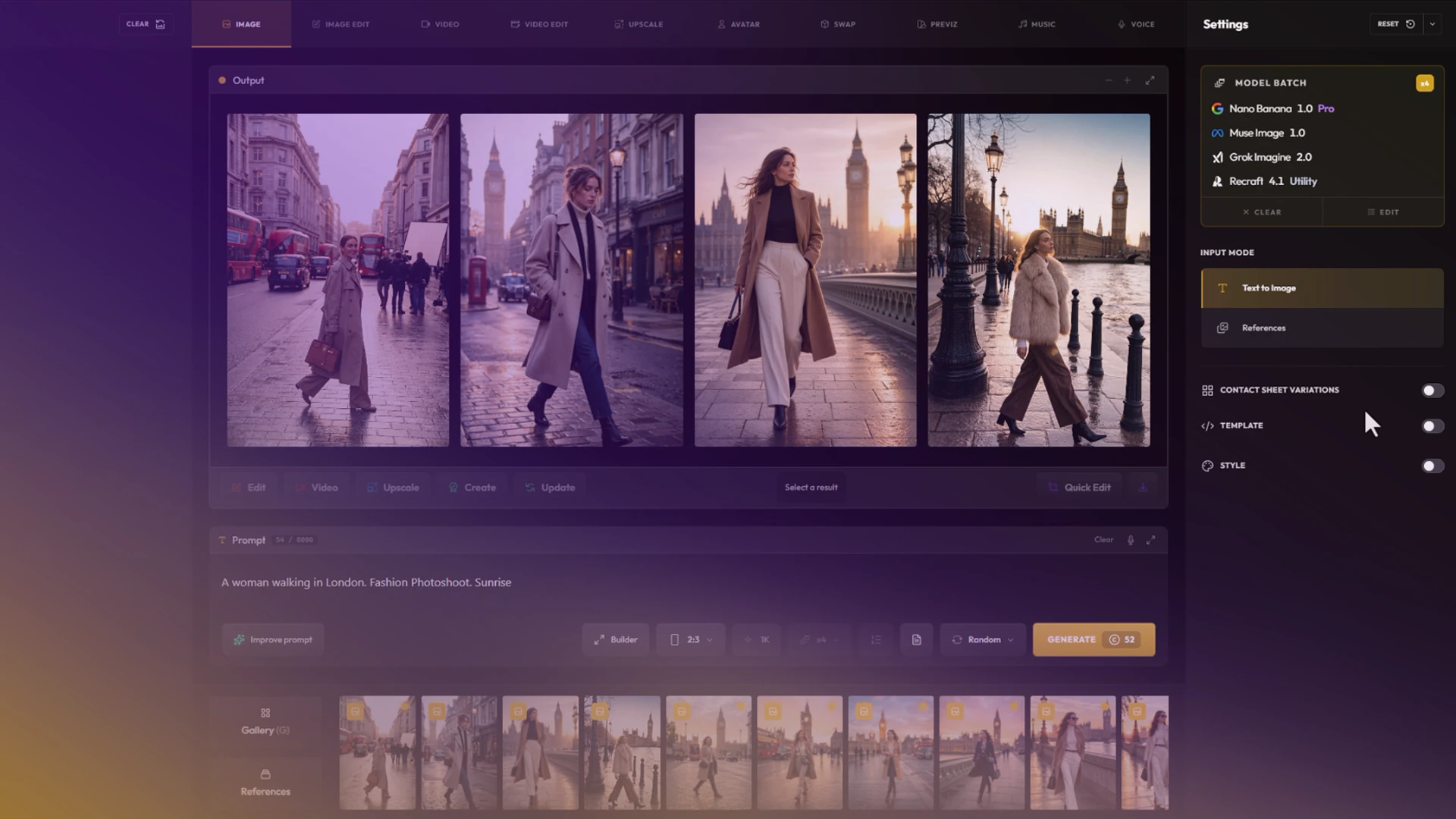
Hylope is a workspace, not a chat: one layout for every mode, built for dragging images between gallery, inputs and results. Learn your way around it and create your first image.
Start here
Create
Create is where you generate. Each tab is a mode with its own inputs, settings and models. See the Create overview for what the tabs share.
The other apps
Every app works on the same library. A result from Create is already in the Gallery, and can be used as an input, a snippet, a layer or a shared file without uploading it again.
Everything else
- Projects & folders and versions & lineage: how work is organized and traced.
- Quick Edit and the Photoshop plugin: editing an asset without leaving your flow.
- Workspaces & teams and plans & credits.
- Keyboard shortcuts and the changelog.