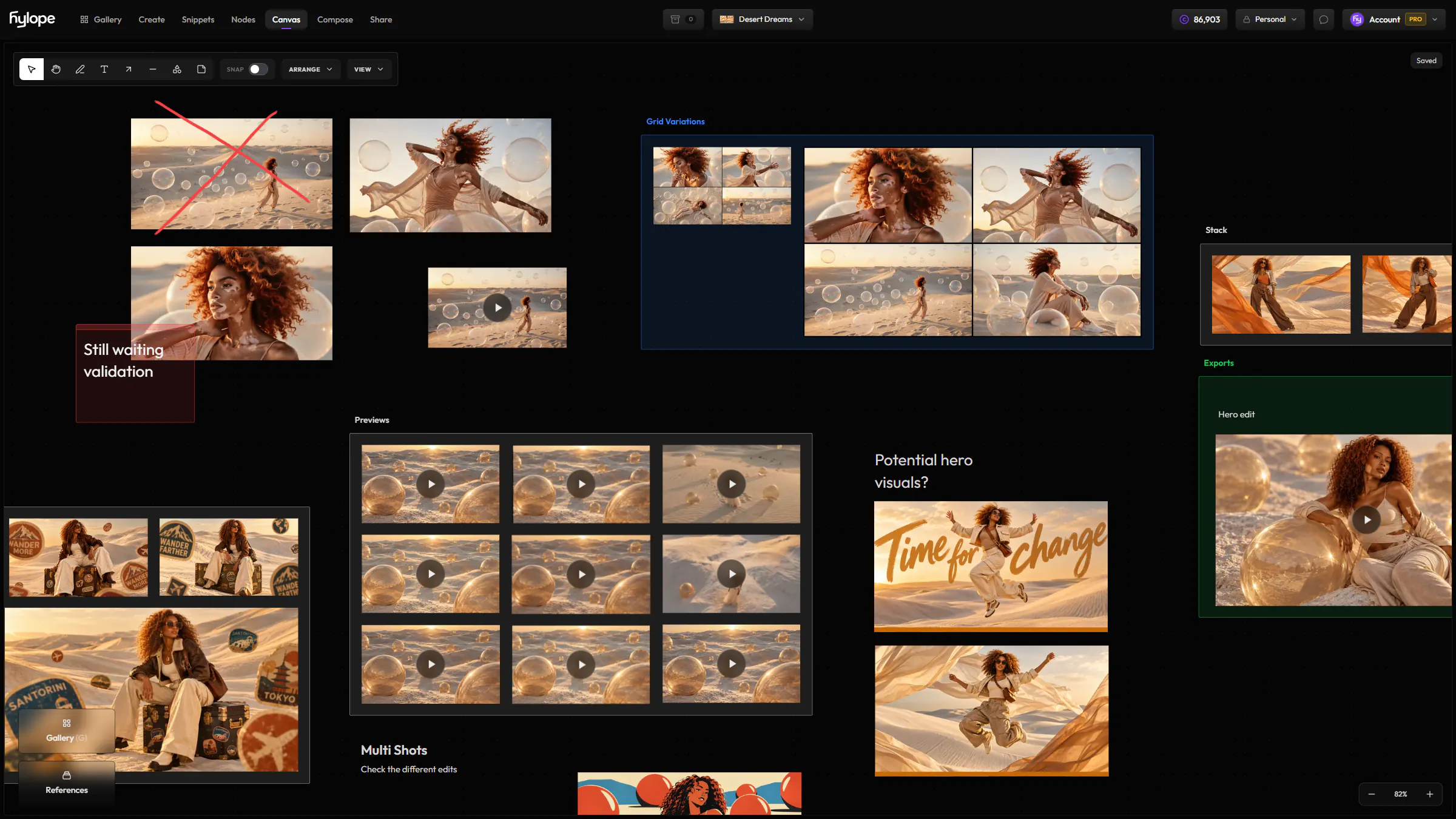
Moodboards in one click
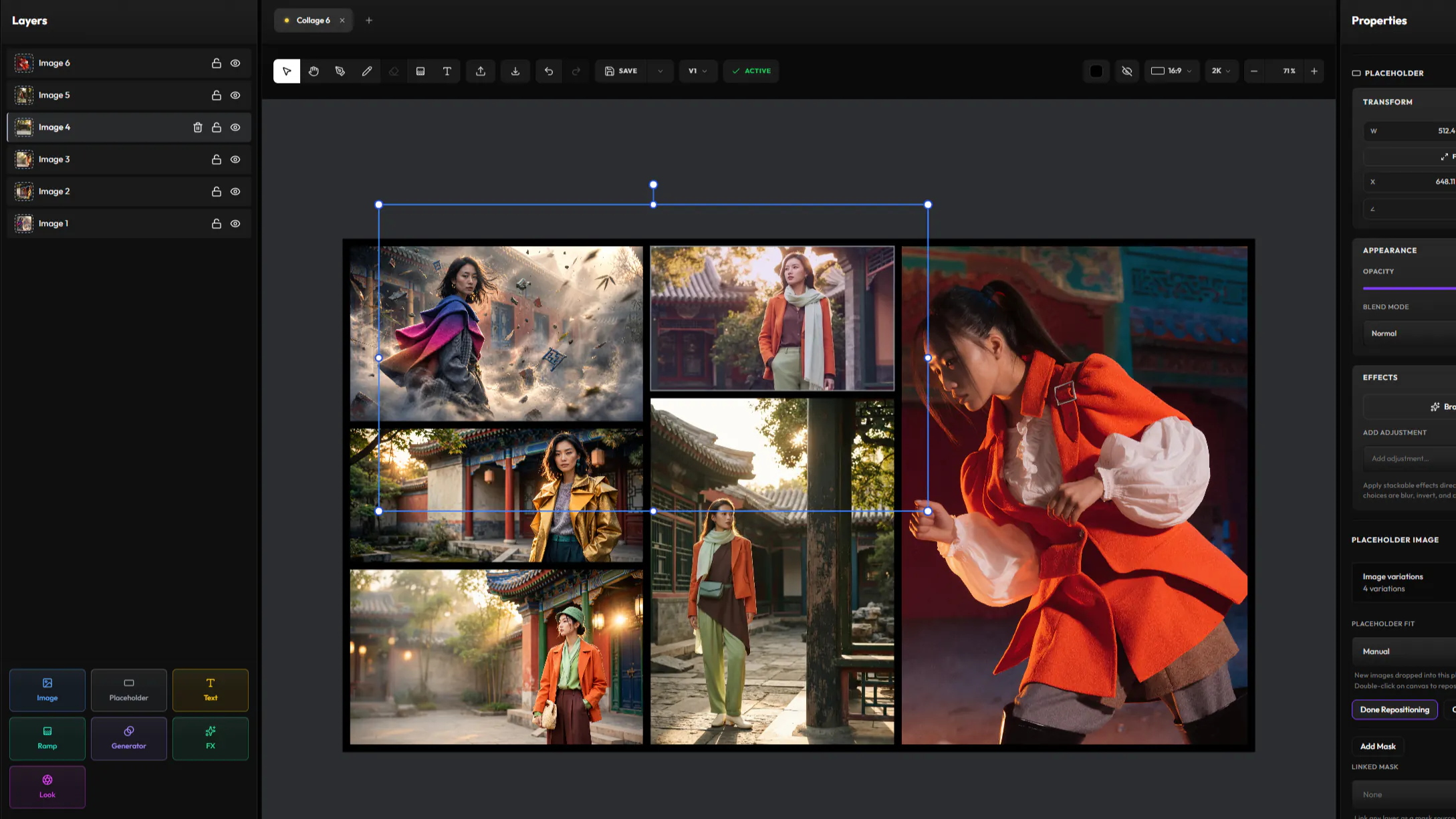
Select up to 20 images in the Gallery, pick a layout, and save a collage you can edit in Compose, one layer per image.
AppsComposeBeta
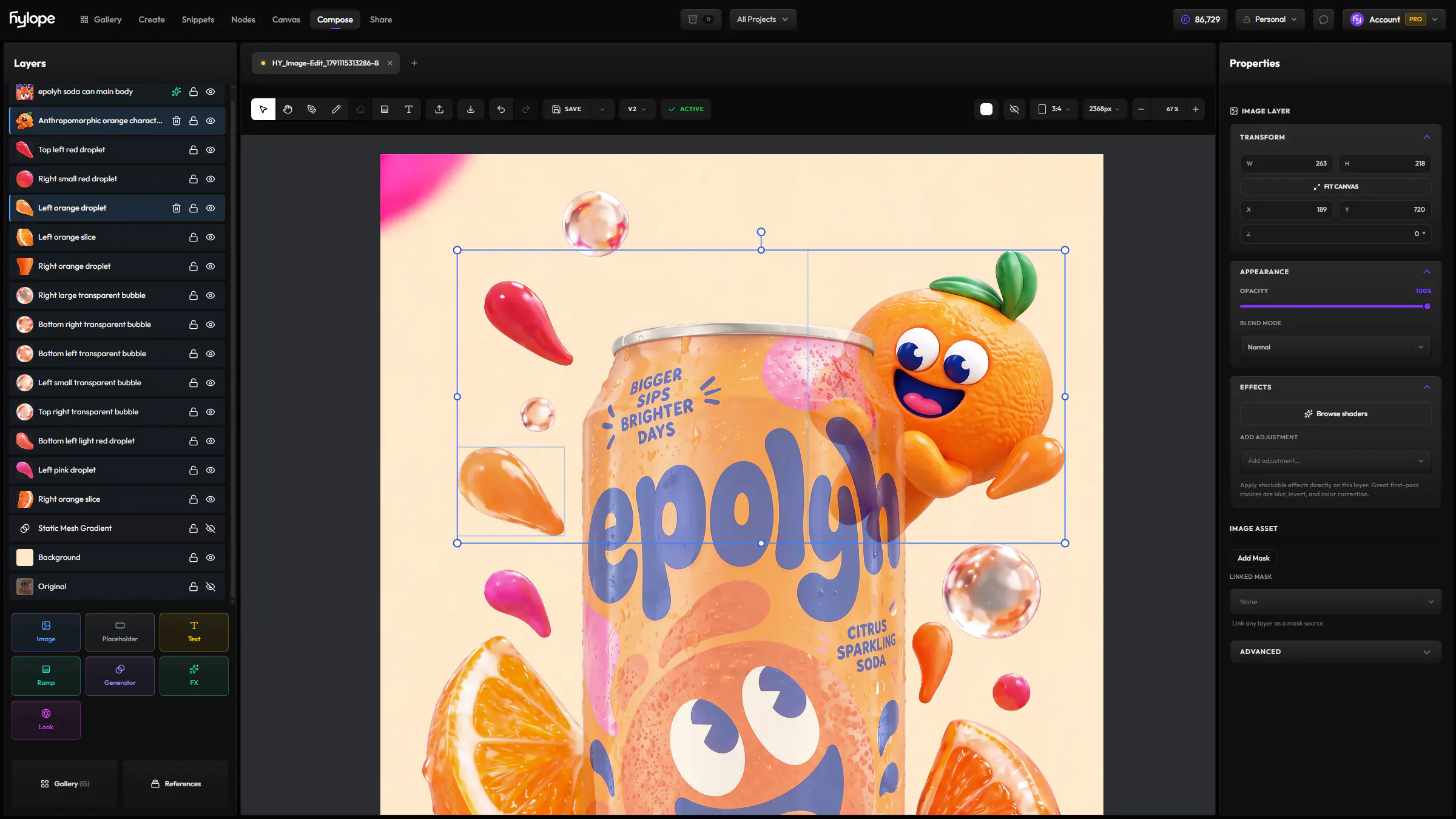
Stack your generations, text and paint in layers, add GPU shaders and film looks, and turn any scene into a template you can run in Nodes.
Stack images, text, paint and gradients, blend them with eight modes, and mask any layer by painting or from another layer.
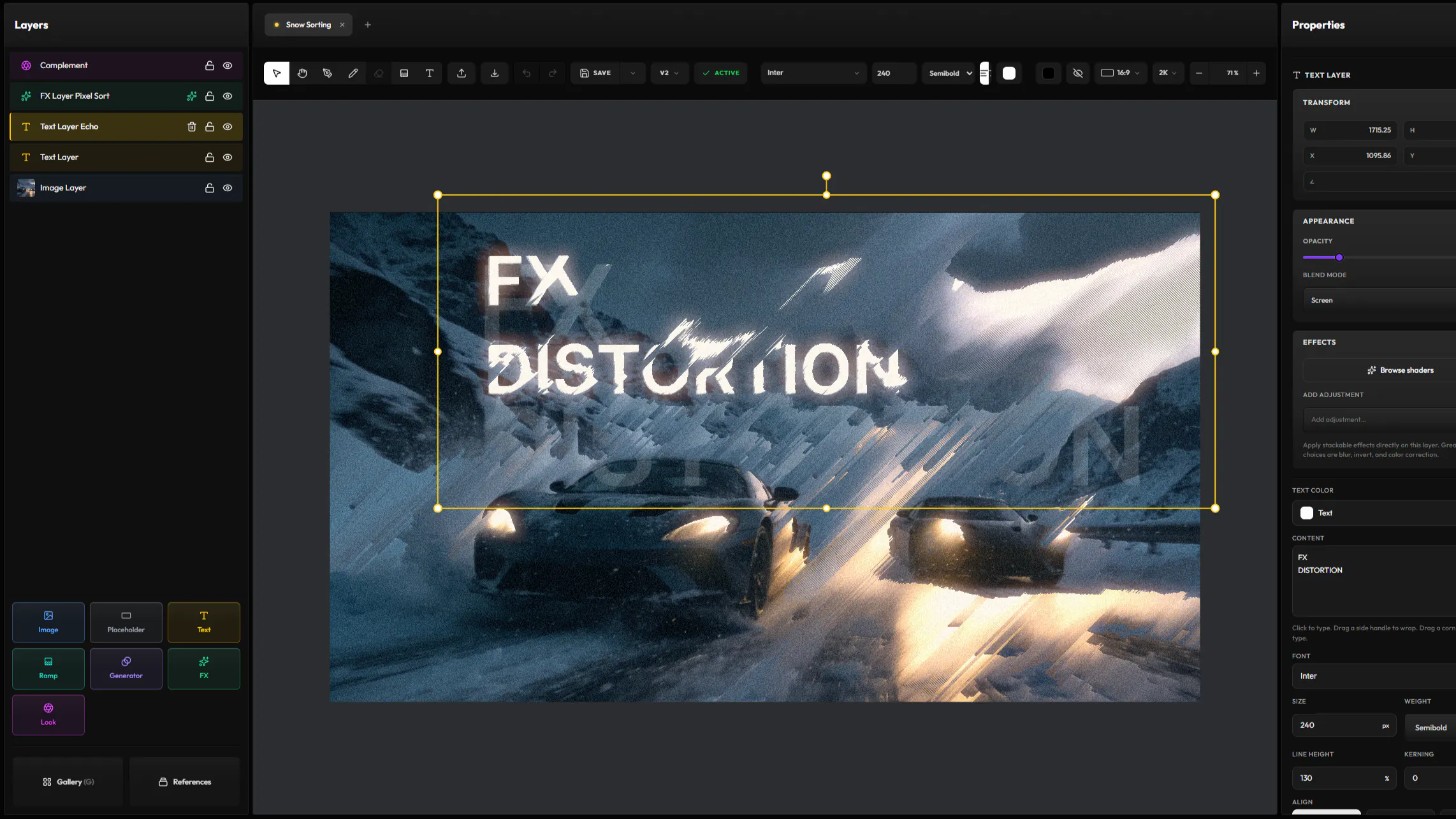
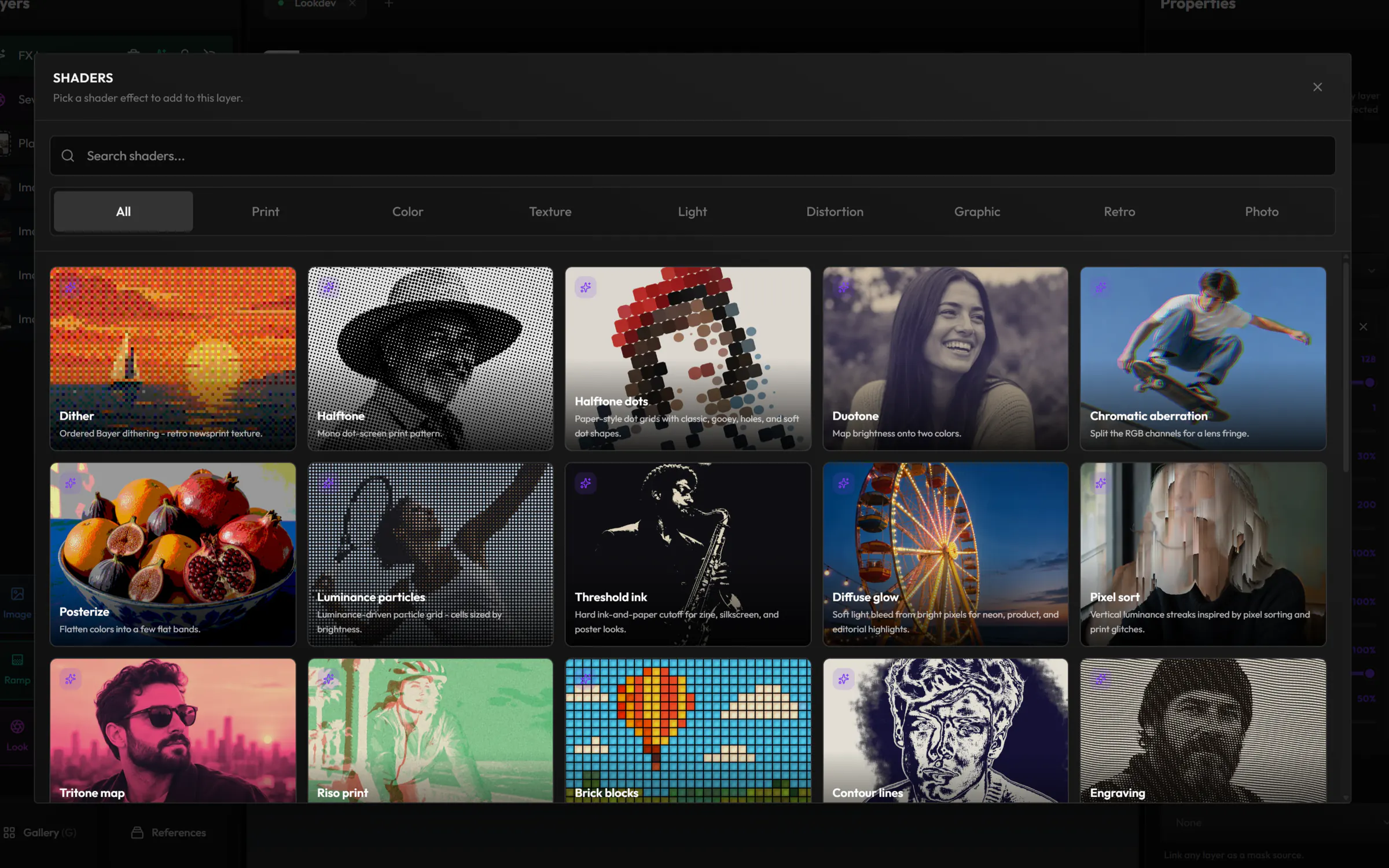
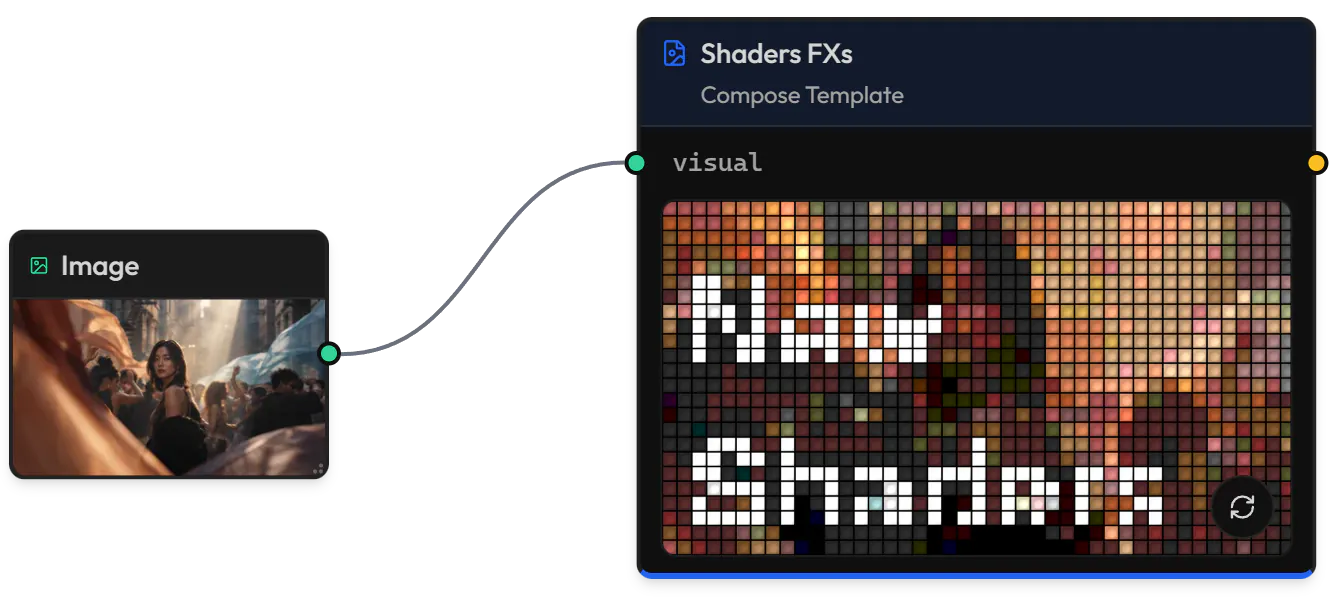
Add halftone, riso print, pixel sort, VHS, film grain and more than 30 other GPU effects to a layer, or to everything below an FX layer, and stack them as you like.
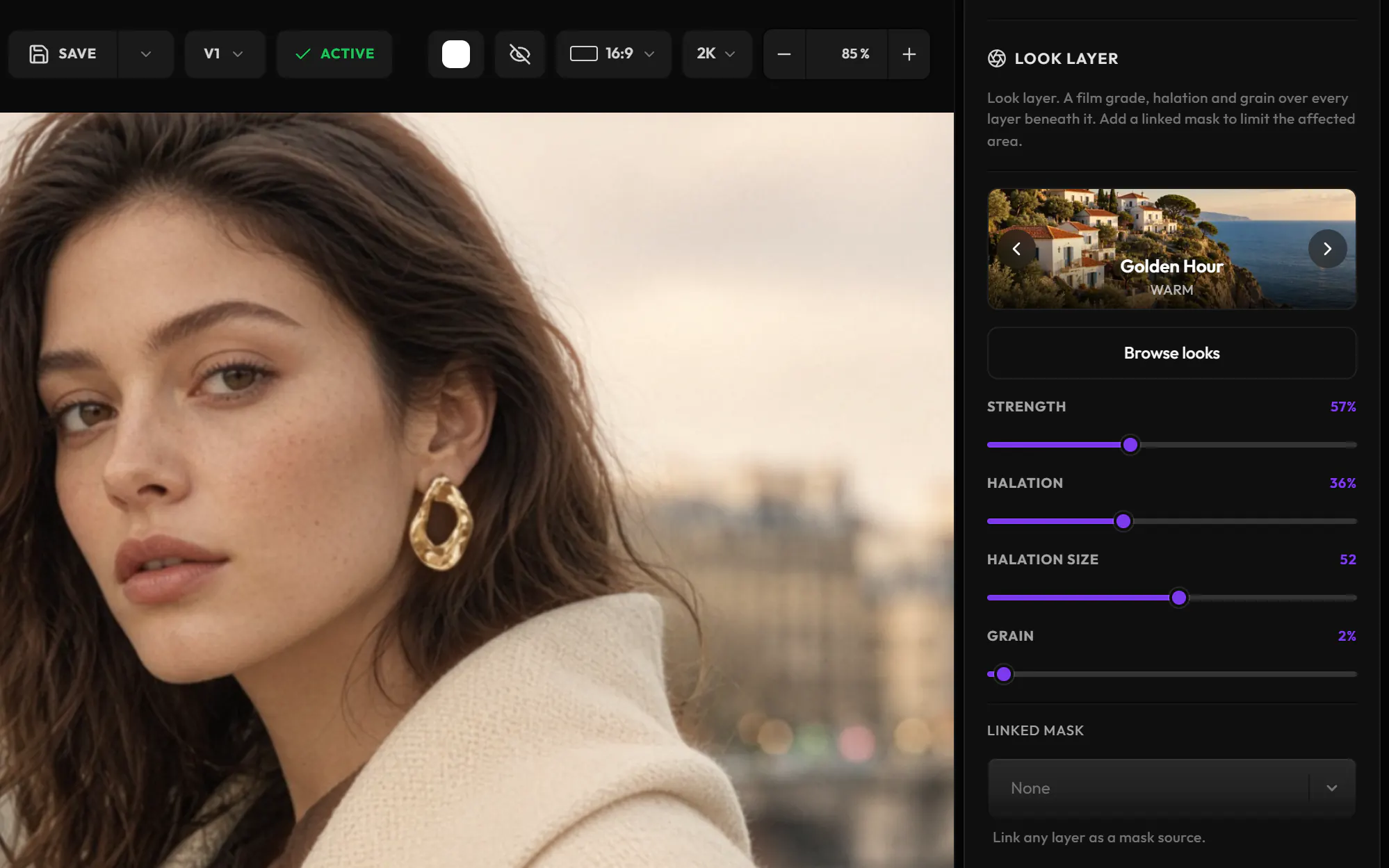
Grade the whole scene with a film look, from Golden Hour to Noir, and set its strength, halation and grain.
Mark layers as template slots, and your scene becomes a node in Nodes: each row of inputs renders its own version. Discover Nodes
Select up to 20 images in the Gallery, pick a layout, and save a collage you can edit in Compose, one layer per image.
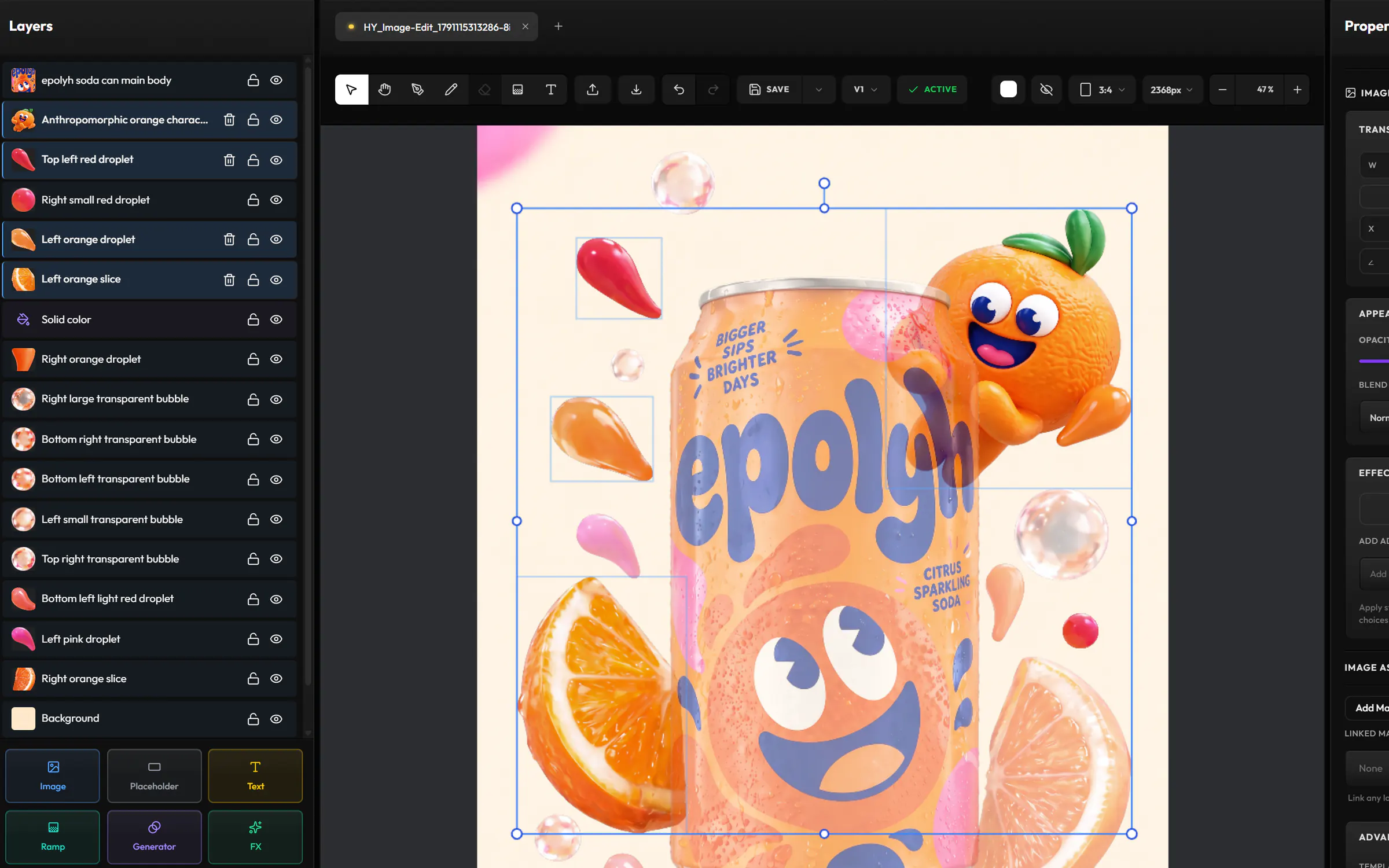
Split an image into its subjects, text and background, and get a new Compose scene with each one on its own layer.
Draw a rough storyboard frame, and AI redraws it as a finished image on a new layer.
Fill a layer with a mesh gradient, a studio backdrop, an aurora or plasma, without an image.
Set titles and captions in 16 fonts, with control over weight, spacing and alignment.
Image layers stay linked to their Gallery asset, so you can switch to its latest version or another variation.
Save a scene as a new version, and choose the one the Gallery shows.
Download your scene as a PNG at up to 4K, or save it to the Gallery.
Images from your Gallery or your computer. Videos join a collage as stills, and scenes export as PNG.
Mark the layers you want to change as template slots. In Nodes, the scene becomes a Compose Template node with one input per slot.
No. Shaders, looks and generated backgrounds run on your graphics card, instantly. Extract layers and Improve Sketch use AI models and cost credits, shown before you run them.
No. It creates a new Compose scene, and your image stays as it was.
Hylope 1.7 is open to everyone. New accounts start with 100 free credits.