

















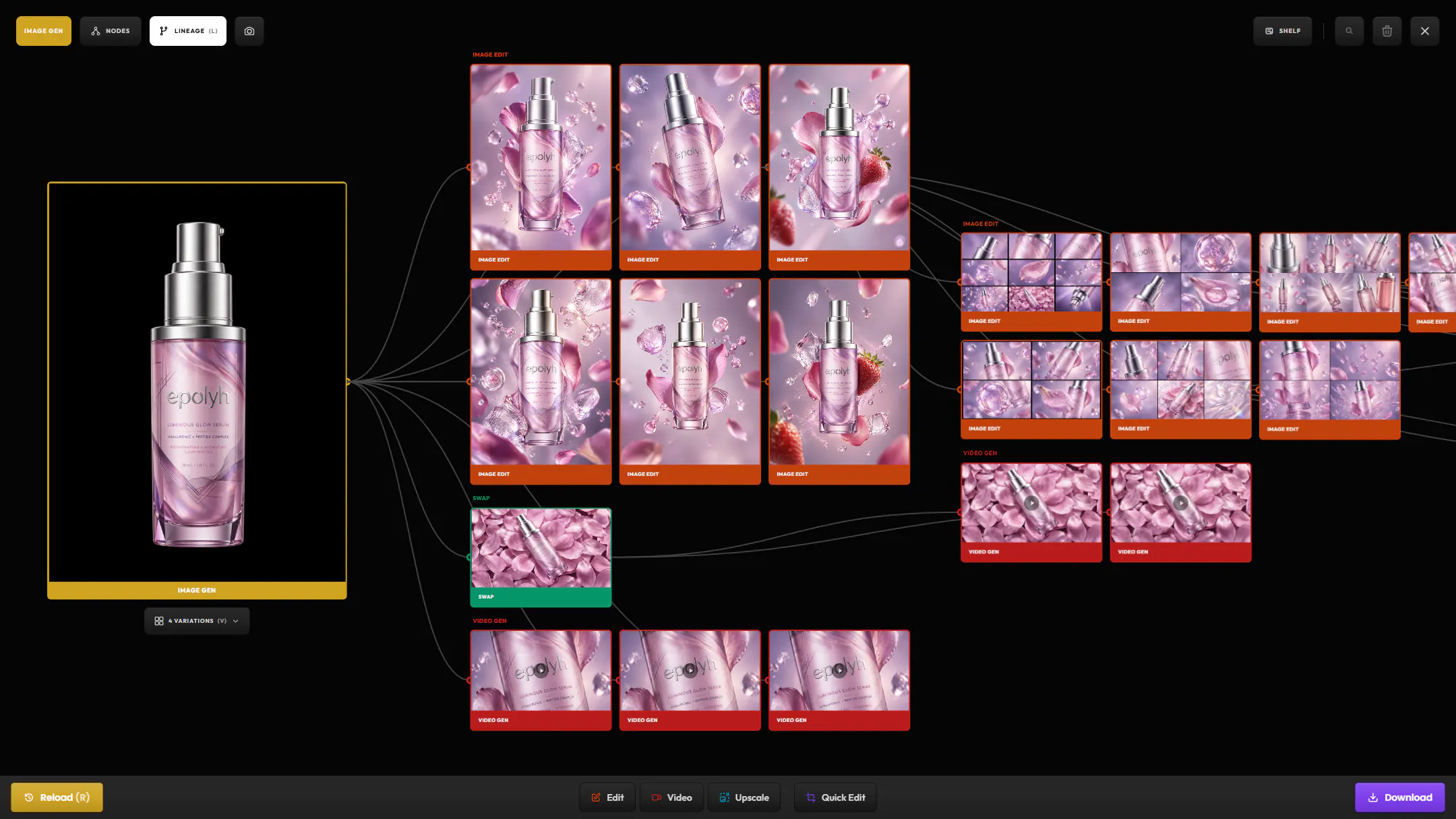
Visual connections
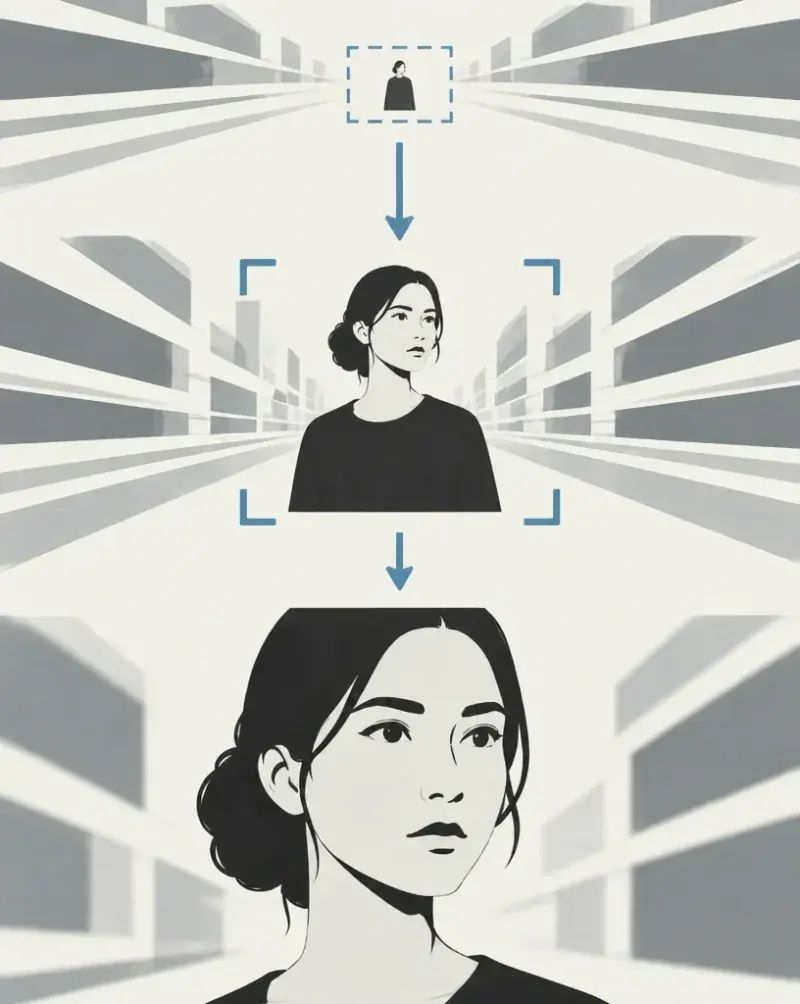
See how every asset relates to each other: parents, children, and every step in between.
AI images and video, from first draft to final version.
Precise tools for creatives who still care about craft.
 Google
 OpenAI
 KlingAI
 BytePlus
 Black Forest Labs
 MiniMax
 xAI
xAI Recraft
 Ideogram
 Krea
Krea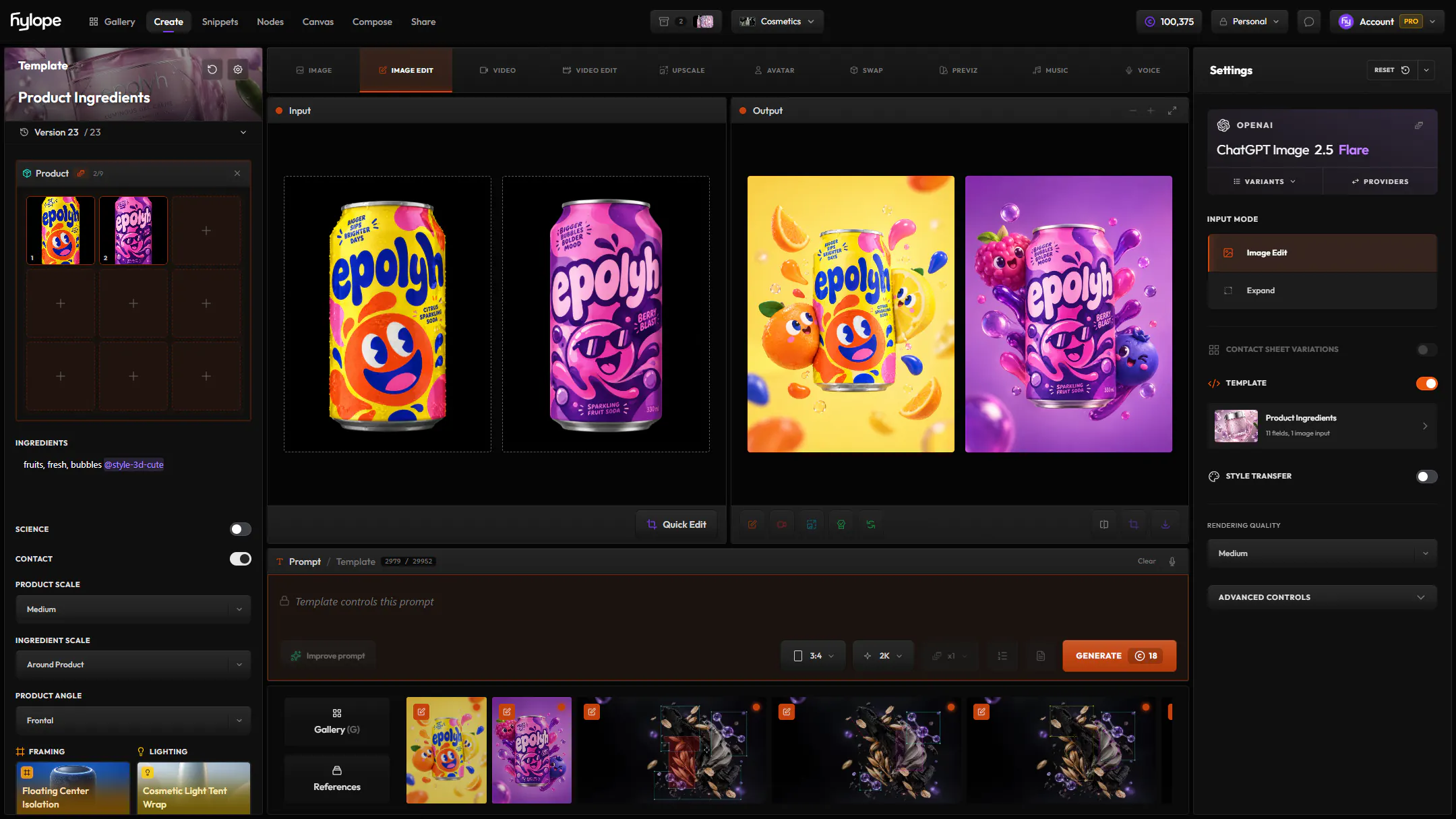
Generate, organize, edit and share your AI images and videos. All seven apps work on the same projects and assets.
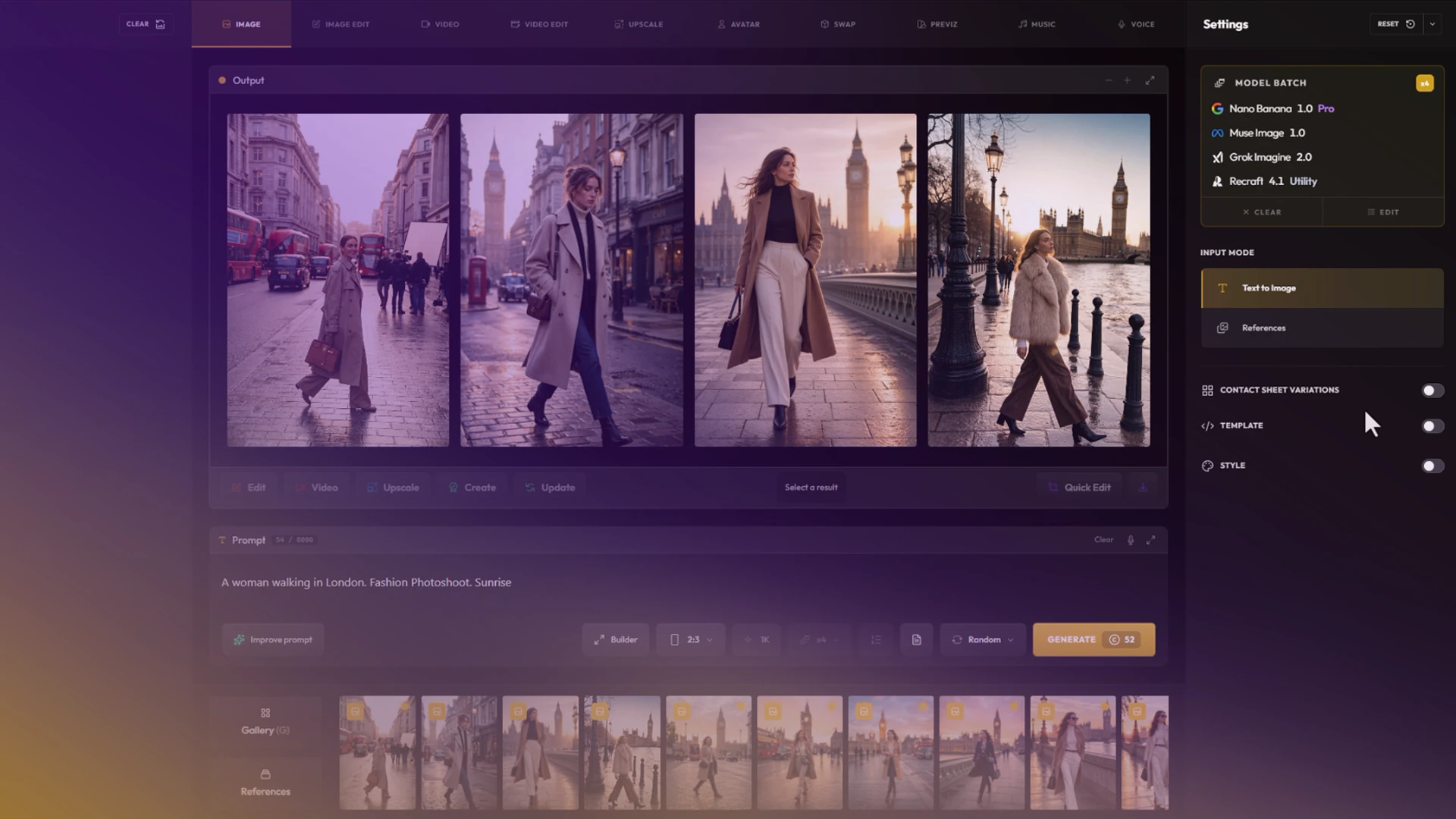
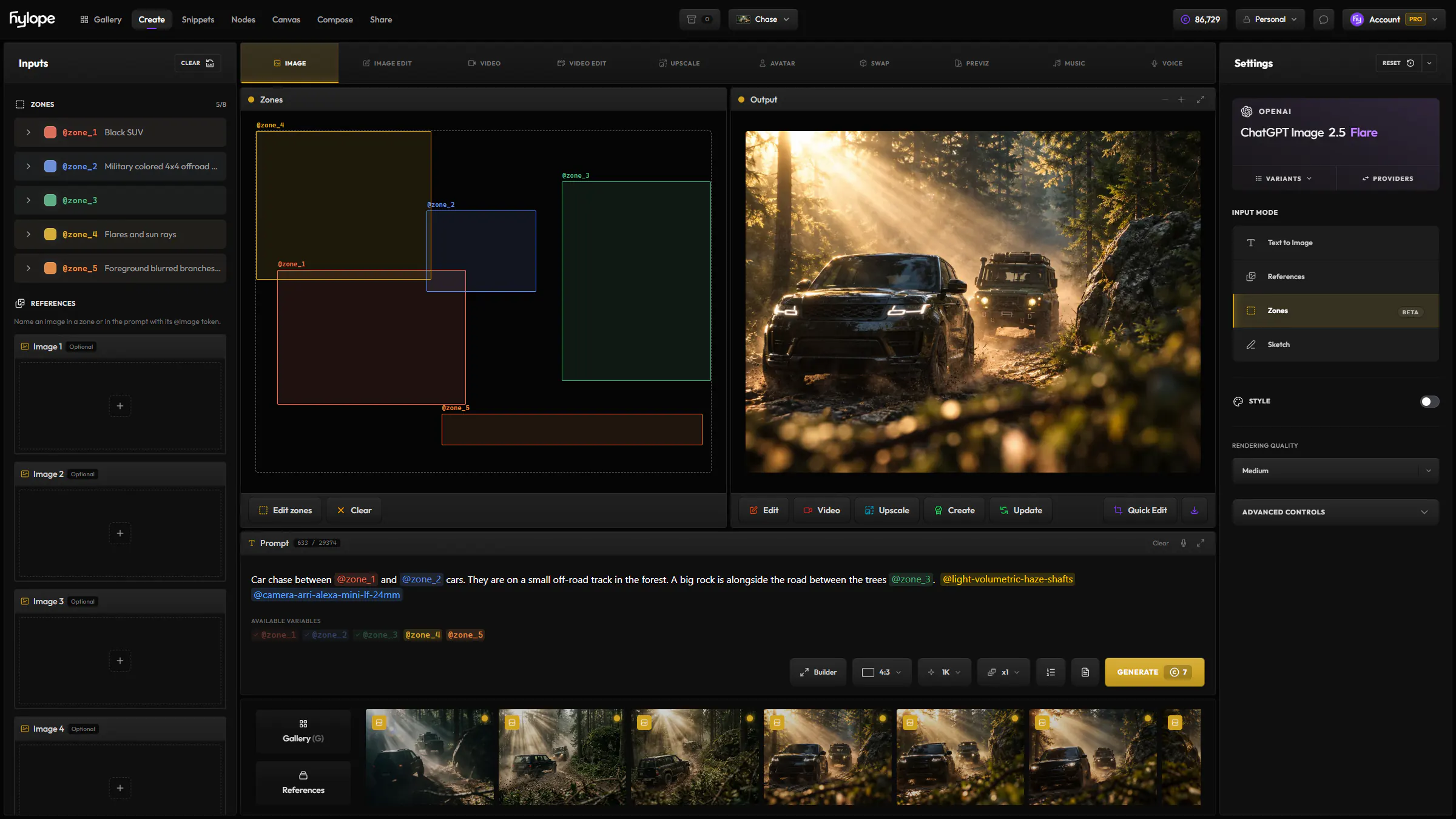
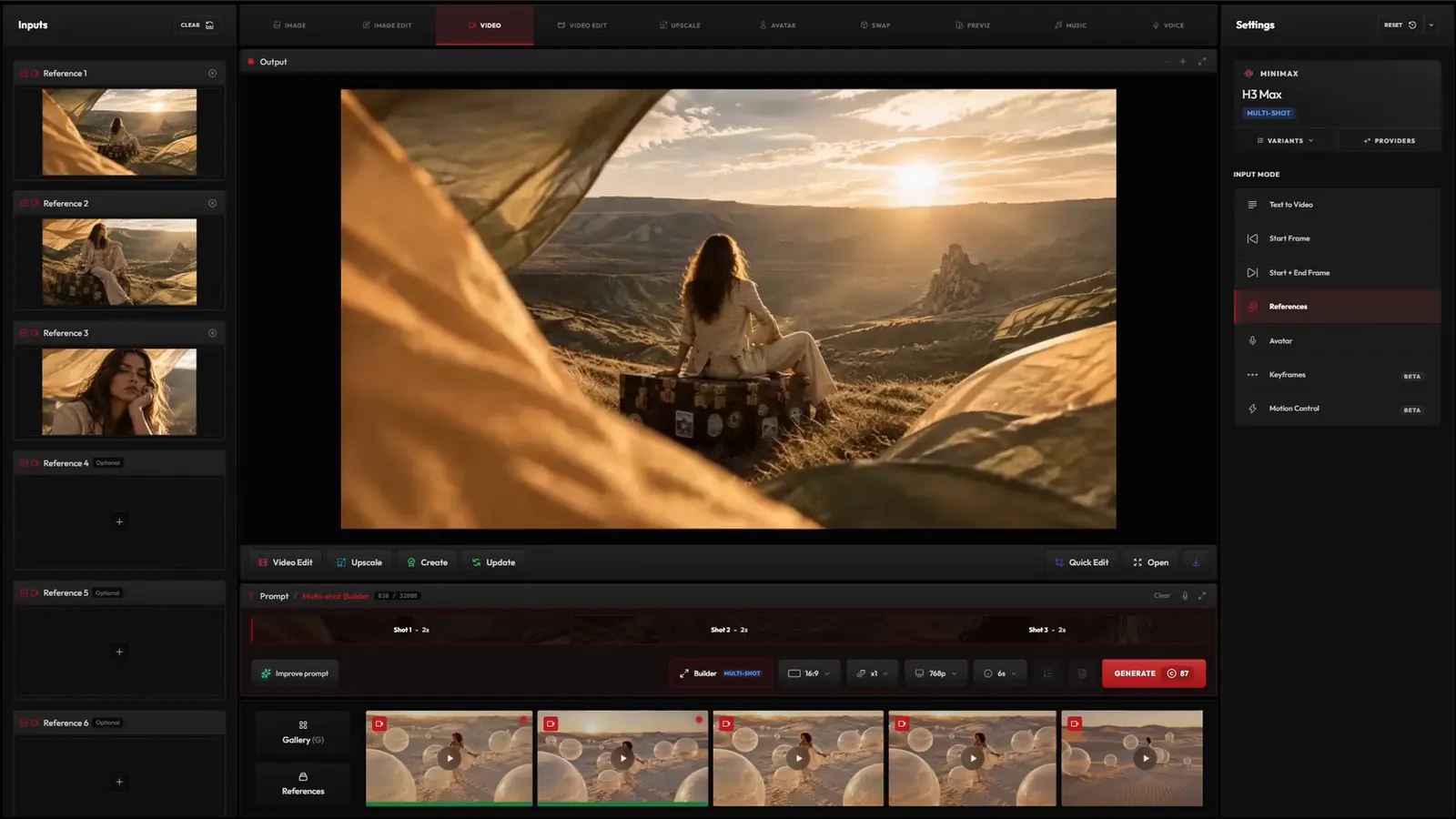
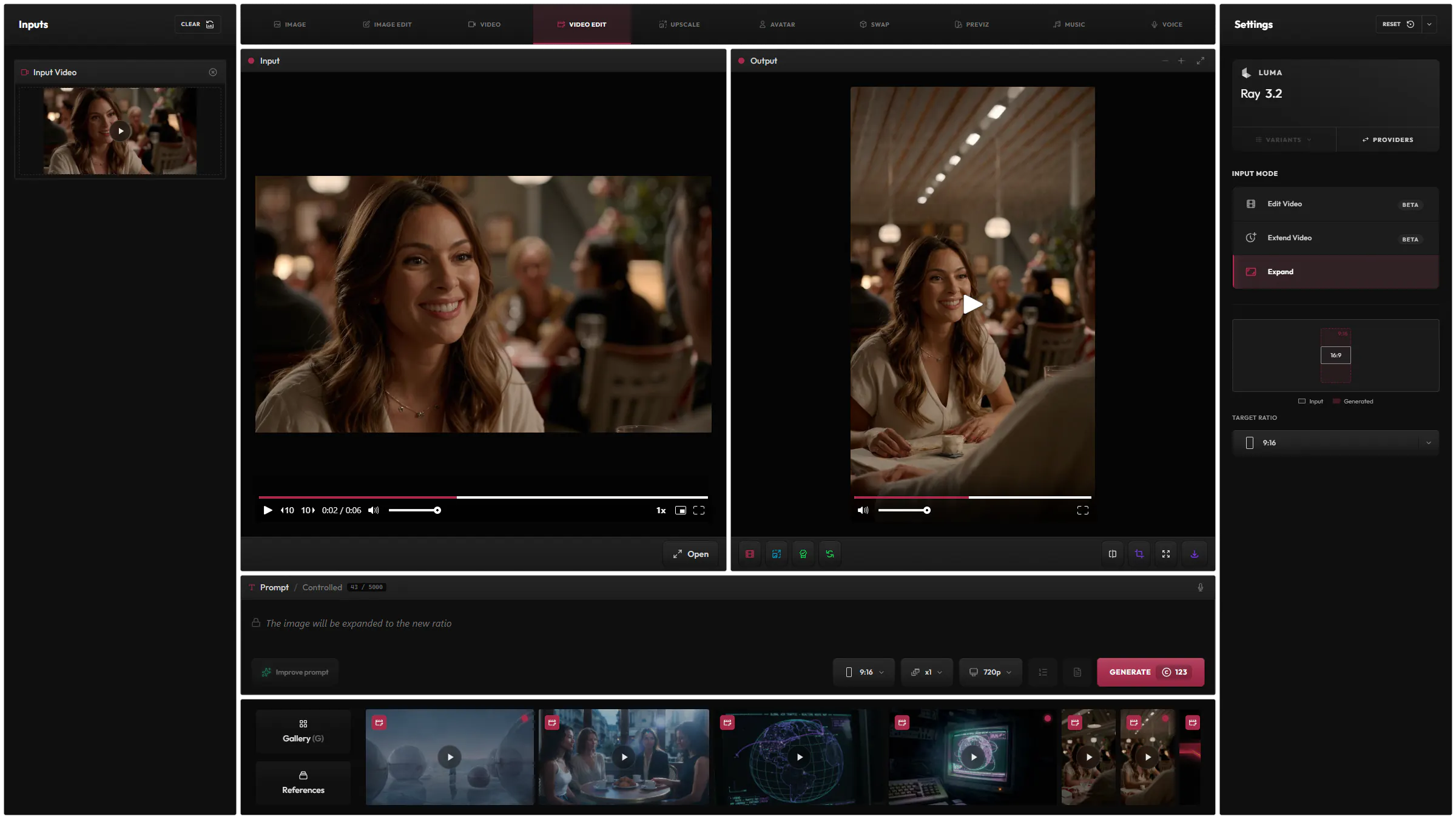
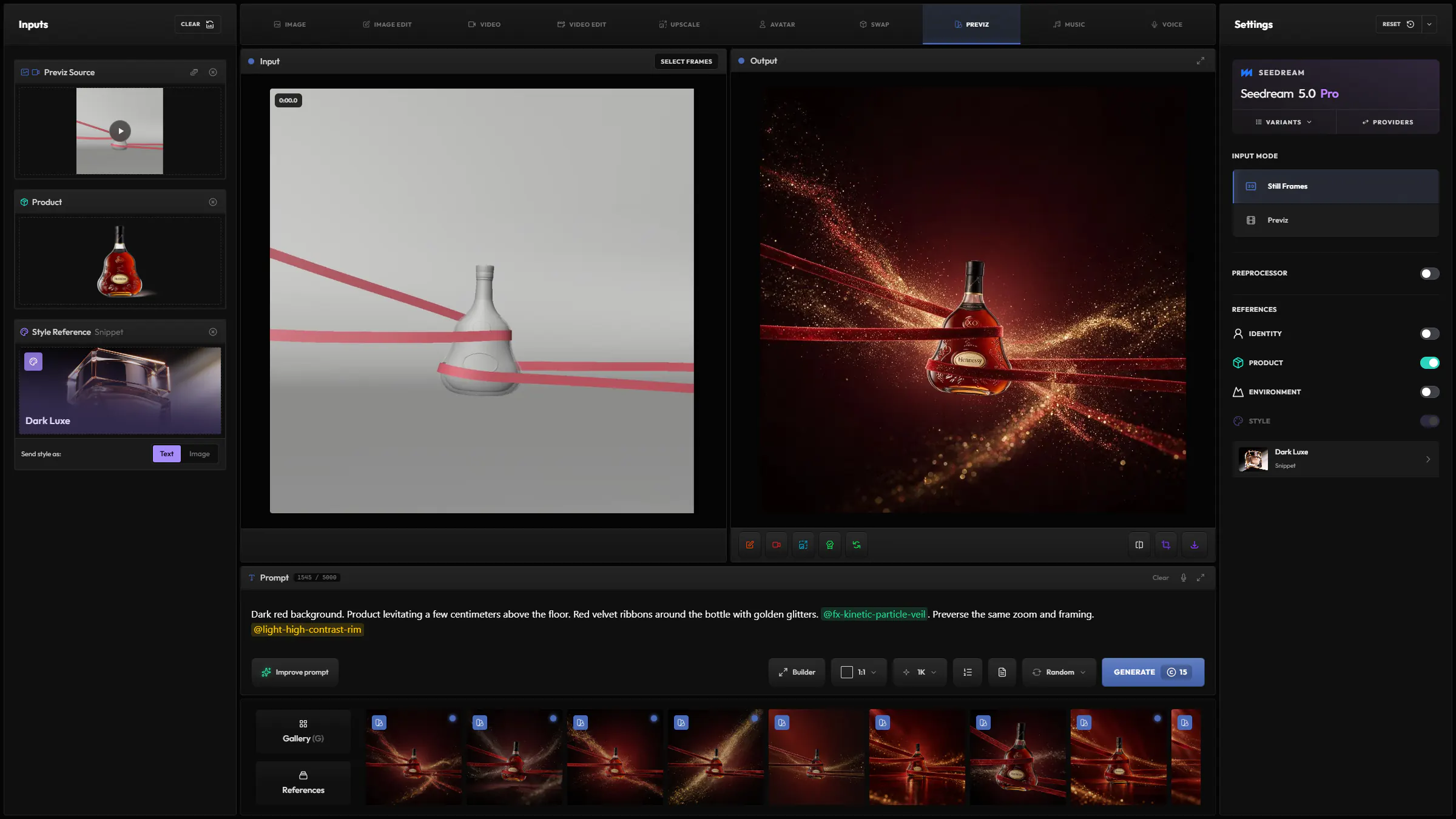
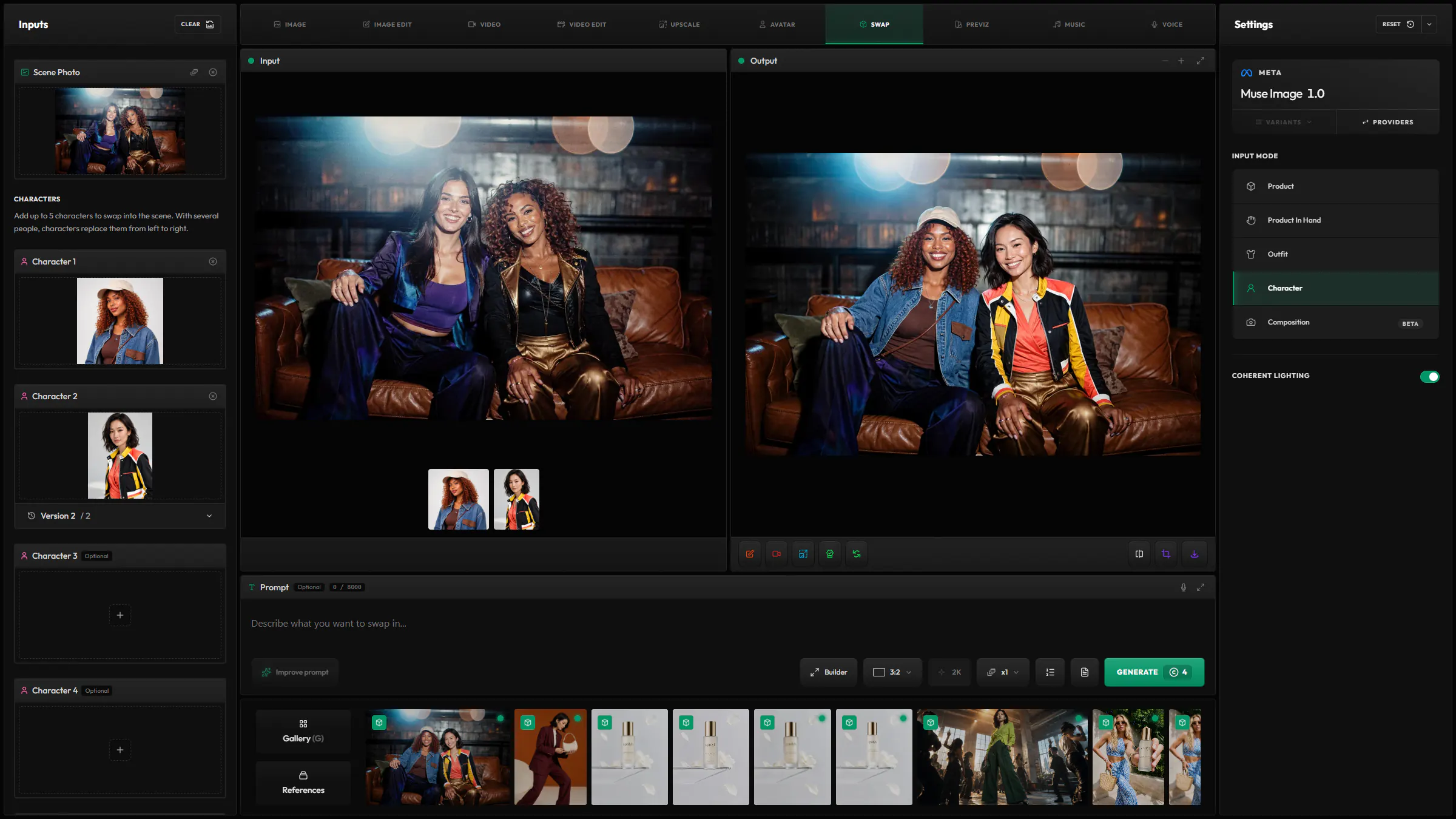
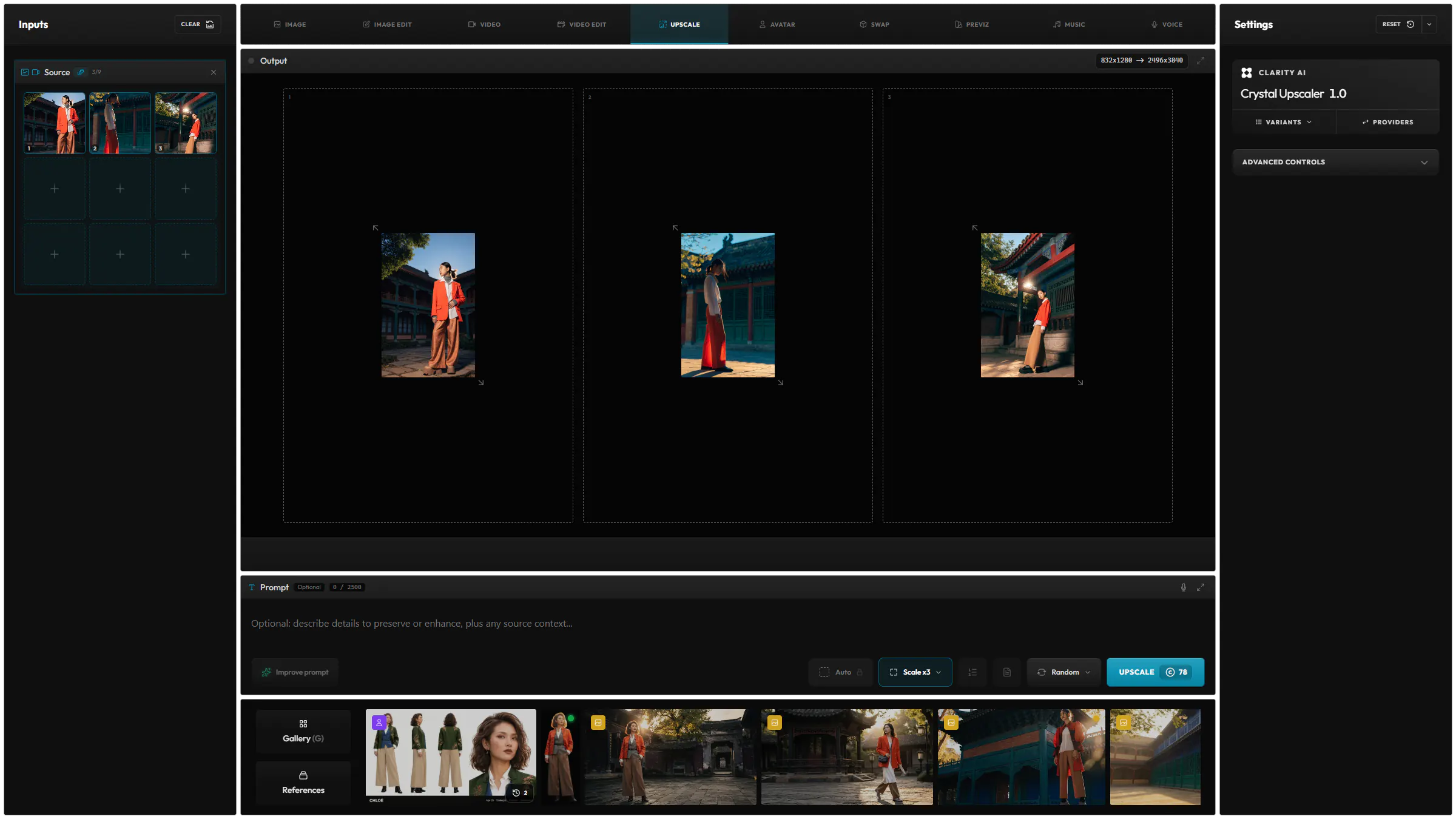
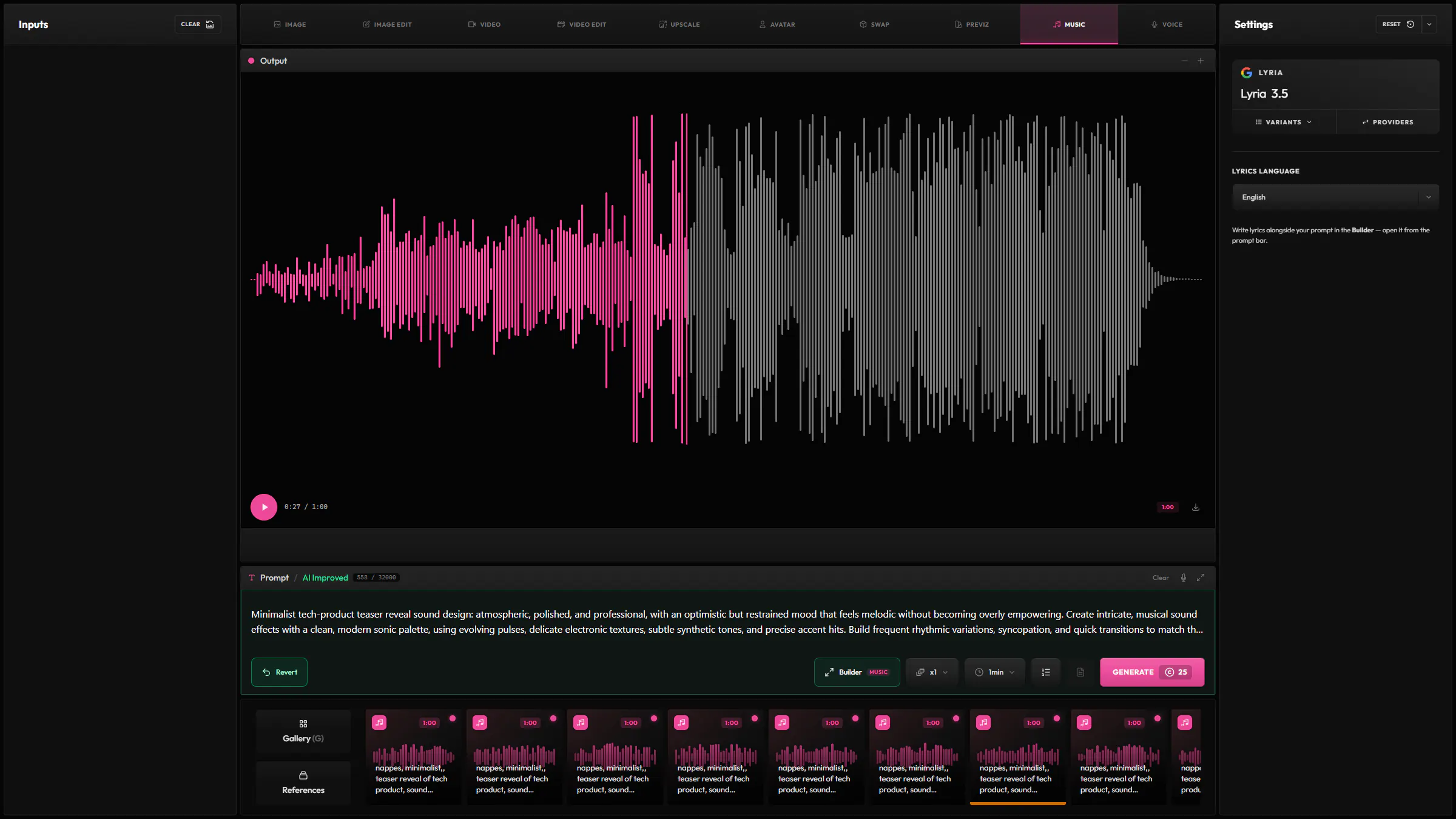
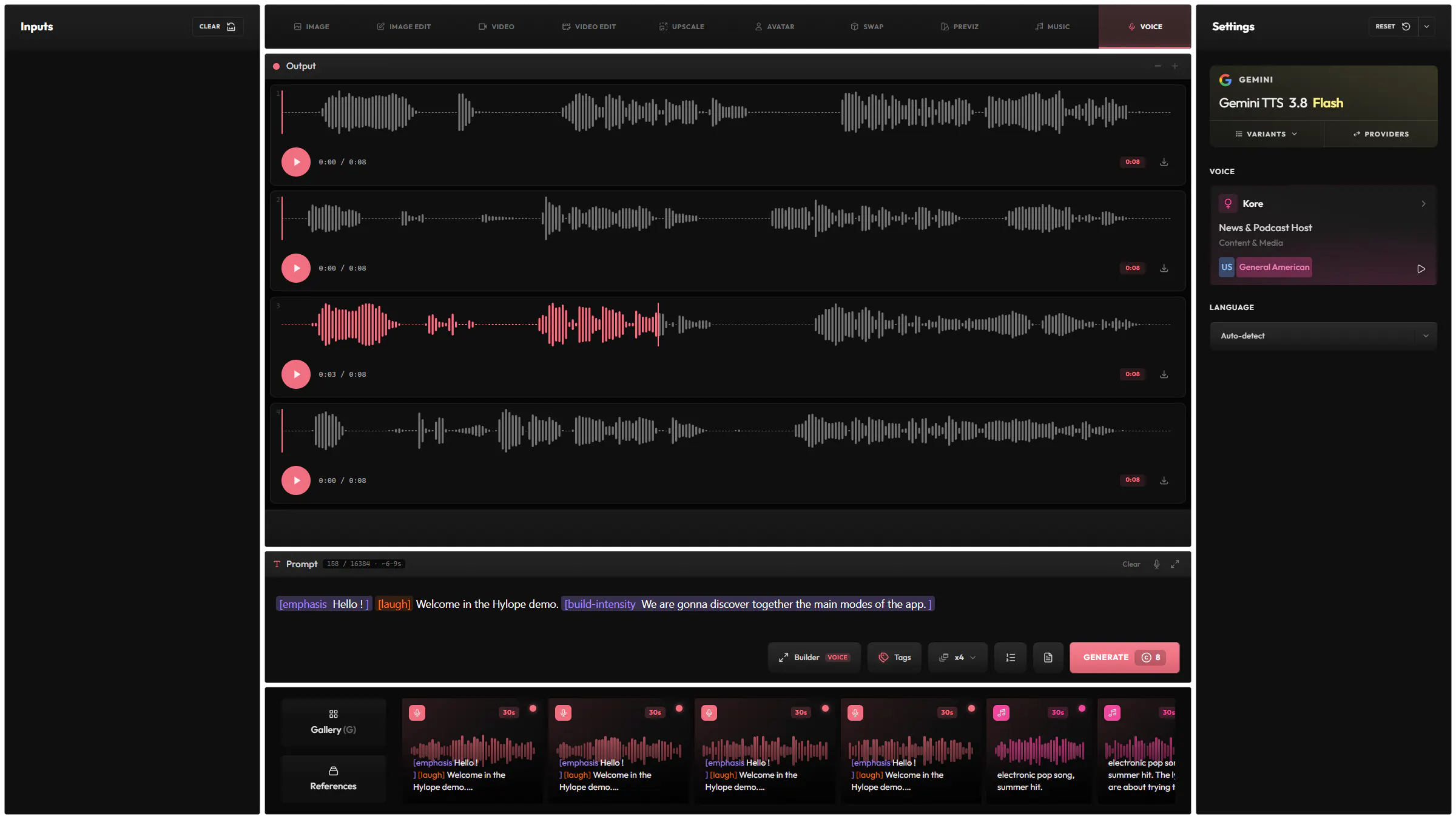
Generate and edit images, video, music and voices, with more than 25 dedicated input modes and tools for precise control over every result.
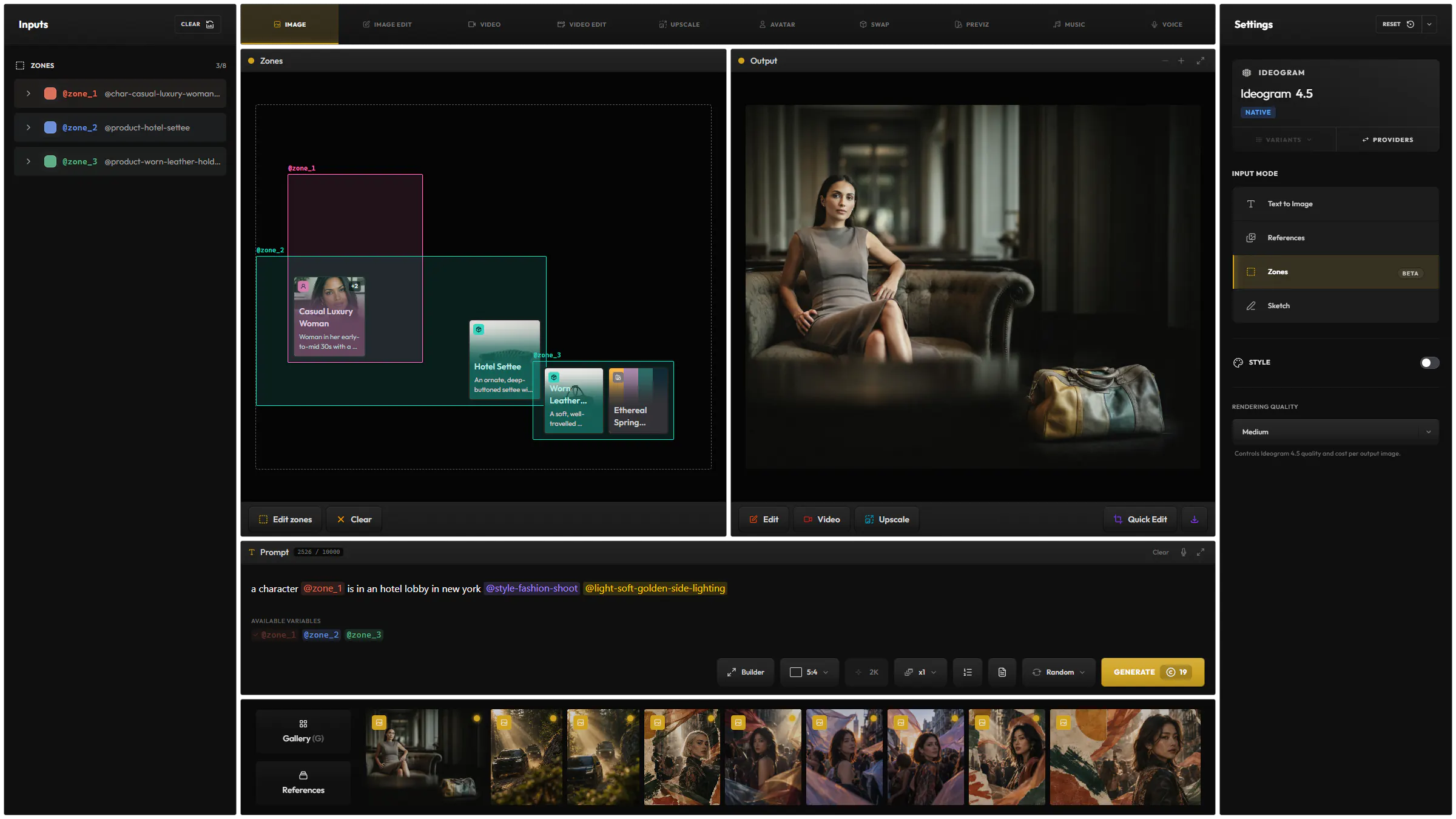
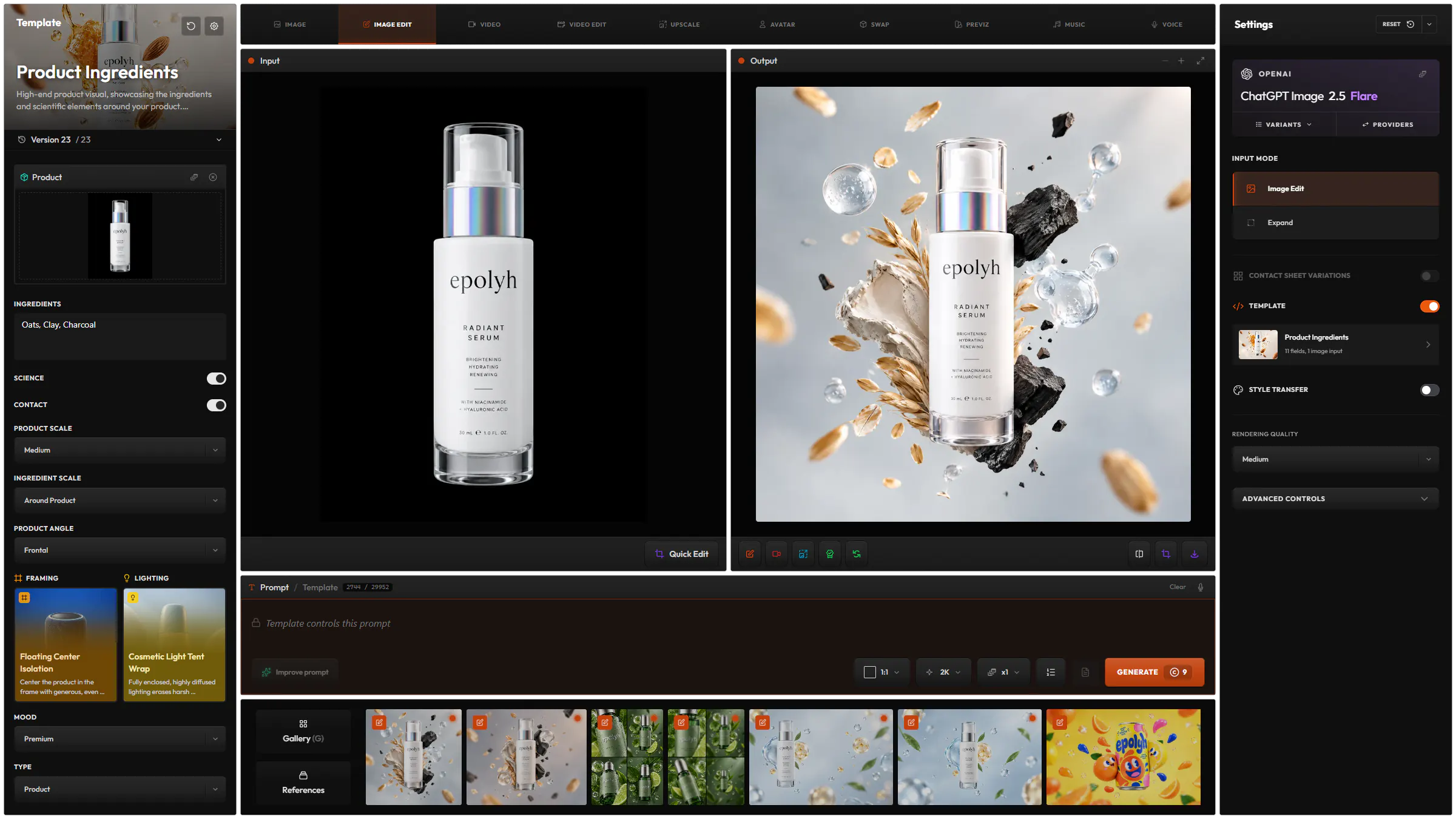
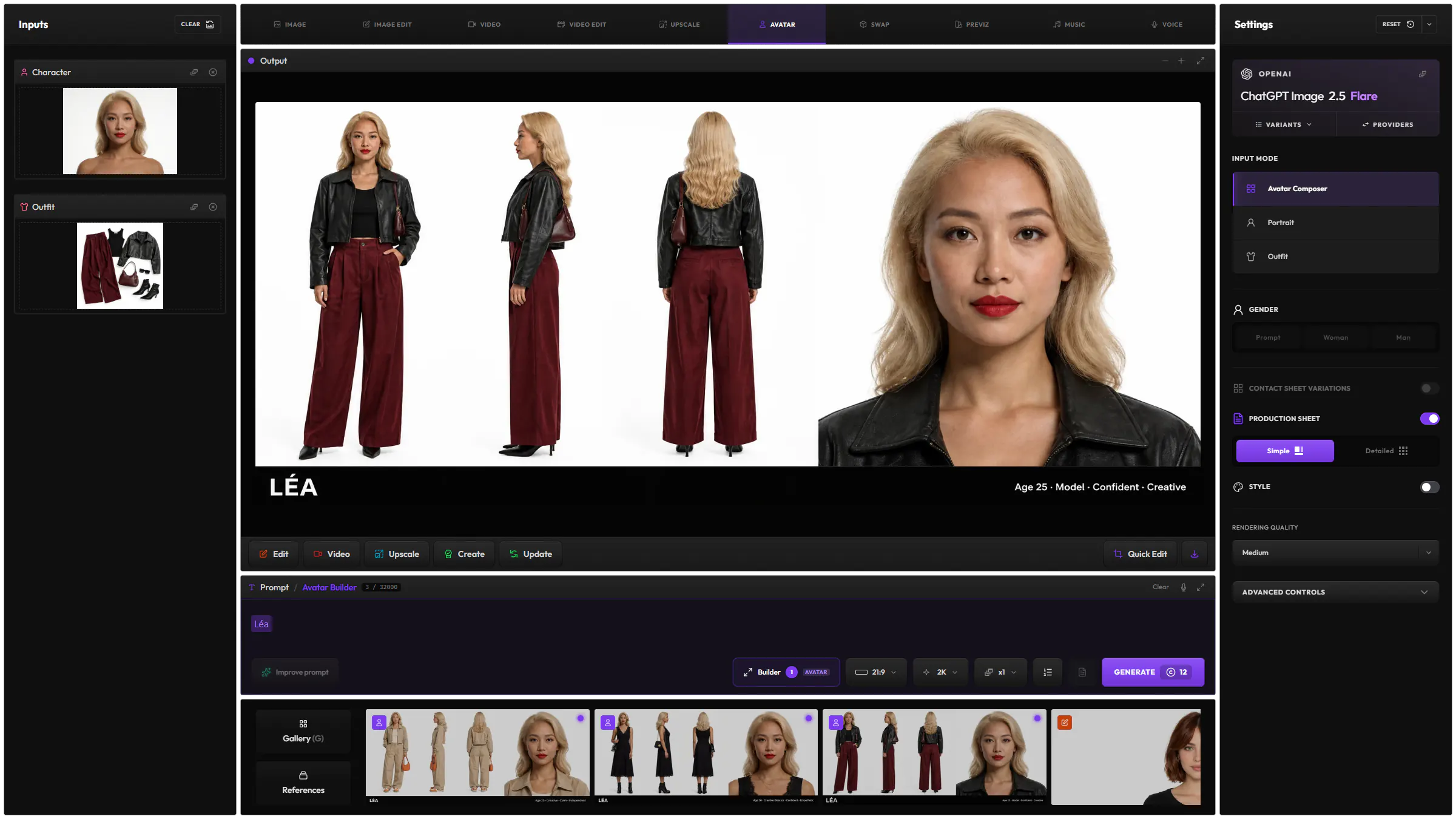
Save your prompts, keep every version and edit results without leaving your project, whichever model you use.
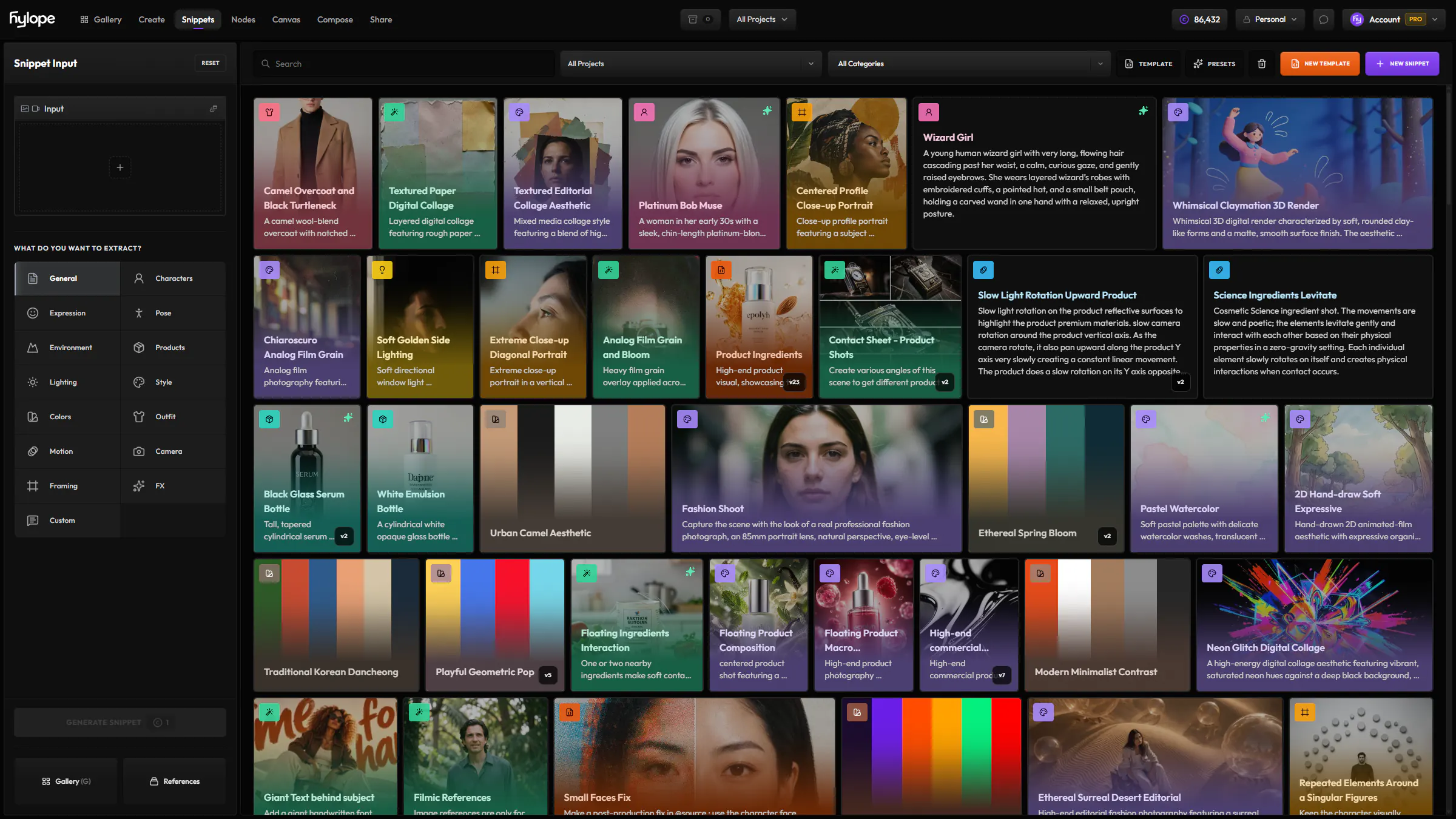
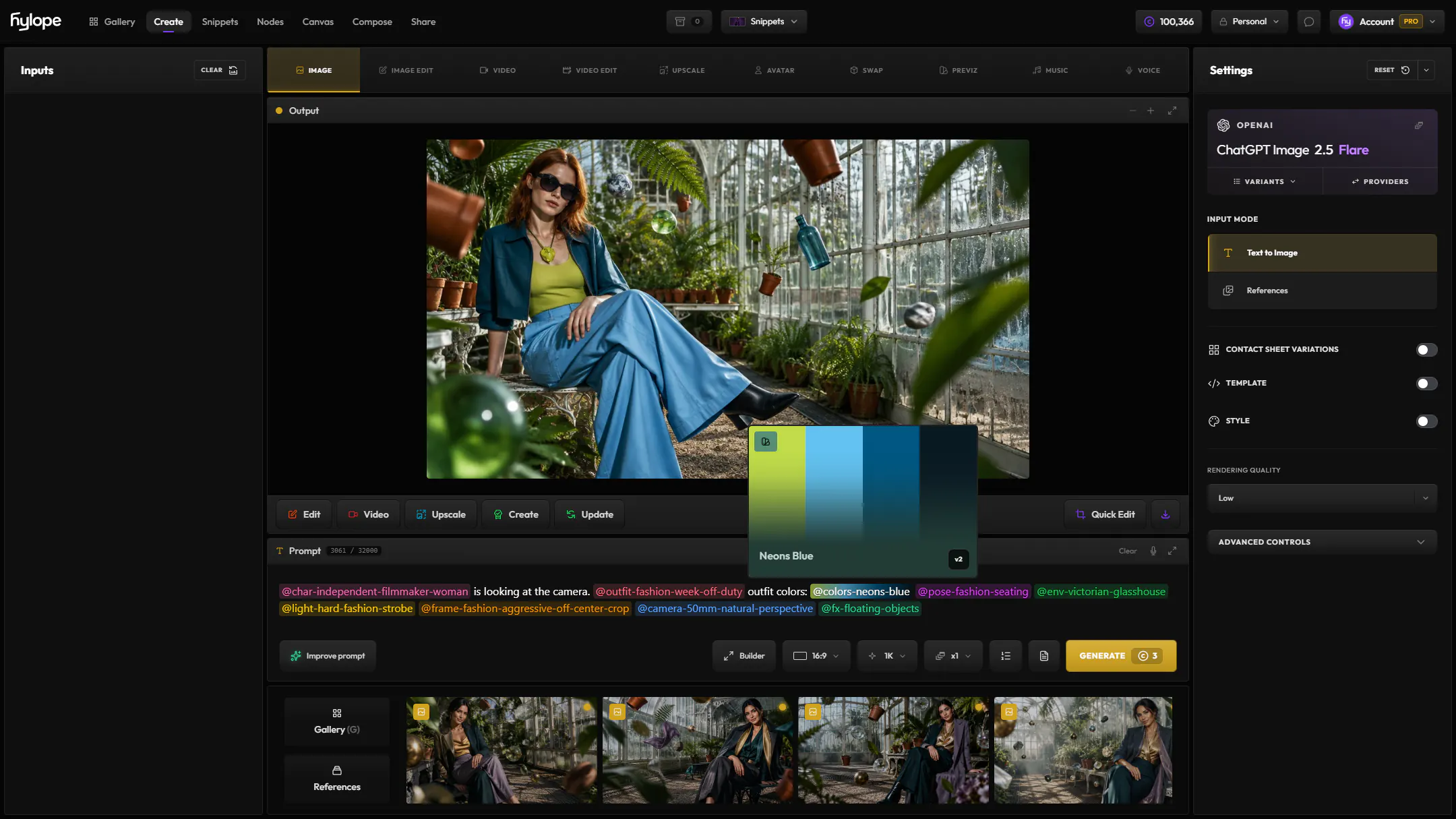
Reusable parts for your prompts.
Save @style, @lighting, @environment, @framing, @fx, @motion and more as reusable text blocks, then use them in any prompt across the app. Start from a growing library of public presets, or build your own.
Templates go one step further: a whole brief as a prompt with fields to fill, reusable by the whole team.
How every result was made.
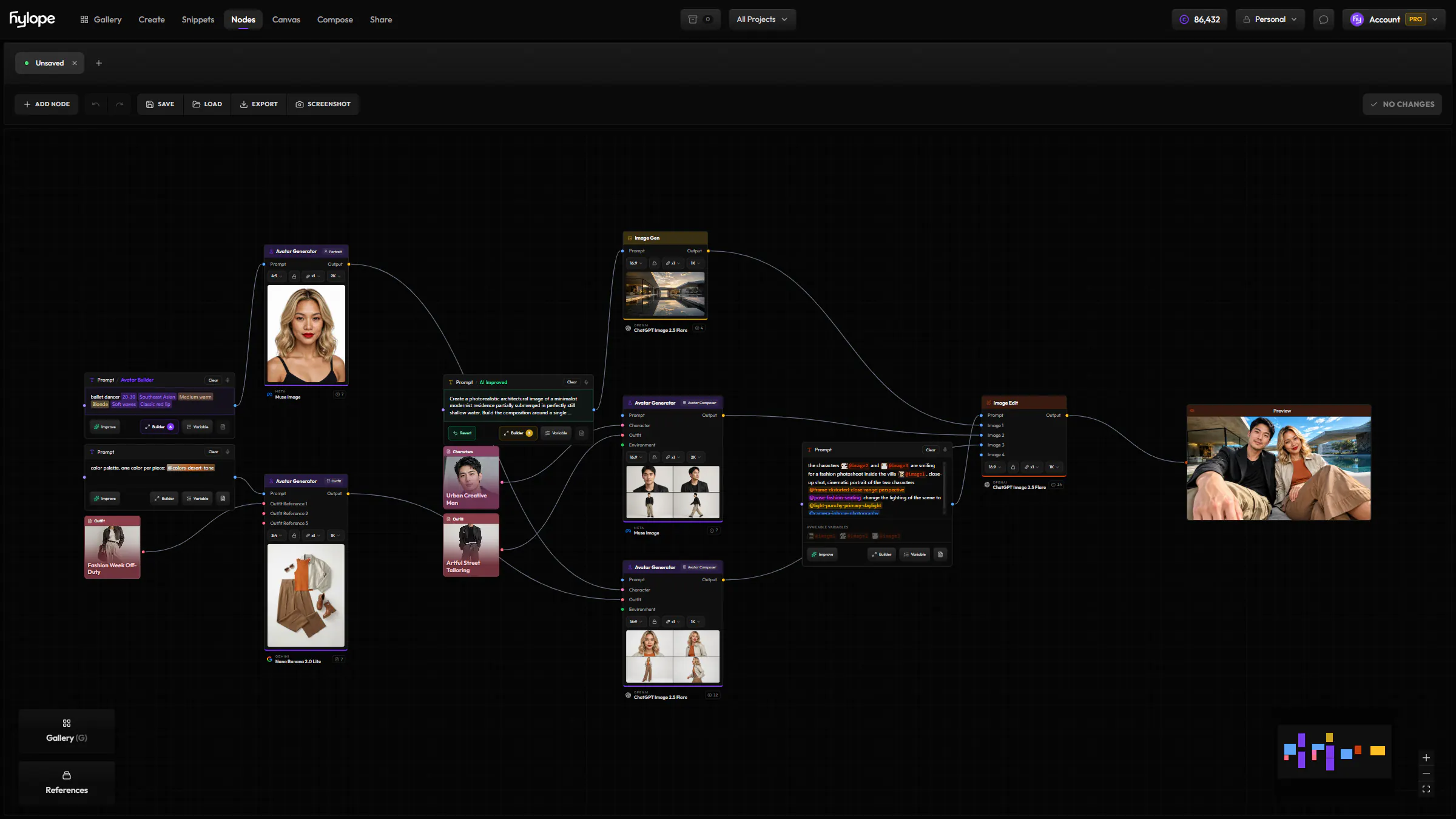
Every generation, edit and upscale stays linked to the assets it came from. Click any step to load its prompt, references and settings again.
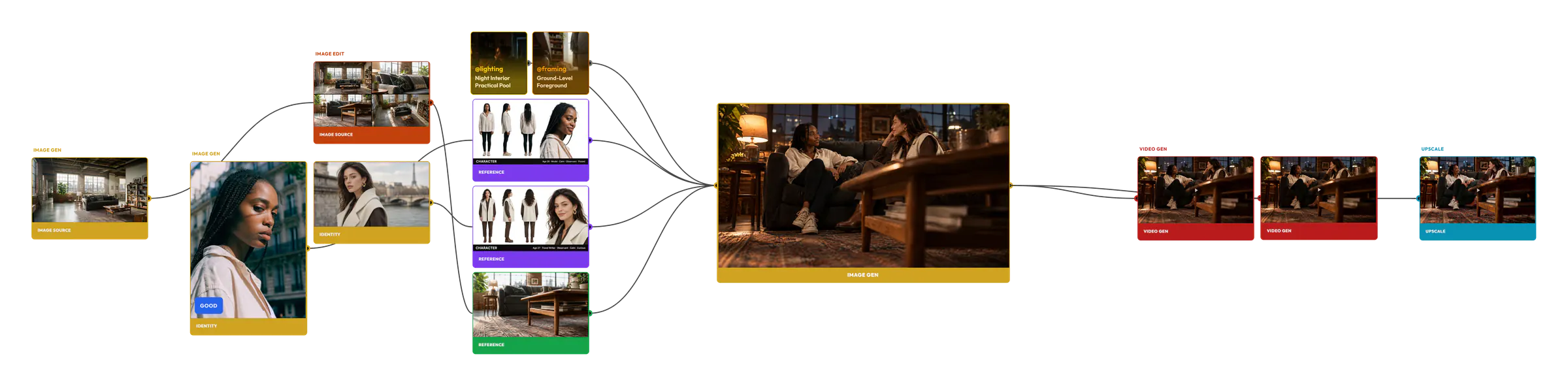
See how every asset relates to each other: parents, children, and every step in between.
Click any node to restore the exact prompt, references, and settings used to create it.
Your entire creative journey stays accessible, from first prompt to final render.
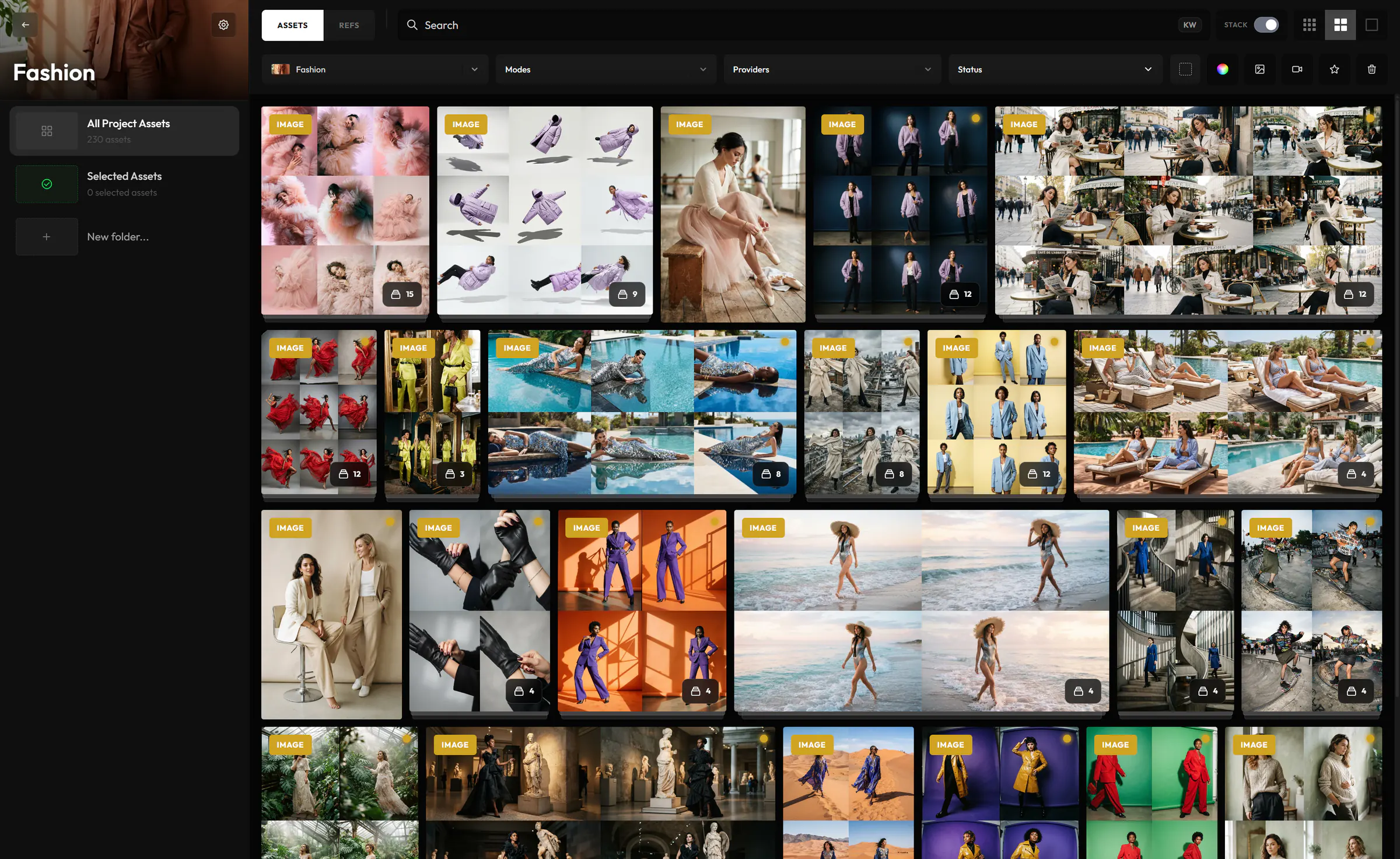
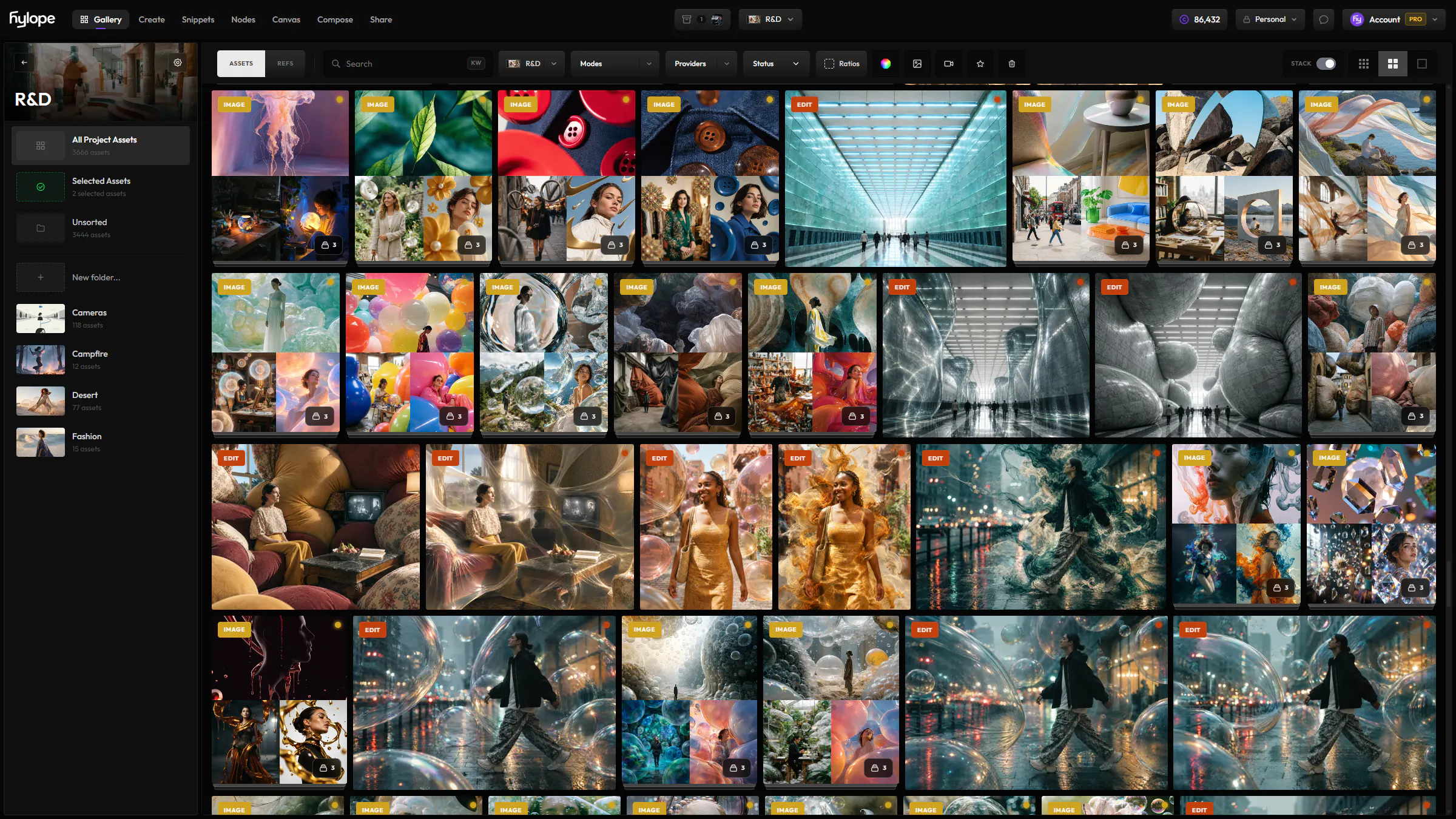
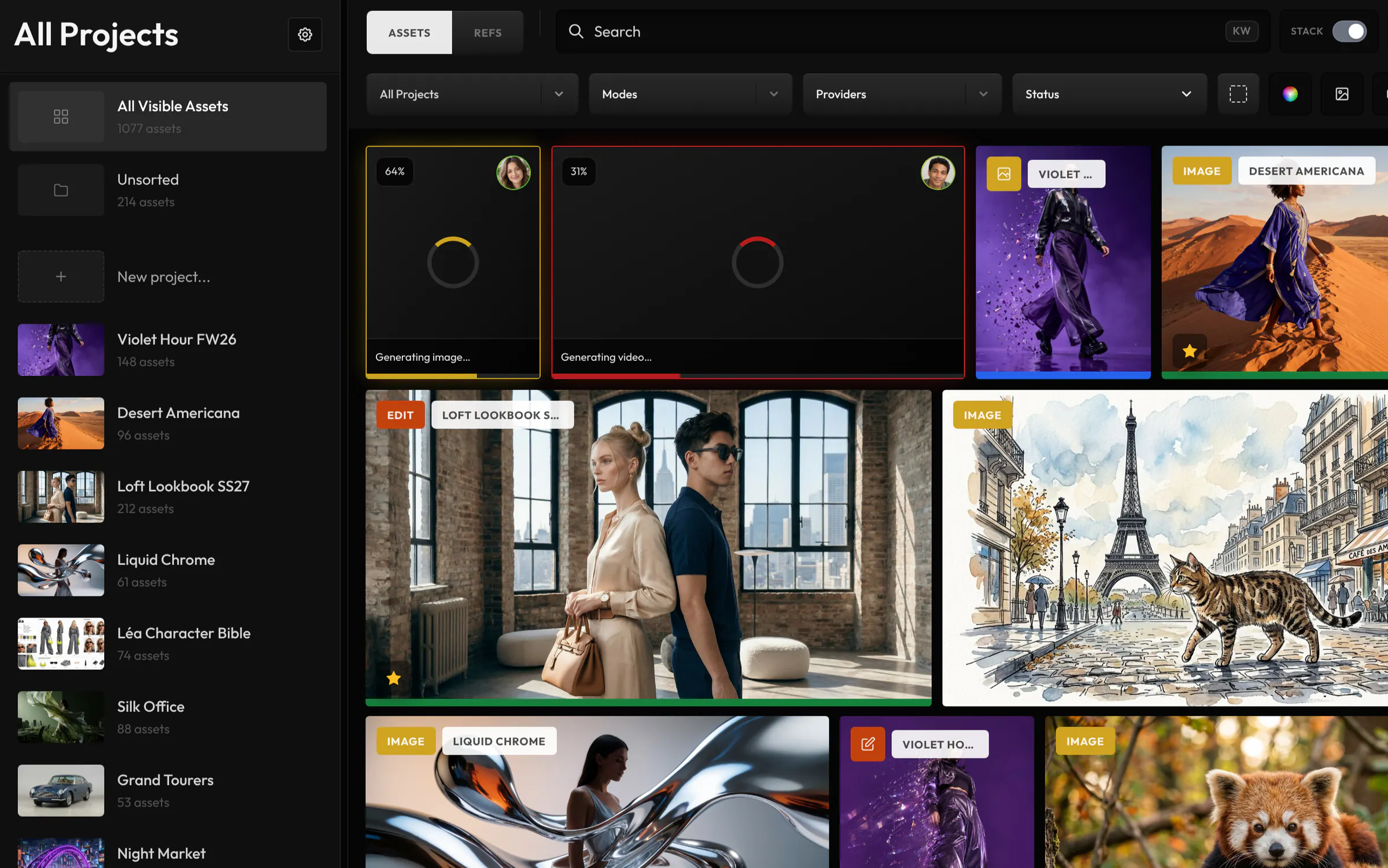
Made for libraries of thousands of results.
Close results are grouped into stacks, and everything can be found by its subject, prompt, colour, type or status.
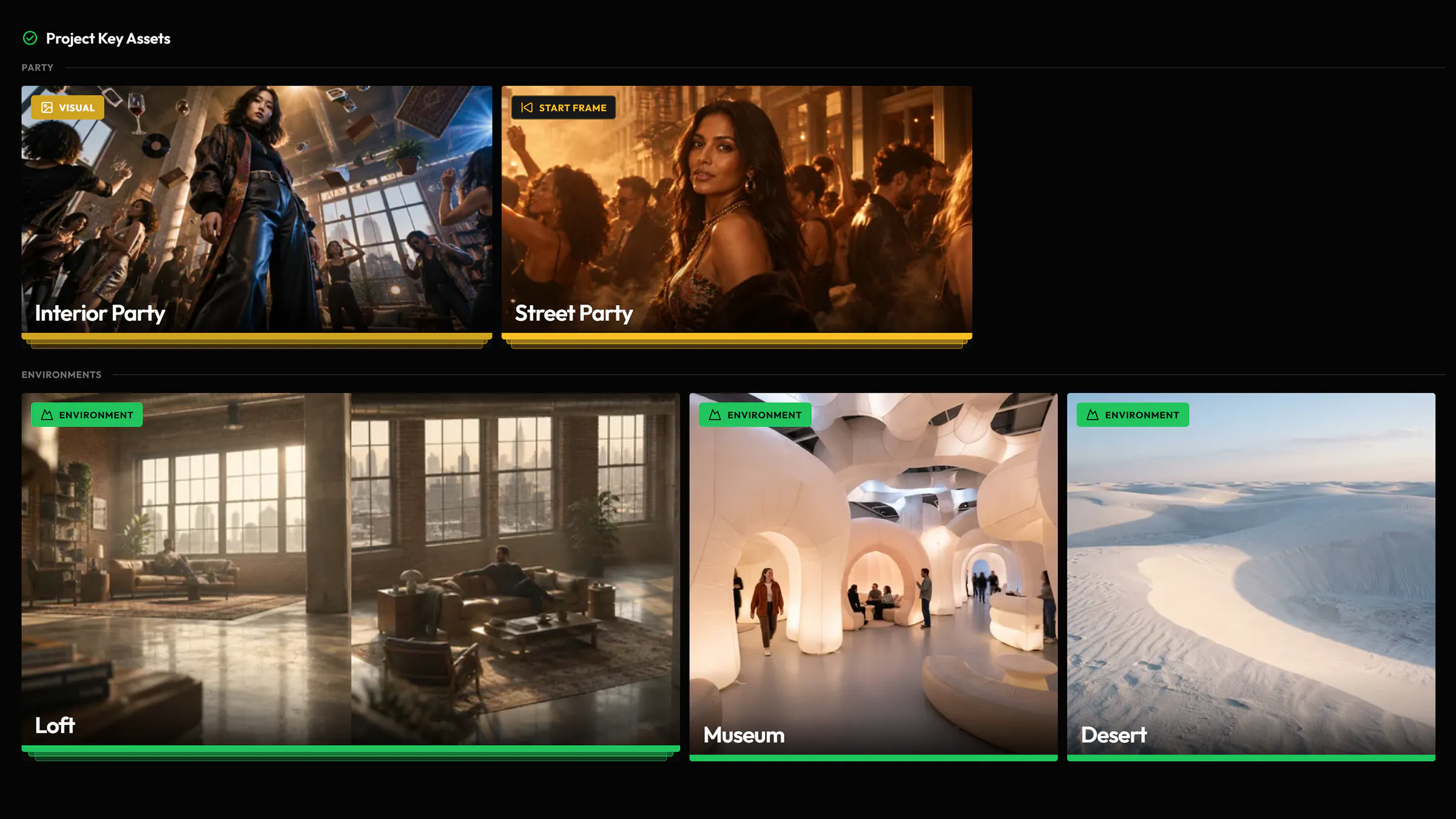
Name the characters and products a project is built on, and pick them in any input.
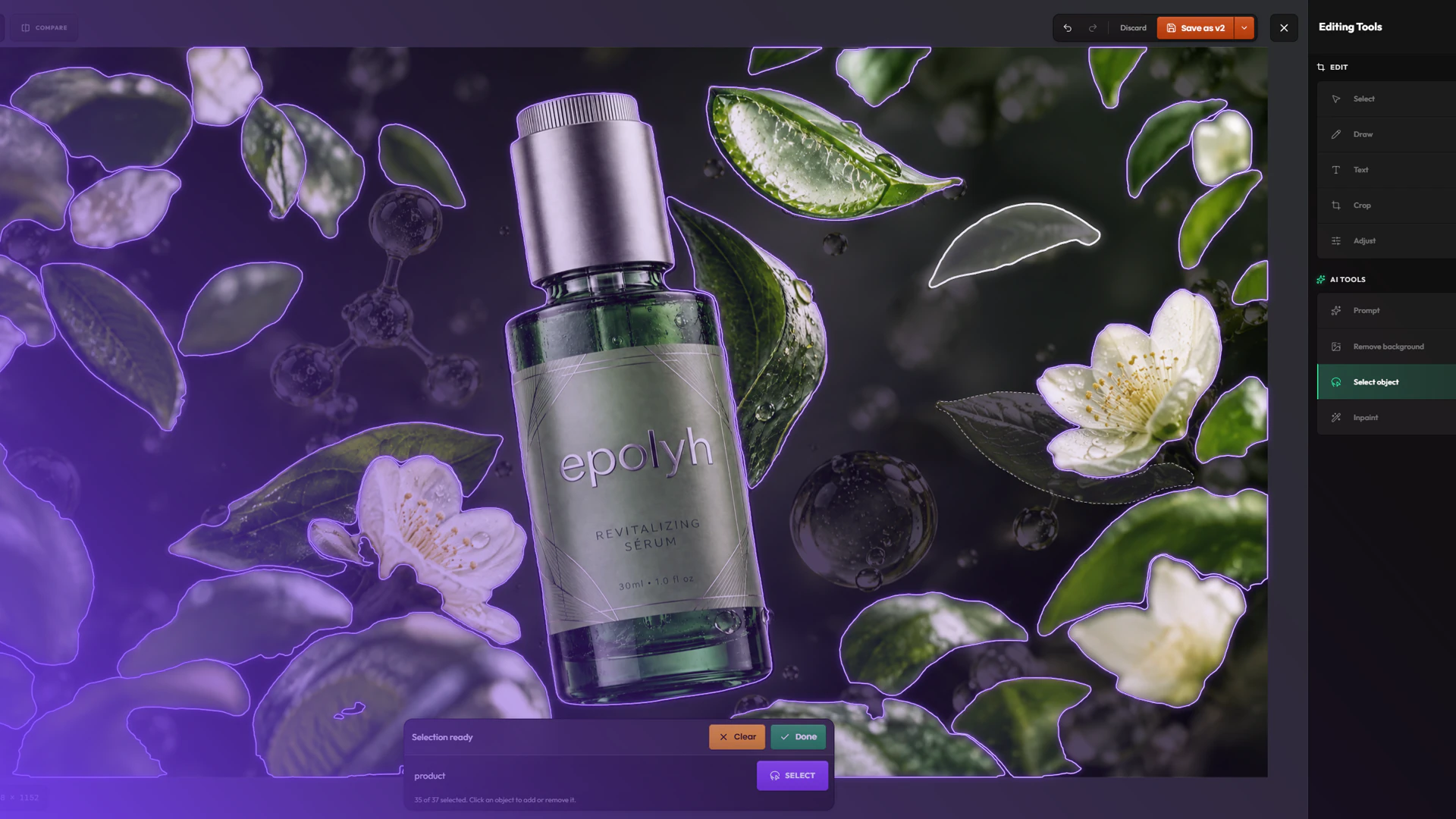
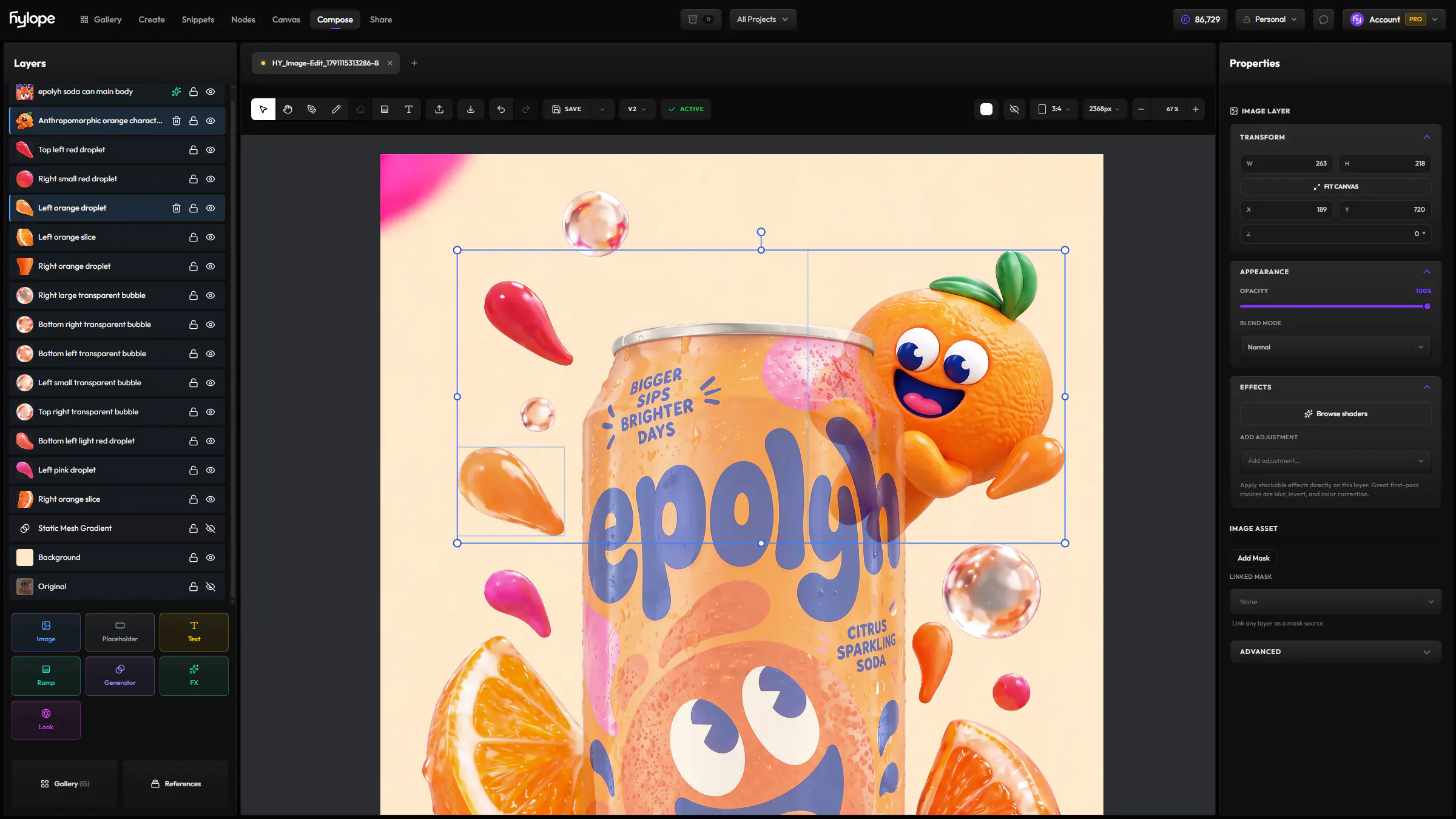
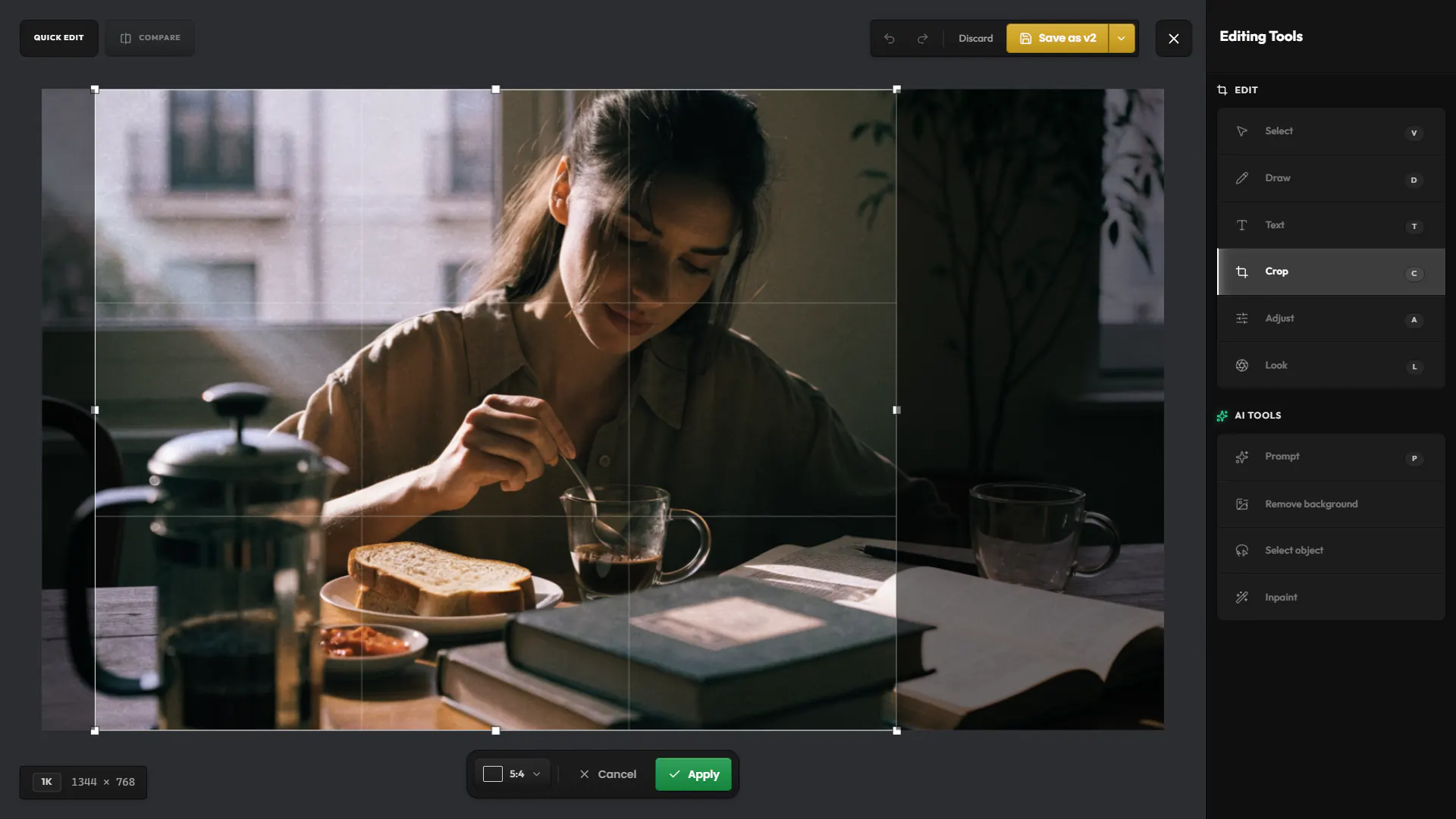
Retouch images and trim video without leaving your project.
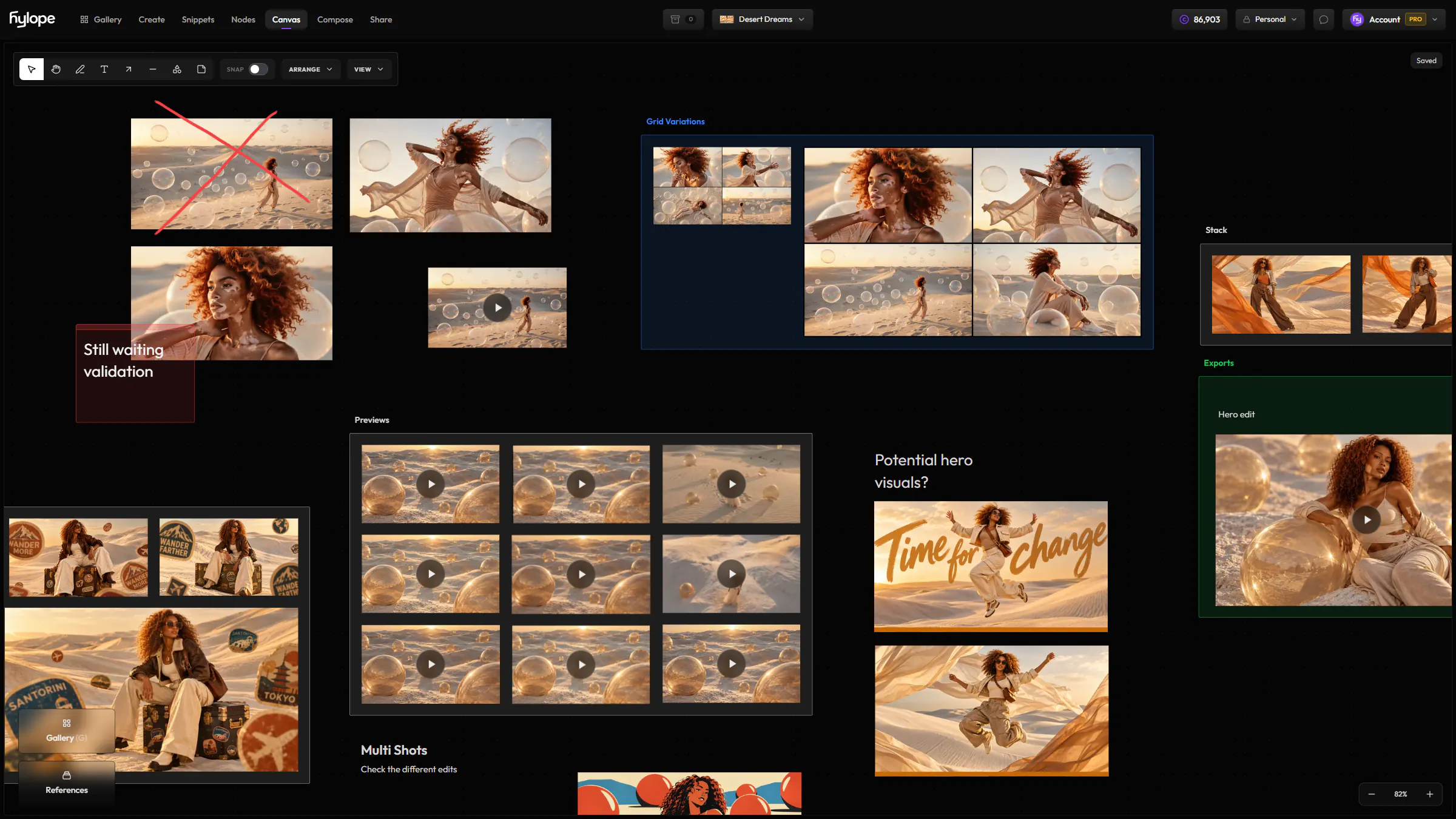
Share a folder from one link, with a password, an expiry date and control over downloads. Clients need no account.
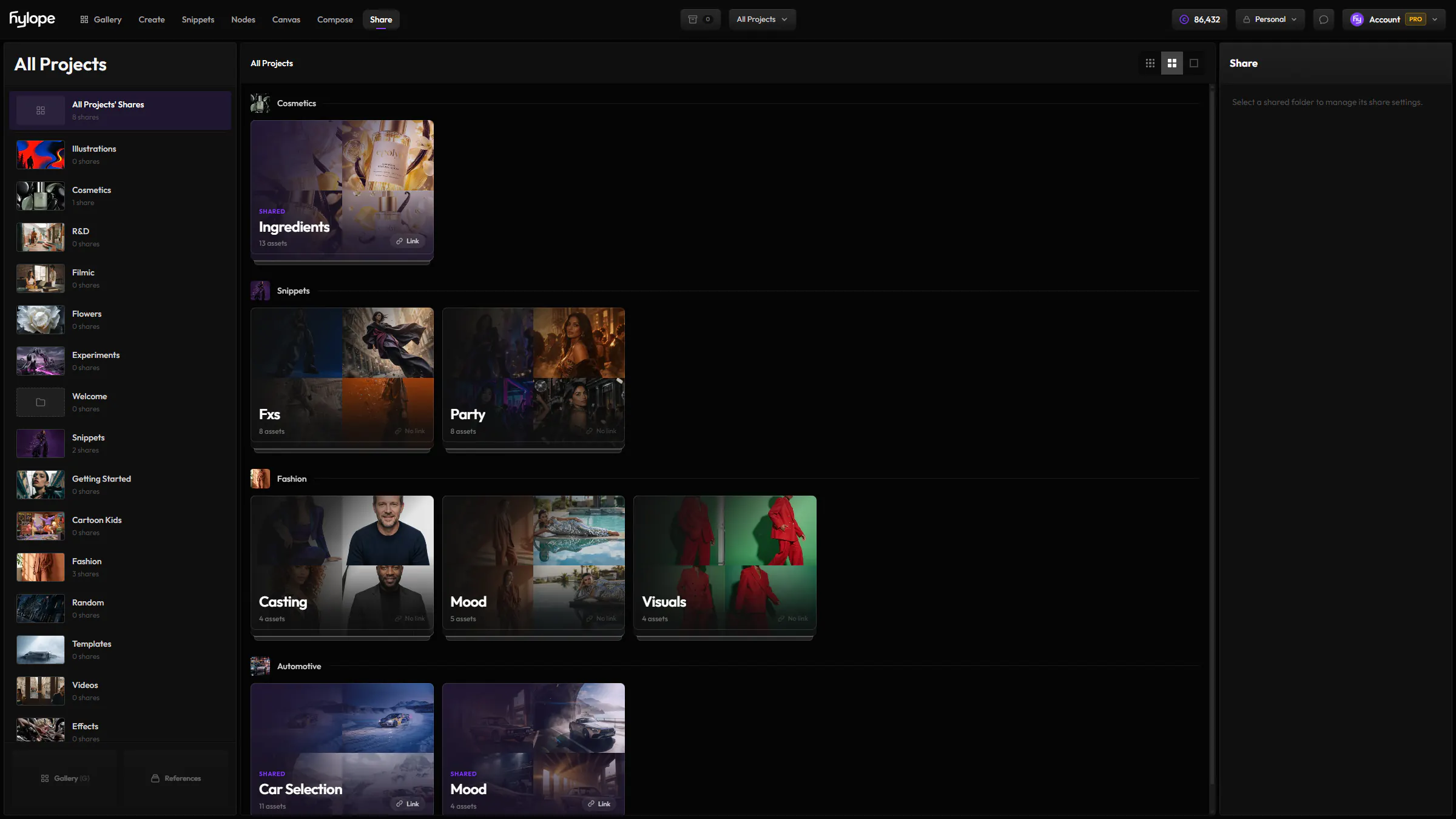
Folders, selects and access live with the work, and teammates see it update in real time.
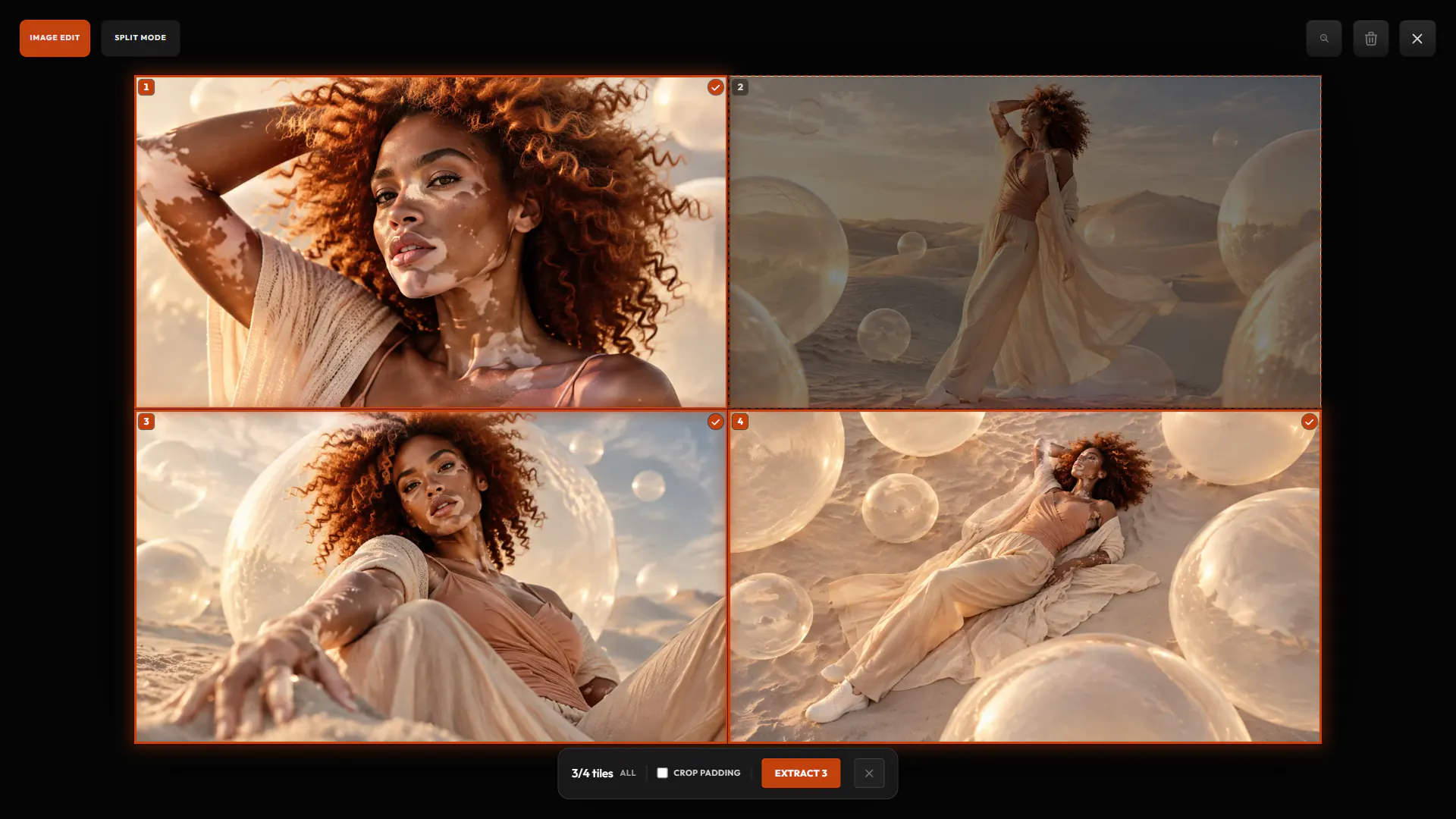
Turn a contact sheet into separate assets, or save stills from a video, each linked to its source.
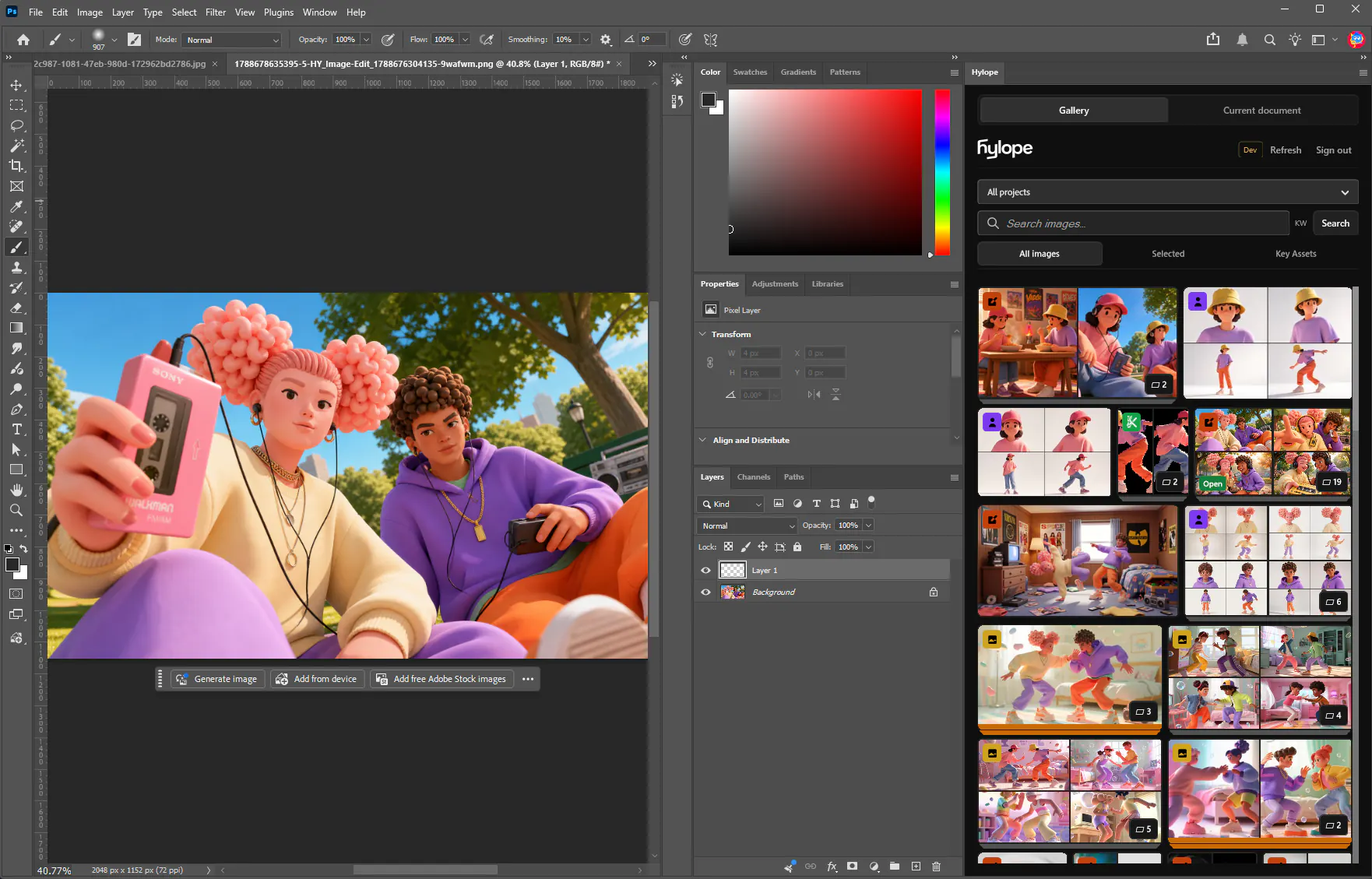
 Photoshop
Open the right version, edit with your own layers, save it back as the next one.
Change the model at any time. Your prompt, references and settings stay as they are.
Google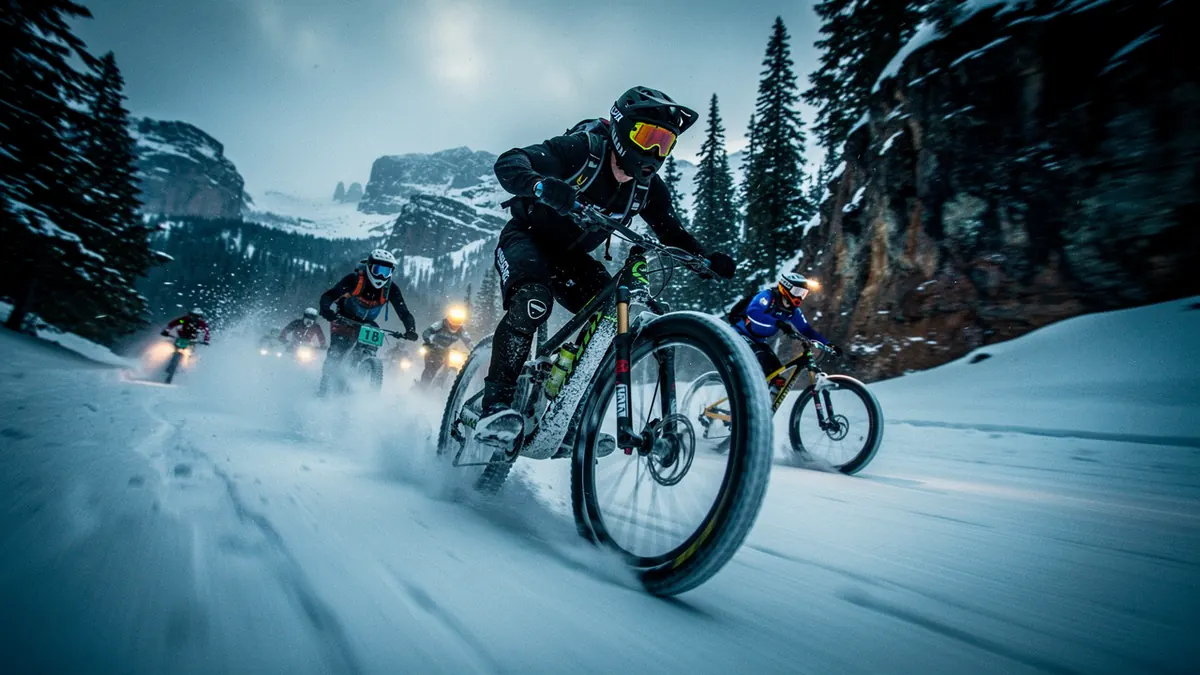 Black Forest Labs
 OpenAIKlingAI
 Google
 RecraftMiniMax
 BytePlusxAI
 Ideogram
 MicrosoftBytePlus
 LTX
LTX
 Alibaba
21 providers across image, video, editing, upscaling and audio.
GoogleRecraftAlibaba Pruna AIBytePlusBlack Forest LabsKreaIdeogramMicrosoft
 Meta
Meta HylopeKlingAIOpenAIxAILTX
 LumaMiniMax
 Clarity AI
 Topaz Labs
 ACE-Step
 ElevenLabs
An overview of Hylope in 15 minutes: writing prompts with snippets, going from images to video, and keeping track of everything you make.
Short walkthroughs of real projects, from the first prompt to the final result.
Hylope is a workspace, not a chat: one layout for every mode, built for dragging images between gallery, inputs and results. Learn your way around it and create your first image.
Edit an AI image without generating it again: change it with a prompt, inpaint inside a mask, remove or extract objects, and keep every edit as a version.
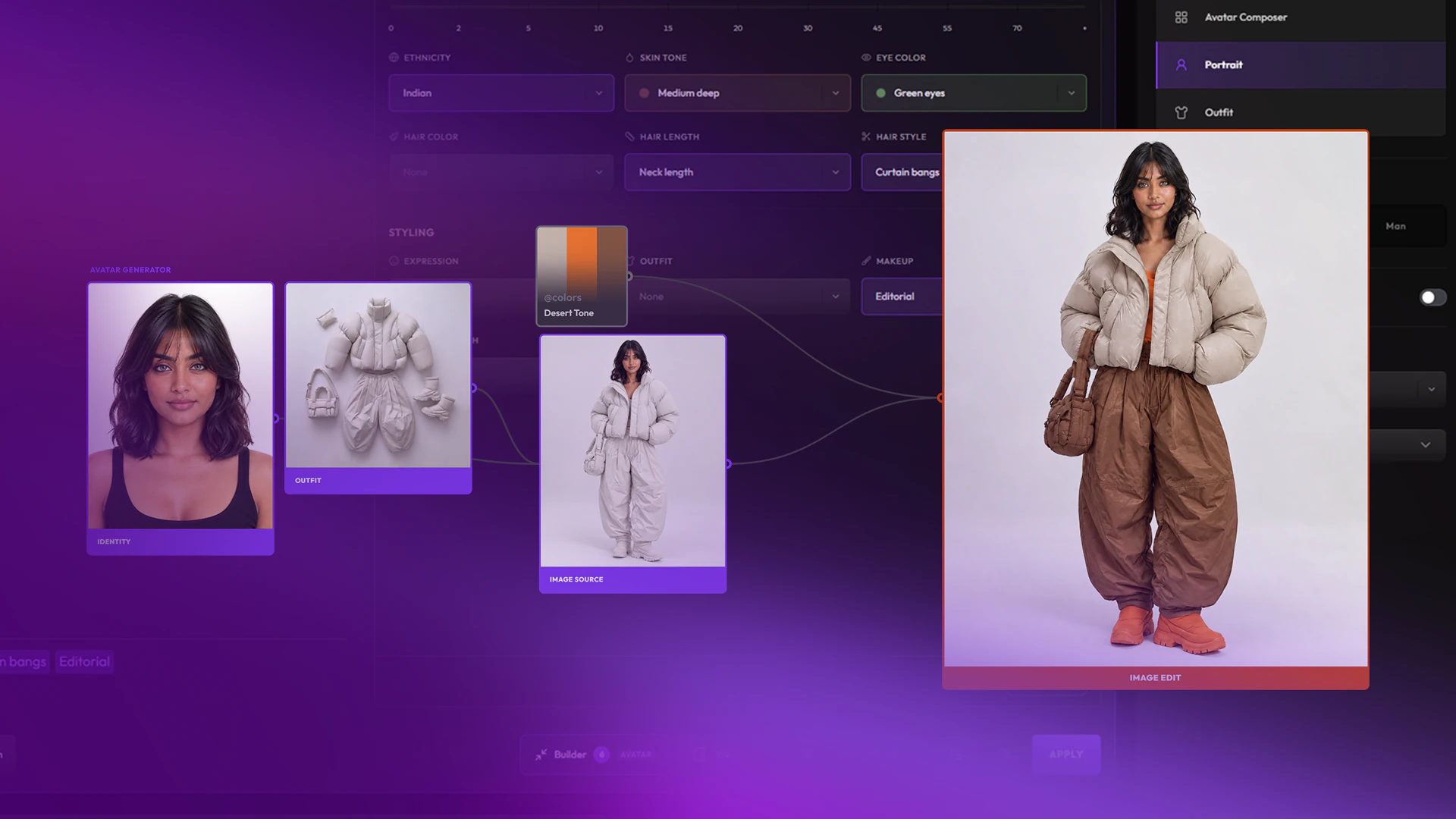
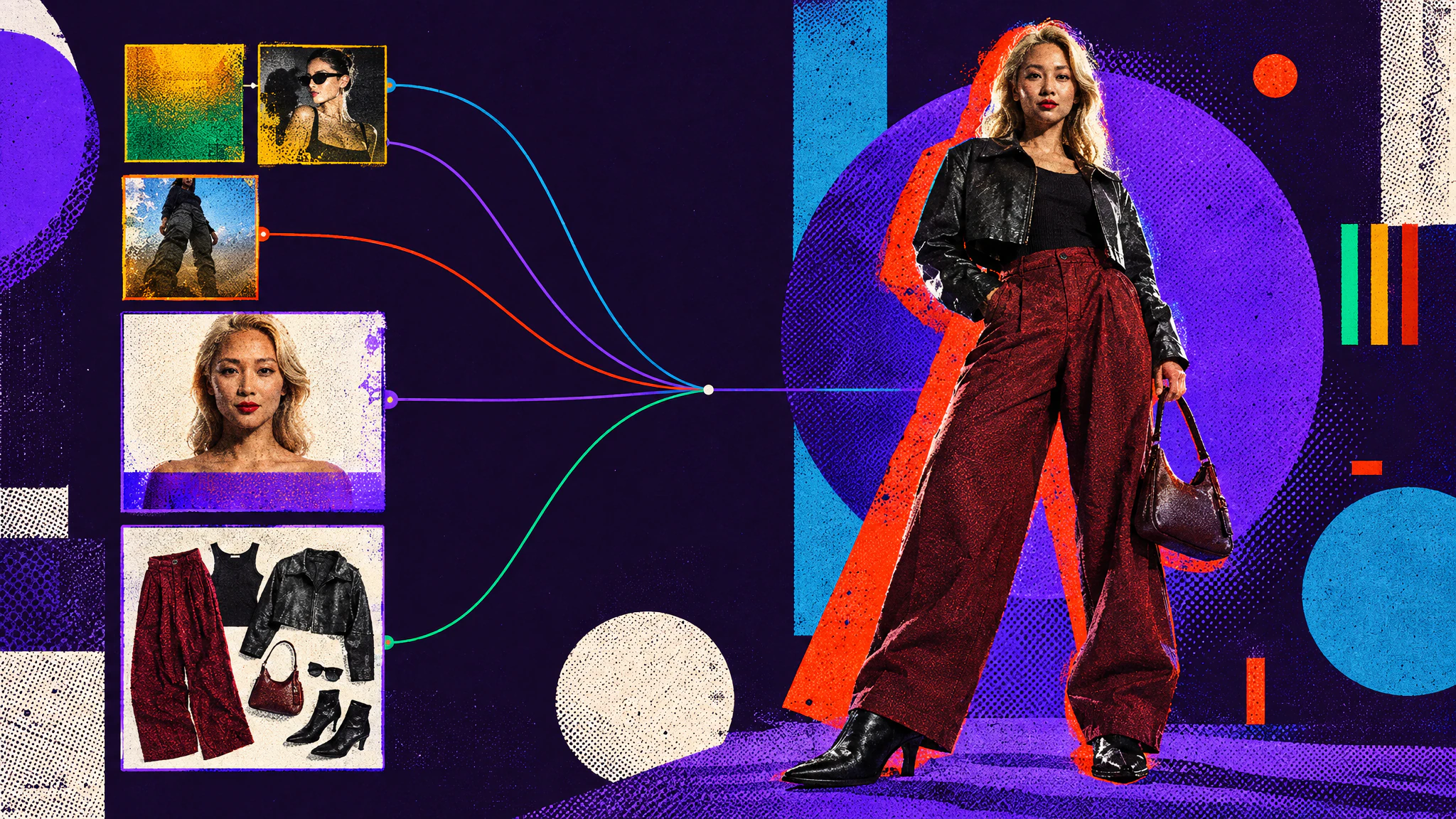
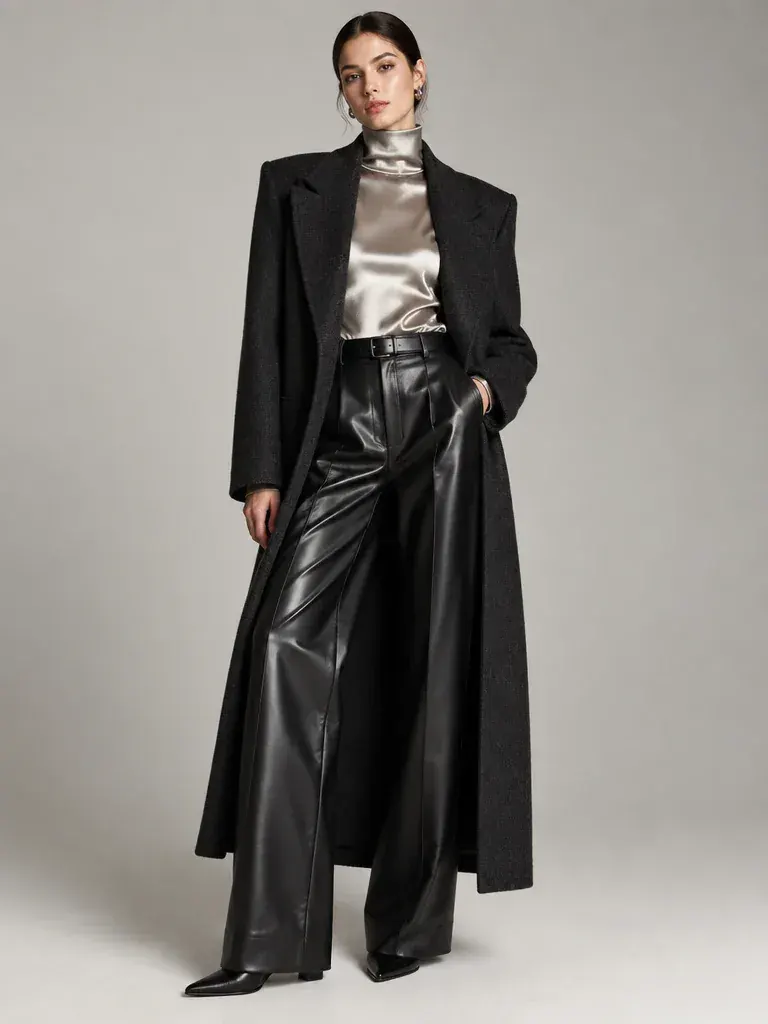
Create AI characters with precise art direction, in any style. A portrait sets the identity, outfits are built separately, then combined.
Model notes, app guides and product news from the Hylope team.
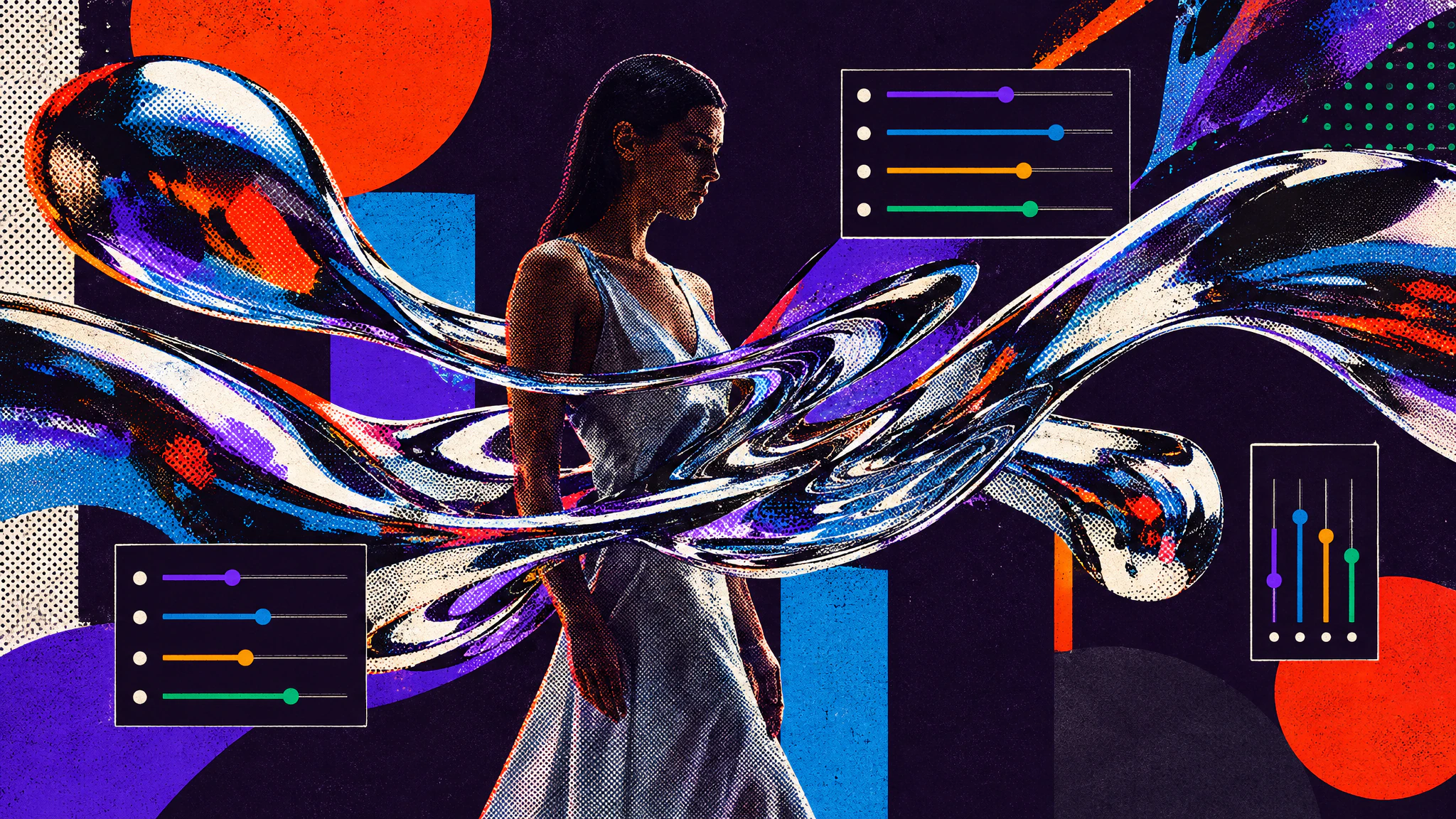
Krea 2's creativity sliders turn one simple prompt into very different visual styles. Two prompts, one seed each, from calm to complex.
Cast, style and direct consistent AI characters: generate faces and outfits separately, set the scene, then combine them into one image.
As models get better, prompts get longer and harder to edit. Snippets split them into colour-coded tags you can read, swap and change one at a time.
After months of private beta, Hylope is opening to more people. What it is, why we built it, and how it's different.
Quick answers about the platform.
Hylope is a web app for making images and video with the leading AI models, and for everything around them: reusable prompt snippets, Key Assets, versions, lineage and review links. It is made for art directors, creative directors and the teams they work with.
More than 80 image, video, upscale and audio models from over 20 providers, including Veo, Nano Banana, ChatGPT Image, Kling, Seedream, Seedance, Flux, MiniMax, Recraft, Ideogram, Krea and Topaz. Every plan includes every model, and switching models keeps your prompt, inputs and settings.
The model is one step of the work. In Hylope, one prompt bar drives every model, results are organized by project with their full history, snippets and Key Assets are reused across prompts, every edit is kept as a version, and one subscription covers it all.
Save the approved image as a Key Asset and pick it in the inputs of any mode, image or video, so every generation starts from the same reference. When a new version is approved, inputs that use it offer an update. How closely a result follows a reference still depends on the model.
Yes, with Quick Edit. Select an object by describing it, then inpaint, remove or extract it. You can also cut out the background, crop, adjust, or rewrite the image with a prompt. The result is saved as a new version of the same asset, and the original stays available.
The Team plan gives up to 20 members one shared workspace and one pool of credits, for a flat monthly price. To show work to a client, share a folder as a link, with an optional password and expiry date. Clients don’t need an account.
You choose Europe, the US or Asia Pacific when you set up a workspace, and its data and files stay in that region. Nothing is published to a public feed, and files are served through expiring signed links.
Yes. Outputs generated with Hylope can be used commercially, within the terms of the model used for each generation. See our Terms of Service for details.
Hylope 1.7 is open to everyone. New accounts start with 100 free credits. No credit card required. The live demo also lets you explore the full interface without an account.
Hylope 1.7 is open to everyone. New accounts start with 100 free credits.