
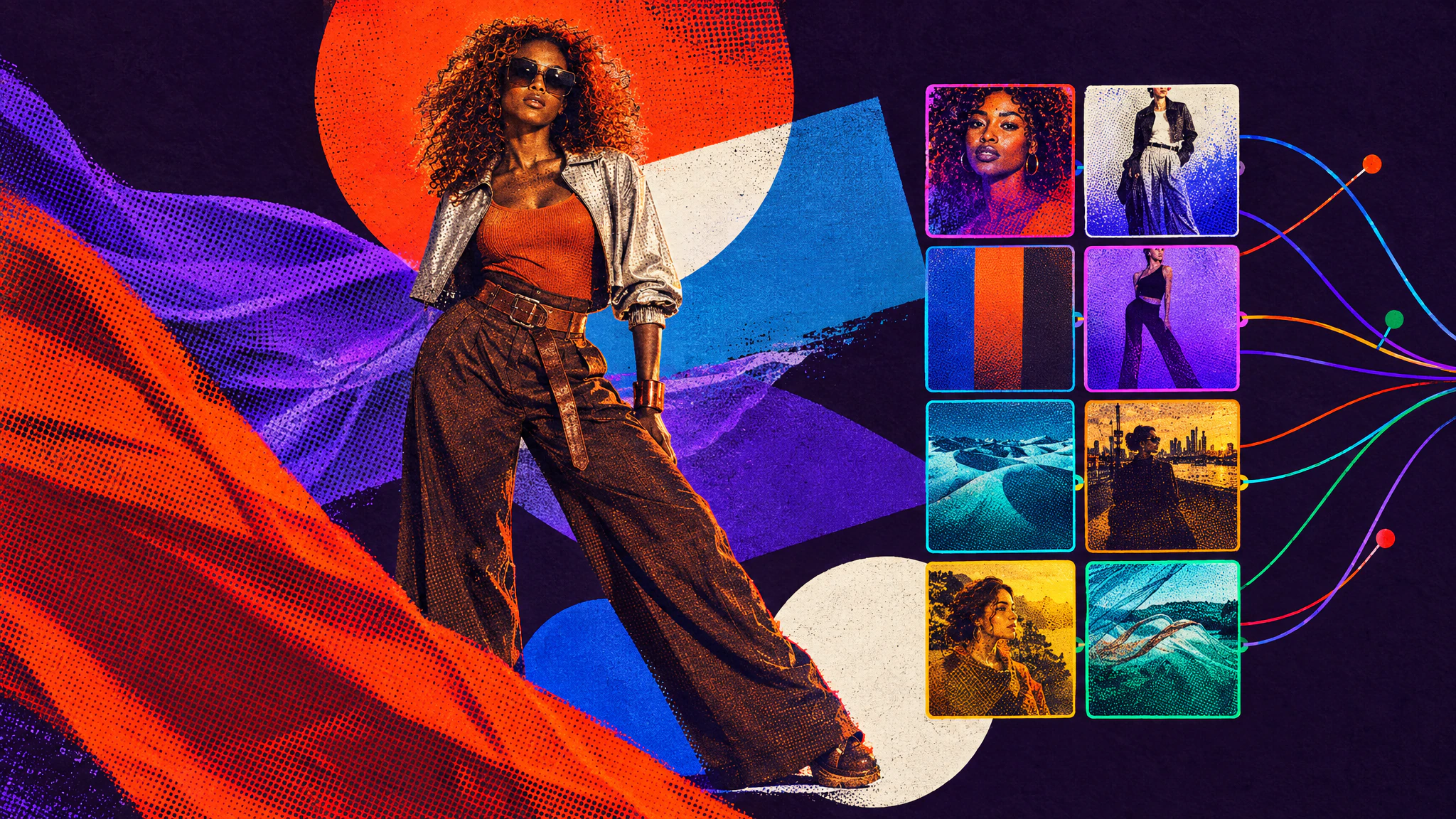
As image models become more capable, the prompts that drive them become more and more complex. We end up offloading creative prompt writing to AI assistants that are very good at writing long paragraphs, quickly losing the ability to easily edit a specific part of these long, obscure prompts.
In creative work, we constantly need to adapt, experiment, and try different combinations of lighting, framing, and environments around our ideas, and these decisions must stay easy to change and adjust during the iteration process.
Snippets were created to remove that complexity and put you back in control of every creative intent. One piece of instruction per snippet, colour-coded by category, and a prompt becomes a stack of tags you can read at a glance and change one at a time.
What a prompt made of snippets looks like
Model
- Image Gen

Prompt
Fashion photoshoot. @char-bold-creative-woman @outfit-fashion-week-off-duty is seated on @product-hard-travel-trunk. the background is @env-sculptural-white-dunes . @frame-rule-of-thirds-placement @light-golden-honey-roll-off @fx-detail-becomes-motif-echo The details to be the stickers.
As you can see in the prompt bar above, the amount of text is minimal. All of the work is carried by snippets, the colour-coded tags. Behind the scenes, each tag carries its own little prompt, which you can create directly inside Hylope.
At a glance, you can read the prompt structure and get the story behind it. You can complement snippets with your own text in between, and swap snippets to try different ideas in one click.
Hundreds of presets to start from
Hylope comes with a growing library of built-in snippets, across every category. They’ll help you experiment with different lighting and effects very easily.
Presets are nice to have, but you can also create your own snippets and build your own library of prompt components over time, for you and your team to use across projects.
Change precise parts of your prompt
This is what snippets are for. Below are two versions of the same prompt structure. The @environment, @framing, @lighting, and @fx snippets are identical, and the text around them is untouched.
Only two changed: @characters and @outfit.
Model
- Image Gen
Prompt
@char-urban-creative-woman is wearing @outfit-pop-tour-tailoring, she's at a party in @env-meadow-office-floor . She's in the middle of the crowd, everyone is frozen in time dancing while the main subject stares at the camera and stands out. @frame-low-angle-hero @light-golden-hour-and-ethereal-bloom @fx-floating-objects
Model
- Image Gen
Prompt
@char-bold-creative-woman is wearing @outfit-controlled-maximalist , she's at a party in @env-meadow-office-floor . She's in the middle of the crowd, everyone is frozen in time dancing while the main subject stares at the camera and stands out. @frame-low-angle-hero @light-golden-hour-and-ethereal-bloom @fx-floating-objects
Different character and outfit, same scene. This is what snippets give you: a simple way to make one deliberate change inside a complex prompt, with nothing else moving by accident.
Swap and experiment quickly
Once the framework of a prompt exists, changing a snippet takes two clicks. Click the one you want to replace, then hit the swap button.
In this second example we swapped the @lighting and the @characters. We also added a short sentence to set the outfit colour on the second image, with a @colors snippet pointing at a palette.
Model
- Image Gen

Prompt
@char-everyday-athlete-man @outfit-fluid-monolithic is levitating in a zero gravity pose above @env-new-york-street-level @light-dawn-mist-cool-ambient @frame-dutch-angle-editorial @fx-kinetic-particle-veil @camera-anamorphic-cinema
Model
- Image Gen
Prompt
@char-design-conscious-woman @outfit-fluid-monolithic. Outfit color is @colors-bordeaux. The subject is levitating in a zero gravity pose above @env-new-york-street-level @light-golden-honey-roll-off @frame-dutch-angle-editorial @fx-kinetic-particle-veil @camera-anamorphic-cinema
Learn how to build your library
In the tutorial below you will learn how to use the built-in snippets, and how to create a library of your own. Write a snippet by hand, rewrite it with AI assistance in one click, or extract one automatically from an image.
One role per snippet category
When you write a snippet, keep it inside its category. Do not describe an outfit in a character snippet, or the two will stop mixing freely later. These are the categories available in Hylope:
@characters for facial features, hair, body type, and personality
@outfit for clothing, wardrobe, and how a look is put together
@framing for composition and camera placement
@lighting for the overall look and colour grading, light type, and mood
@fx for special effects applied to the image
@style for a specific visual style, across any medium
@pose for how a character holds their body
@expression for what the face is doing
@products for products, props, and objects you want in the scene
@motion for how things move, and what the camera does
@camera for lens and camera type
@environment for backgrounds, interiors, and sets
@colors for a palette, down to exact values
What is a snippet?
At its core a snippet is text. It can be a few words or several paragraphs. Five from the Hylope library:
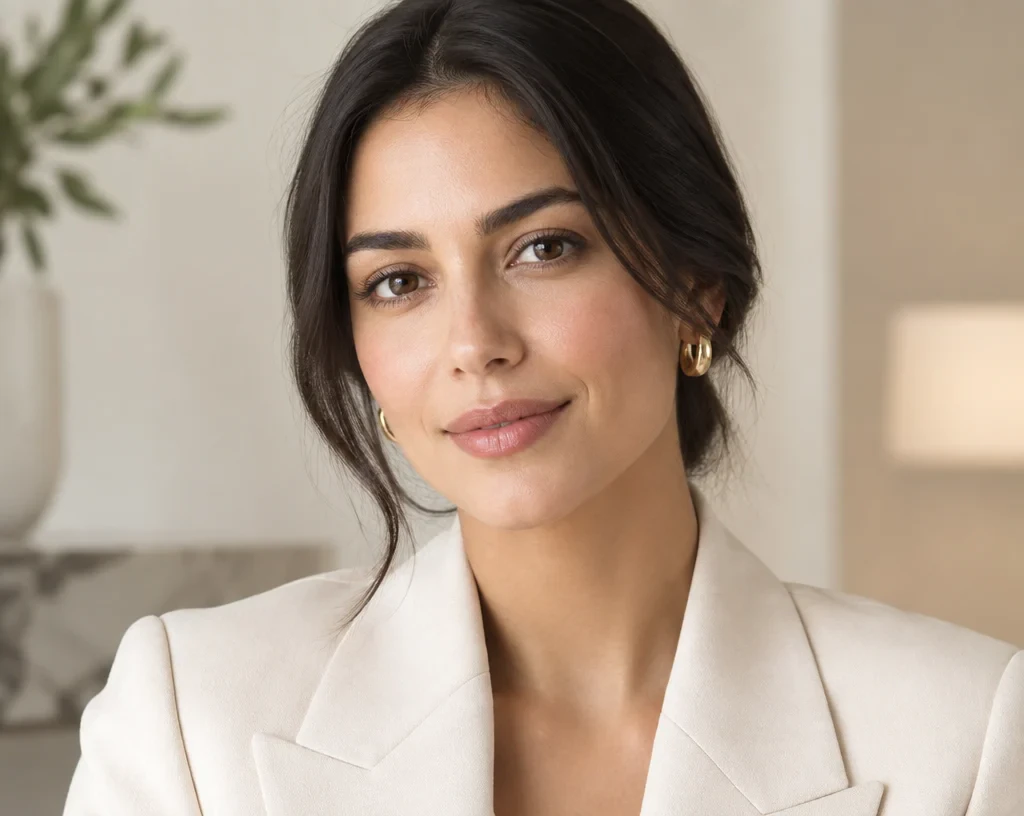
Woman in her early-to-mid 30s with a light-to-medium warm skin tone, softly elongated oval face, balanced cheekbones, dark brown eyes, a straight medium-width nose, and softly full lips. Dark brown or black hair, smooth and neatly styled, worn around shoulder length or tied back cleanly. Average build with poised posture and a composed, approachable expression. Refined, premium, and especially adaptable for luxury, hospitality, skincare, or design-led campaigns.
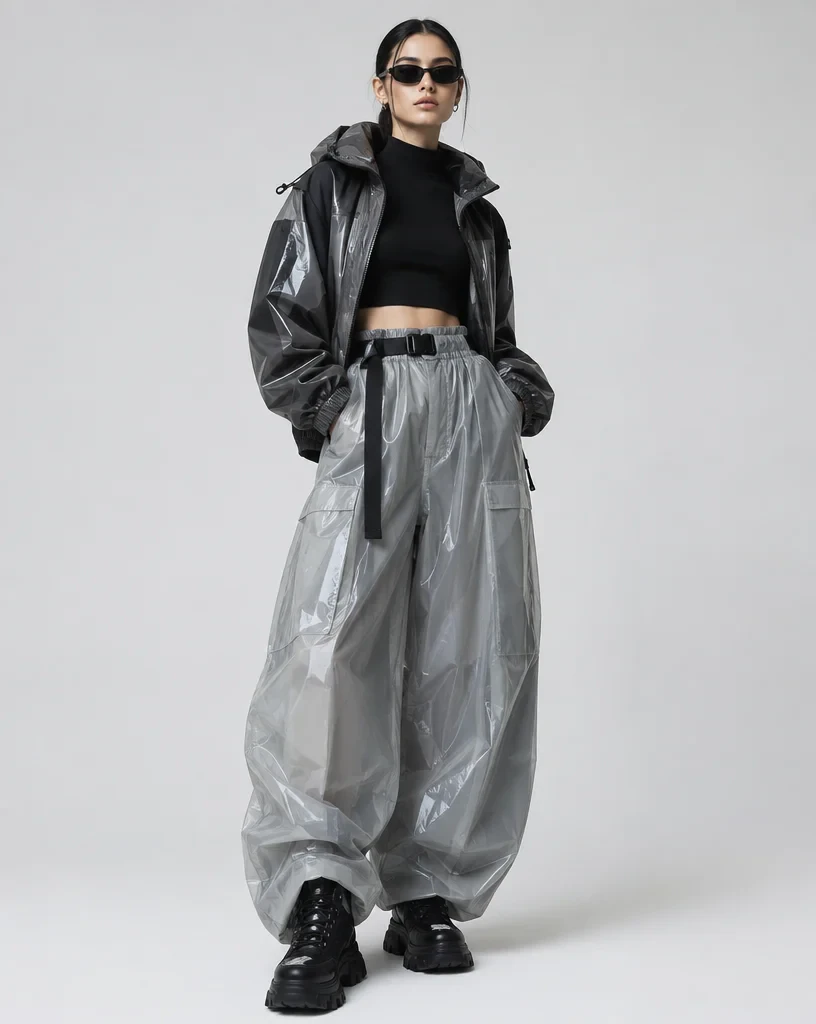
Fitted or cropped upper layer combined with voluminous trousers, a polished technical jacket, or oversized leather outerwear. Reflective, glossy, matte, and translucent materials interact within the same outfit, creating depth and visual contrast. Strong footwear and minimal jewelry keep the styling contemporary and controlled.
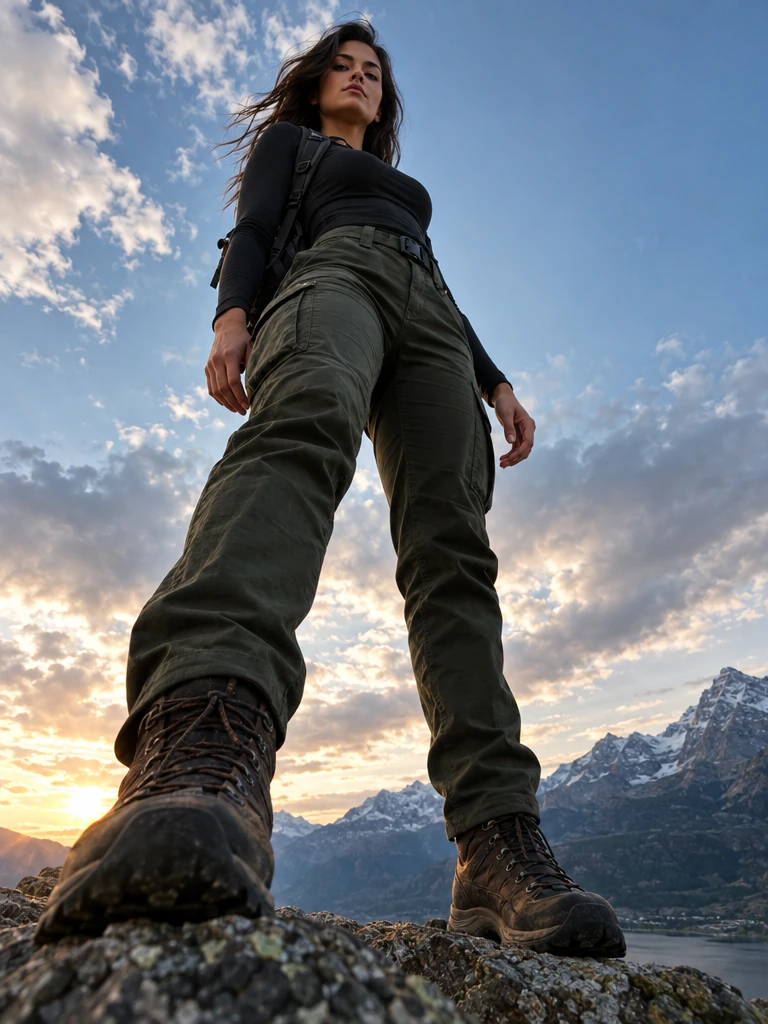
Position the camera close to ground level and point upward toward the subject, allowing the figure to dominate the frame and rise strongly against the surrounding environment. Emphasize legs, stance, and silhouette while preserving believable body proportions. Bold, commanding, and cinematic.
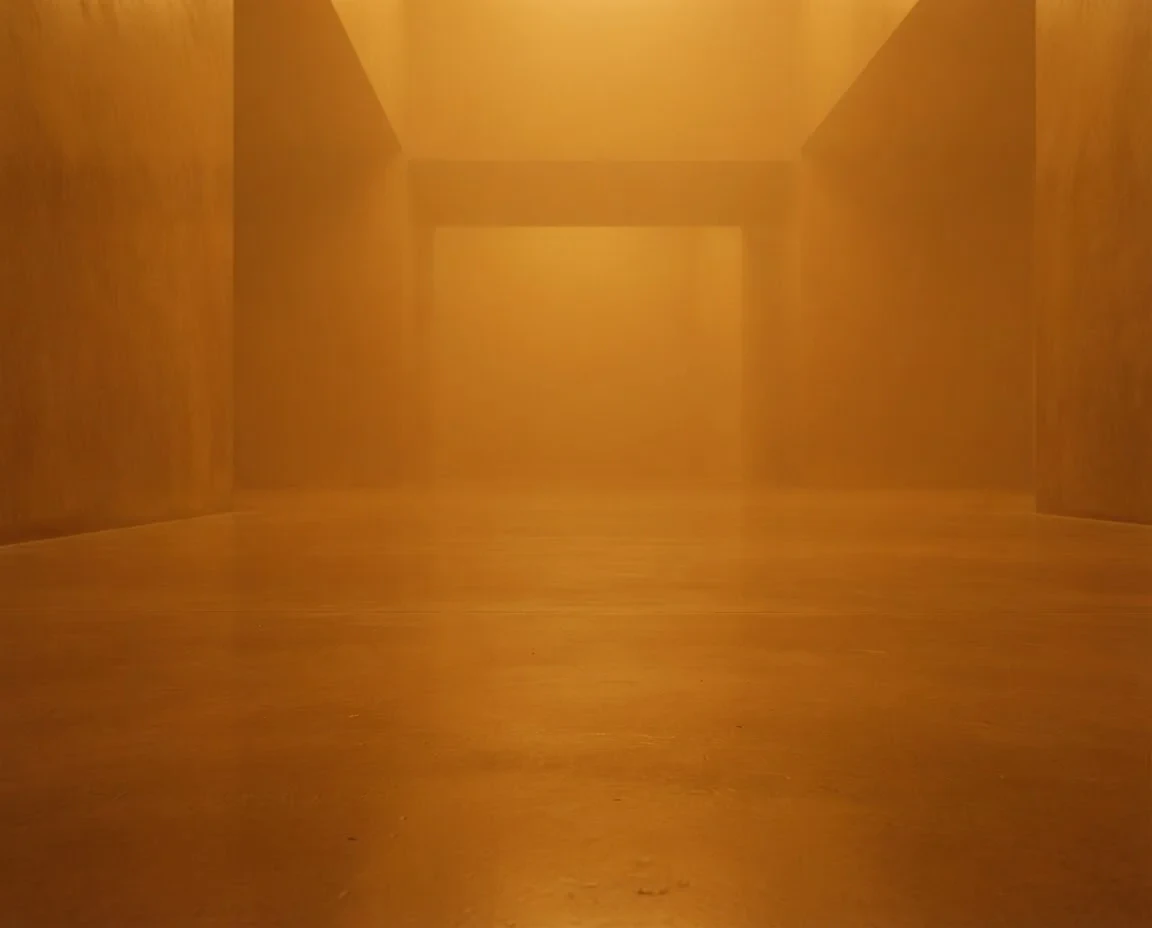
Boundless space filled with dense coloured atmosphere, a single saturated hue thickening with distance until all architecture disappears. A smooth floor of the same colour stays legible in the immediate foreground before the depth swallows it. Nothing else exists in frame. Pure, immersive, minimal, and physically believable.
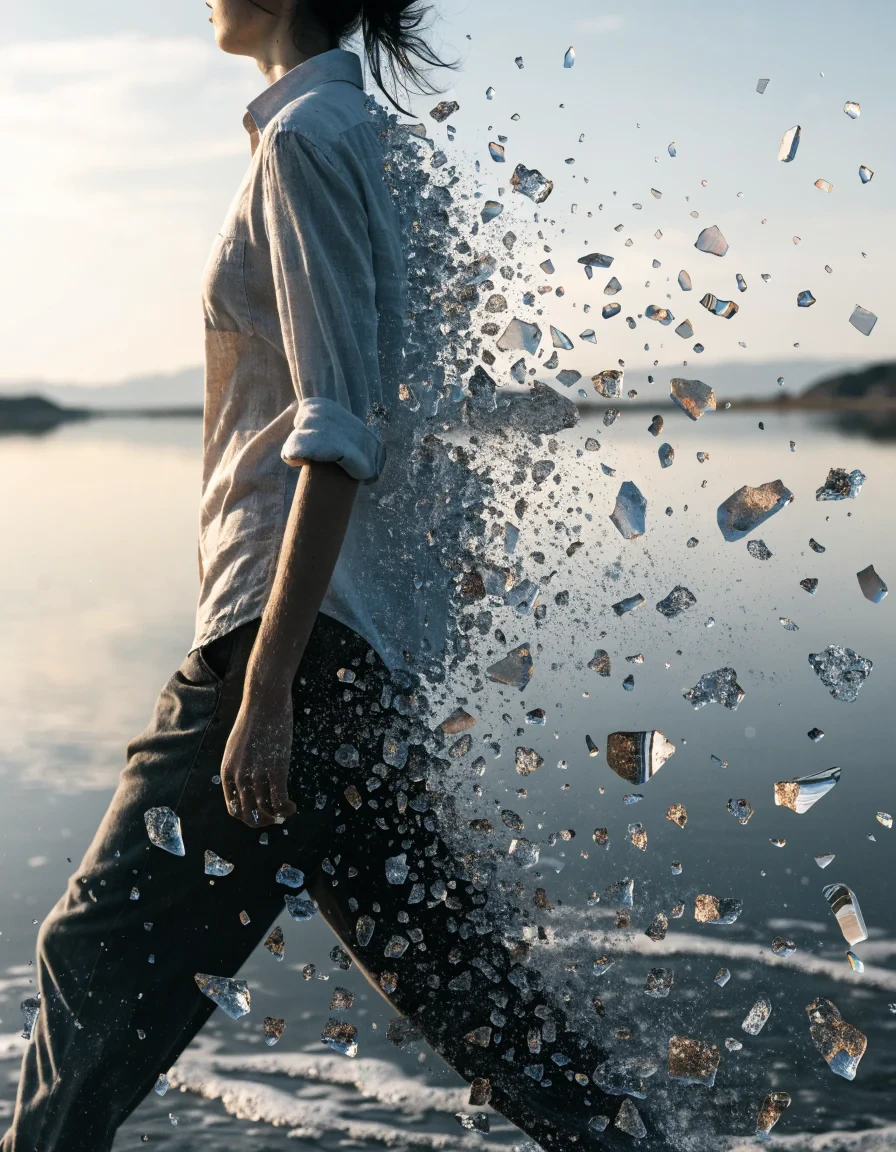
Special visual graphic effect on the image: based on the subject motion, create a subtle stream of tiny fragments of various size from the subject like fragments of time, following the subject initial trajectory before this instant. mixed with transparent refraction and colors from the original subject. realistic post-production special effect behind it slowly dissolving in the original image.
Written the ordinary way, those five become one prompt:
Woman in her early-to-mid 30s with a light-to-medium warm skin tone, softly elongated oval face, balanced cheekbones, dark brown eyes, a straight medium-width nose, and softly full lips. Dark brown or black hair, smooth and neatly styled, worn around shoulder length or tied back cleanly. Average build with poised posture and a composed, approachable expression. Refined, premium, and especially adaptable for luxury, hospitality, skincare, or design-led campaigns. Fitted or cropped upper layer combined with voluminous trousers, a polished technical jacket, or oversized leather outerwear. Reflective, glossy, matte, and translucent materials interact within the same outfit, creating depth and visual contrast. Strong footwear and minimal jewelry keep the styling contemporary and controlled. Position the camera close to ground level and point upward toward the subject, allowing the figure to dominate the frame and rise strongly against the surrounding environment. Emphasize legs, stance, and silhouette while preserving believable body proportions. Bold, commanding, and cinematic. Boundless space filled with dense coloured atmosphere, a single saturated hue thickening with distance until all architecture disappears. A smooth floor of the same colour stays legible in the immediate foreground before the depth swallows it. Nothing else exists in frame. Pure, immersive, minimal, and physically believable. purple. Special visual graphic effect on the image: based on the subject motion, create a subtle stream of tiny fragments of various size from the subject like fragments of time, following the subject initial trajectory before this instant. mixed with transparent refraction and colors from the original subject. realistic post-production special effect behind it slowly dissolving in the original image.
Typed with the snippets above, the same prompt shows its structure at a glance:
@char-quiet-elegance-woman @outfit-glossy-street-couture @frame-low-angle-hero @env-saturated-colour-volume purple. @fx-fragment-trajectory-dispersion