Start + End Frame
Start and end the clip on your own images, by letting the model interpolate the movement between them.
Plan up to six shots, each with its own prompt and references, set keyframes, and generate on MiniMax H3, Kling, Seedance and more.
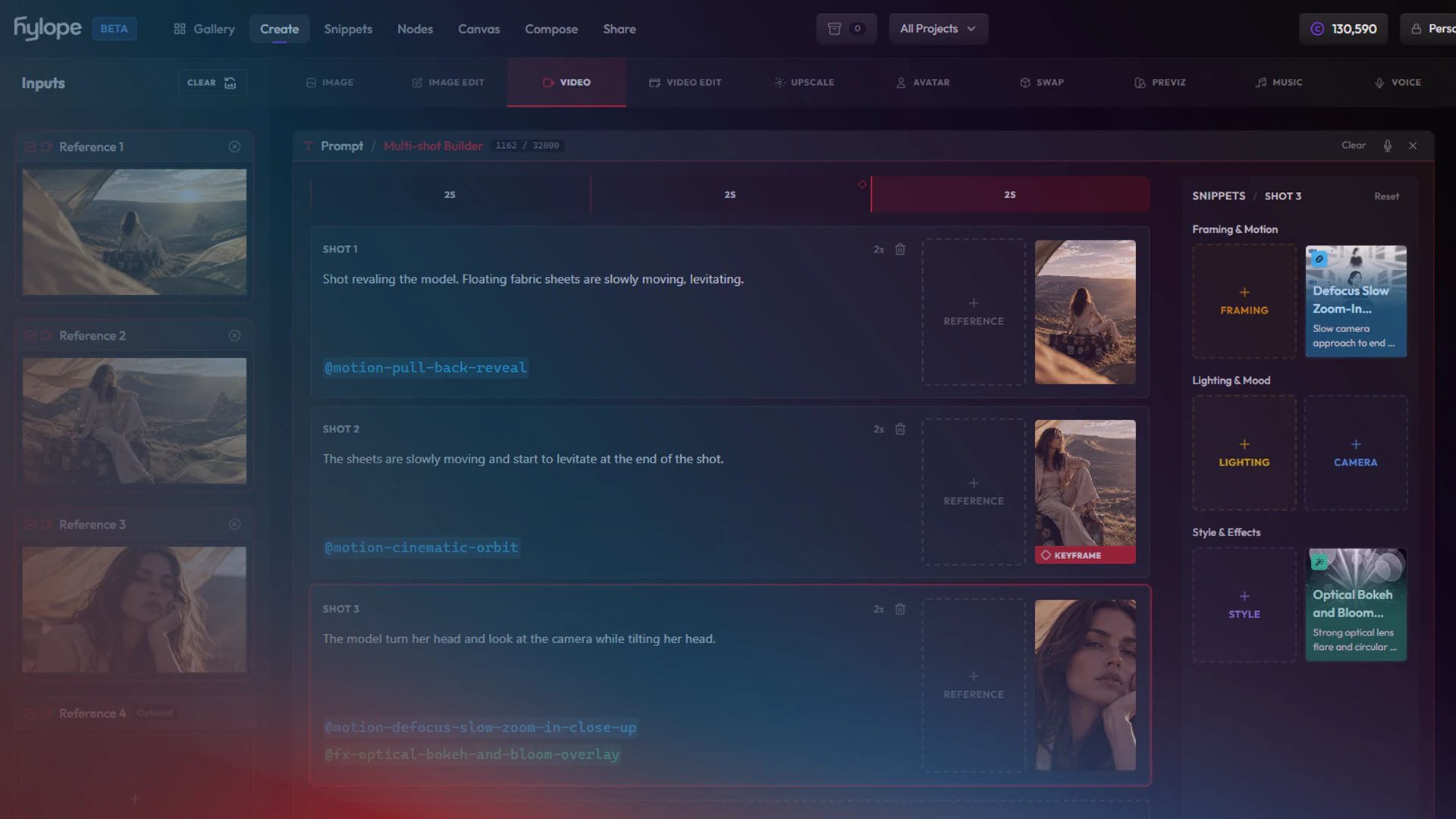
Bring in your references and split the clip into shots with Multi-Shot.
Plan up to six shots in one clip on a timeline, each with its own prompt, length, reference image and snippets. See the tutorial
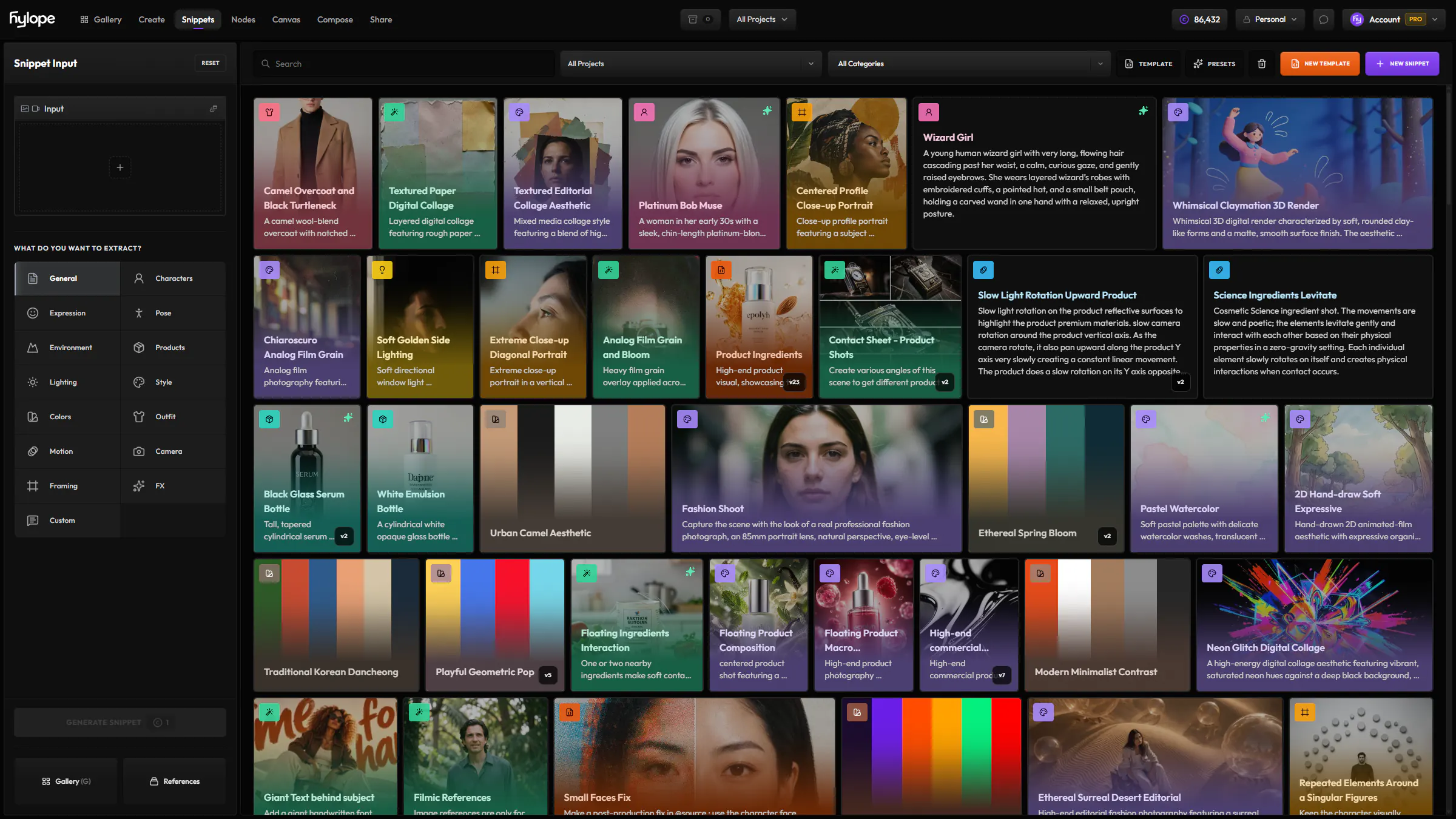
Describe the action and the camera, and add your @characters, @environment and @motion snippets with @. Discover snippets
A Parisian woman is entering a busy Parisian café. As she opens the door, time freezes around her. The people and props in the café that are frozen in time while our character continues to walk. Single shot, dramatic and impactful cinematic time effect. @motion-lateral-track @fx-floating-objectsStart and end the clip on your own images, by letting the model interpolate the movement between them.
Set the key moments of your clip with your images, and the model animates everything in between.
Load a character, an outfit or a place, and on some models a video or a sound, and refer to each one in the prompt with @ref1, @ref2.
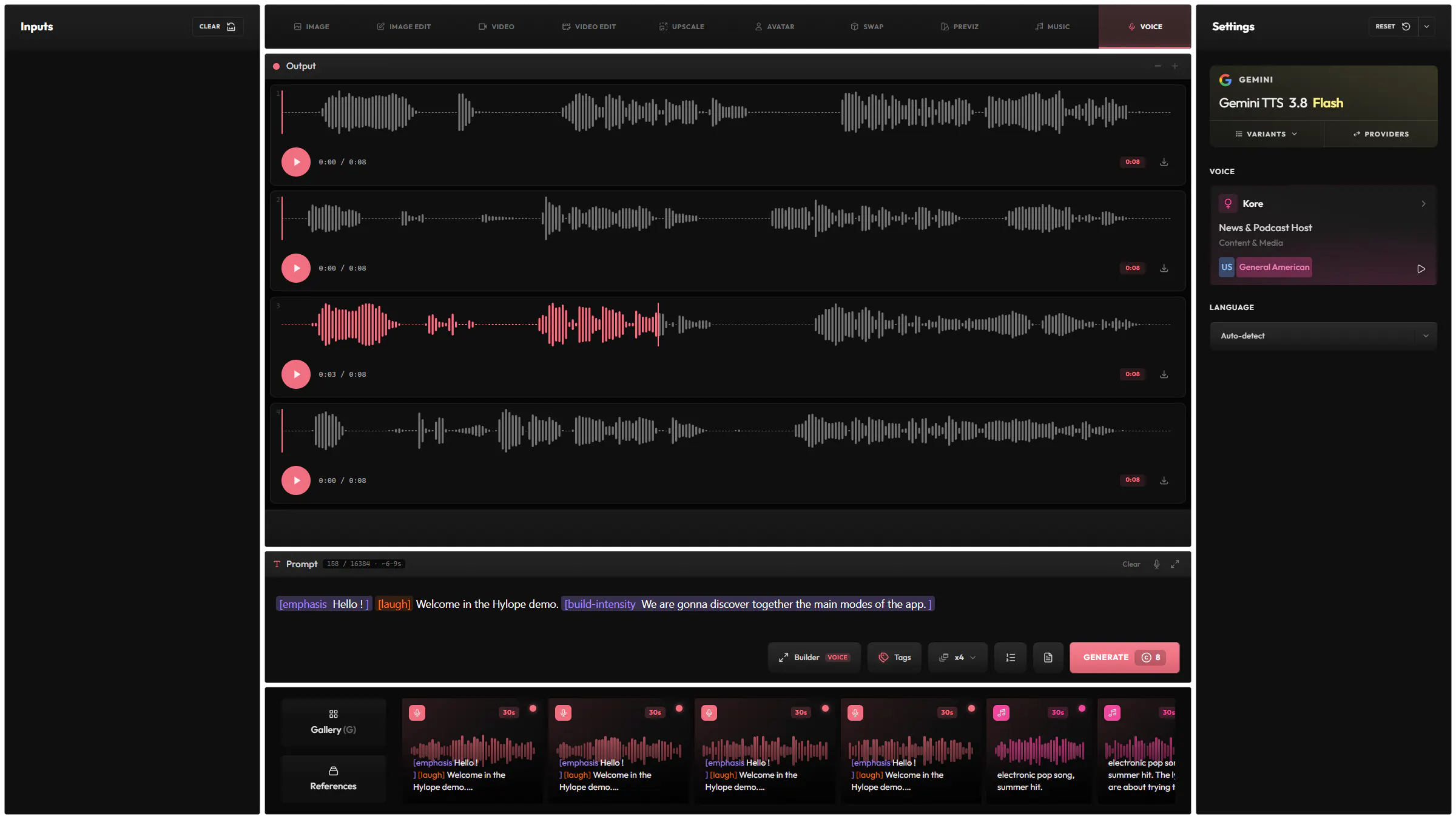
Animate a character with a voice or a song. The clip follows the audio and lasts as long as it. Make the audio in Voice or Music.
Copy the movement of a reference clip, such as a dance, onto your character.
Preview a clip as a cheaper draft, then render the one you keep at full quality. On Flux 3.0 Video, MiniMax H3 and Seedance 2.5.
A full editor for long prompts, not a single line.
Add your saved snippets with @. They show as tags in the prompt.
Refer to each loaded image by its token, such as @image1.
Give a @variable up to ten values and get one generation for each.
Pick camera, lighting or identity options from menus instead of typing them.
Rewrite your prompt for the selected model, and undo it in one click.
Fix spelling and grammar without changing your tokens and variables.
Translate your prompt to English, keeping its tokens and variables.
28 models from 9 providers, the same list as the model picker in the app.

MiniMax

VeoGoogle
GeminiGoogle

SeedanceBytePlus

KlingKlingAI

Luma

GrokxAI

FluxBlack Forest Labs

HappyHorseAlibaba

LTX
OmniHumanBytePlus
WanAlibaba
TutorialVideo16 min
Plan a multi-shot video on a visual timeline: one card per shot, each with its own reference image and camera motion.
It depends on the model. The longest clips, up to 30 seconds, come from Wan 3.0 and Seedance 2.5. With an audio track or a motion clip, the clip takes its length.
Yes, on many models, with Generate Audio. On a few models the sound is always on.
On Flux 3.0 Video, MiniMax H3 and Seedance 2.5, yes. A draft is a cheaper preview, and Finalize renders it again at full quality. The result is usually close to the draft, but fine detail or motion can change.
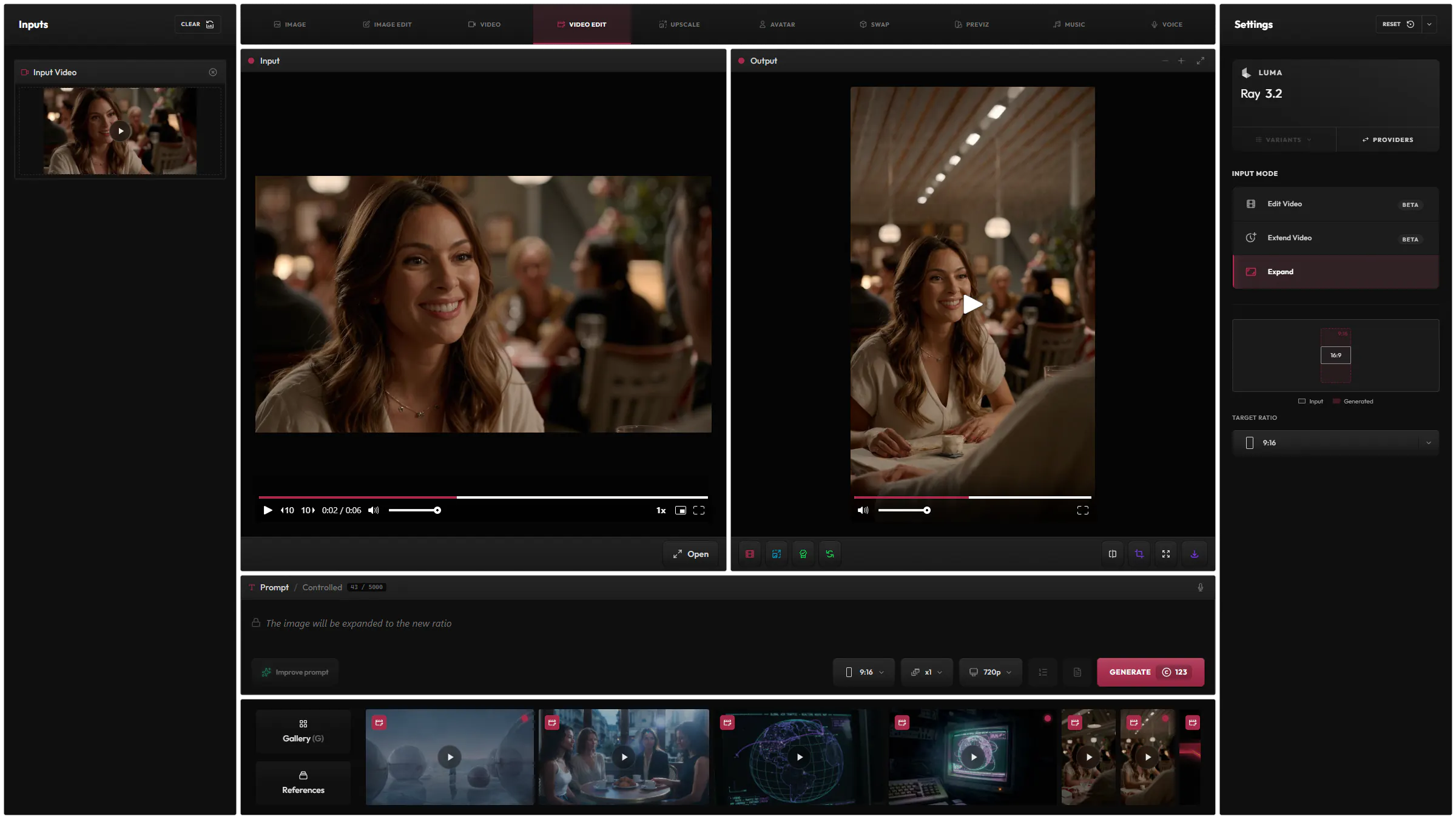
Yes, in Video Edit: change it from a prompt, continue it, or expand it to a new aspect ratio.
Each model has its own price in credits, listed on the Models page, and you see the cost before you generate.
Hylope 1.7 is open to everyone. New accounts start with 100 free credits.