TutorialAvatar23 min
Build characters and outfits in Avatar mode
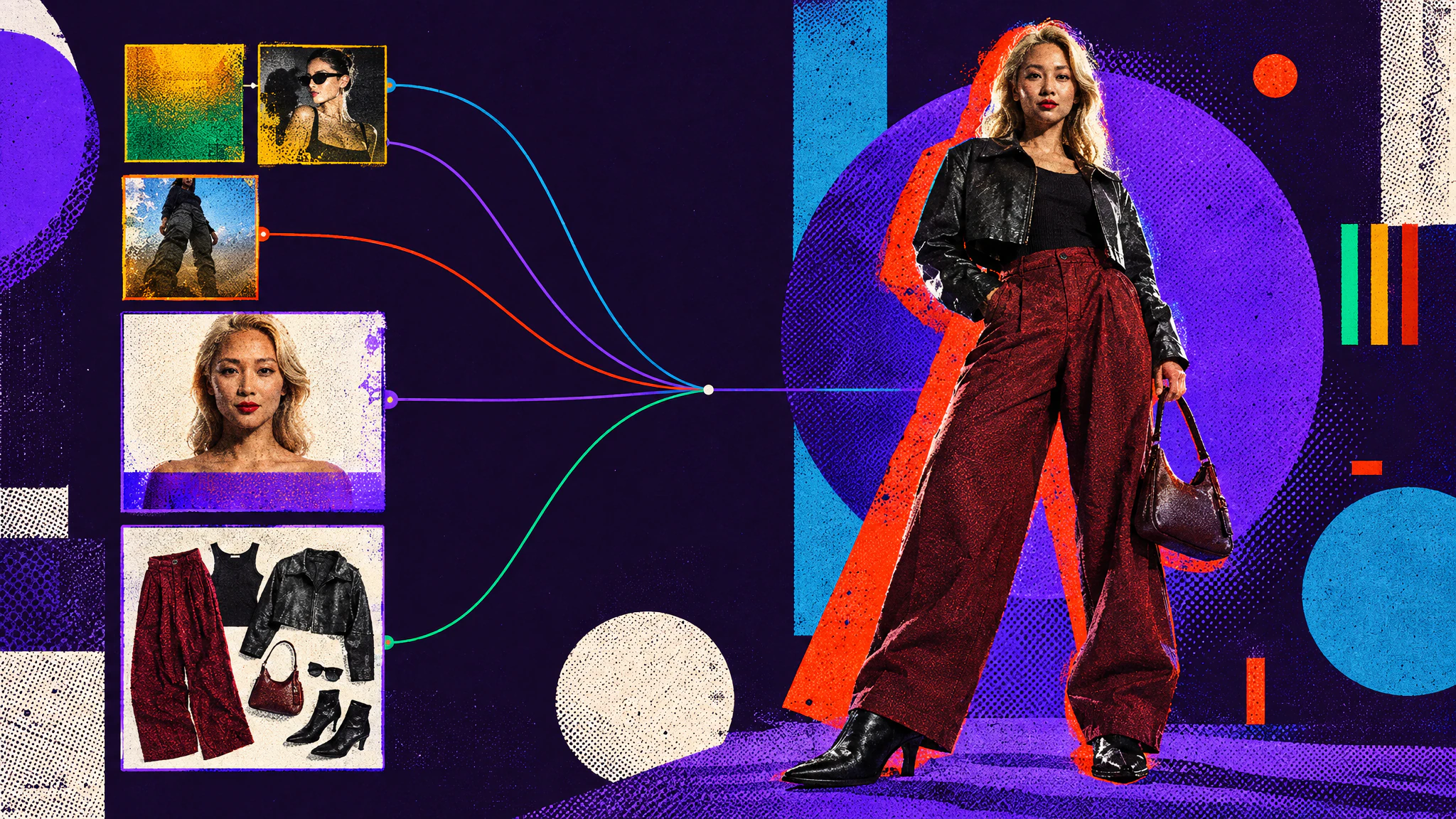
Create AI characters with precise art direction, in any style. A portrait sets the identity, outfits are built separately, then combined.
Make character images, from a clean portrait to a full avatar with its outfit, several shots on one sheet, or an outfit flat lay.
TutorialAvatar23 min
Build characters and outfits in Avatar mode
Create AI characters with precise art direction, in any style. A portrait sets the identity, outfits are built separately, then combined.
The Avatar tab makes still images of characters: who the person is, what they wear, and how they look from several angles. To make a character speak on video, use the Avatar input mode of Video.
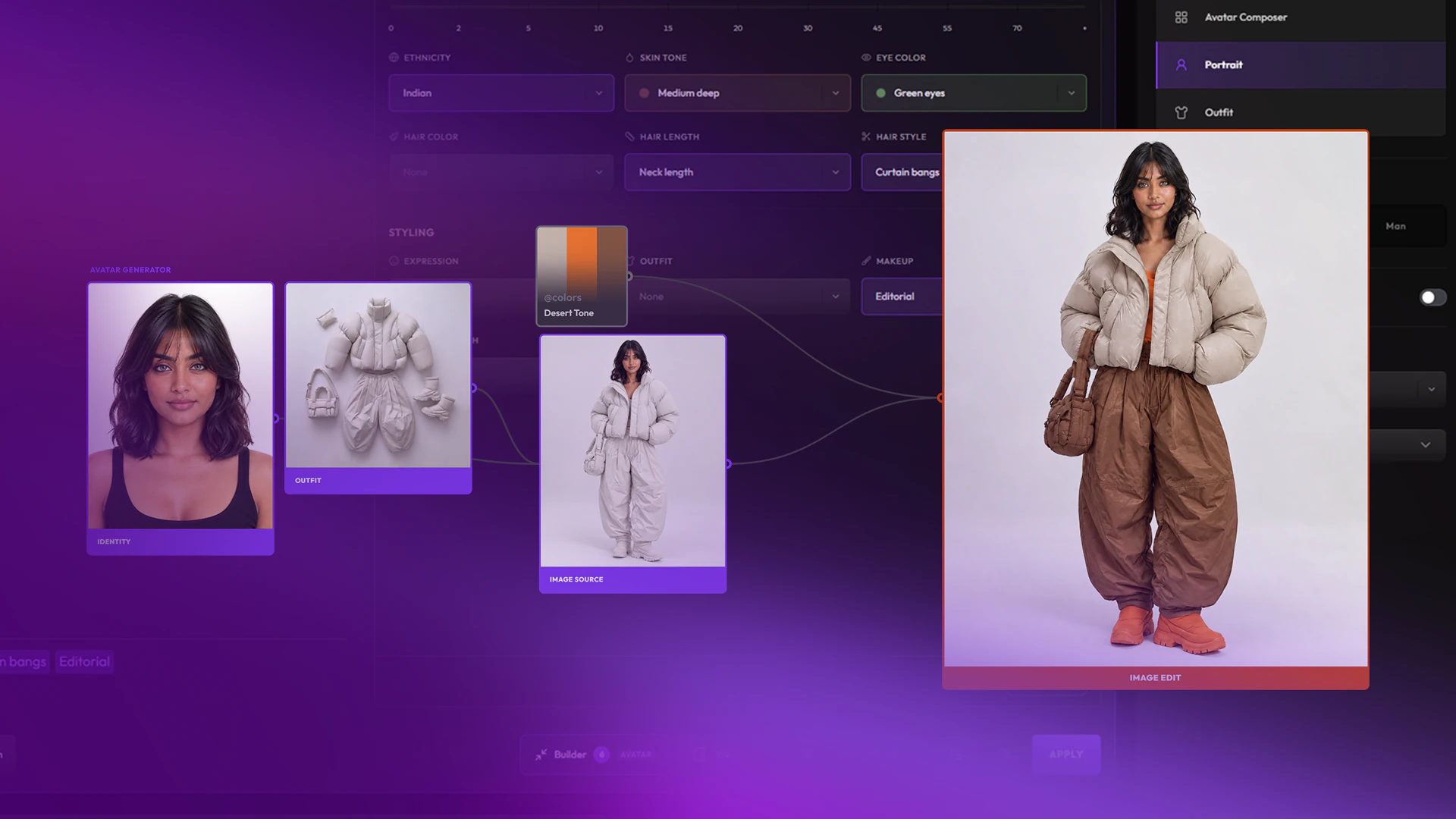
A common path: set the face in Portrait, build the clothes in Outfit, then bring both into Avatar Composer.
Avatar Composer combines up to three references into one character image. Its slots are all optional:
| Slot | What it gives the result |
|---|---|
| Character | The person: face, hair, identity. |
| Outfit | The clothes. |
| Environment | The place. Hidden while Production Sheet is on. |
A slot can also hold a snippet: its text is used instead of an image. Some models need at least one reference image, and Create tells you before you generate. The prompt is optional: use it for anything the references do not cover.
The settings panel adds:
Portrait makes a clean portrait on a white background. It has no character, outfit or environment slots: describe the person in the prompt, pick a Gender, and add details in the builder. It runs on text-to-image models, so its model list differs from the other two input modes.
ballet dancer
Outfit makes a top-down flat lay of a full outfit on a white background, with no person. Load garments in Outfit Reference 1, Outfit Reference 2 and so on: the panel offers as many slots as the model accepts images. Or leave the slots empty and describe the outfit in the prompt and the builder.
Open Builder in the prompt bar to set the character with menus instead of words. Its sections follow the input mode:
Loaded references take over from the builder. In Avatar Composer, a Character image locks the identity fields. In Outfit, loading outfit references locks the builder.
Each input mode offers its own models. The default model is ChatGPT Image 2.5 Flare.
Avatar Composer
 OpenAI
 GeminiGoogle
 SeedreamBytePlus
 Meta
Meta GrokxAI
 FluxBlack Forest Labs
Portrait
OpenAIGeminiGoogleSeedreamBytePlus KlingKlingAI
 WanAlibabaGrokxAIQwenAlibabaFluxBlack Forest Labs
 RecraftZ-ImageAlibaba
 Ideogram
 Krea
Krea MicrosoftMeta
Outfit
OpenAIGeminiGoogleSeedreamBytePlusKlingKlingAIWanAlibabaGrokxAIMetaFluxBlack Forest LabsArticleAvatar
Cast, style and direct consistent AI characters: generate faces and outfits separately, set the scene, then combine them into one image.