
Describing a composition in words takes a lot of effort: where the product sits, how big it is in the frame, the angle, what floats around it. A rough drawing says it at once.
Sketch turns that drawing into a finished image that keeps its layout and framing. The drawing sets the composition, and the prompt and style set the look, so you can try several styles on the same sketch. In this tutorial, we draw a cosmetic product shot, improve the sketch before rendering it, and trace a sketch in Compose to keep it as versions.
What you will build
- A product shot rendered from a rough drawing, with your real product in it
- Clean versions of the same sketch from several models, to compare layouts before the final render
- A sketch traced in Compose and kept as versions you can switch between in the Create app
A drawing for the layout, a prompt for the look
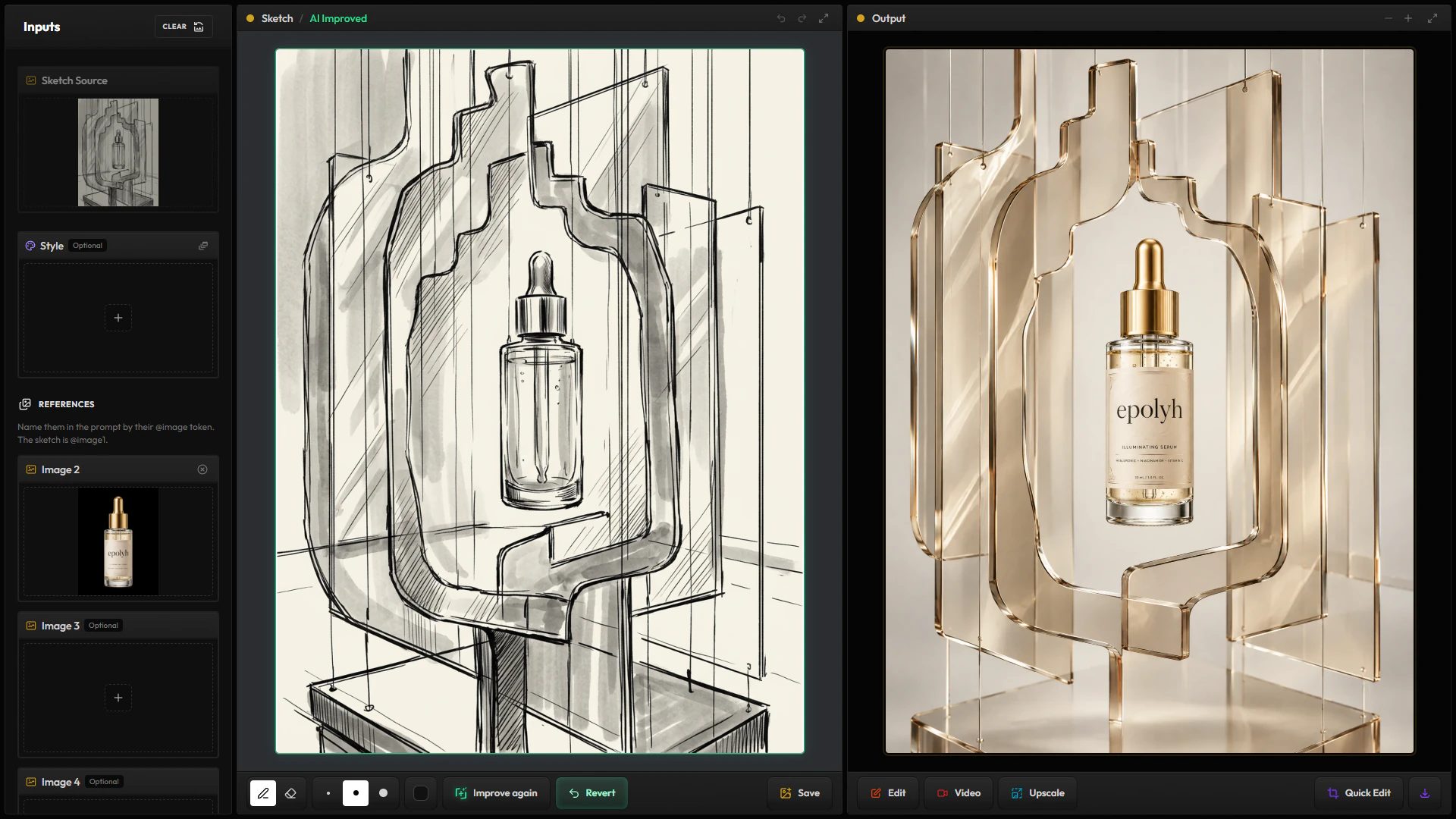
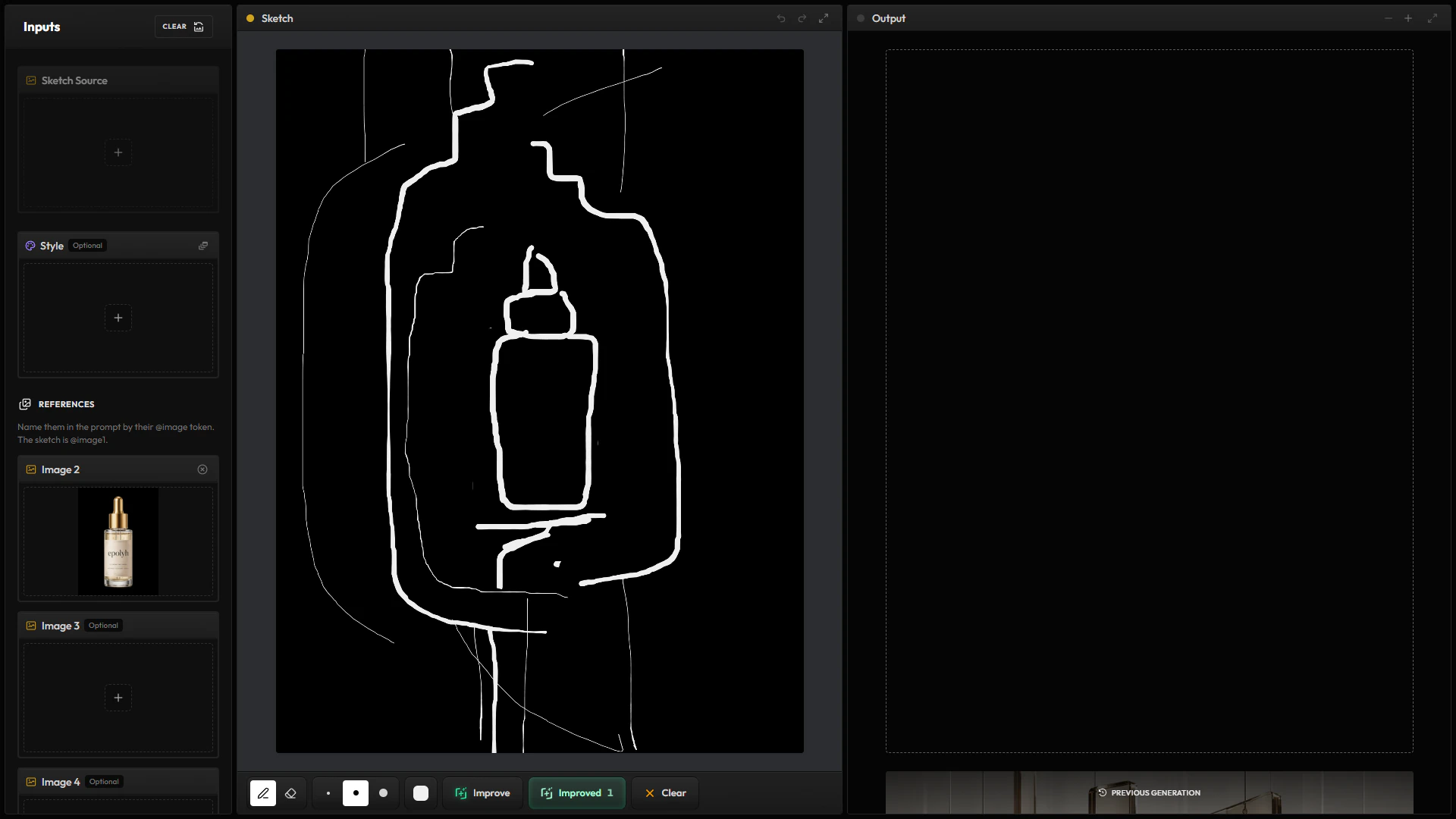
A basic sketch is enough: the size and place of the product, a shelf, a flower. The model handles the light, the materials and the colors from your prompt and style. To render your real product rather than one the model invents, add its photo as a reference: the sketch is @image1, and your references follow as @image2 and on.
Every image you make from a sketch stays connected to it: open the sketch in the lineage view and you find all of them.
Improve the sketch before the render
Improve redraws your drawing as a clean sketch. Run it again with another model for another take on the layout, compare the versions, and go back to your own strokes at any time. It is a quick way to experiment with layouts before the final render.
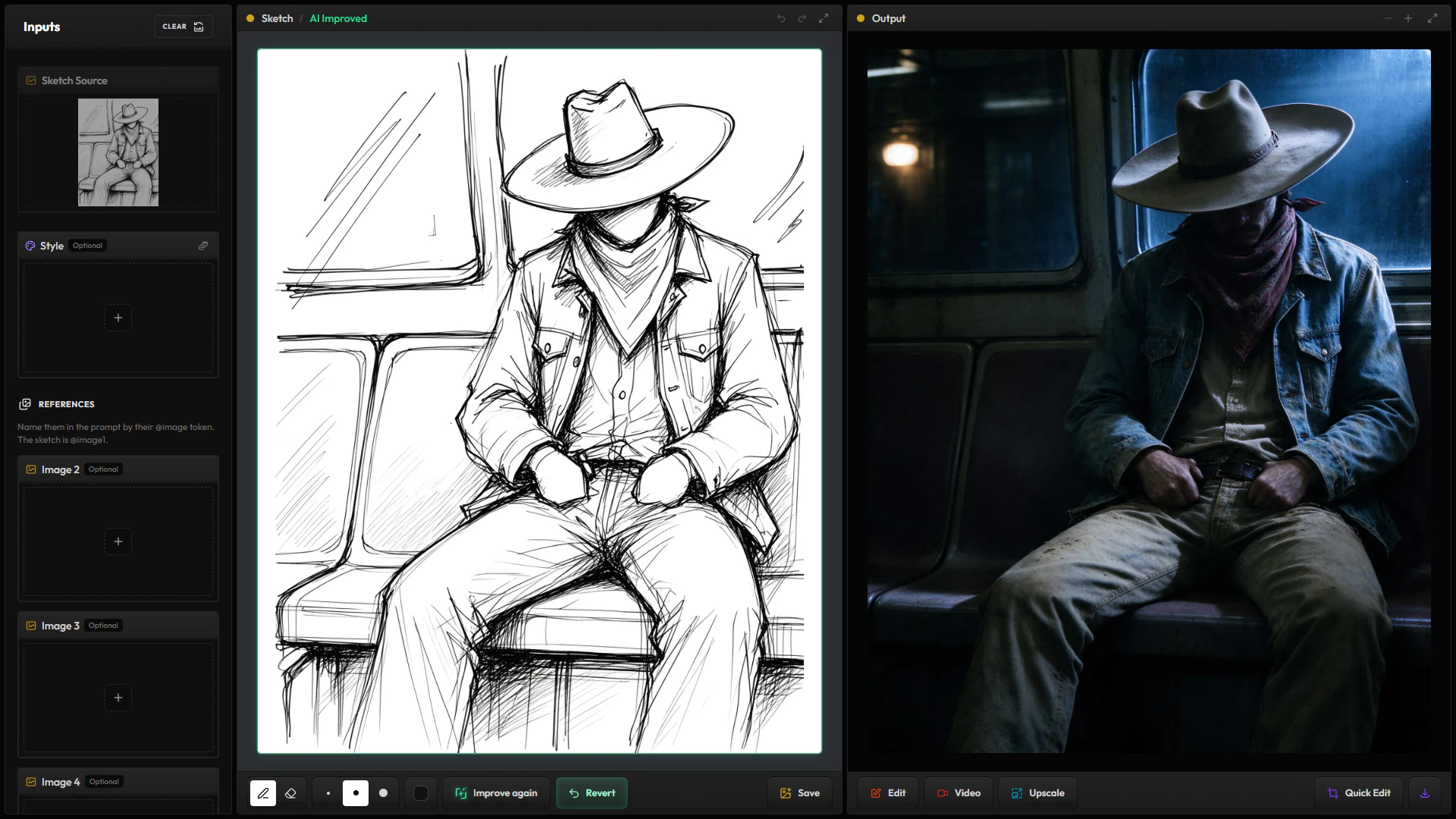
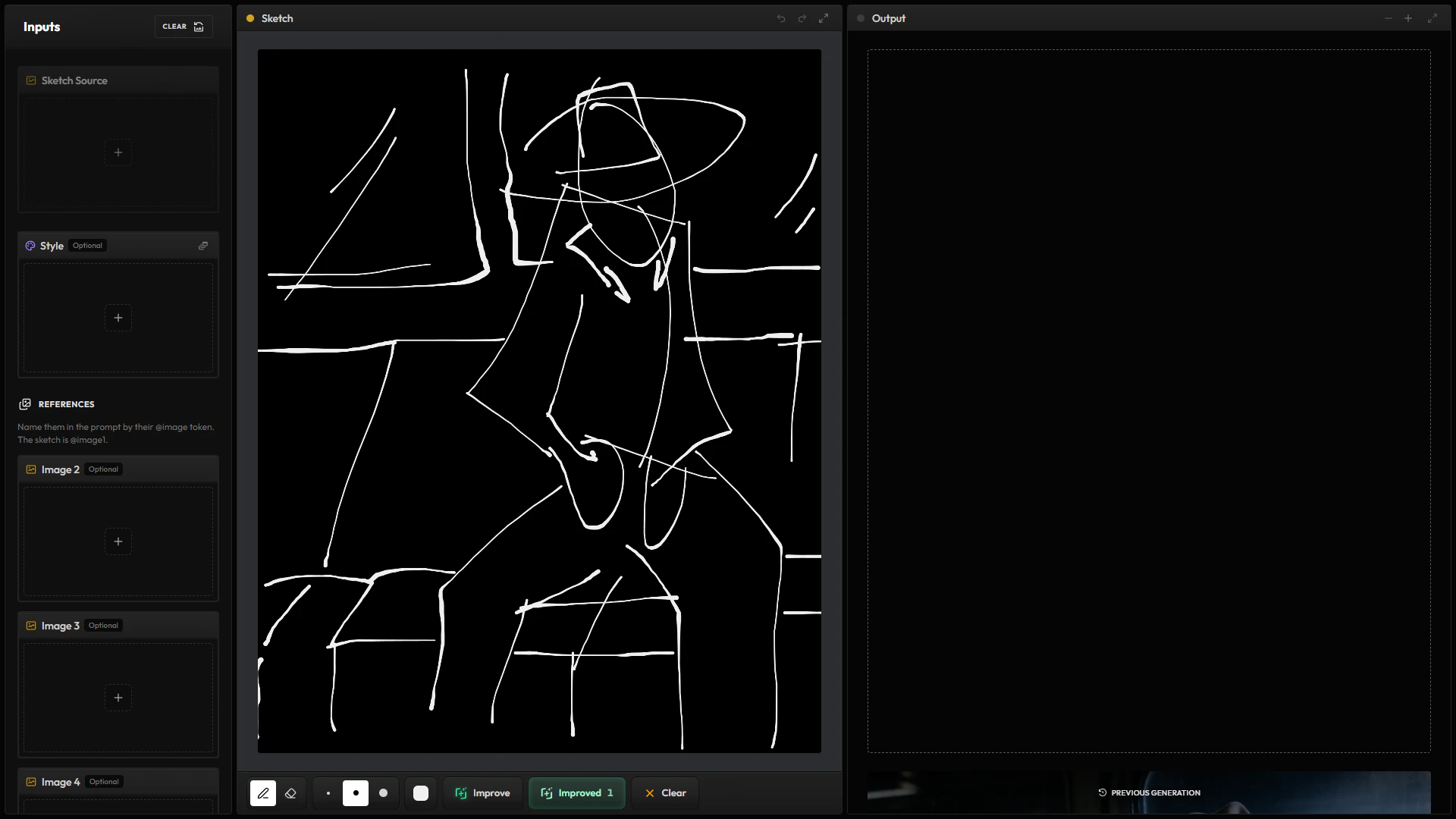
With an improved sketch, the Preprocessor turns it into a depth map before the render, so the model follows the layout and the composition rather than the lines themselves. A raw sketch leaves the model more freedom with shapes, and that sometimes gives a better composition, so try both on the same idea.
Trace and keep versions in Compose
Drawing exact proportions on a blank frame is hard. Compose has layers, so you can put a photo under your drawing at low opacity and trace over it. Improve works there too, on a new layer that keeps your own strokes.
A Compose scene can be versioned. Each new version shows up in the Sketch Source input of the Create app, ready for the next render.